

High frequency recommended vocabulary

This is the base document of the Chinese high voltage test technique series, and it plays a role in China that goes beyond a test method: because the Chinese product standards for transformers, switchgear, cables, insulators and arresters refer to this series for their dielectric test procedures rather than restating them, the vocabulary and the tolerances it defines are the terms in which dielectric performance is discussed throughout the Chinese electricity industry. The standard defines the test voltages, the waveform parameters and their permitted tolerances, and the atmospheric correction by which results obtained at the altitude and humidity of a particular test floor are normalised, so that results from different Chinese laboratories, or from a Chinese laboratory and a foreign one, can be compared. It is issued as a recommended national standard and is cited in the technical specifications of the network operators and in the type test programmes of equipment manufacturers, alongside the parts of the series on measuring systems and on test currents.
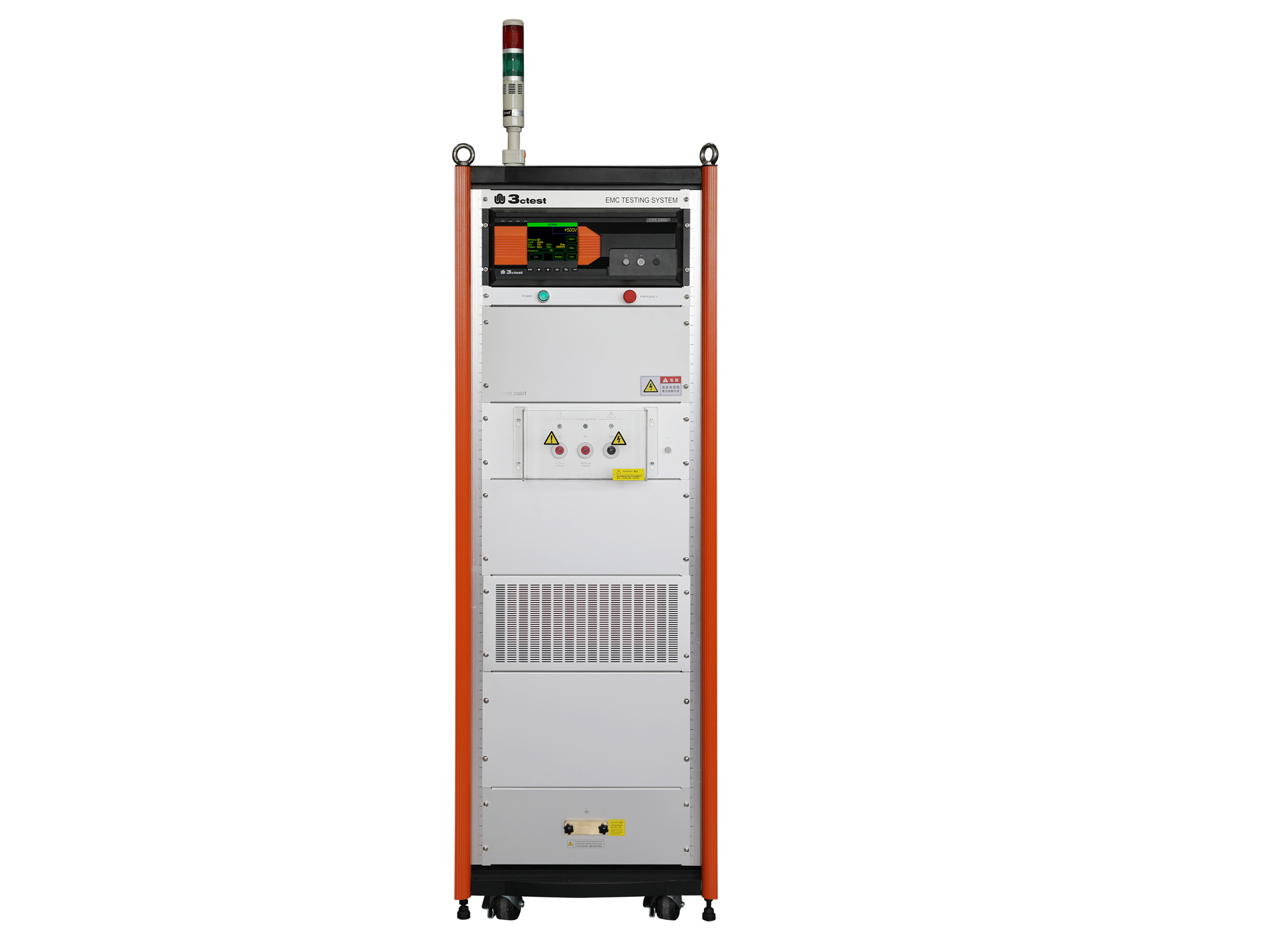
The CWS 2000C & CWS 2000T communication surge immunity tester complies with IEC 61000-4-5 and other standard requirements.
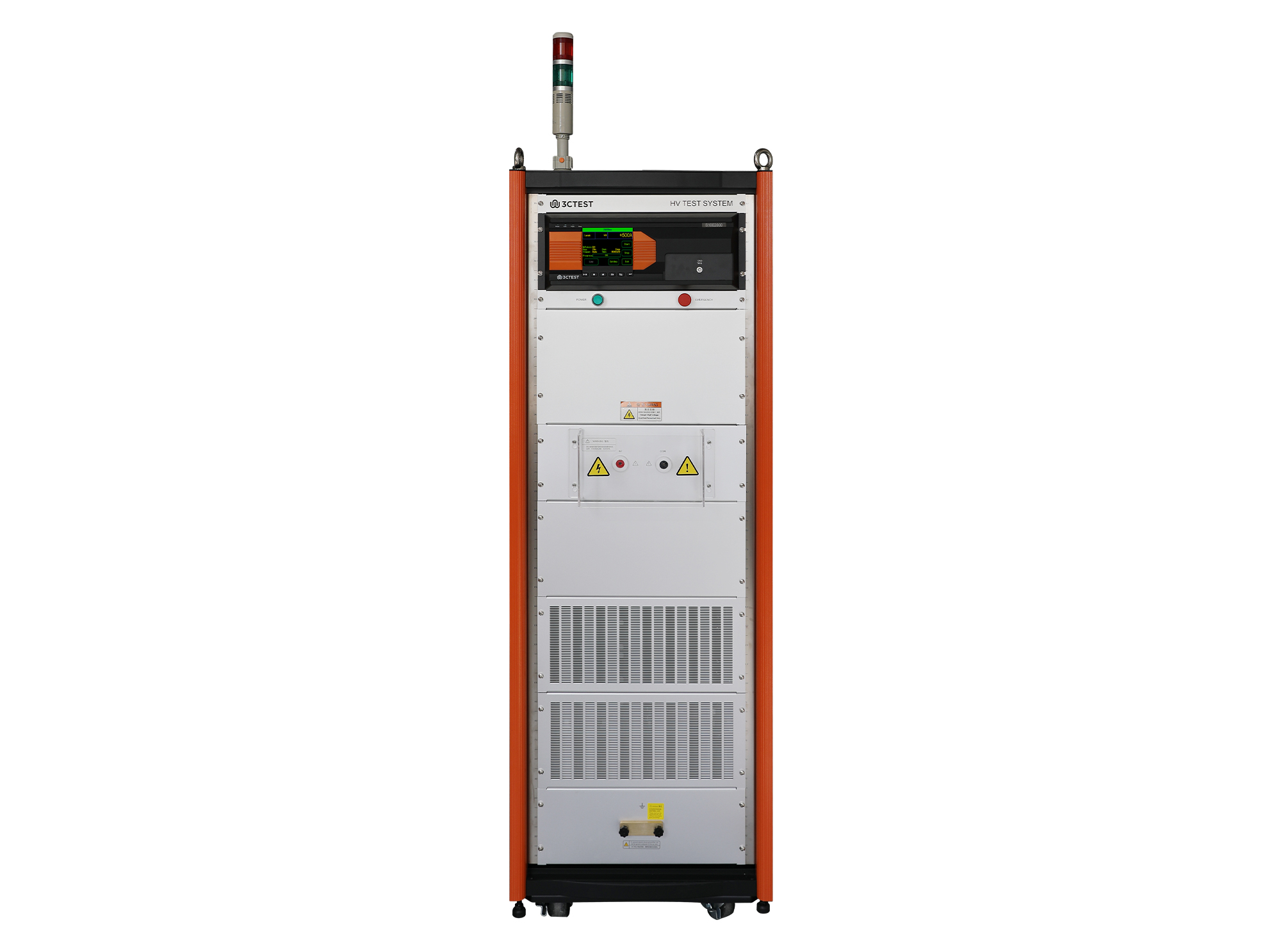
The S10E2000 is a new type of impulse current simulator developed in compliance with GB/T 16927.1, GB/T 16927.4 and GB/T 18802.11 .
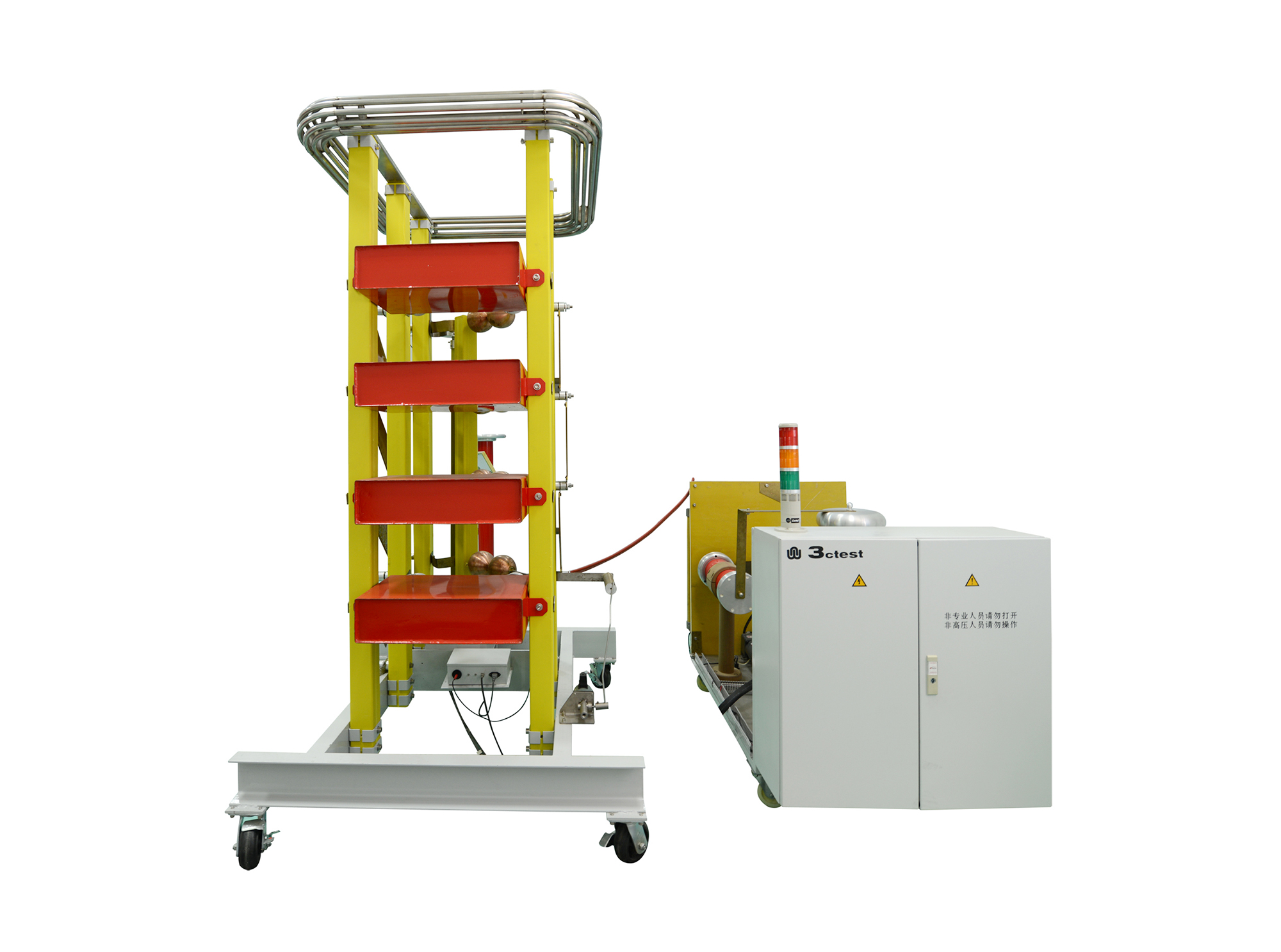
The LVG Series complies with relevant standards, including IEC 60060-1, IEC 60060-2, IEC 61010, GB 311, GB/T 16927.1-2011, GB/T 16927.2-2011, and GB/T 116896.1-2011.
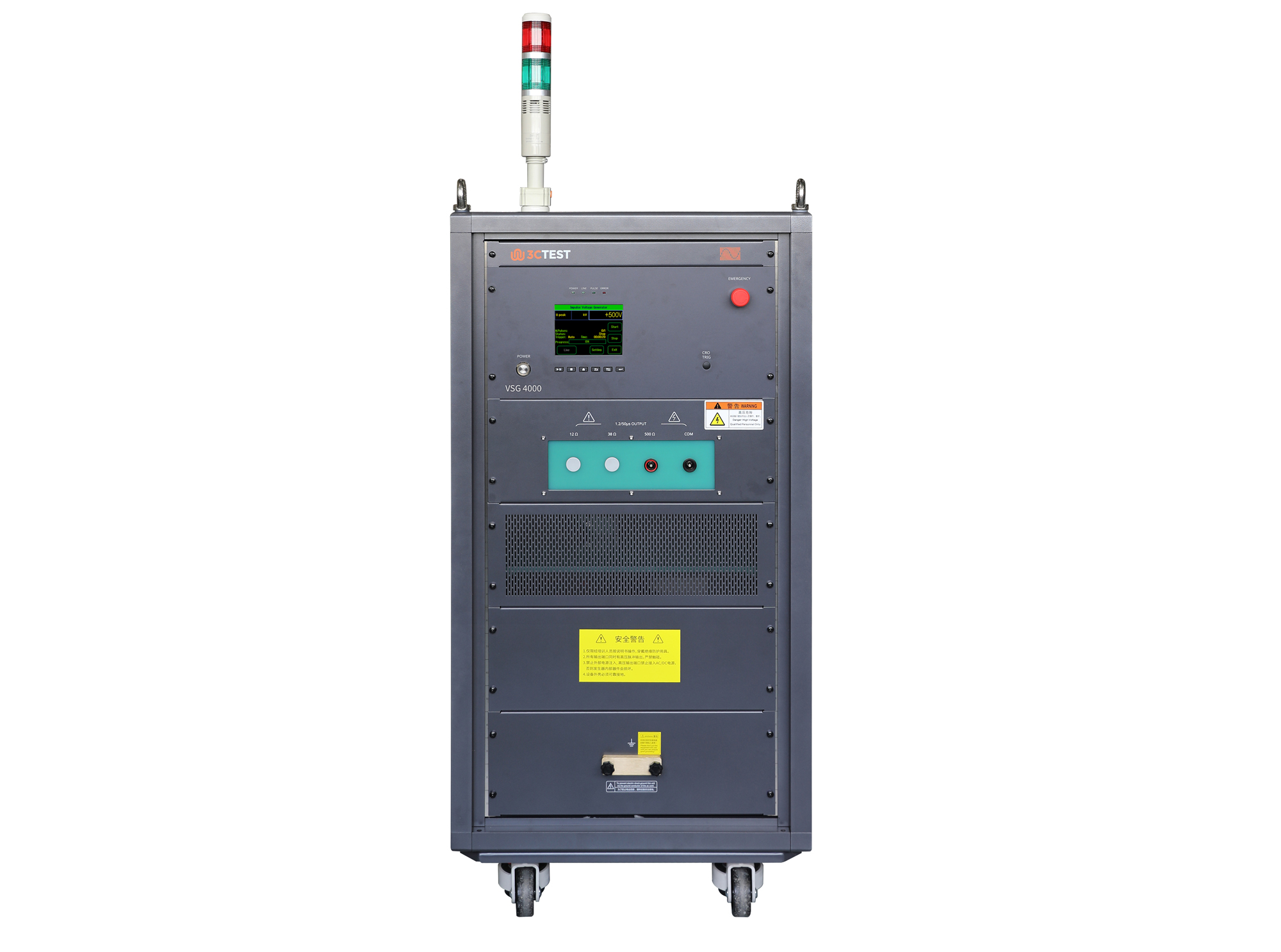
The VSG 4000(500Ω/0.2μF) Impulse Voltage Simulator complies with IEC 60060-1, IEC 60664-1, and IEC 61009-1 and is designed for insulation, voltage withstand, and surge testing of components and assemblies in impulse withstand testing applications.
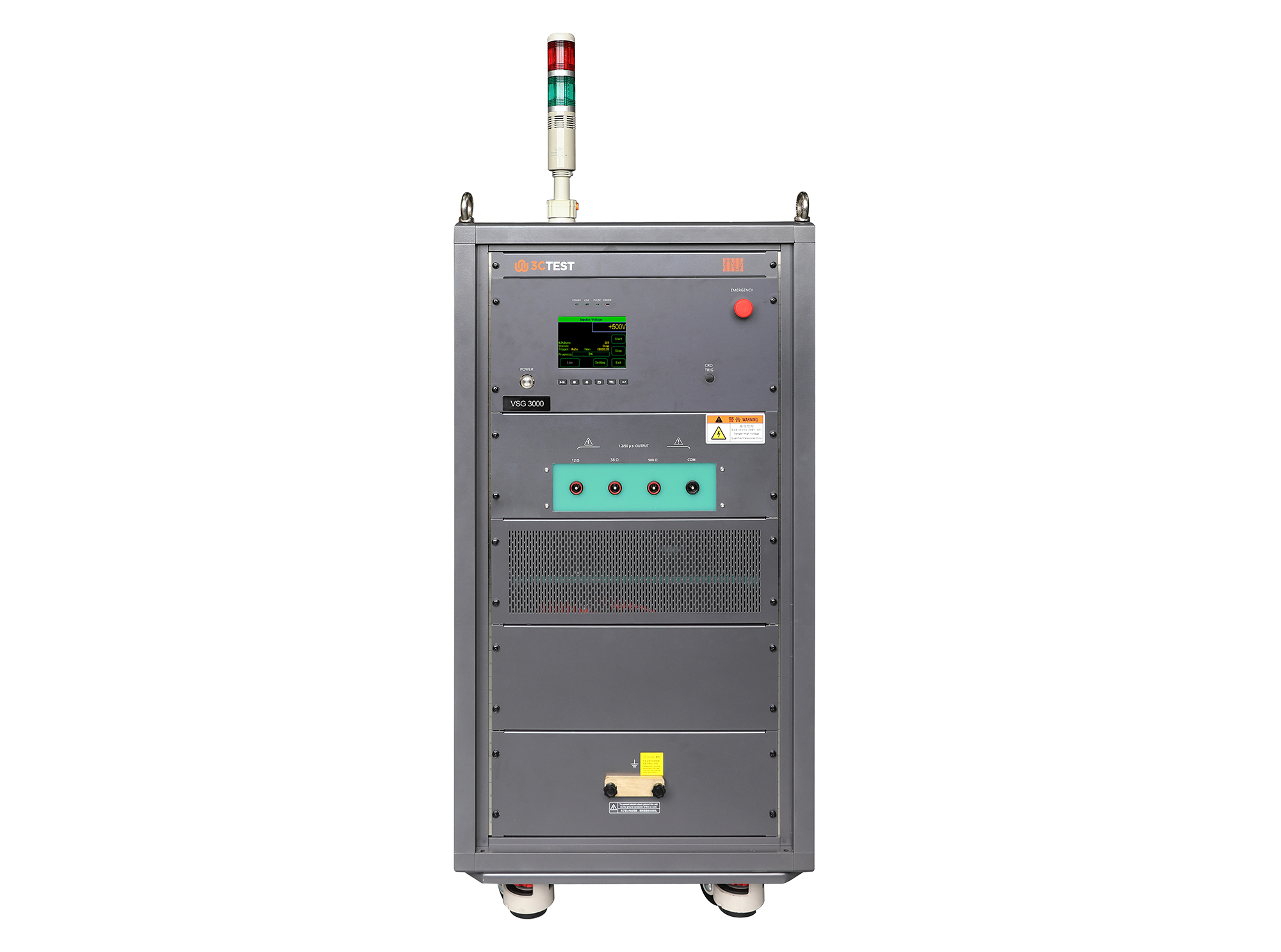
The VSG 3000 Impulse Voltage Simulator is designed in compliance with IEC 61180-1 and IEC 60335-1 to evaluate the dielectric withstand capability of electrical equipment. It’s capable of generating 1.2/50μs impulse voltage pulses from 1 kV to 30 kV, providing reliable and accurate testing performance.
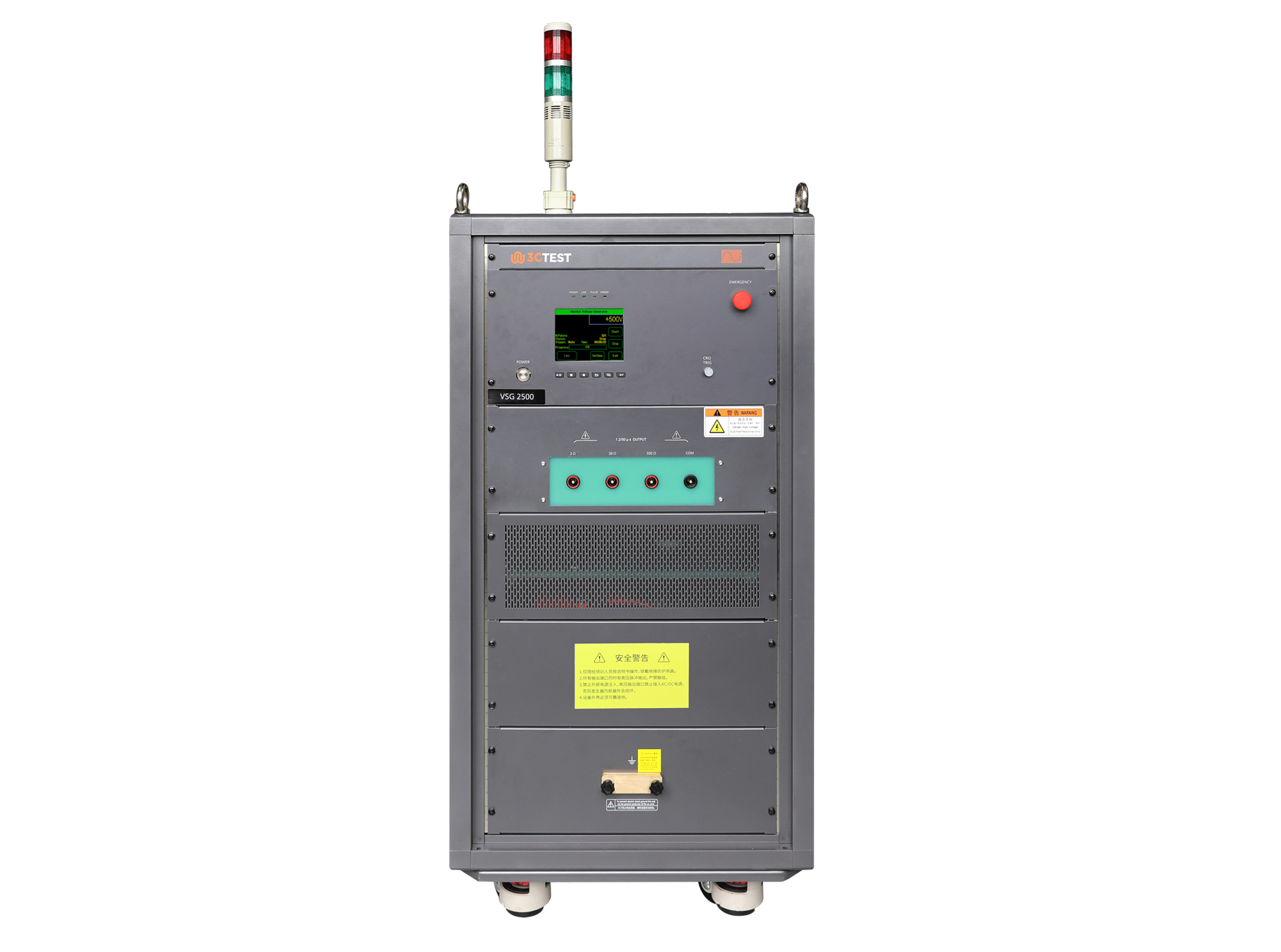
The VSG 2500 Impulse Voltage Simulator is designed in compliance with IEC 61180-1 and IEC 60335-1 to evaluate the dielectric withstand capability of electrical equipment. It’s capable of generating 1.2/50μs impulse voltage pulses from 0.5 kV to 25 kV, providing reliable and accurate testing performance.
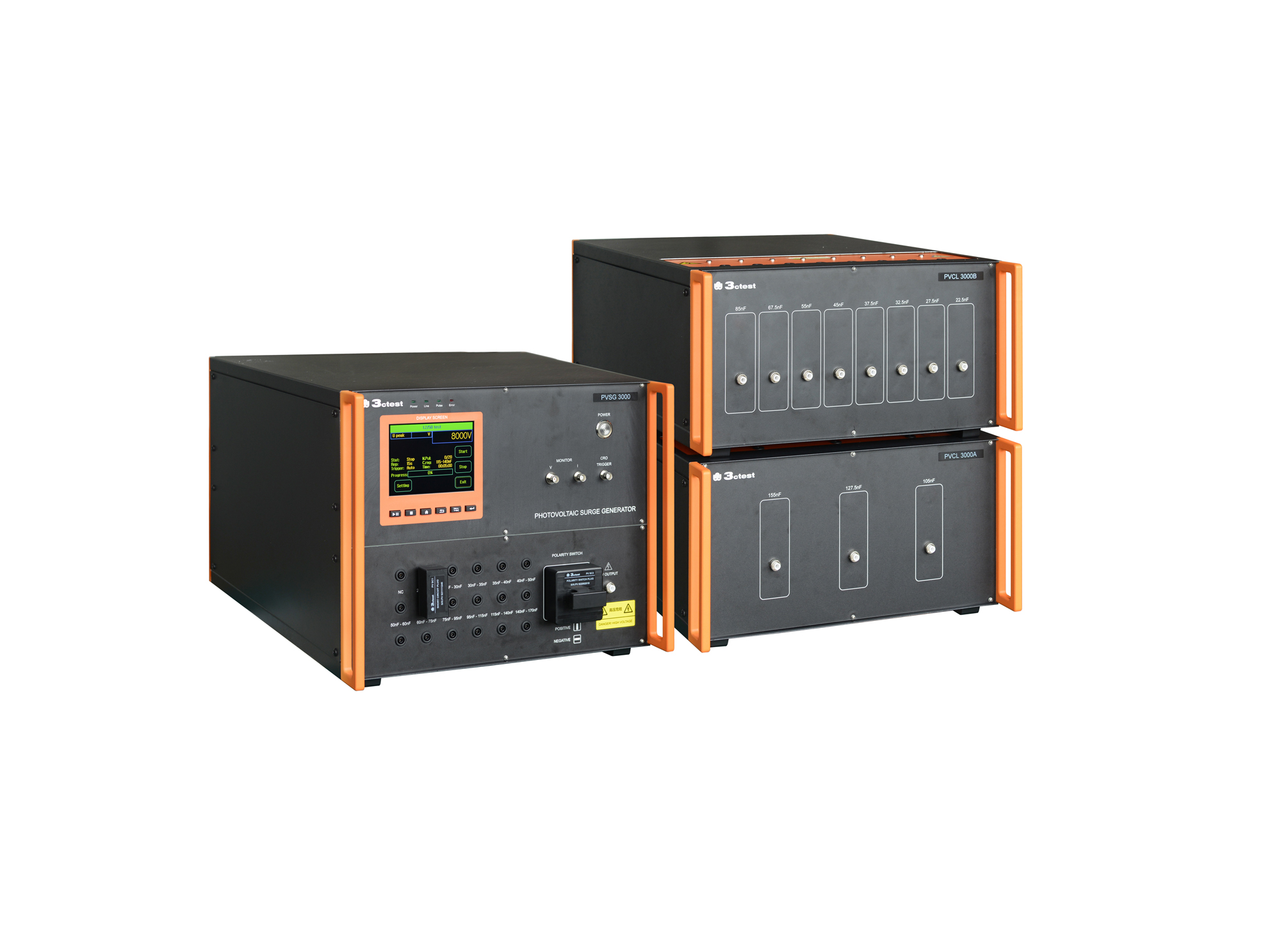
The PVSG 3000 photovoltaic impulse voltage generator is developed in compliance with IEC 61730-2 (MST14), IEC 61730-1 and IEC 60060-1. It delivers a standard 1.2/50 μs impulse waveform for photovoltaic panels testing with equivalent capacitance ranging from 20 nF to 170 nF.
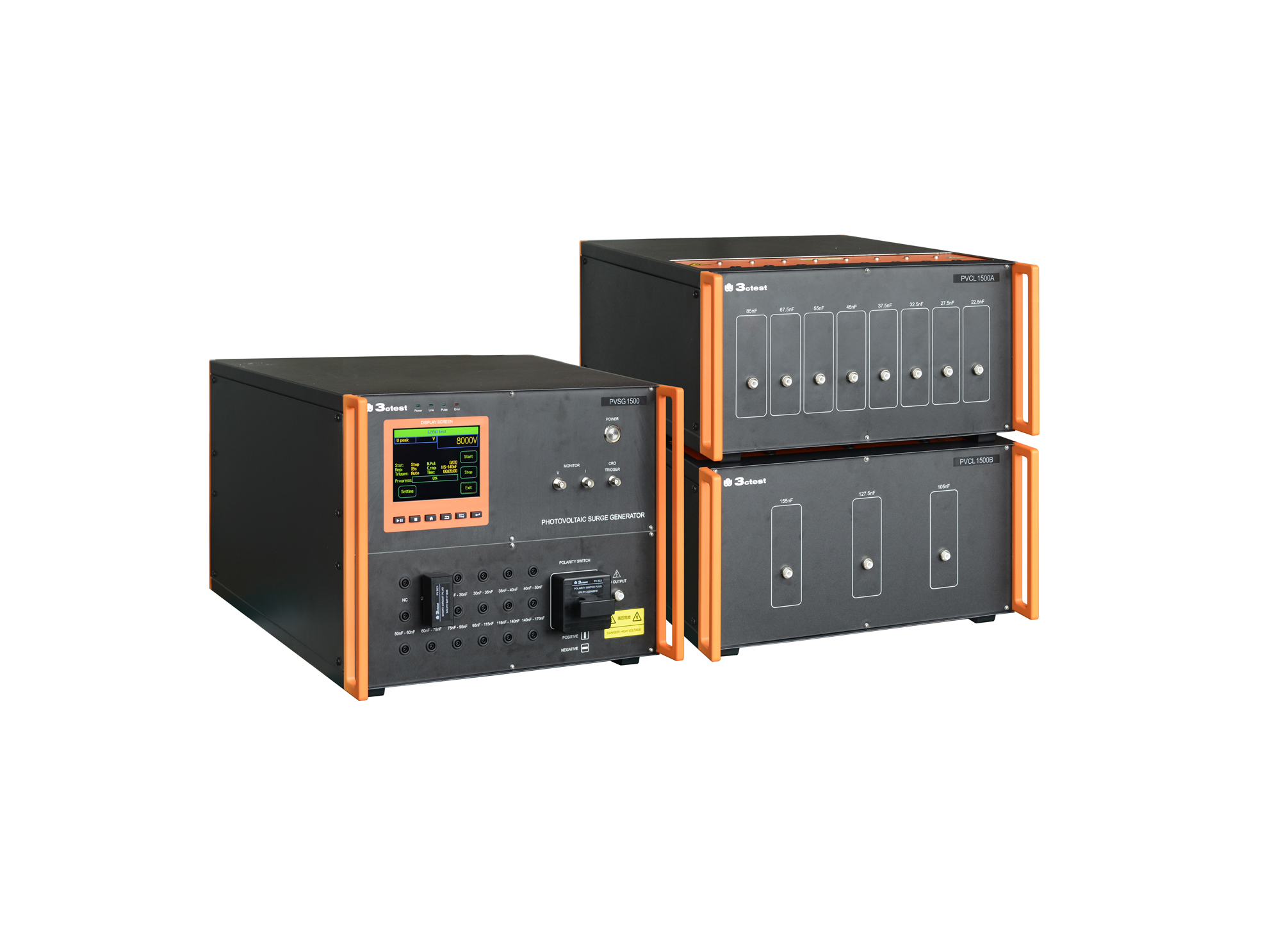
The PVSG 1500 photovoltaic impulse voltage generator is developed in compliance with IEC 61730-2 (MST14), IEC 61730-1 and IEC 60060-1. It delivers a standard 1.2/50 μs impulse waveform for photovoltaic panels testing with equivalent capacitance ranging from 20 nF to 170 nF.
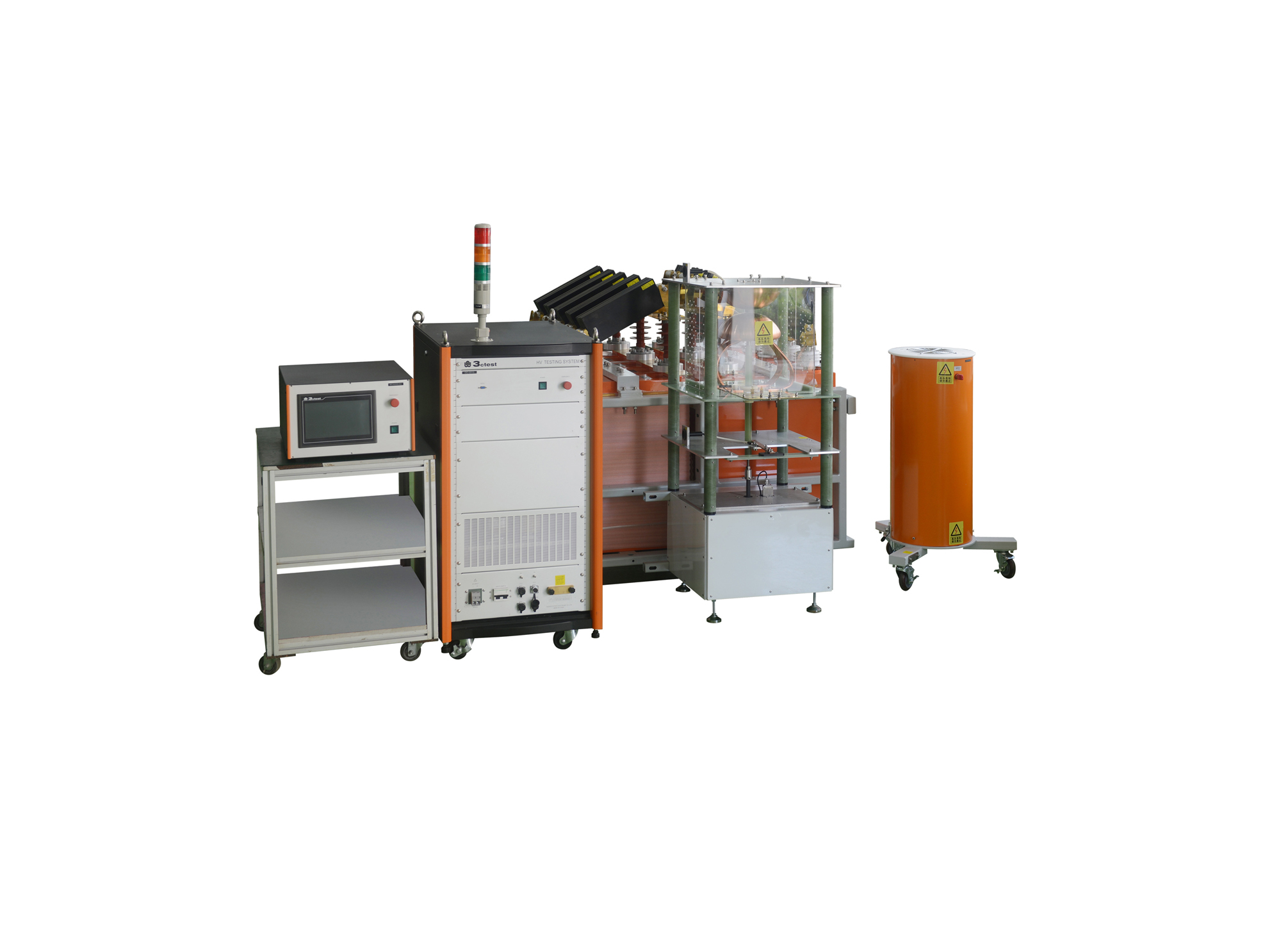
LCG-100P是我公司自主研发的冲击电流测试系统,具有系统集成度高、控制智能化,操作简便等优点。本产品通过统一规划,选用定制主器件(电容器,电阻等),通过二组共十个储能电容单元,实现能量输出,使高压测试设备化零为整的创造性理念。
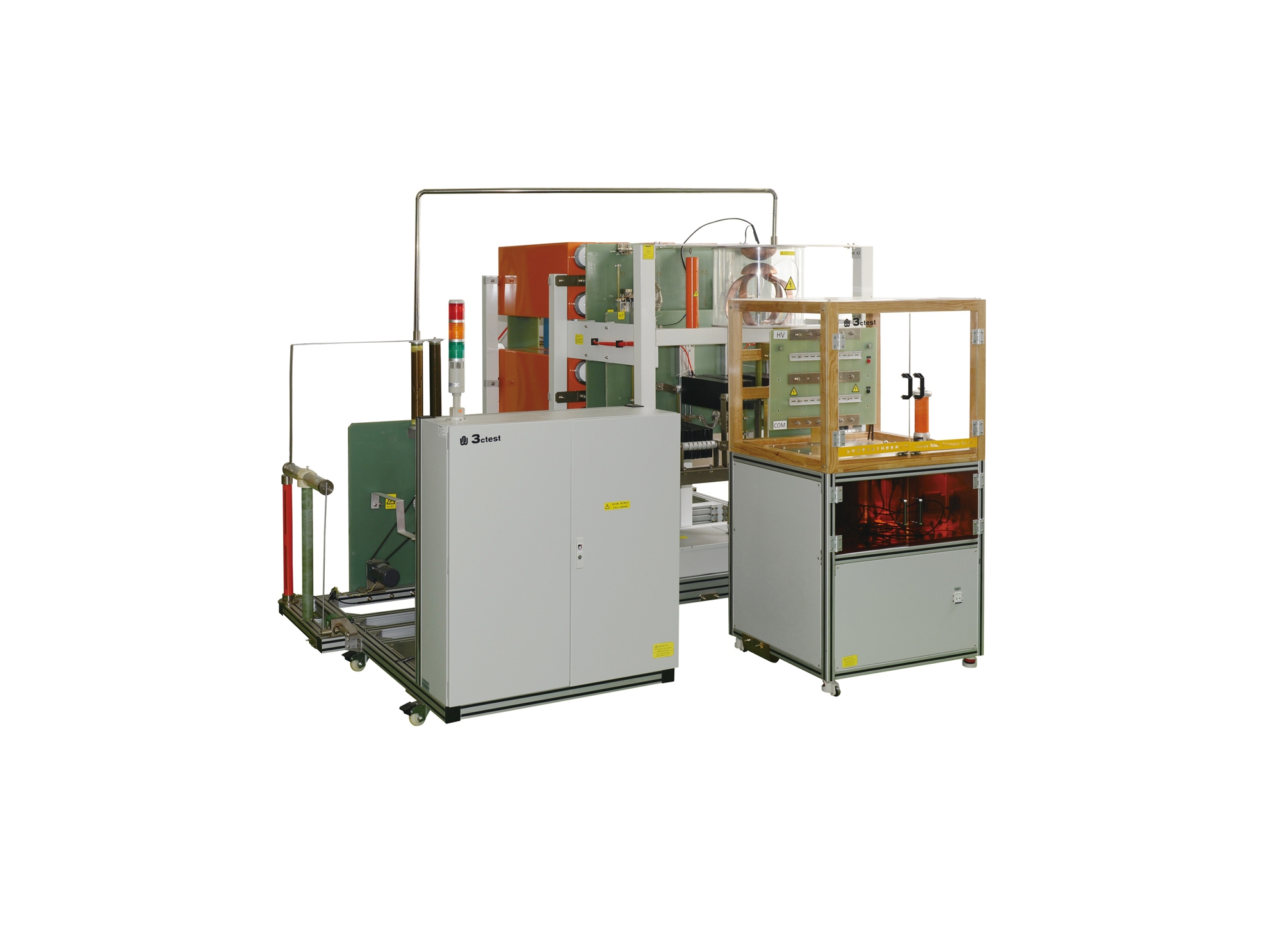
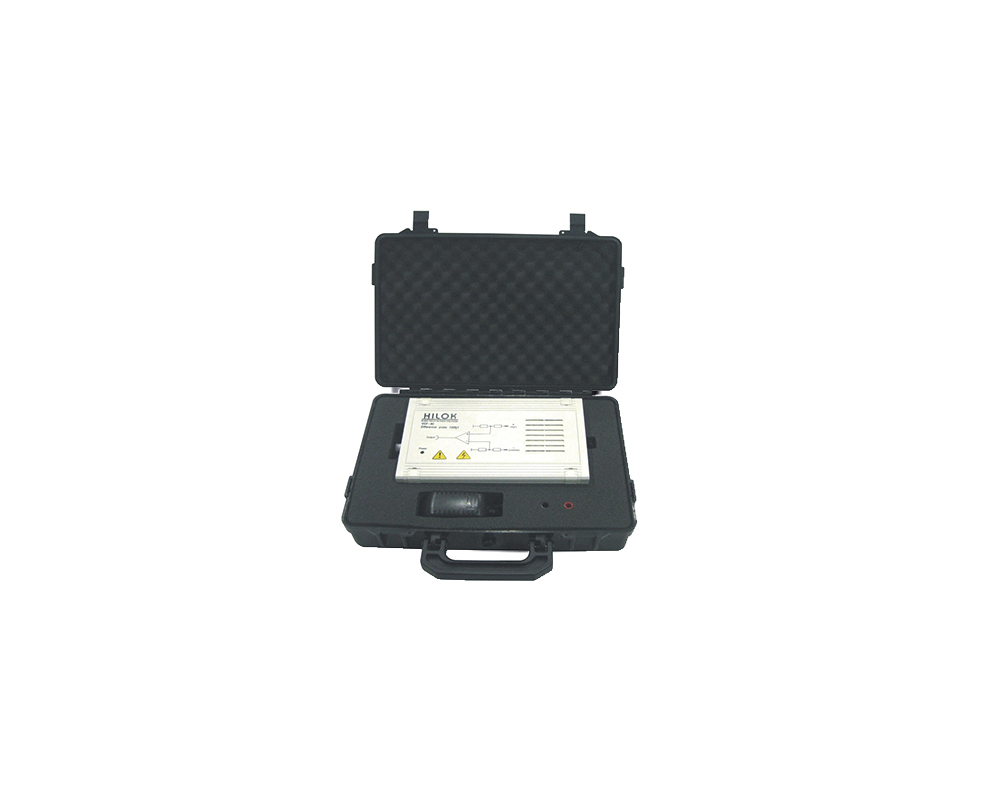
The VCF 80 high-voltage differential probe is designed according to IEC/EN 61000-4-5 as the ideal high-voltage measuring tool for surge calibration, capable of effective protection of the oscilloscope.
• Using the product inquiry function can help you quickly learn about the product's price and other related information.
• You can either inquire about a single product directly, or select multiple products to add to the inquiry bar and inquire about them together.
• How to make an inquiry





1. Using the product comparison function can help you find the target product you need for selection more quickly and easily.
2. You can add up to 5 products for comparison. Product models and parameters may vary across different series. It is recommended to compare products within the same series.
3. How to use the comparison bar.




 Phone: +86-512-68413700
 Email: info@3ctest.cn
 Address:No.99 E'meishan Rd, SND, Suzhou, Jiangsu, 215153, China,Suzhou, Jiangsu, 215153, China



© 2025 Suzhou 3CTEST


 Leave a Message


