

High frequency recommended vocabulary

GB 311.1 is the first part of the Chinese insulation coordination standard and establishes the definitions, principles and rules on which the subject is based. It defines the vocabulary used in dielectric coordination, including the terms for the highest voltage for equipment, the standard insulation levels, the rated withstand voltages and the representative voltages and overvoltages, and it explains how these quantities are related to one another. The document then sets out the principles by which an insulation level is selected: the transient overvoltages that can reach the equipment are estimated from the configuration of the network and from the performance of the surge protection, a deterministic or statistical margin is applied to cover the uncertainties of the calculation and of the withstand of the equipment, and the resulting value is rounded to a standard level. Rules are given for the different insulation media and for the effect of altitude and atmospheric conditions on the withstand of external insulation. The part is applied together with the subsequent parts of the series.
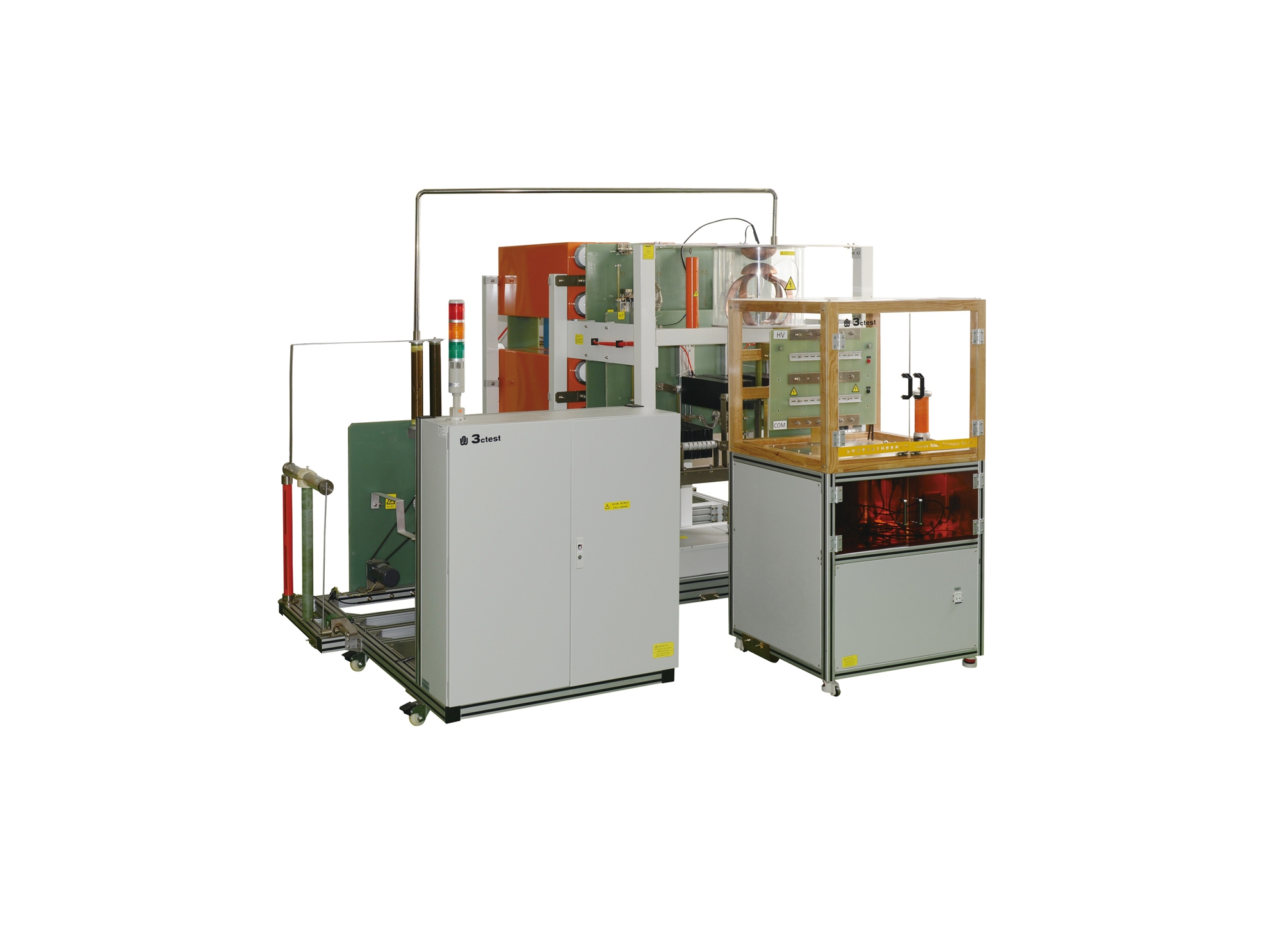
• Using the product inquiry function can help you quickly learn about the product's price and other related information.
• You can either inquire about a single product directly, or select multiple products to add to the inquiry bar and inquire about them together.
• How to make an inquiry





1. Using the product comparison function can help you find the target product you need for selection more quickly and easily.
2. You can add up to 5 products for comparison. Product models and parameters may vary across different series. It is recommended to compare products within the same series.
3. How to use the comparison bar.




 Phone: +86-512-68413700
 Email: info@3ctest.cn
 Address:No.99 E'meishan Rd, SND, Suzhou, Jiangsu, 215153, China,Suzhou, Jiangsu, 215153, China



© 2025 Suzhou 3CTEST


 Leave a Message


