

High frequency recommended vocabulary

The Chinese part of the EMC test series covering disturbance on direct current input ports is applied in China to a very large installed base of equipment, because the telecommunications network, the data centres and much of the industrial control equipment in the country operate from a direct current supply rather than from the alternating current mains. The requirement is imposed through the Chinese specifications for telecommunications equipment, for industrial process control and for the power system protection devices that are supplied from the station battery, and in each case the level is selected according to the way the direct current is produced, since equipment fed from a battery behaves quite differently from equipment fed from a rectifier when the supply is disturbed. The Chinese text corresponds to the international document, and the value of this page is that it identifies the Chinese designation cited in domestic project specifications, together with the sectors in which the test is most often demanded.
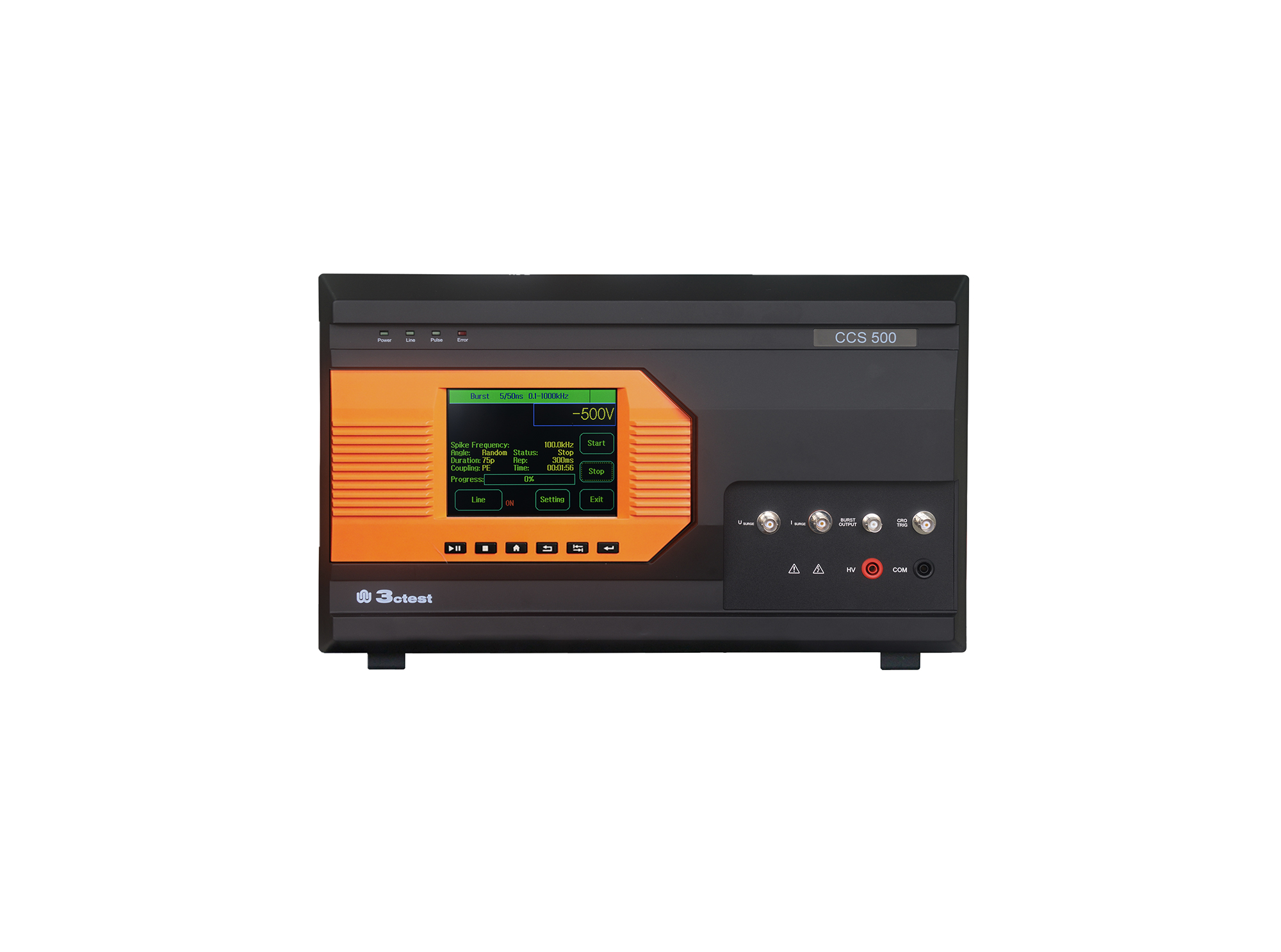
The CCS 500 is an intelligent multi-functional conducted electromagnetic compatibility (EMC) test equipment designed to meet a wide range of IEC/EN standards, including IEC 61000-4-4, -4-5, -4-8, -4-9, -4-11, -4-12, -4-29.
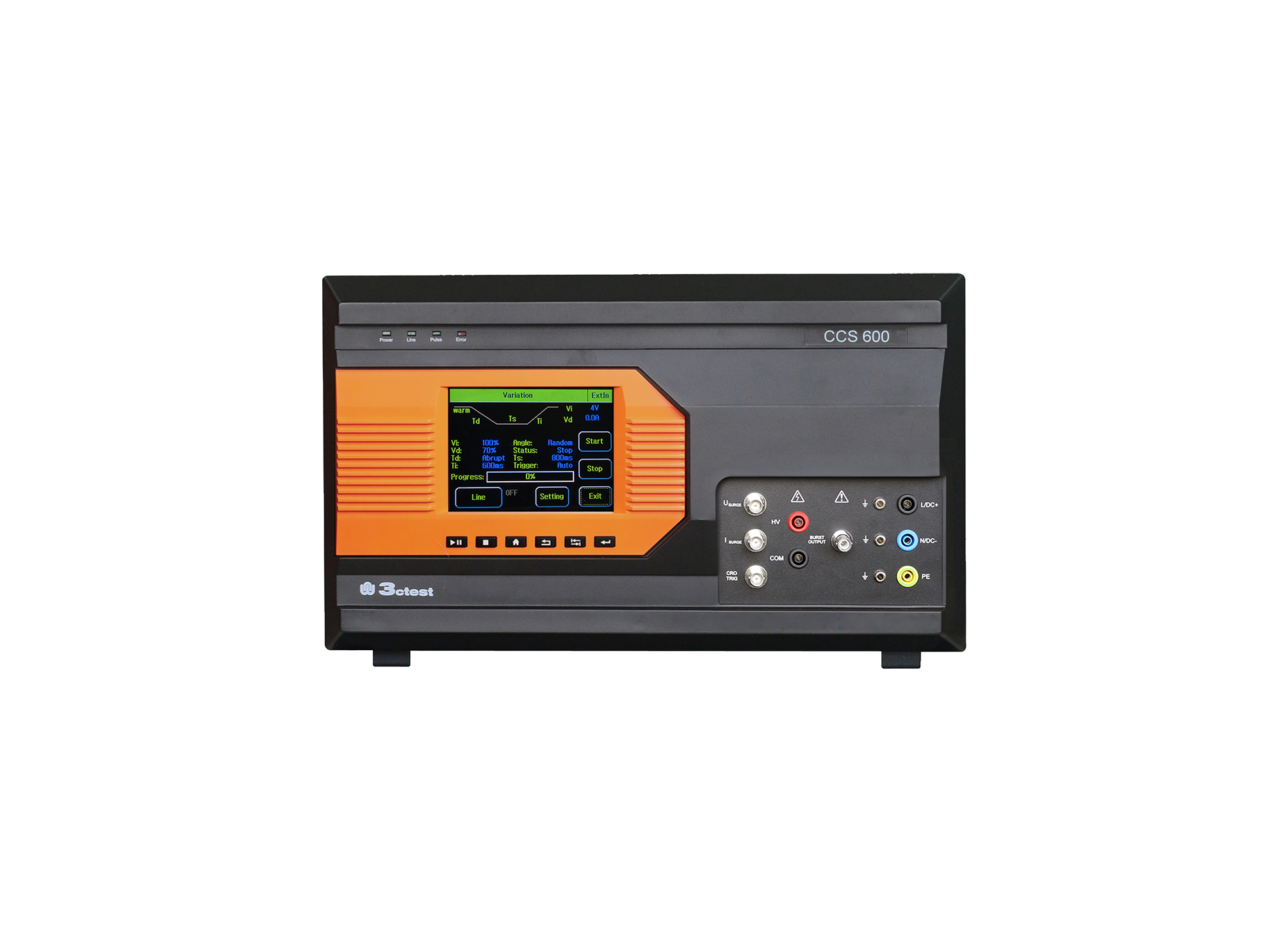
The CCS 600 is an intelligent multi-functional conducted electromagnetic compatibility (EMC) test equipment designed to meet a wide range of IEC/EN standards, including IEC 61000-4-4, -4-5, -4-8, -4-9, -4-11, -4-12, -4-29.
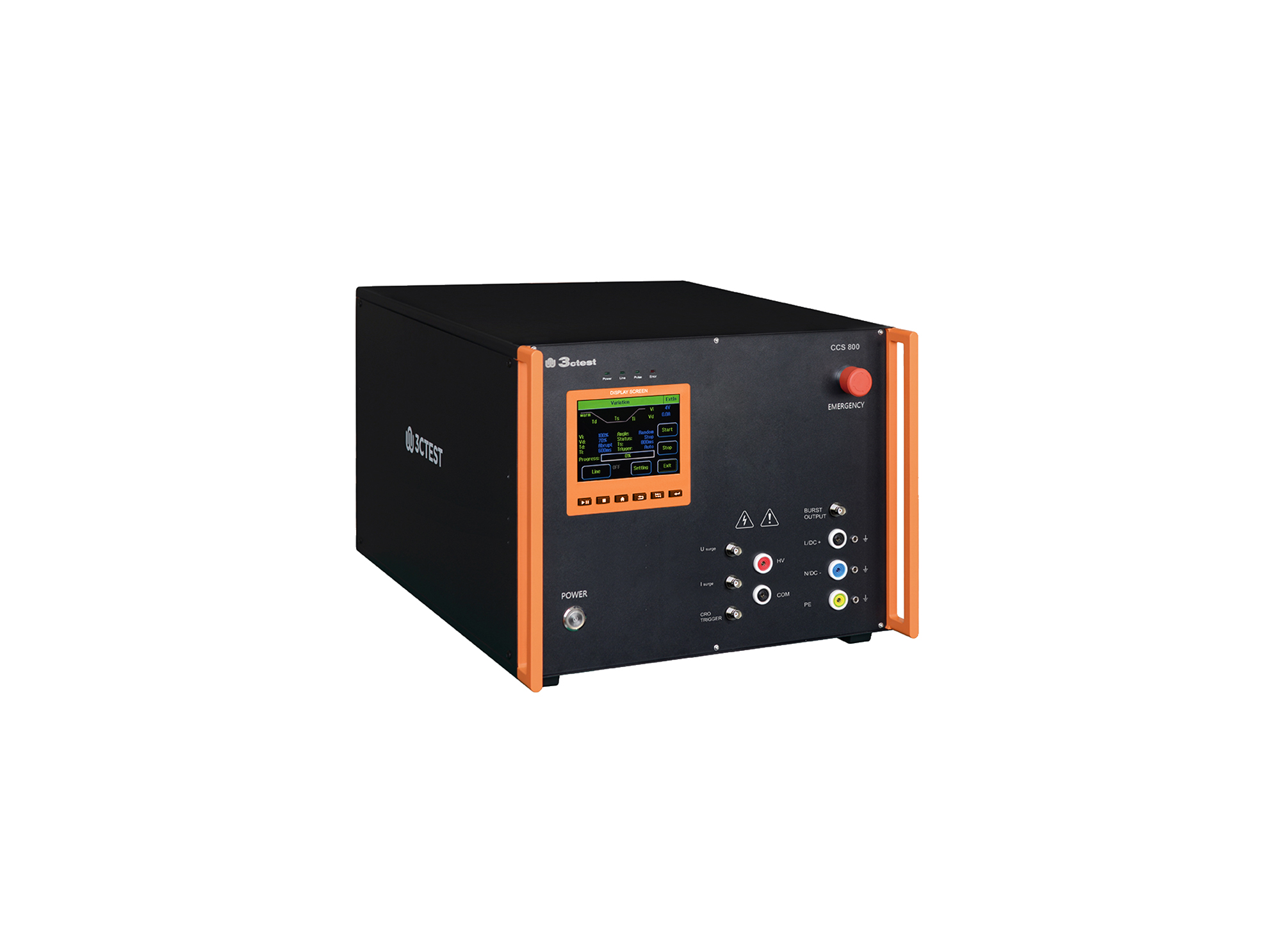
The CCS 800 is an intelligent multi-functional conducted electromagnetic compatibility (EMC) test equipment designed to meet a wide range of IEC/EN standards, including IEC 61000-4-4, -4-5, -4-8, -4-9, -4-11, -4-12, -4-29.
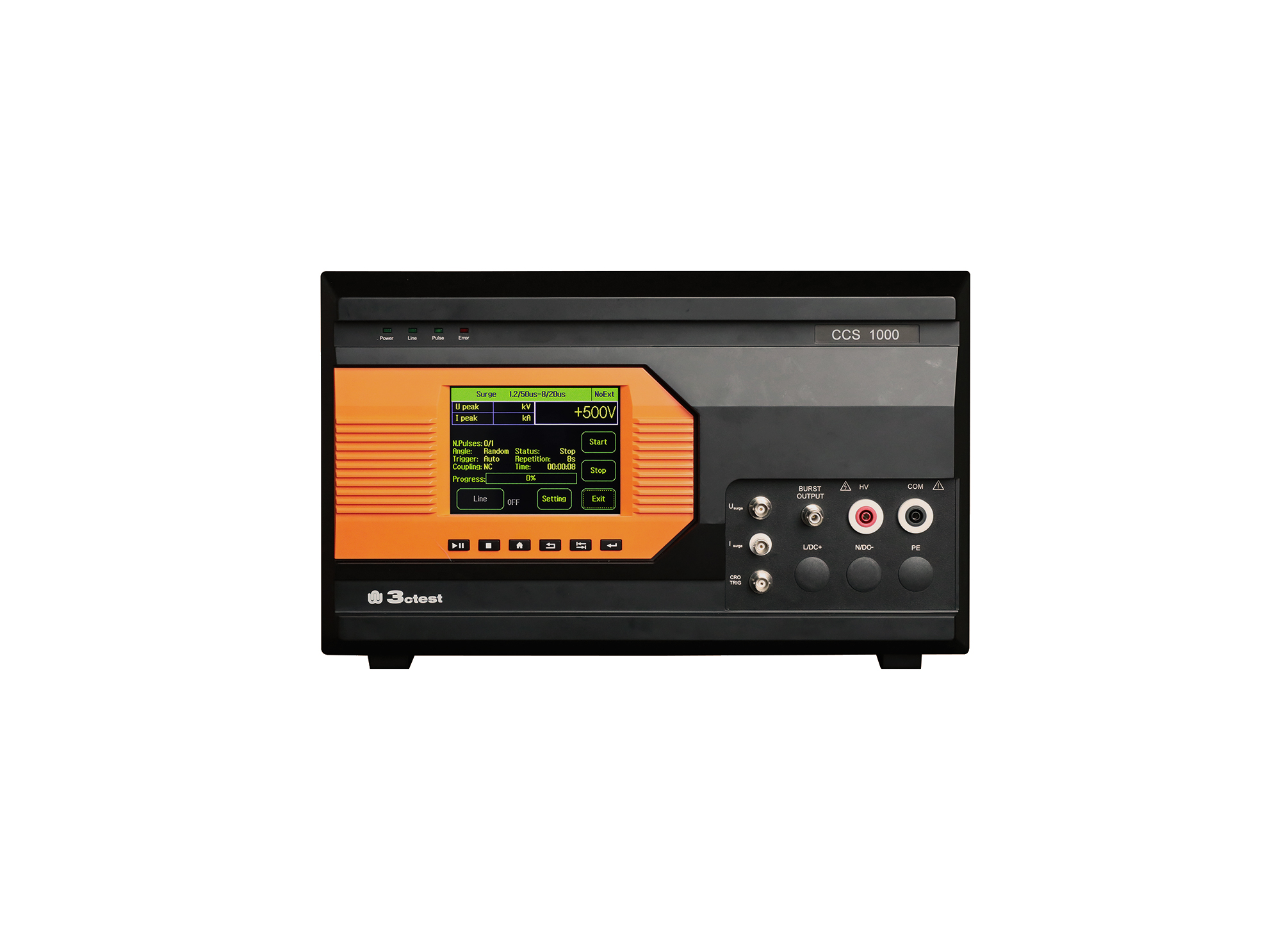
The CCS 1000 is an intelligent multi-functional conducted electromagnetic compatibility (EMC) test equipment designed to meet a wide range of IEC/EN standards, including IEC 61000-4-4, -4-5, -4-8, -4-9, -4-11, -4-29.
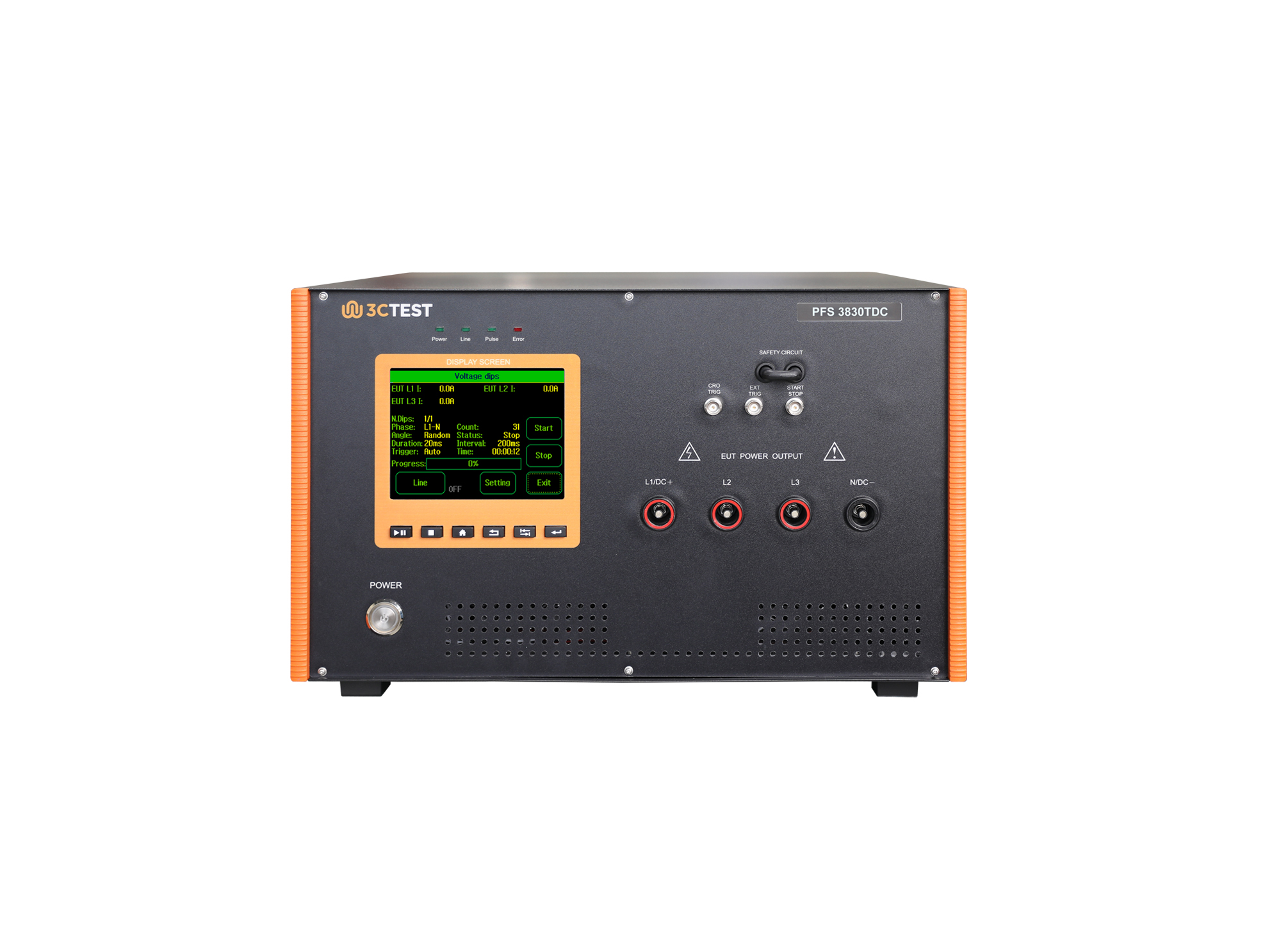
The PFS 3830TDC AC/DC Drop-out Switch is designed in accordance with the IEC 61000-4-11, IEC 61000-4-29, and IEC 61000-4-34.
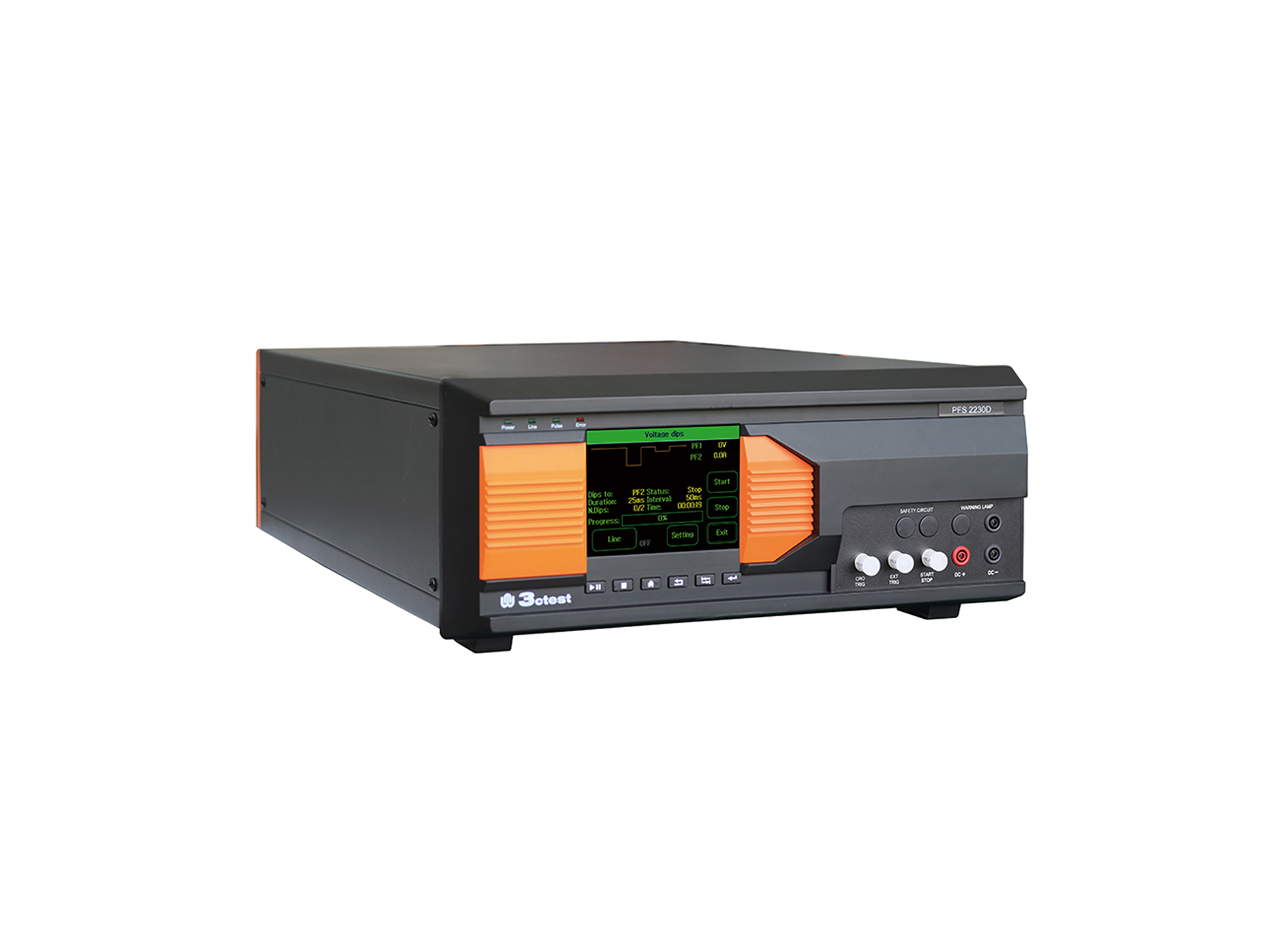
The PFS 2230D DC Power Failure Simulator complies with IEC 61000-4-29 and GB/T 17626.29.
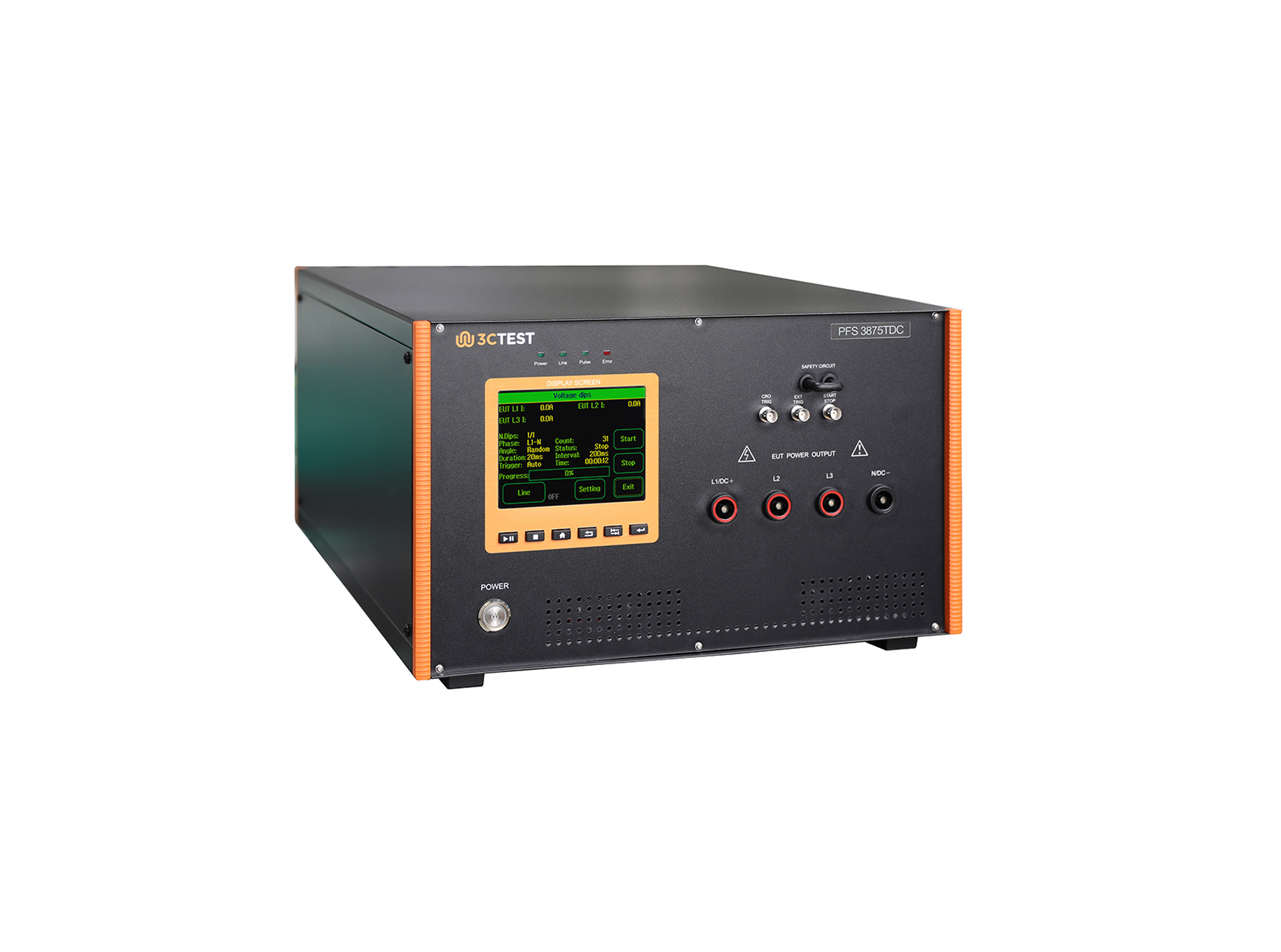
PFS 3875TDC AC/DC Drop-out Switch is designed in compliance with IEC 61000-4-11, IEC 61000-4-29 and IEC 61000-4-34.
The CCS 600 is an intelligent multi-functional conducted electromagnetic compatibility (EMC) test equipment designed to meet a wide range of IEC/EN standards, including IEC 61000-4-4, -4-5, -4-8, -4-9, -4-11, -4-12, -4-29.
The CCS 600 is an intelligent multi-functional conducted electromagnetic compatibility (EMC) test equipment designed to meet a wide range of IEC/EN standards, including IEC 61000-4-4, -4-5, -4-8, -4-9, -4-11, -4-12, -4-29.
The CCS 600 is an intelligent multi-functional conducted electromagnetic compatibility (EMC) test equipment designed to meet a wide range of IEC/EN standards, including IEC 61000-4-4, -4-5, -4-8, -4-9, -4-11, -4-12, -4-29.
The CCS 600 is an intelligent multi-functional conducted electromagnetic compatibility (EMC) test equipment designed to meet a wide range of IEC/EN standards, including IEC 61000-4-4, -4-5, -4-8, -4-9, -4-11, -4-12, -4-29.
The CCS 600 is an intelligent multi-functional conducted electromagnetic compatibility (EMC) test equipment designed to meet a wide range of IEC/EN standards, including IEC 61000-4-4, -4-5, -4-8, -4-9, -4-11, -4-12, -4-29.
The CCS 600 is an intelligent multi-functional conducted electromagnetic compatibility (EMC) test equipment designed to meet a wide range of IEC/EN standards, including IEC 61000-4-4, -4-5, -4-8, -4-9, -4-11, -4-12, -4-29.
The CCS 600 is an intelligent multi-functional conducted electromagnetic compatibility (EMC) test equipment designed to meet a wide range of IEC/EN standards, including IEC 61000-4-4, -4-5, -4-8, -4-9, -4-11, -4-12, -4-29.
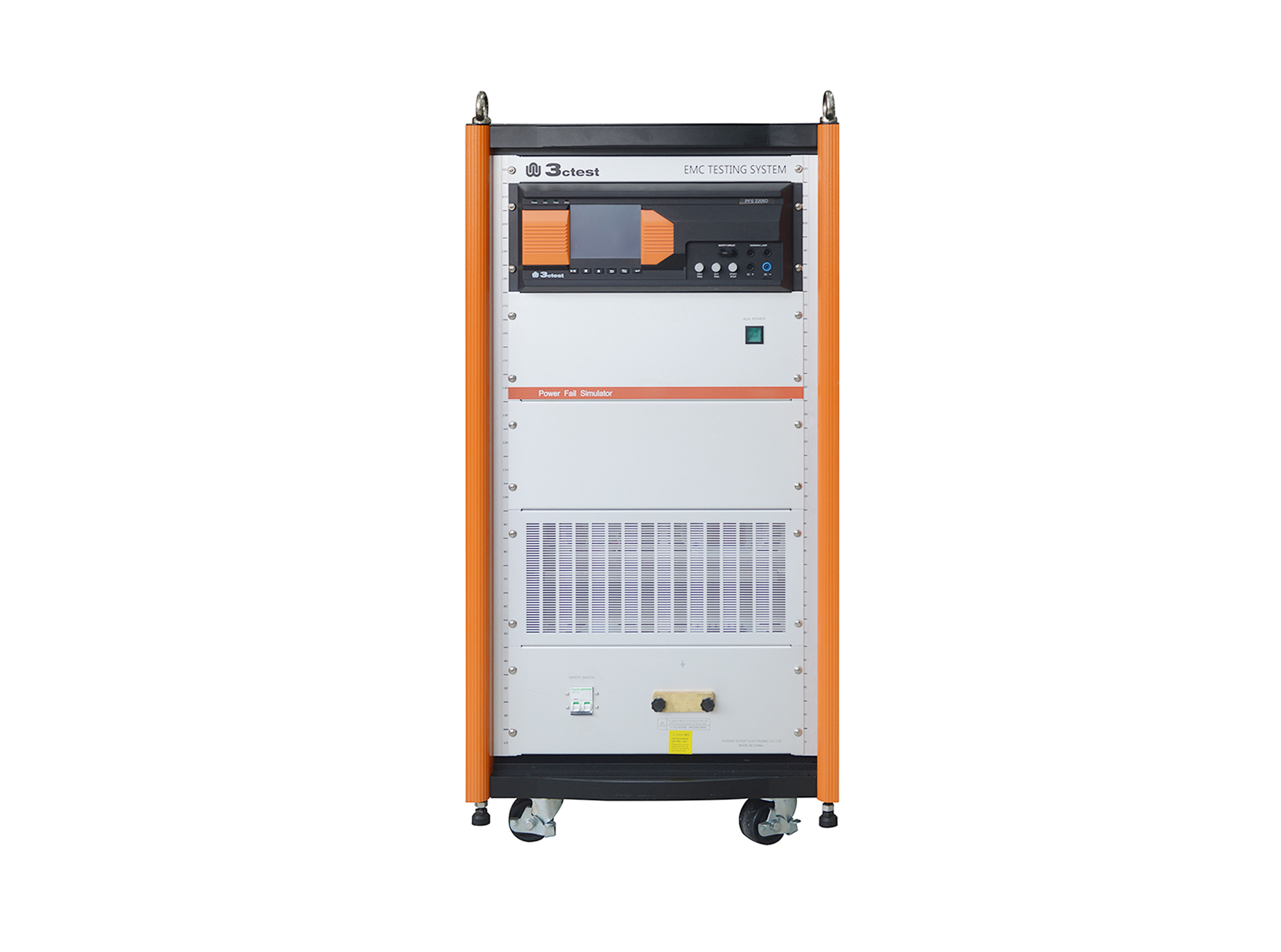
The PFS 2205D DC Power Failure Simulator complies with IEC 61000-4-29, and is designed to simulate voltage dips, short interruptions, and voltage variations at DC power input ports.
The PFS 4525D DC Power Failure Simulator is designed to simulate voltage dips and short interruptions at DC power input ports. It is an intelligent test system developed for immunity testing of DC systems.
• Using the product inquiry function can help you quickly learn about the product's price and other related information.
• You can either inquire about a single product directly, or select multiple products to add to the inquiry bar and inquire about them together.
• How to make an inquiry





1. Using the product comparison function can help you find the target product you need for selection more quickly and easily.
2. You can add up to 5 products for comparison. Product models and parameters may vary across different series. It is recommended to compare products within the same series.
3. How to use the comparison bar.




 Phone: +86-512-68413700
 Email: info@3ctest.cn
 Address:No.99 E'meishan Rd, SND, Suzhou, Jiangsu, 215153, China,Suzhou, Jiangsu, 215153, China



© 2025 Suzhou 3CTEST


 Leave a Message


