

High frequency recommended vocabulary

The second part of the Chinese high voltage test technique series deals with the measuring systems used in dielectric testing, and its practical effect in China is to determine whether a test result is accepted at all: because the country operates a substantial number of high voltage laboratories belonging to manufacturers, utilities and third party bodies, the standard provides the common basis on which the performance of a divider, a peak voltmeter or a digital recorder is characterised and its uncertainty stated. It defines the scale factor, linearity, stability and dynamic behaviour that a system must possess, the methods for determining each, the reference systems against which a working system is compared, and the periodic checks and records that must be maintained. Chinese calibration practice follows the document when a laboratory seeks accreditation for dielectric testing, and the uncertainty statement it produces is what a customer examines when a type test report is submitted for approval.
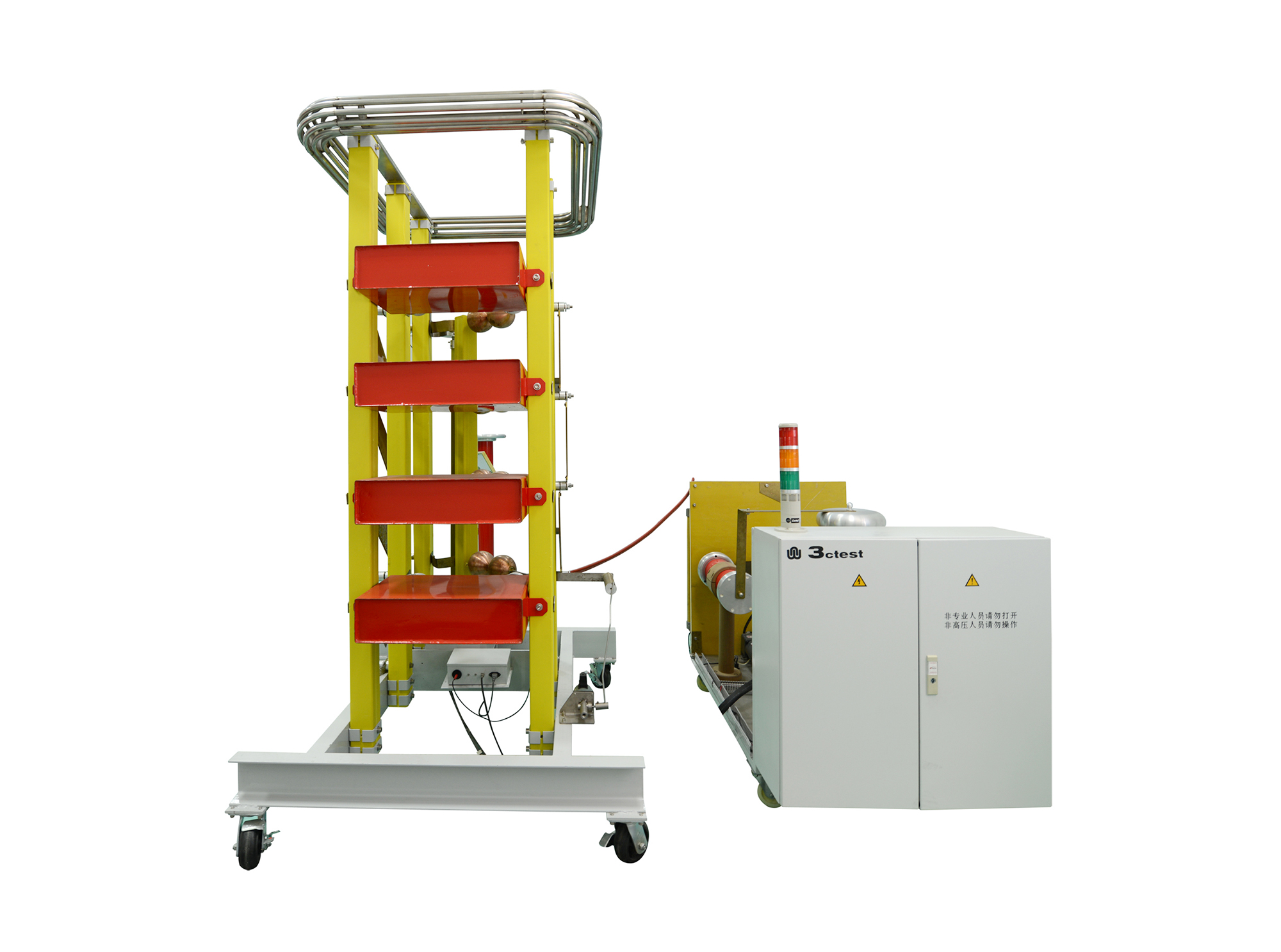
The LVG Series complies with relevant standards, including IEC 60060-1, IEC 60060-2, IEC 61010, GB 311, GB/T 16927.1-2011, GB/T 16927.2-2011, and GB/T 116896.1-2011.
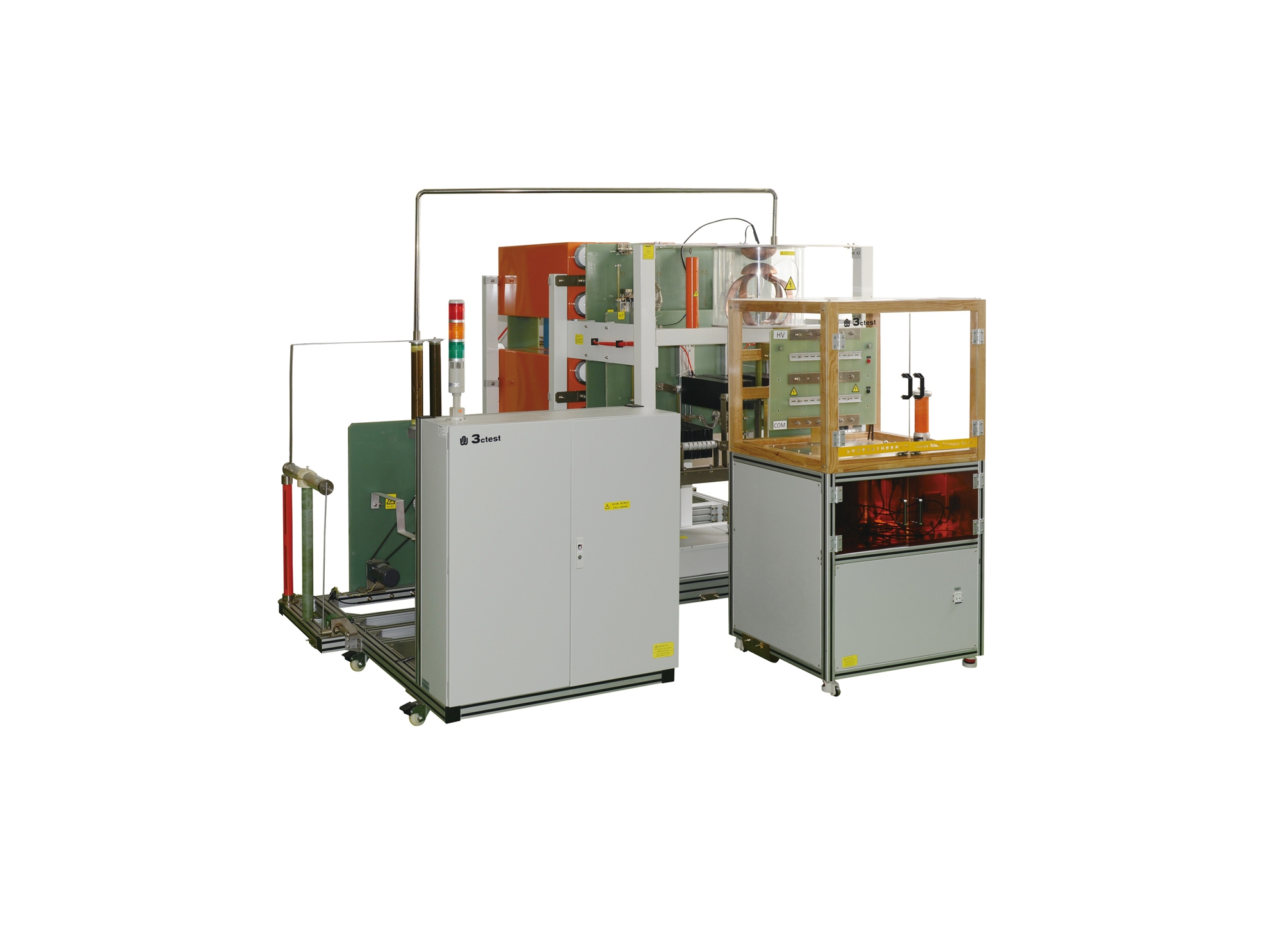
• Using the product inquiry function can help you quickly learn about the product's price and other related information.
• You can either inquire about a single product directly, or select multiple products to add to the inquiry bar and inquire about them together.
• How to make an inquiry





1. Using the product comparison function can help you find the target product you need for selection more quickly and easily.
2. You can add up to 5 products for comparison. Product models and parameters may vary across different series. It is recommended to compare products within the same series.
3. How to use the comparison bar.




 Phone: +86-512-68413700
 Email: info@3ctest.cn
 Address:No.99 E'meishan Rd, SND, Suzhou, Jiangsu, 215153, China,Suzhou, Jiangsu, 215153, China



© 2025 Suzhou 3CTEST


 Leave a Message


