

High frequency recommended vocabulary

This Chinese standard covers the transients that reach a vehicle component through conductors other than the supply lines, adopted from the international method, and it addresses a condition that has become more important as vehicles have come to carry dense networks of data and sensor cabling: a transient generated by a switching load on one circuit is transferred to a neighbouring cable by capacitive or inductive coupling and arrives at a module through an input, output or communication port. In China the requirement is imposed through the component specifications issued by the vehicle manufacturers, which select the applicable amplitude and identify the ports to be tested, and the laboratory result is reported per port. The method uses either a capacitive coupling clamp, which induces the disturbance without galvanic contact, or direct injection through a series capacitor, and the report must state which was used for each port.
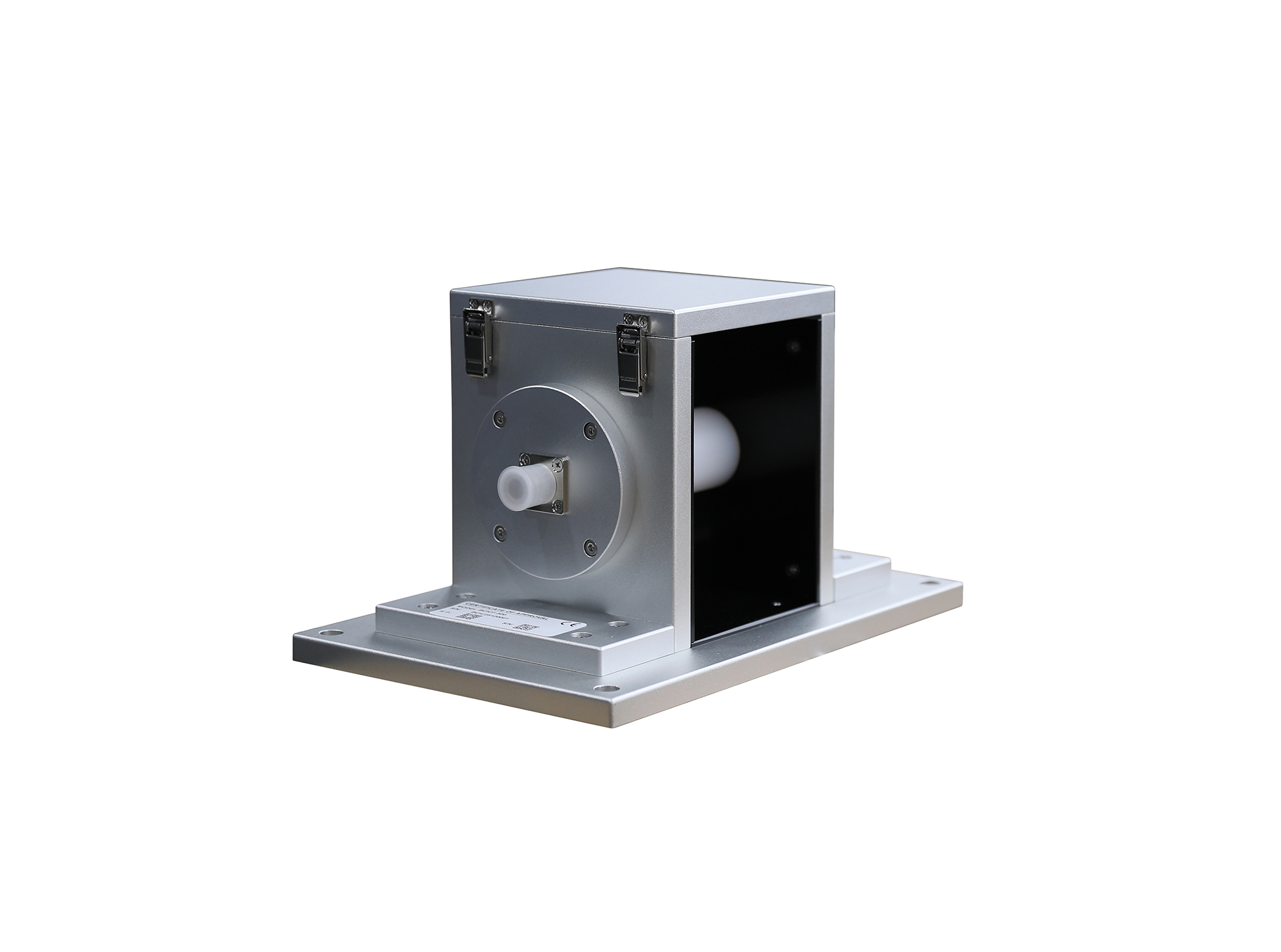
The BCICF-500 broadband current injection calibration fixture is designed for calibration tests of current injection clamps and current measuring probes, serving as a broadband signal transmission and coupling device. I
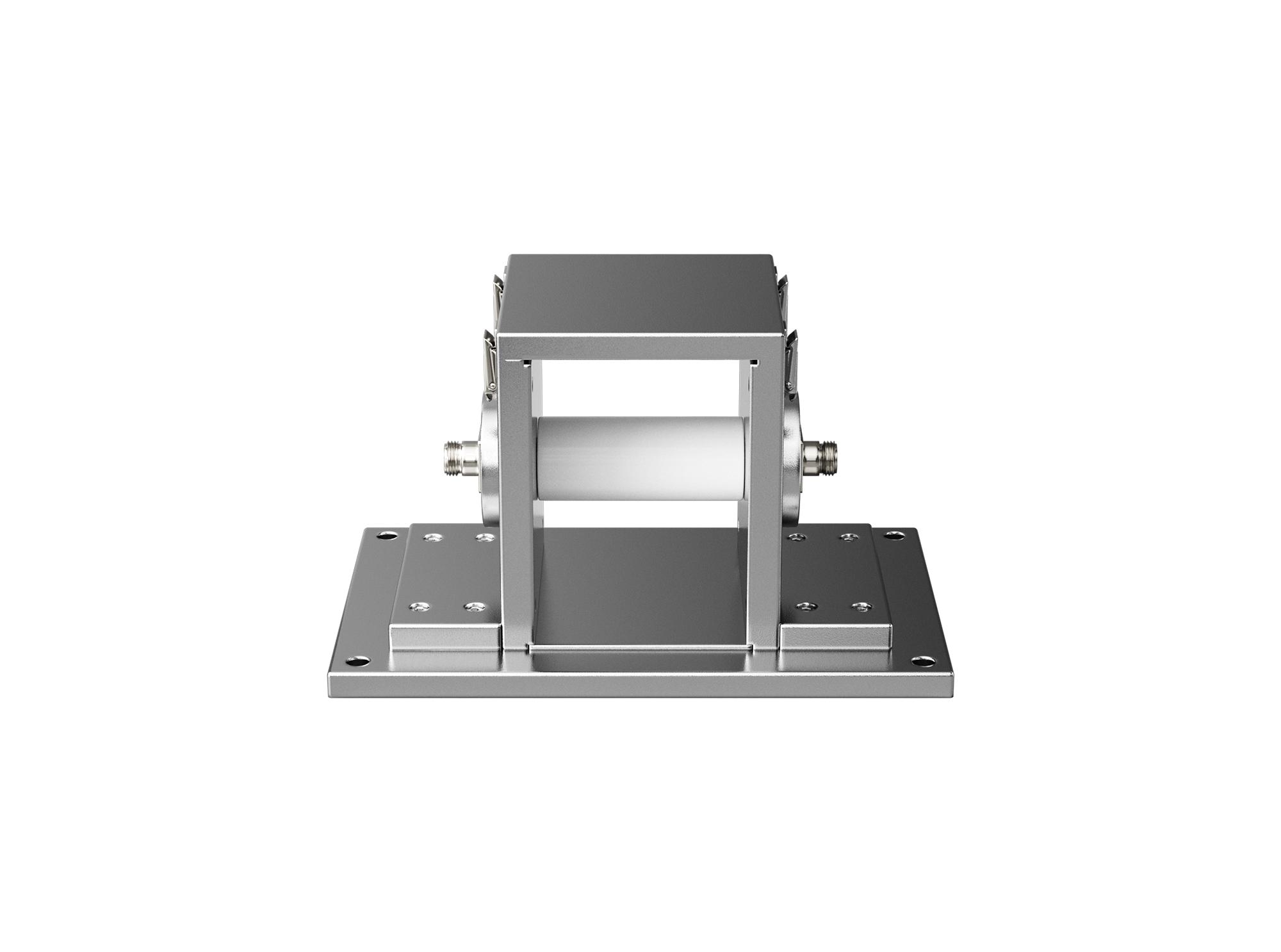
The BCICF-200 broadband current injection calibration fixture is designed for calibration tests of current injection clamps and current measuring probes, serving as a broadband signal transmission and coupling device.
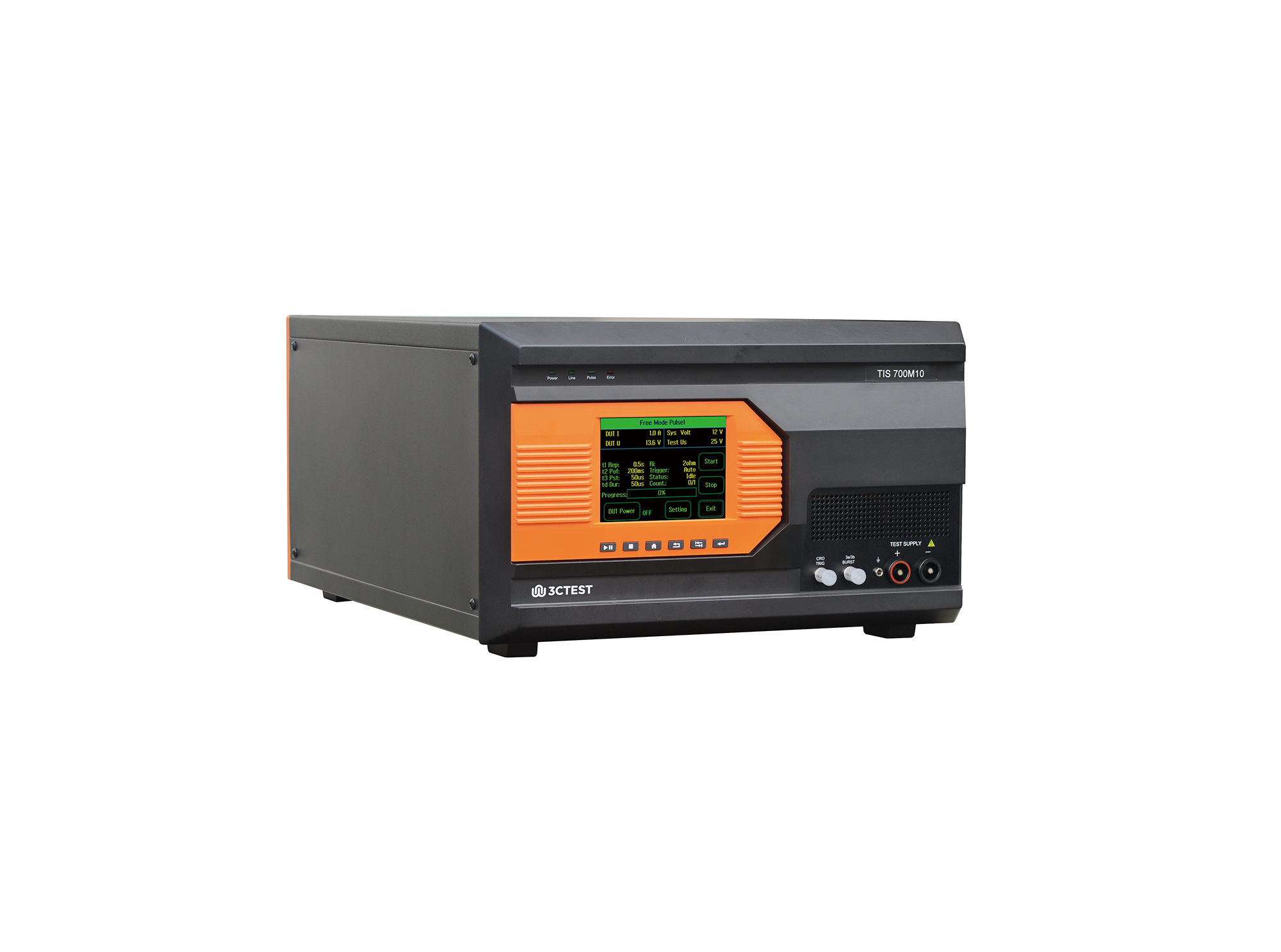
The TIS 700M10 Micro-Pulse Interference Generator can perform pulses 1, 2a, 3a and 3b on power lines as per ISO 7637-2, and fast and slow transient pulses on signal and data lines tests as per ISO 7637-3.
• Using the product inquiry function can help you quickly learn about the product's price and other related information.
• You can either inquire about a single product directly, or select multiple products to add to the inquiry bar and inquire about them together.
• How to make an inquiry





1. Using the product comparison function can help you find the target product you need for selection more quickly and easily.
2. You can add up to 5 products for comparison. Product models and parameters may vary across different series. It is recommended to compare products within the same series.
3. How to use the comparison bar.




 Phone: +86-512-68413700
 Email: info@3ctest.cn
 Address:No.99 E'meishan Rd, SND, Suzhou, Jiangsu, 215153, China,Suzhou, Jiangsu, 215153, China



© 2025 Suzhou 3CTEST


 Leave a Message


