

High frequency recommended vocabulary

The Chinese part of the EMC test series covering the disturbance of high current equipment is applied in China to the heavy industrial products that dominate parts of the manufacturing sector: large variable speed drives for pumps and fans, the converters used in metallurgy and in cement production, welding equipment and the plant installed in the rapidly built industrial parks. Because the test requires a generator capable of supplying the full load current of the product while changing the applied voltage quickly, it is performed in China by the larger laboratories and by the test facilities of the major equipment manufacturers themselves. The requirement is imposed through the Chinese product standards for adjustable speed electrical power drive systems and through the technical specifications of industrial customers. The Chinese text corresponds to the international document, and this page identifies the Chinese designation under which the test will be specified by a domestic customer.
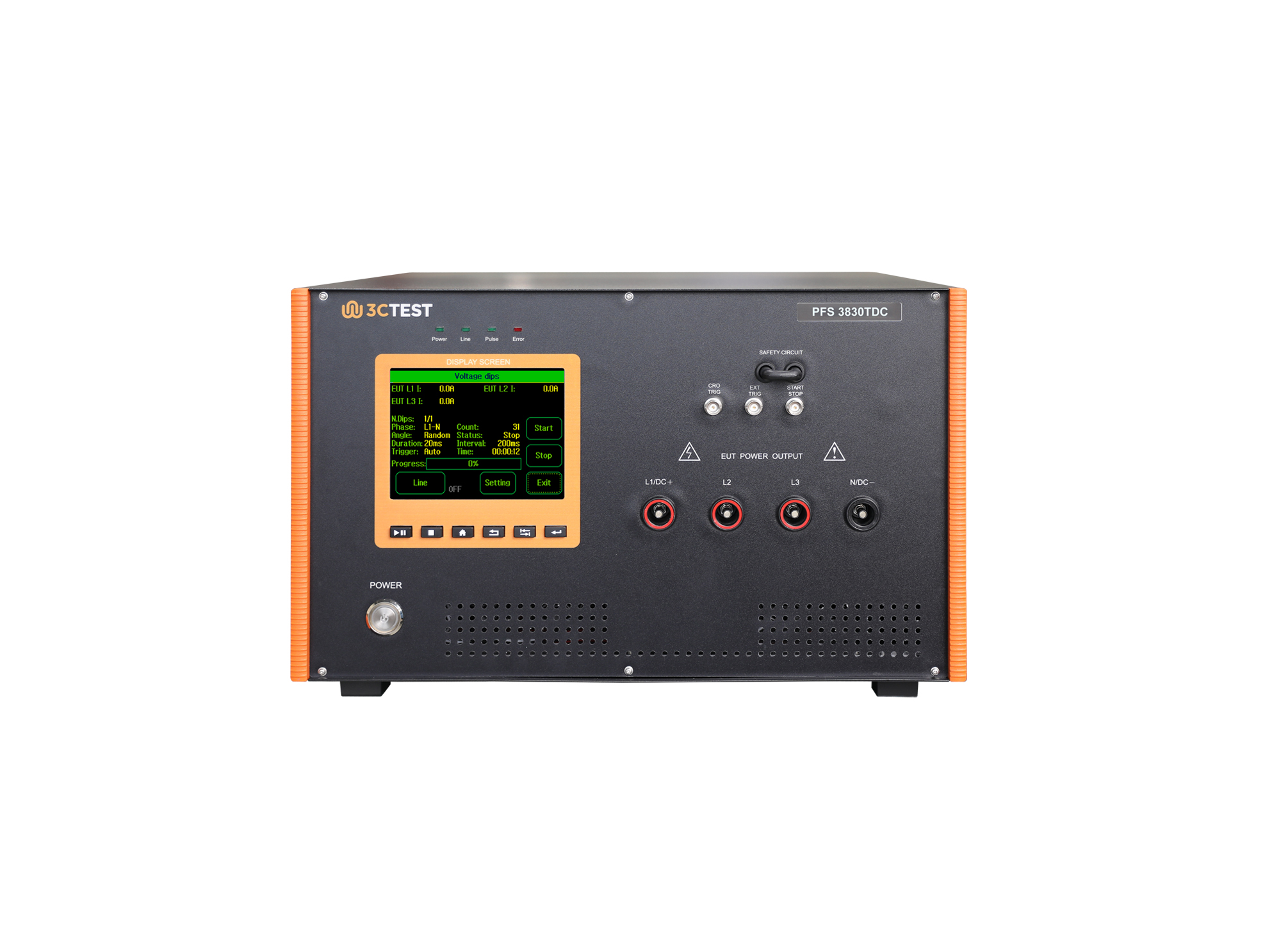
The PFS 3830TDC AC/DC Drop-out Switch is designed in accordance with the IEC 61000-4-11, IEC 61000-4-29, and IEC 61000-4-34.
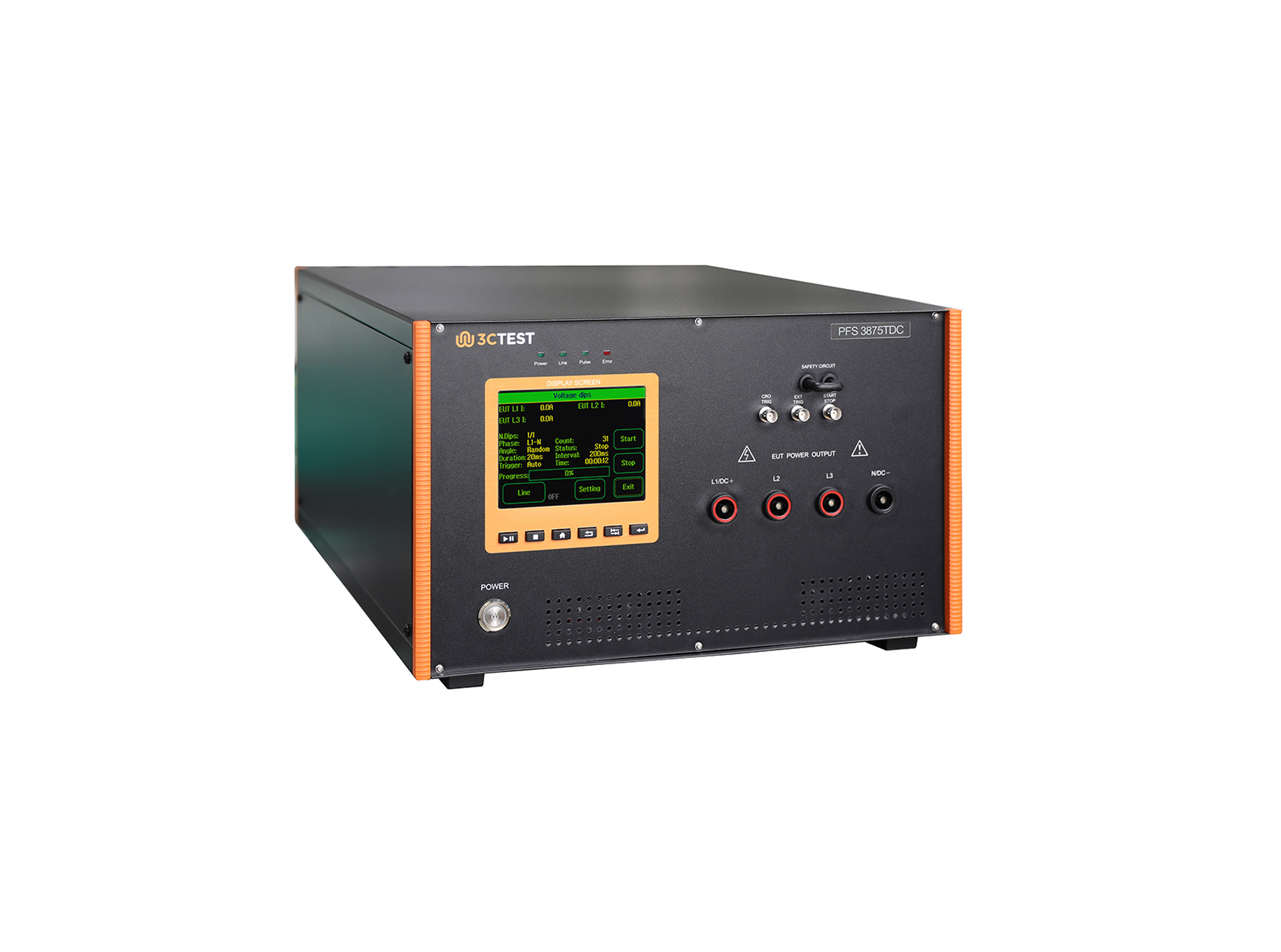
PFS 3875TDC AC/DC Drop-out Switch is designed in compliance with IEC 61000-4-11, IEC 61000-4-29 and IEC 61000-4-34.
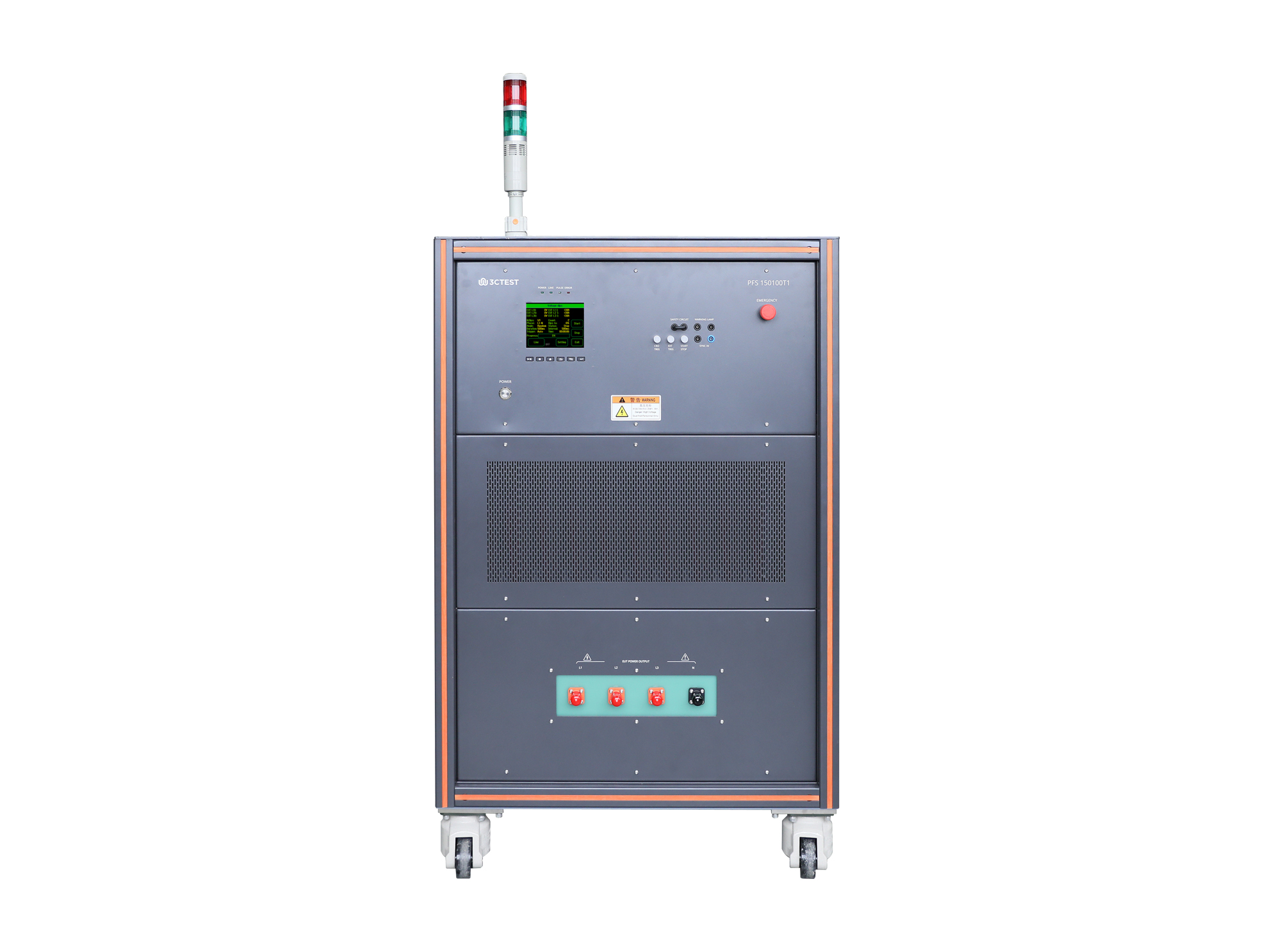
The PFS 150100T1 power failure simulator is based on the company’s new-generation control platform and designed according to IEC 61000-4-34.
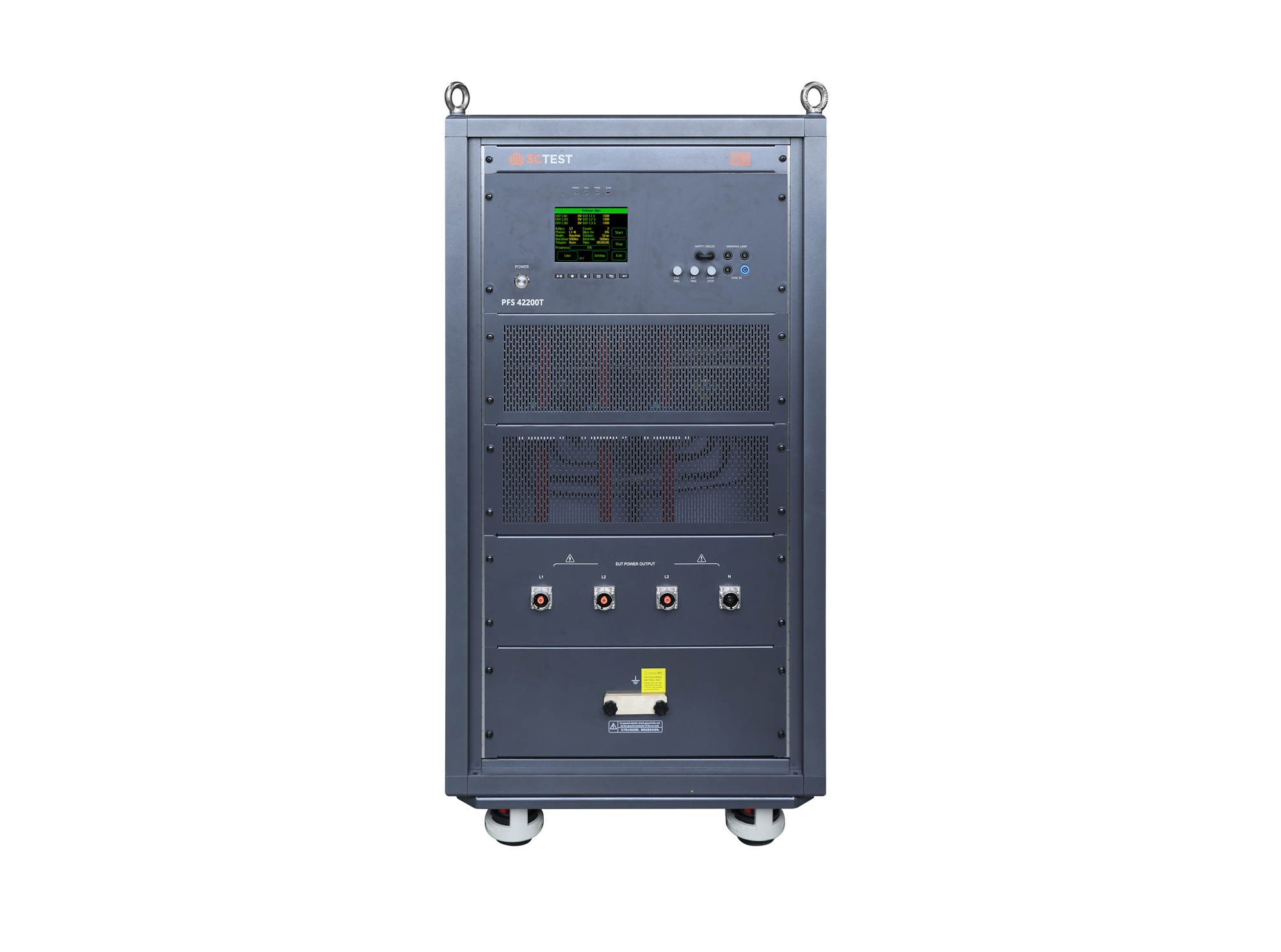
The PFS 42200T Power Fault Simulator adopts the company’s new-generation control platform, in compliance with IEC 61000-4-11/34 and GB/T 17626.11/34 standards.
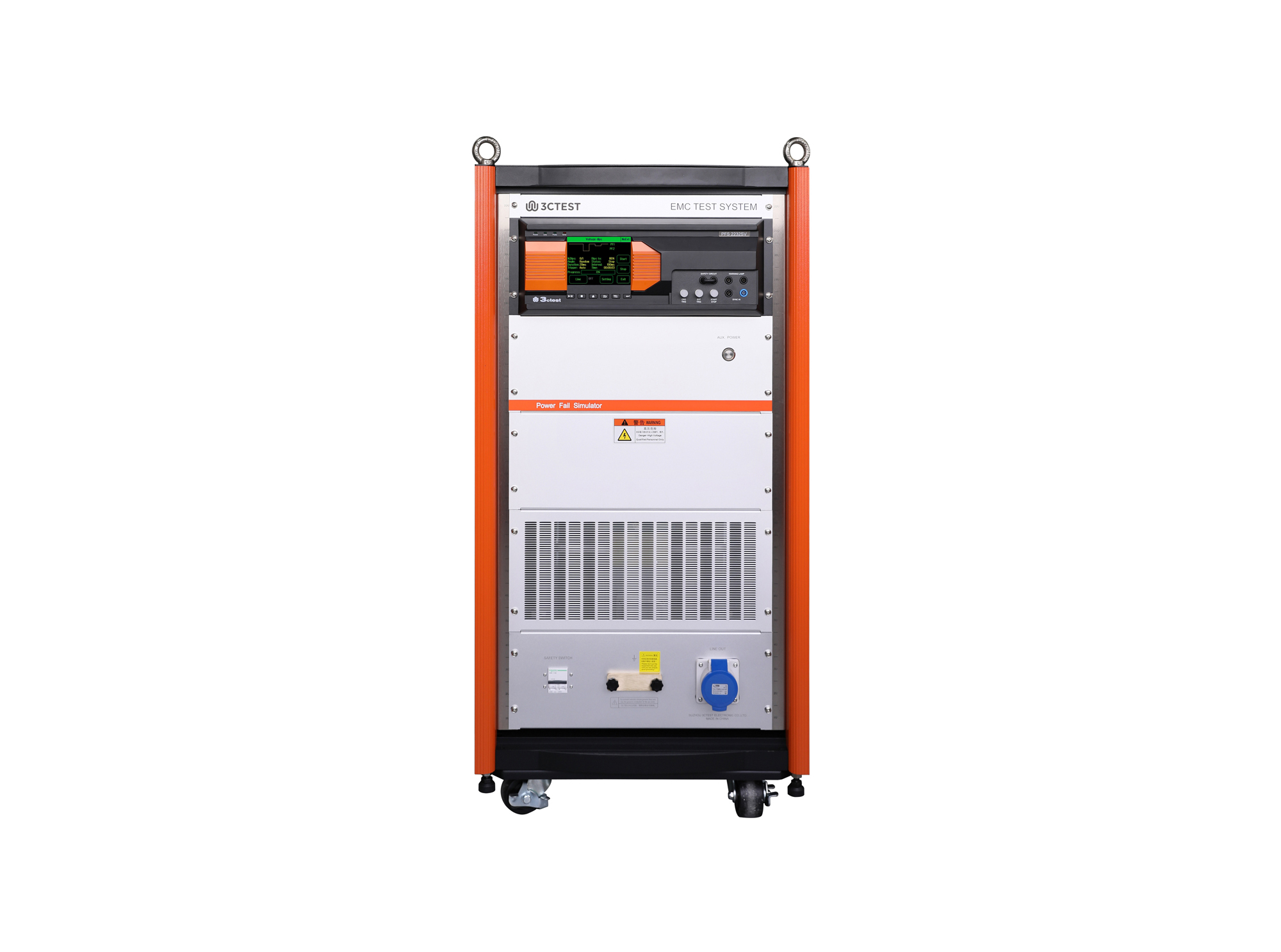
The PFS 2230SV Power Failure Simulator is designed in accordance with IEC 61000-4-34 and IEC 61000-4-11. It simulates voltage dips, short interruptions, and voltage variations caused by power grid or substation faults and sudden load changes.
The PFS 2230SV Power Failure Simulator is designed in accordance with IEC 61000-4-34 and IEC 61000-4-11.
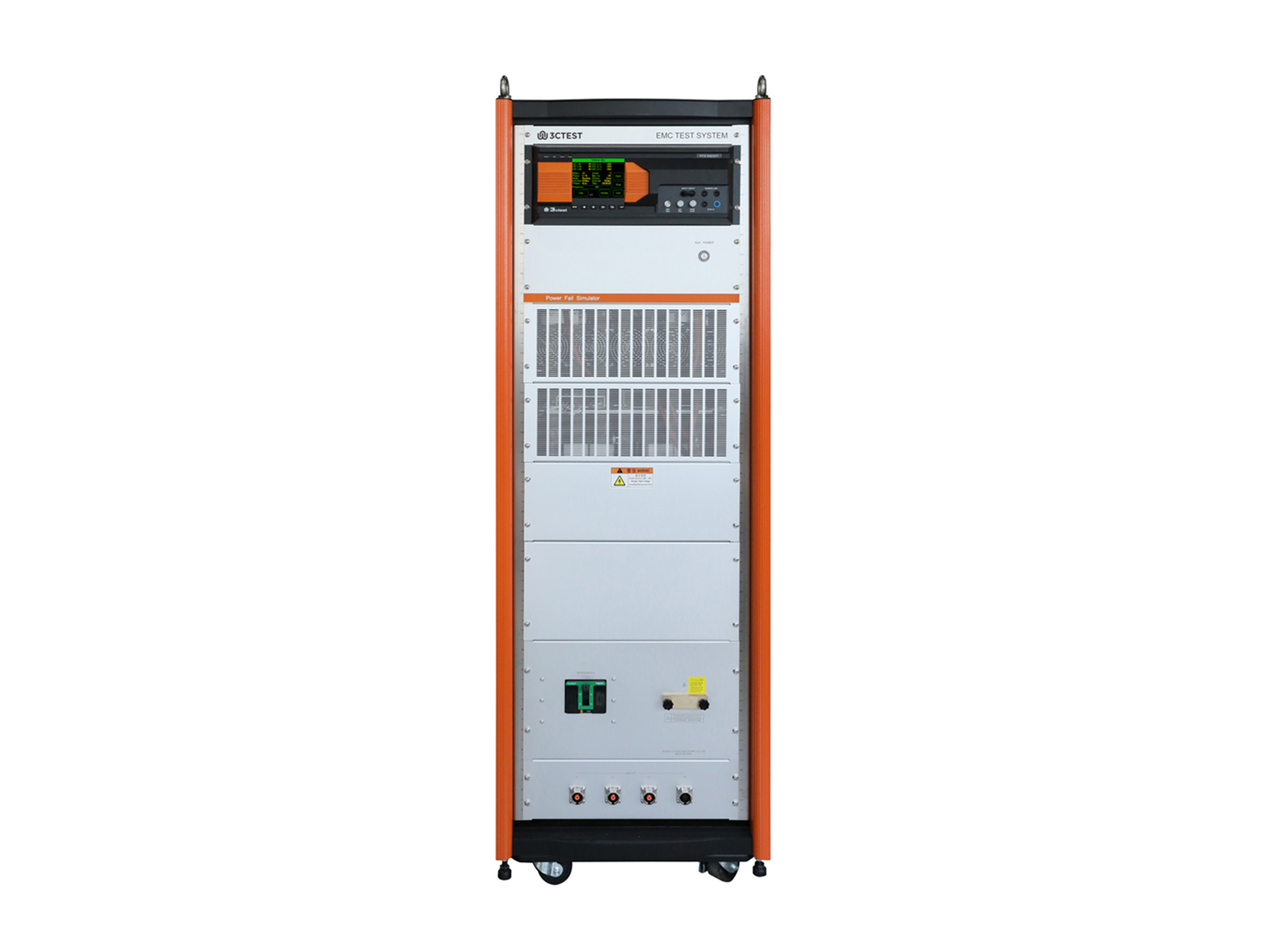
The PFS 69200T1F Power Failure Simulator is designed in accordance with the requirements of IEC 61000-4-11/34 to simulate voltage dips and short interruptions at the input port.
• Using the product inquiry function can help you quickly learn about the product's price and other related information.
• You can either inquire about a single product directly, or select multiple products to add to the inquiry bar and inquire about them together.
• How to make an inquiry





1. Using the product comparison function can help you find the target product you need for selection more quickly and easily.
2. You can add up to 5 products for comparison. Product models and parameters may vary across different series. It is recommended to compare products within the same series.
3. How to use the comparison bar.




 Phone: +86-512-68413700
 Email: info@3ctest.cn
 Address:No.99 E'meishan Rd, SND, Suzhou, Jiangsu, 215153, China,Suzhou, Jiangsu, 215153, China



© 2025 Suzhou 3CTEST


 Leave a Message


