

High frequency recommended vocabulary

The Chinese emission standard for information technology equipment is applied in China through the compulsory certification system rather than as a voluntary reference, so that the limits it sets, and not merely the test method, are a condition of placing most information technology products on the Chinese market. The standard distinguishes two classes of equipment exactly as the international document does, and the class assigned to a product determines both the limits and, in practice, the way the product is documented and installed. Chinese laboratories accredited for this standard issue the reports that the certification bodies accept, and a report produced against the international standard alone is not a substitute, even though the limits are aligned. Manufacturers preparing for the Chinese market typically need a domestic representative and a factory inspection in addition to the test report, and the certification must be renewed periodically.
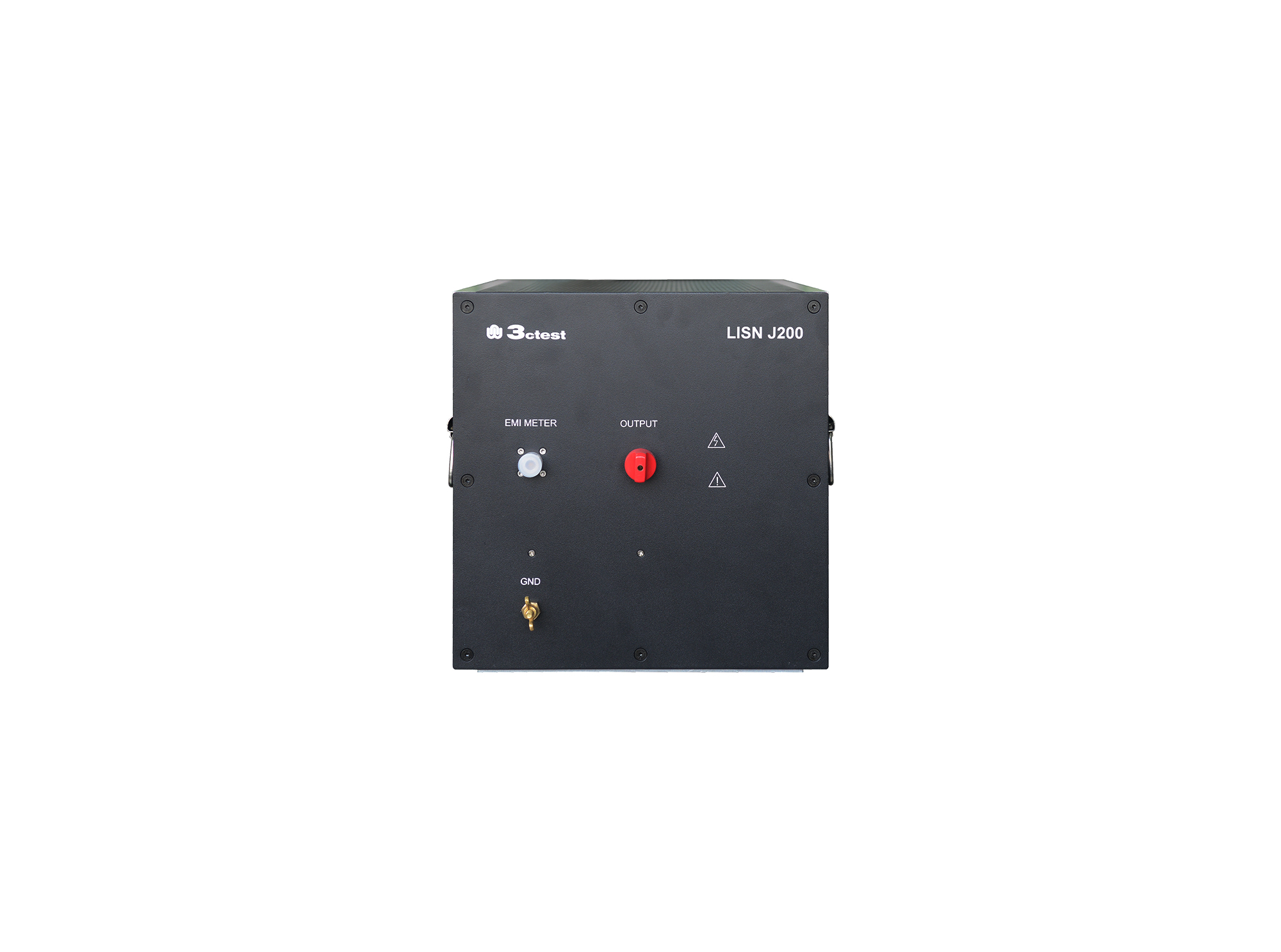
The LISN J200 is designed as per GJB151B (2013) and MIL-STD-461E(1999)and used to separate parts from mains and measure the disturbances feature of vehicles, ships and internal combustion engines, its impedance completely meets standards requirements.
• Using the product inquiry function can help you quickly learn about the product's price and other related information.
• You can either inquire about a single product directly, or select multiple products to add to the inquiry bar and inquire about them together.
• How to make an inquiry





1. Using the product comparison function can help you find the target product you need for selection more quickly and easily.
2. You can add up to 5 products for comparison. Product models and parameters may vary across different series. It is recommended to compare products within the same series.
3. How to use the comparison bar.




 Phone: +86-512-68413700
 Email: info@3ctest.cn
 Address:No.99 E'meishan Rd, SND, Suzhou, Jiangsu, 215153, China,Suzhou, Jiangsu, 215153, China



© 2025 Suzhou 3CTEST


 Leave a Message


