

High frequency recommended vocabulary

This part of the Chinese automotive component test series covers the harness excitation methods, adopted from the international document, and it has become the most widely used component level immunity test in Chinese automotive development because it is quicker and cheaper to perform than a radiated test in a chamber while reproducing the coupling path that actually causes most module failures. The method injects a defined radio frequency current into the harness that connects the module, and the requirement is imposed in China through the component specifications issued by the vehicle manufacturers, which select the current levels and the frequency range and define the reference harness on which the injection fixture is calibrated. Because the result depends strongly on the harness, a supplier working for several customers will be asked to use different harness definitions for each, and the report must record the harness actually used.
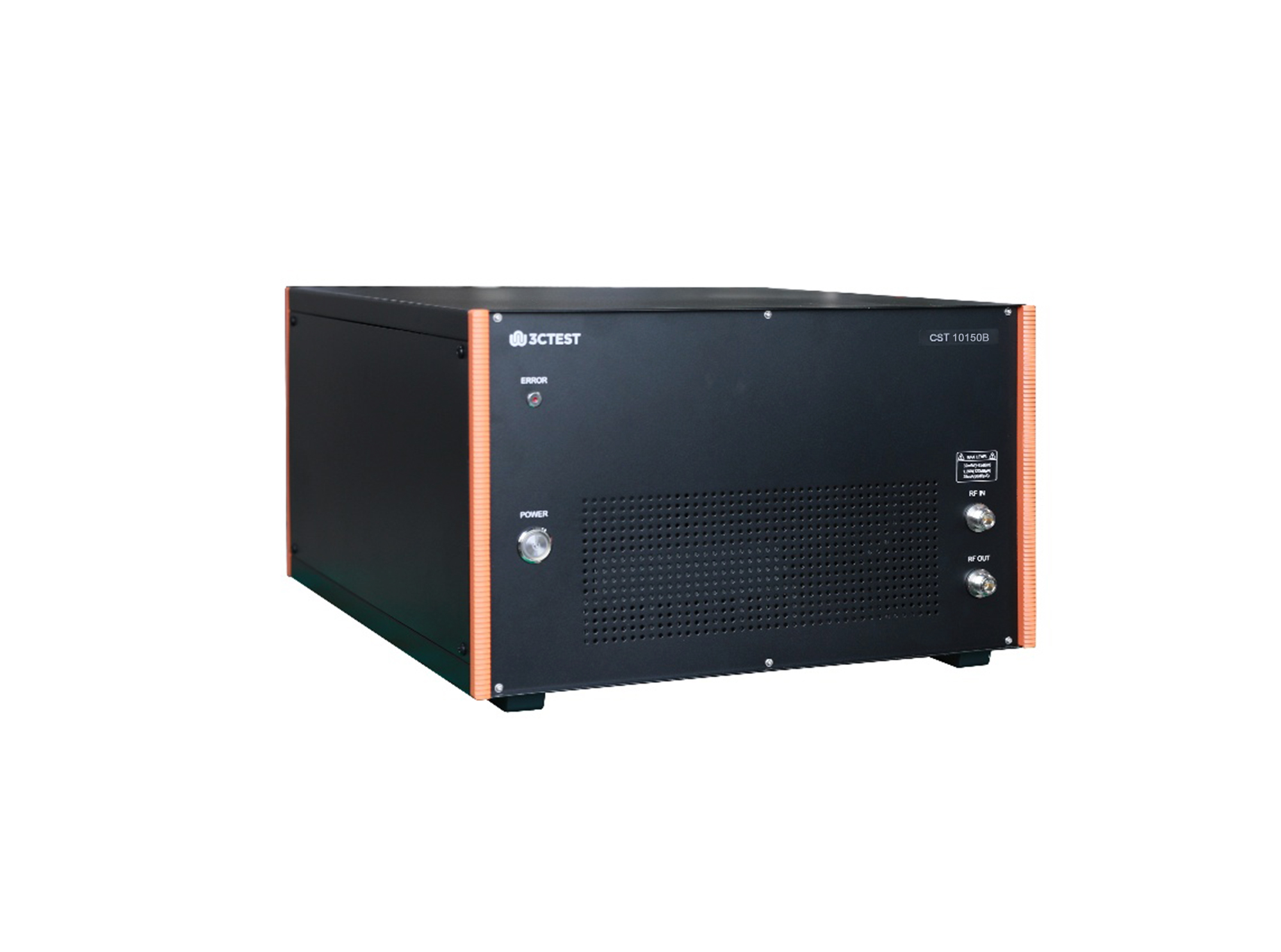
CST 10150B RF Conducted Immunity Tester is an integrated automatic test system specially developed for automotive electronic BCI tests. It is fully designed in compliance with standards including ISO 11452-4, GB/T 33014.4, IEC 61000-4-6, GB/T 17626.6 and other relevant standards.
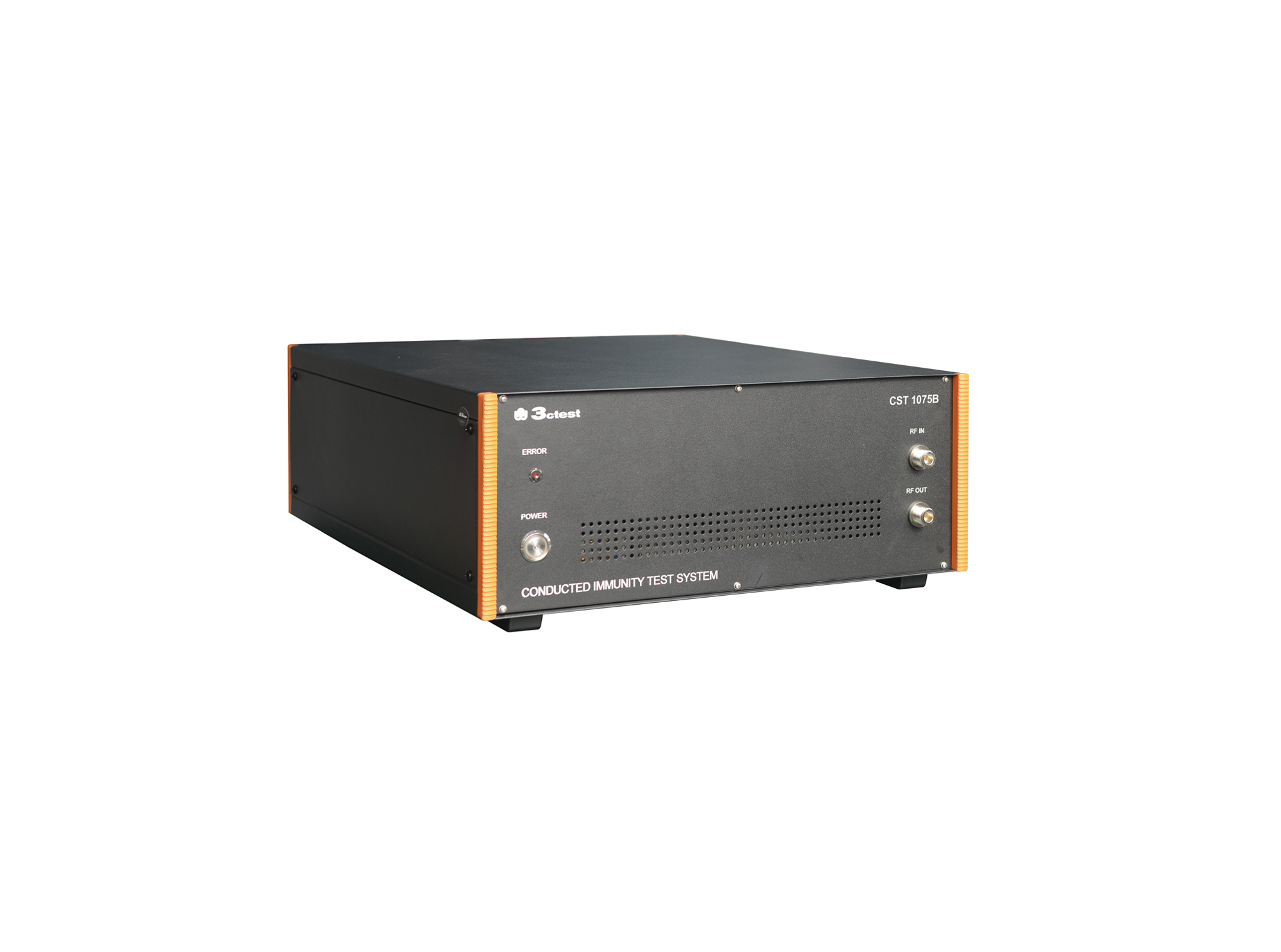
CST 1075B RF Conducted Immunity Tester is an integrated automatic test system specially developed for automotive electronic BCI tests. It is fully designed in compliance with standards including ISO 11452-4, IEC 61000-4-6 and other relevant standards.
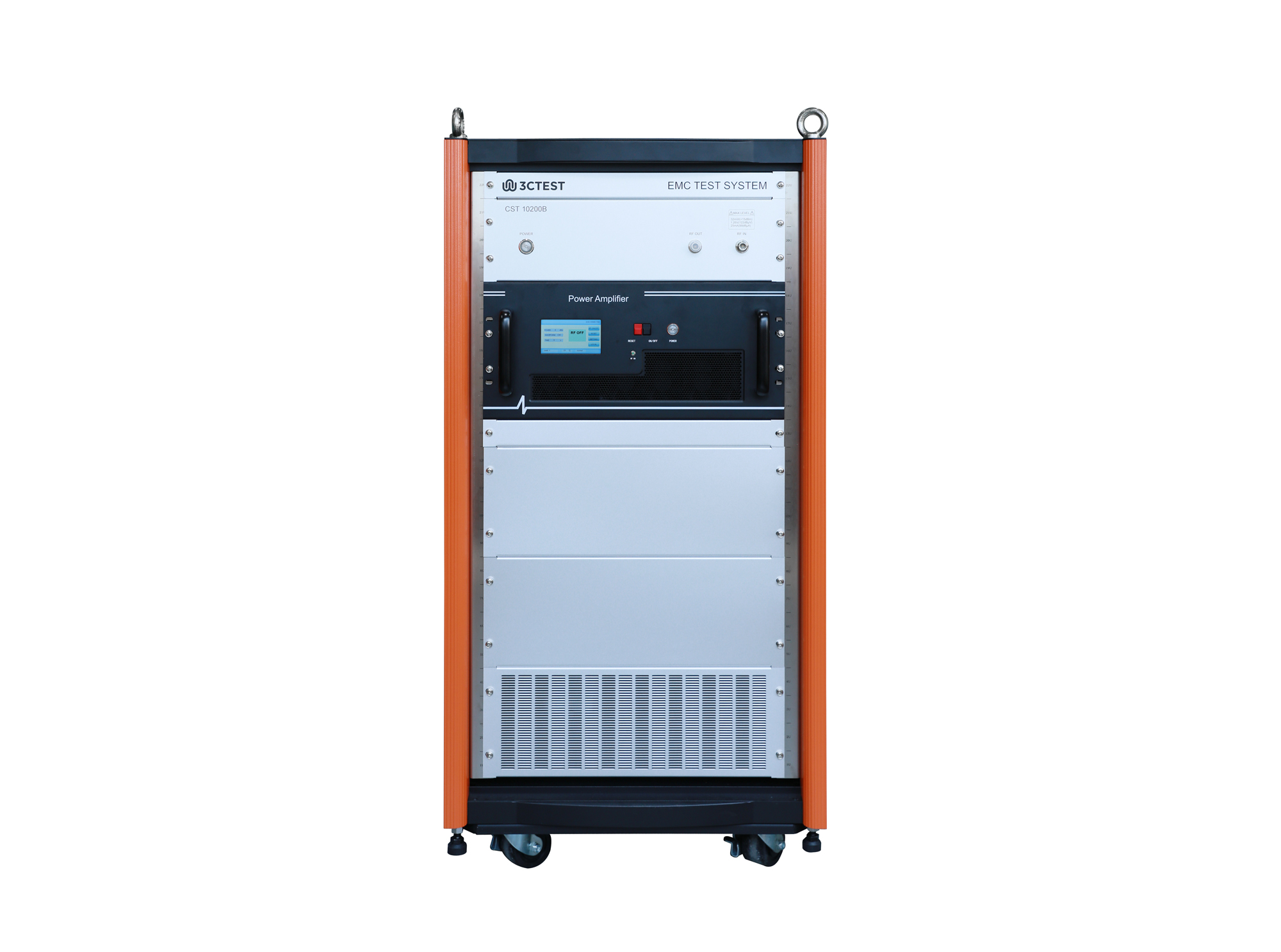
CST 10200B RF Conducted Immunity Tester is an integrated automatic test system specially developed for automotive electronic BCI tests. It is fully designed in compliance with standards including ISO 11452-4, IEC 61000-4-6 and other relevant standards.
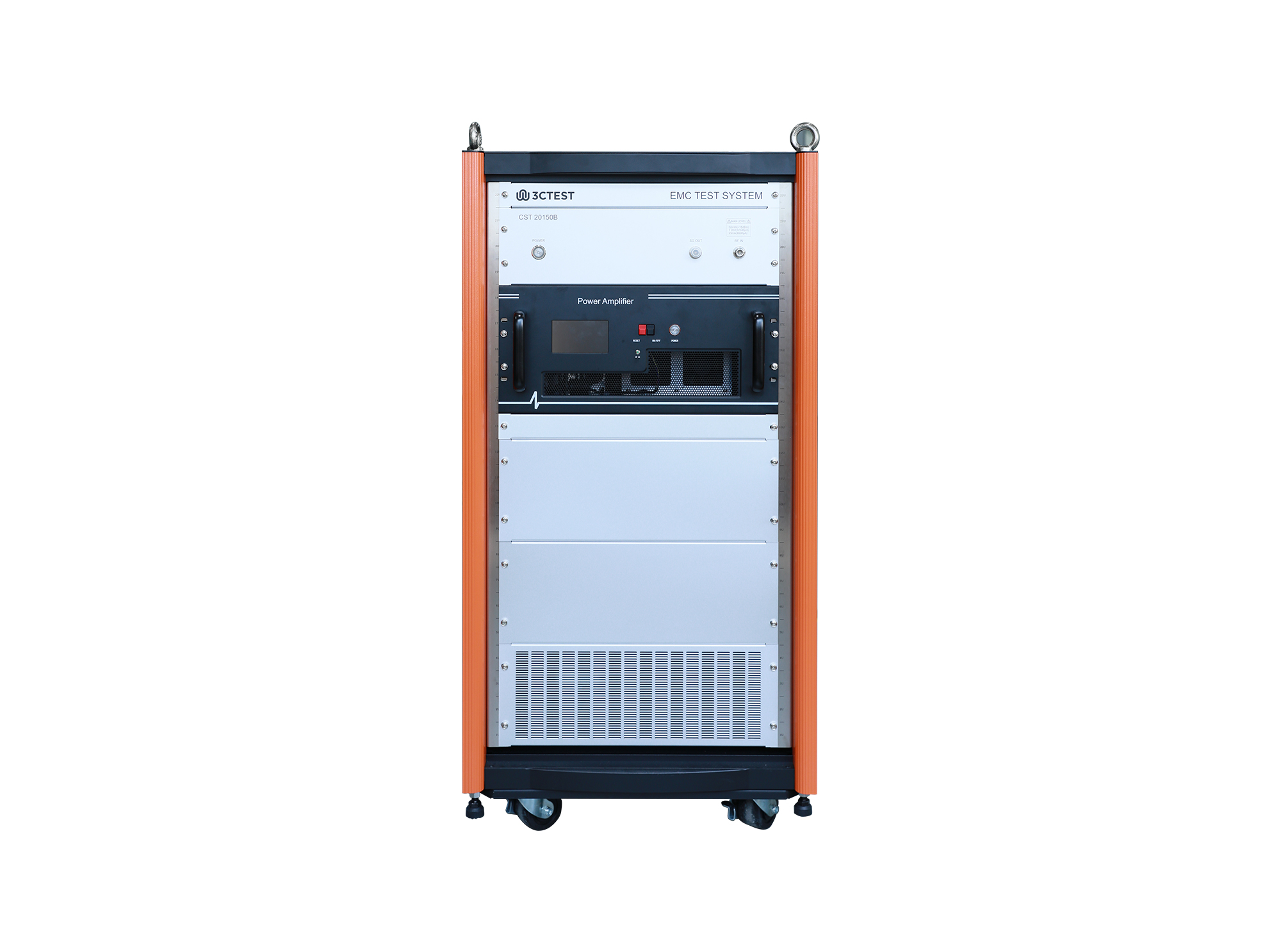
CST 20150B RF Conducted Immunity Tester is an integrated automatic test system specially developed for automotive electronic BCI tests. It is fully designed in compliance with standards including ISO 11452-4, IEC 61000-4-6 and other relevant standards.
• Using the product inquiry function can help you quickly learn about the product's price and other related information.
• You can either inquire about a single product directly, or select multiple products to add to the inquiry bar and inquire about them together.
• How to make an inquiry





1. Using the product comparison function can help you find the target product you need for selection more quickly and easily.
2. You can add up to 5 products for comparison. Product models and parameters may vary across different series. It is recommended to compare products within the same series.
3. How to use the comparison bar.




 Phone: +86-512-68413700
 Email: info@3ctest.cn
 Address:No.99 E'meishan Rd, SND, Suzhou, Jiangsu, 215153, China,Suzhou, Jiangsu, 215153, China



© 2025 Suzhou 3CTEST


 Leave a Message


