

High frequency recommended vocabulary

This part of the Chinese relay series carries the disturbance test in which a burst of damped oscillation is applied to the auxiliary and signal circuits of protection equipment, and it belongs to a relay standard family that was rebuilt to follow the international structure for measuring relays and protection equipment. In Chinese practice the test is applied to equipment destined for the transmission and distribution network, where the wiring of a substation produces exactly this kind of repetitive transient whenever a disconnector or a circuit breaker operates, and the results are assembled together with the power frequency, fast transient, surge and conducted radio frequency tests into a single disturbance report for the device. The standard is cited in the technical specifications of the network operators and of the equipment manufacturers who supply them, and its numbering should be read with care, since this part of the Chinese series and the corresponding part of the international relay series describe the same test under different numbers.
.jpg)
The DOS 400F fast damped oscillatory wave simulator can complete the testing of fast damped oscillatory waves required by the IEC 61000-4-18 standard.
.jpg)
The DOS 300(1XXX) Slow Damped Oscillatory Wave Simulator is designed in accordance with IEC 61000-4-18 to simulate repetitive slow damped oscillatory phenomena caused by switching disconnectors occurring on power, control, and signal cables in HV/MV power systems, particularly caused by HV busbar switching.
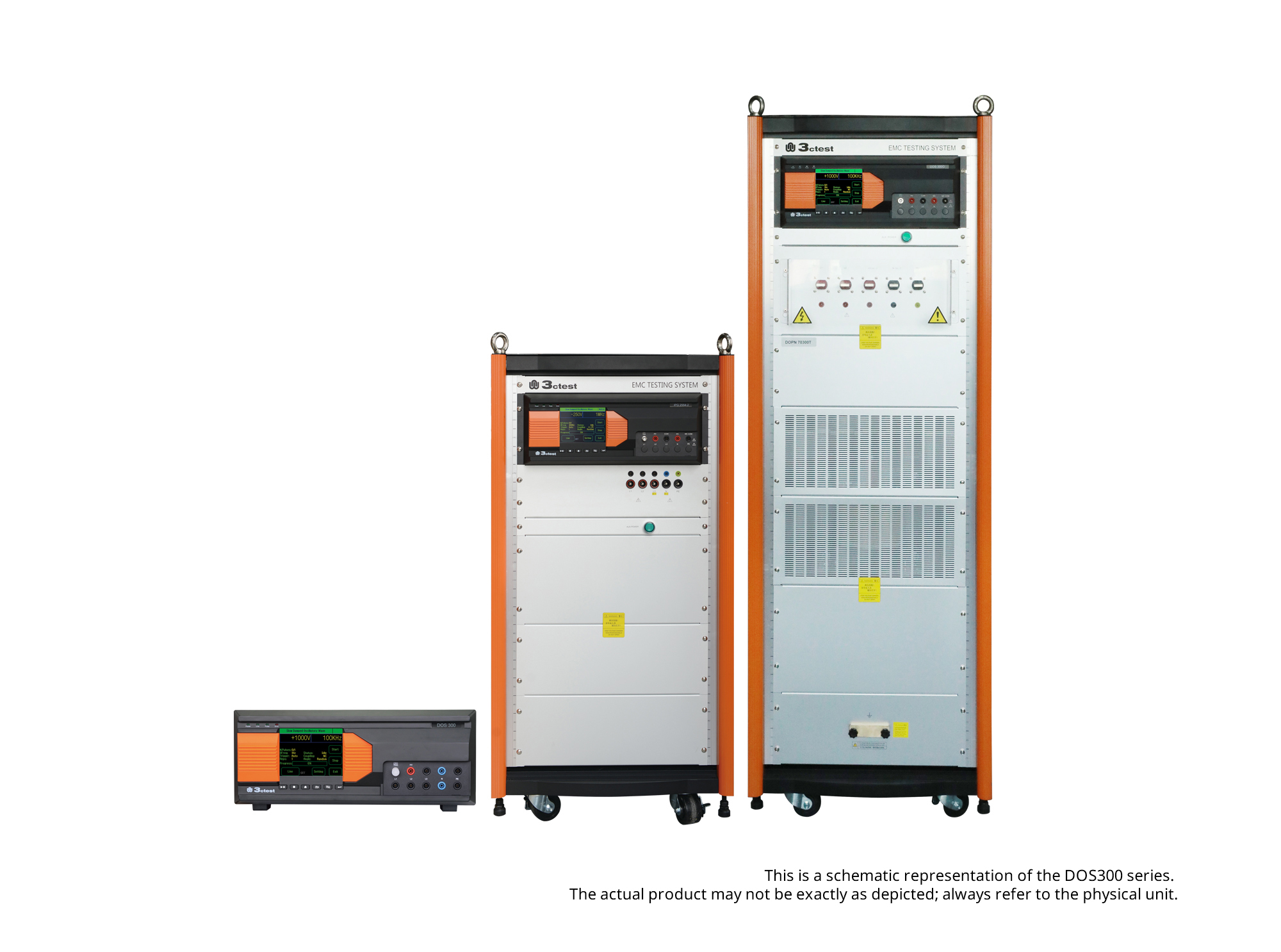
The DOS 300 Series Damped Oscillatory Wave Simulator can perform slow damped oscillatory wave tests according to IEC 61000-4-18 and damped oscillatory magnetic field tests according to IEC 61000-4-10 (optional).
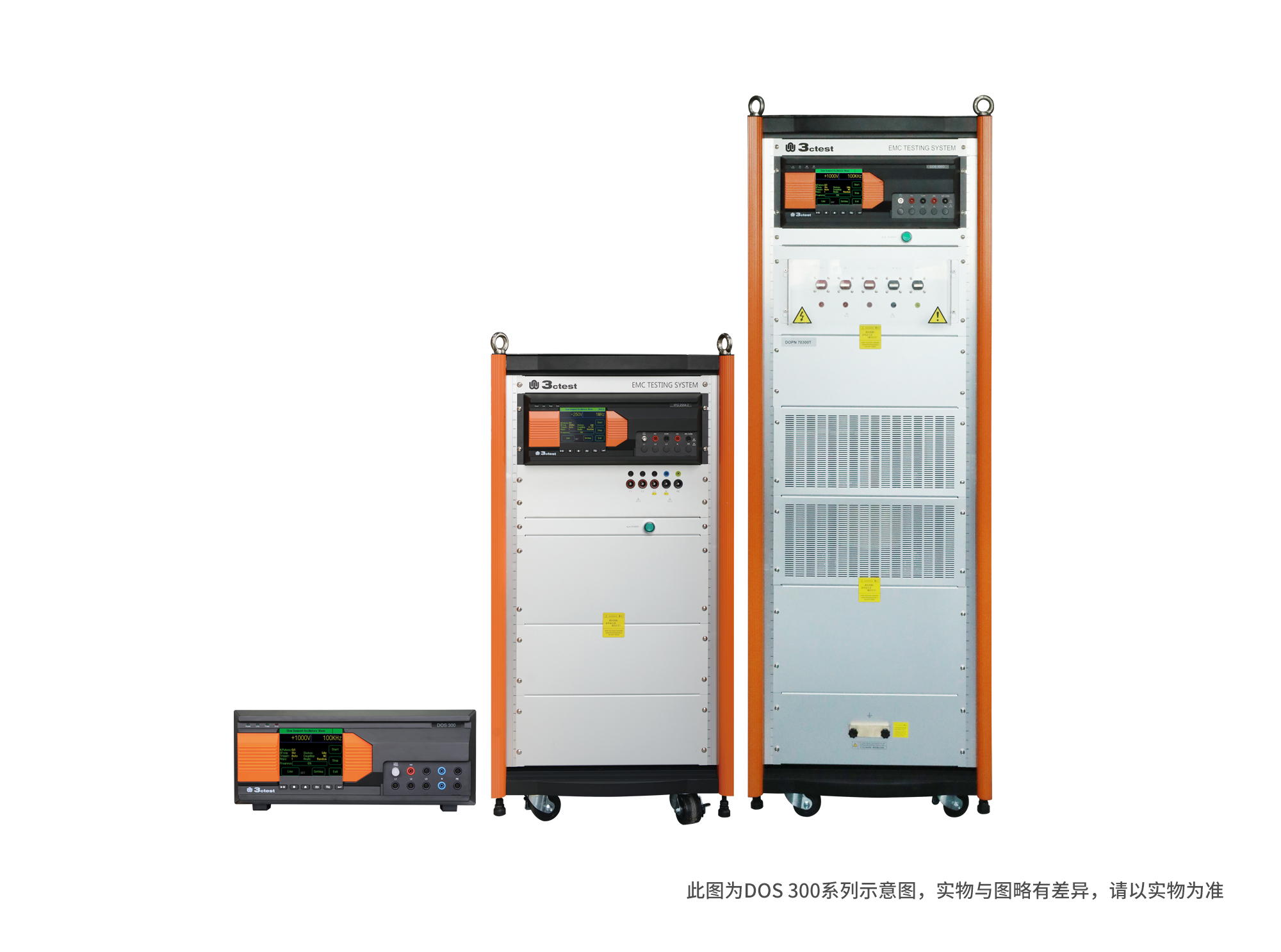
The DOS 300 Series Damped Oscillatory Wave Simulator can perform slow damped oscillatory wave tests according to IEC 61000-4-18 and damped oscillatory magnetic field tests according to IEC 61000-4-10 (optional).
• Using the product inquiry function can help you quickly learn about the product's price and other related information.
• You can either inquire about a single product directly, or select multiple products to add to the inquiry bar and inquire about them together.
• How to make an inquiry





1. Using the product comparison function can help you find the target product you need for selection more quickly and easily.
2. You can add up to 5 products for comparison. Product models and parameters may vary across different series. It is recommended to compare products within the same series.
3. How to use the comparison bar.




 Phone: +86-512-68413700
 Email: info@3ctest.cn
 Address:No.99 E'meishan Rd, SND, Suzhou, Jiangsu, 215153, China,Suzhou, Jiangsu, 215153, China



© 2025 Suzhou 3CTEST


 Leave a Message


