

High frequency recommended vocabulary

This Chinese standard defines the electrical load conditions that automotive electrical and electronic equipment must tolerate, adopted from the international document, and it is one of the component standards through which a supplier demonstrates to a Chinese vehicle manufacturer that a module will survive the electrical environment of the vehicle. The applicable test programme is selected from the customer specification rather than from the national standard, because the severity of each condition depends on the system voltage of the vehicle and on the position of the module in the electrical architecture, and a module intended for a twelve volt network is not tested to the same levels as one supplied from a higher voltage system. The document is read together with the national standards for conducted transients and for radiated disturbance, which together make up the electromagnetic qualification of a component in Chinese automotive practice.
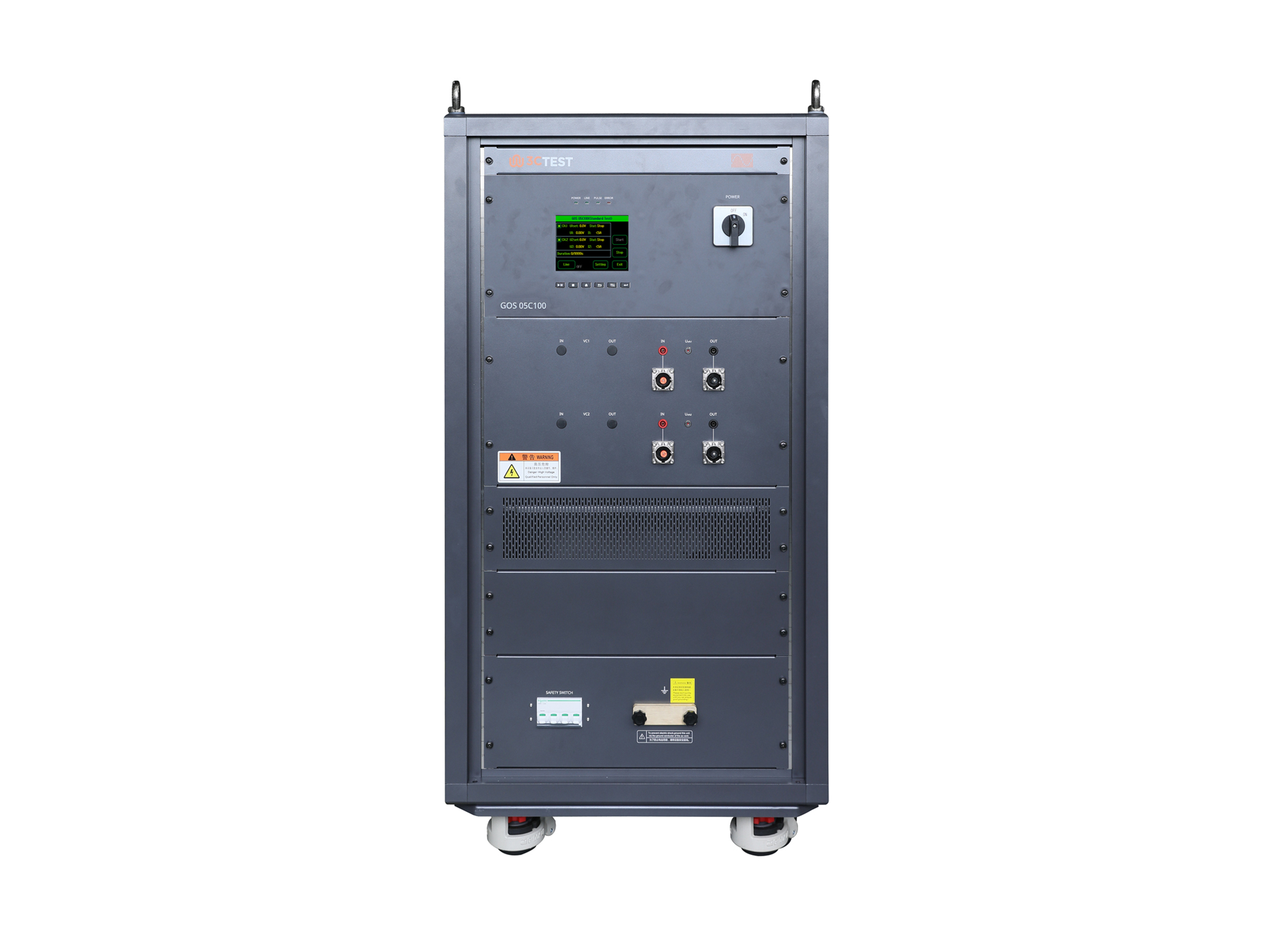
The GOS 05C100 ground offset simulator complies with ISO 16750-2, ISO 21780, VW 80000, GMW 3172.
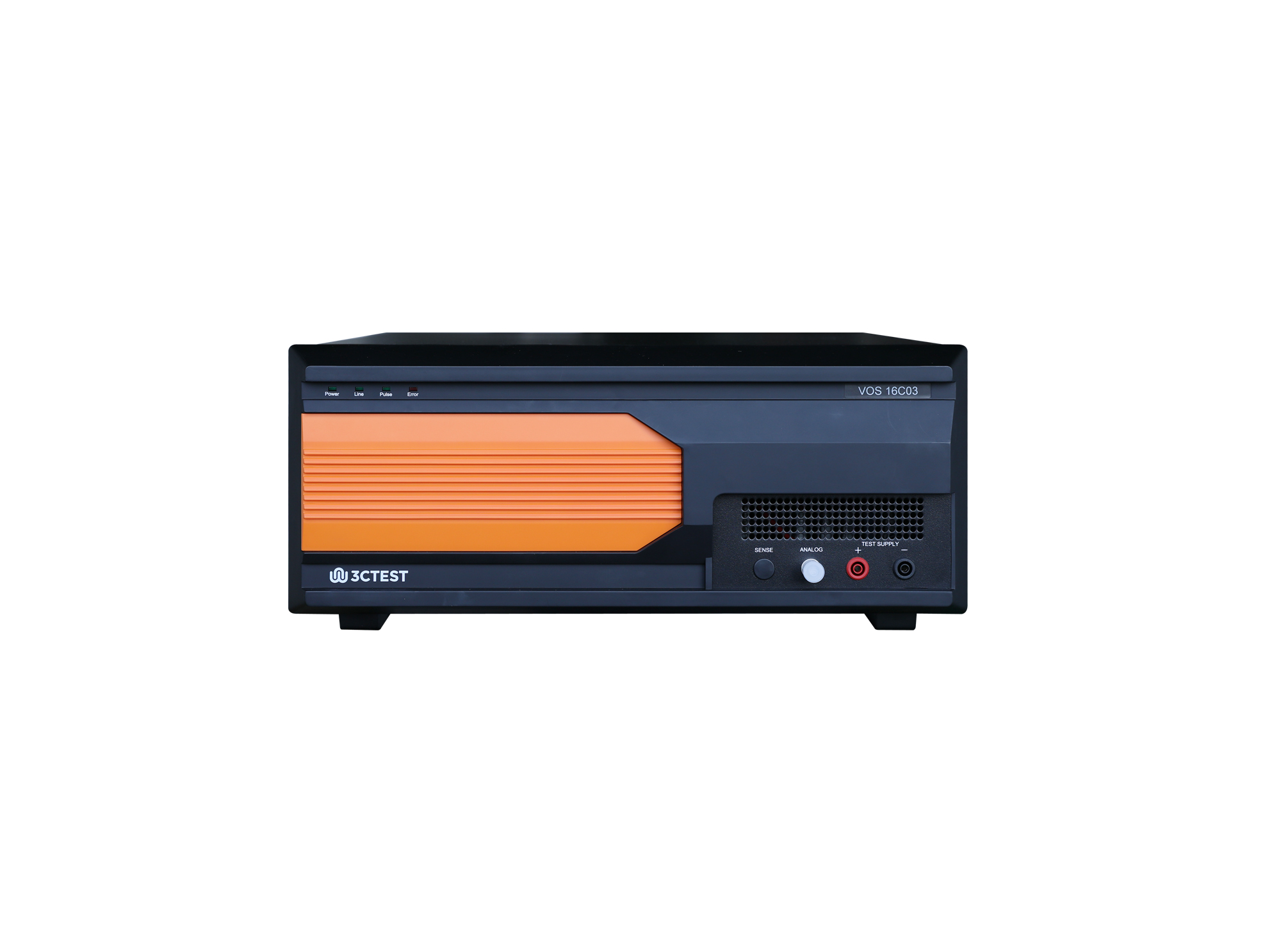
The VOS 16C03 Voltage Offset Simulator is designed strictly in accordance with the Pulse 10a/10b/10c/10d specified in Table 31 of CHANGAN standard VS-00.35-L-10008:2018. The product integrates a high-performance signal generator with frequency up to 300 kHz and its voltage slew rate up to 80 V/μs.
• Using the product inquiry function can help you quickly learn about the product's price and other related information.
• You can either inquire about a single product directly, or select multiple products to add to the inquiry bar and inquire about them together.
• How to make an inquiry





1. Using the product comparison function can help you find the target product you need for selection more quickly and easily.
2. You can add up to 5 products for comparison. Product models and parameters may vary across different series. It is recommended to compare products within the same series.
3. How to use the comparison bar.




 Phone: +86-512-68413700
 Email: info@3ctest.cn
 Address:No.99 E'meishan Rd, SND, Suzhou, Jiangsu, 215153, China,Suzhou, Jiangsu, 215153, China



© 2025 Suzhou 3CTEST


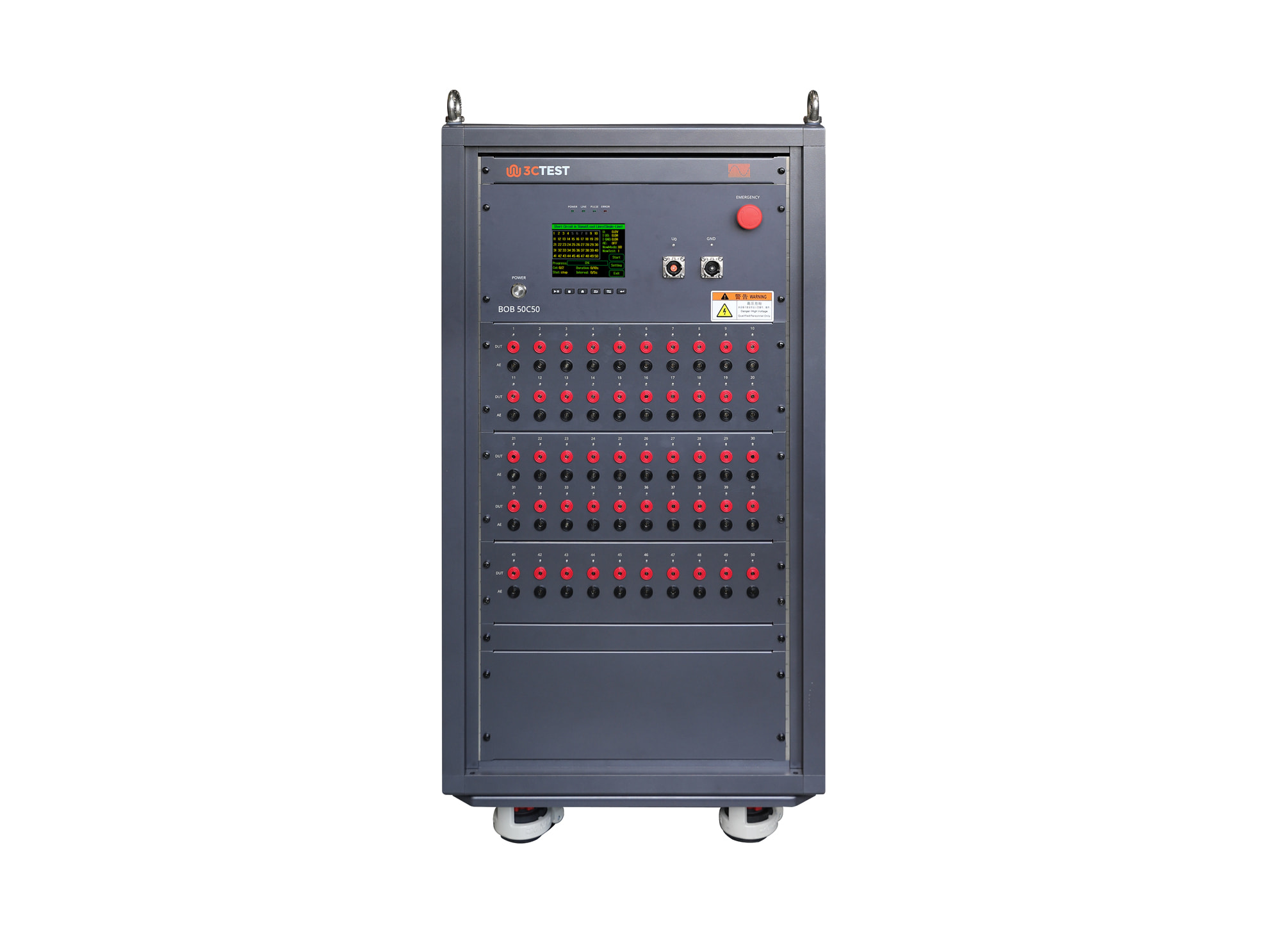
 Leave a Message


