

High frequency recommended vocabulary

BMW GS 95024-2-1 takes as its subject the vehicle electrical system itself rather than the equipment connected to it, and the three-level numbering suggests that the subject is partitioned by system and sub-system. That focus is significant in modern vehicles, where the electrical system has become a network of several power domains at different voltages, linked by converters and carrying data as well as power, so that a disturbance generated in one part of the installation can reach another part through the converters, the shared earth and the data bus rather than through the supply alone. A requirement written at this level addresses the interaction of the parts, including the transients that appear when a high power load is switched, the behaviour of the network during a start attempt and the coupling between the power and the communication conductors of the same harness. It is applied to the installation rather than to an individual unit.
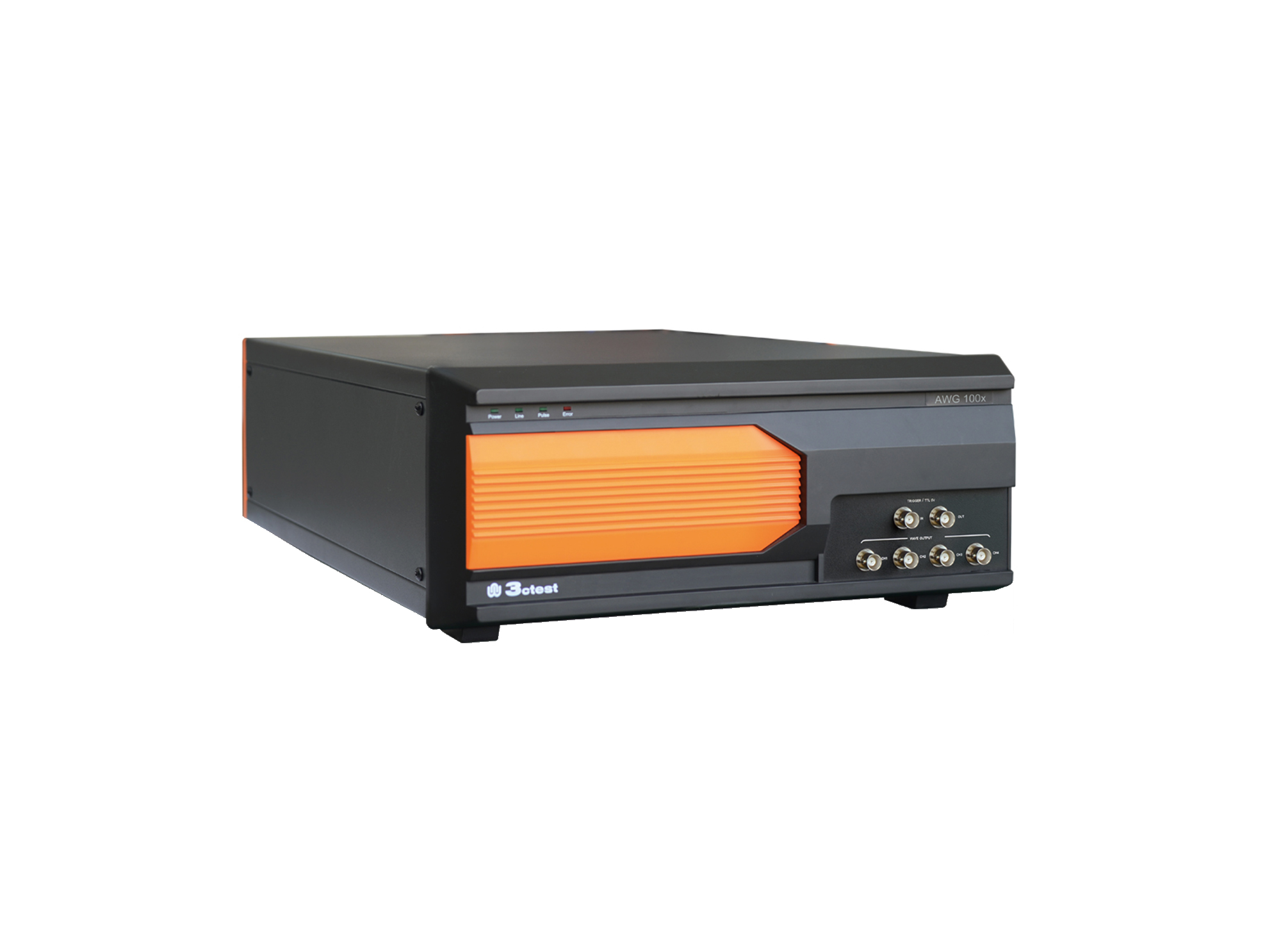
The AWG 100X Arbitrary Waveform Generator complies with ISO 16750, ISO 7637-2 and certain automotive manufacturer standards.
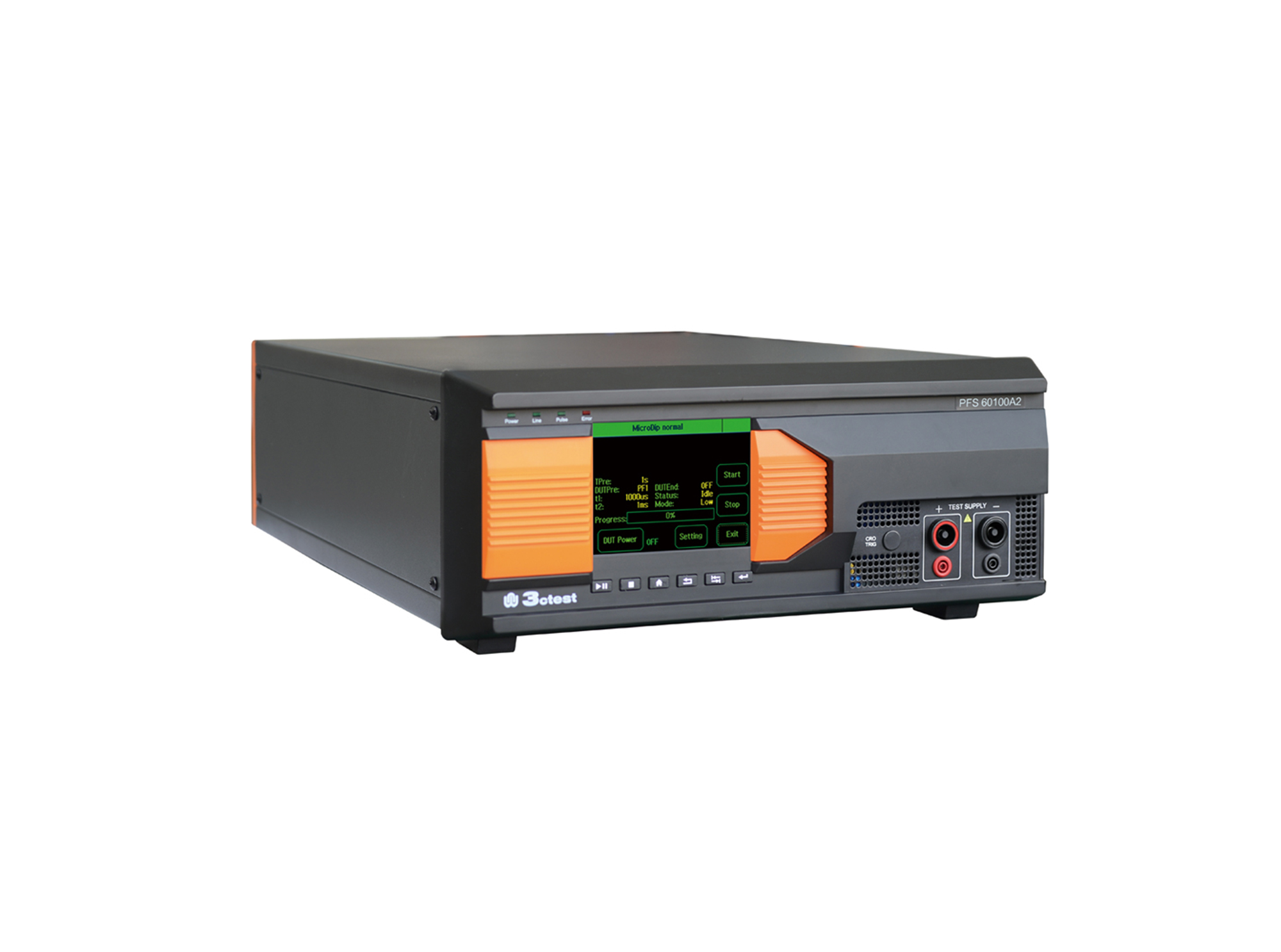
The PFS 60100A2 automotive power failure simulator complies with GM3172, LV124, VW 80000, VS-00.34-L-10002, and other relevant standards.
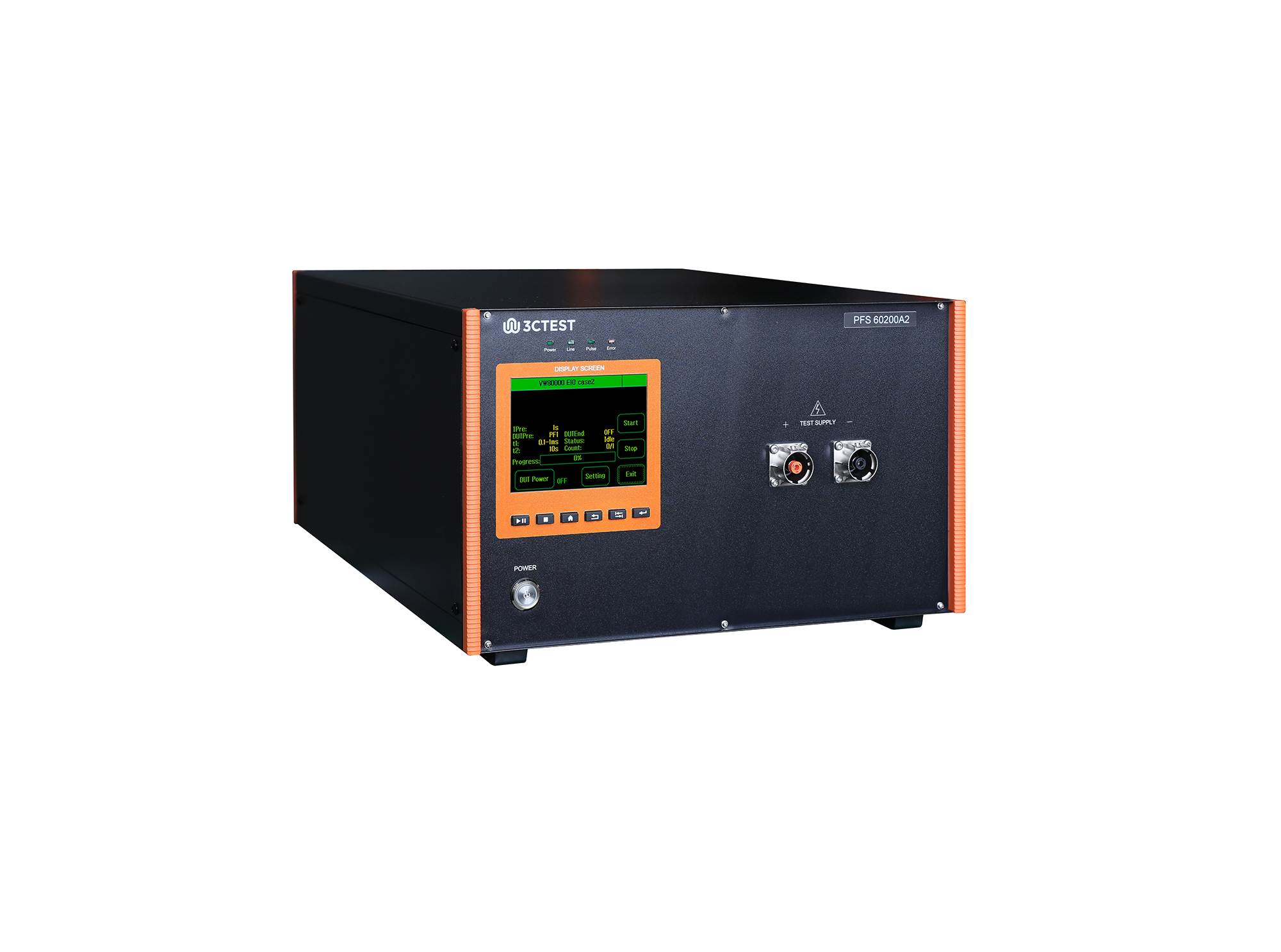
The PFS 60200A2 automotive power failure simulator complies with GM3172, LV124, VW 80000, VS-00.34-L-10002, and other relevant standards.
• Using the product inquiry function can help you quickly learn about the product's price and other related information.
• You can either inquire about a single product directly, or select multiple products to add to the inquiry bar and inquire about them together.
• How to make an inquiry





1. Using the product comparison function can help you find the target product you need for selection more quickly and easily.
2. You can add up to 5 products for comparison. Product models and parameters may vary across different series. It is recommended to compare products within the same series.
3. How to use the comparison bar.




 Phone: +86-512-68413700
 Email: info@3ctest.cn
 Address:No.99 E'meishan Rd, SND, Suzhou, Jiangsu, 215153, China,Suzhou, Jiangsu, 215153, China



© 2025 Suzhou 3CTEST


 Leave a Message


