

High frequency recommended vocabulary

BMW GS 95002 is one of the component level electromagnetic compatibility standards of the manufacturer and is unusual among corporate standards in that it combines the requirement with the testing, so that a supplier does not have to reconcile two documents. In the numbering system of the group the GS prefix identifies a standard of a specific class, and the number is quoted in the request for quotation that a supplier receives, which is the point at which the obligation begins. The document addresses both directions of the requirement, the disturbance the component may emit and the disturbance it must tolerate, and it distinguishes the types of port and the mounting location so that the applicable level can be selected for a component rather than applied uniformly. A supplier will find that the test house must be accepted by the manufacturer, and that the report is submitted in the manufacturer's format.
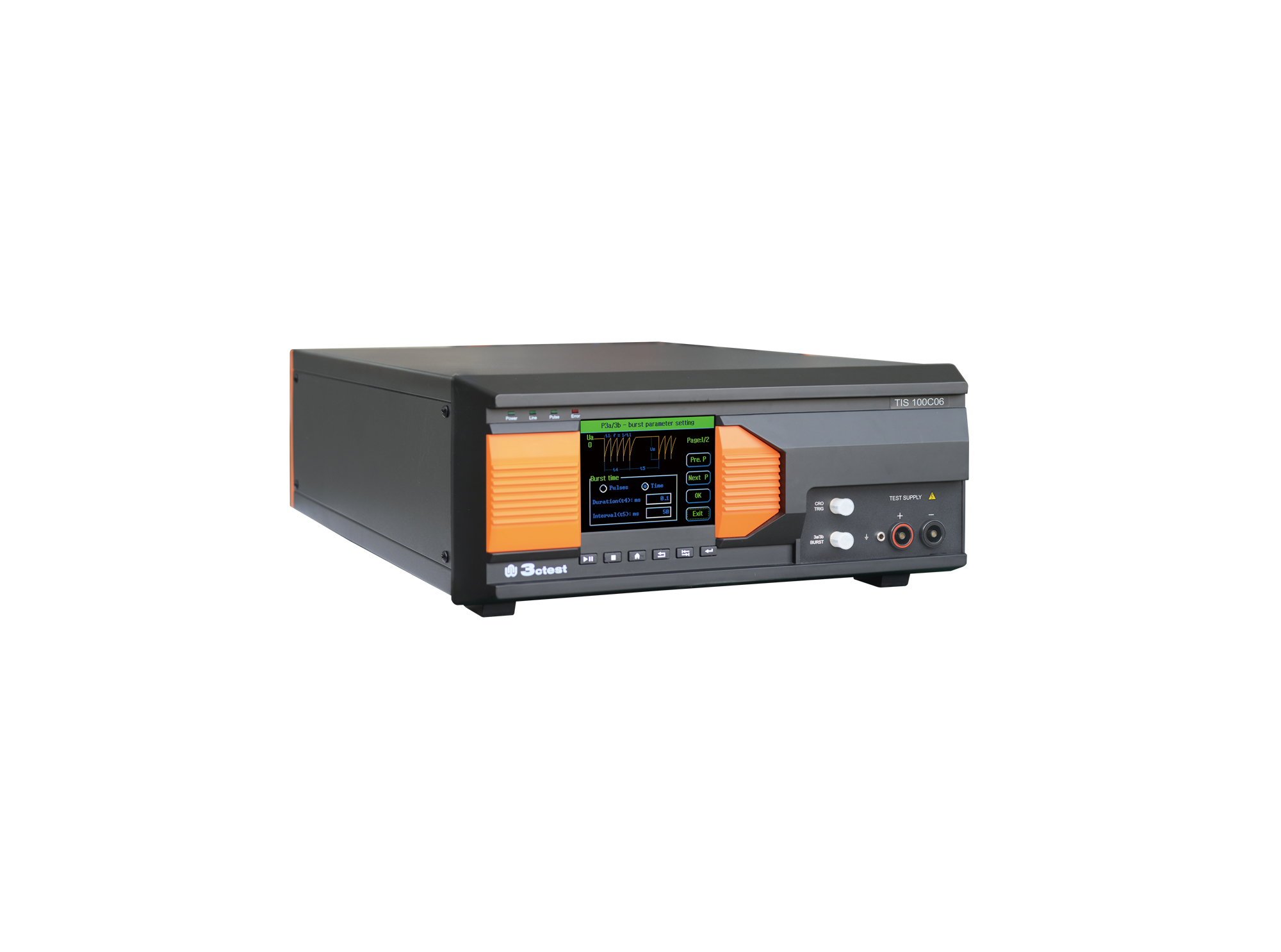
The TIS 100Cx Series Vehicle Compact Transient Pulse Simulator can perform pulses 1, 2a, 3a and 3b on power lines as per ISO 7637-2, and signal and data lines as per ISO 7637-3.
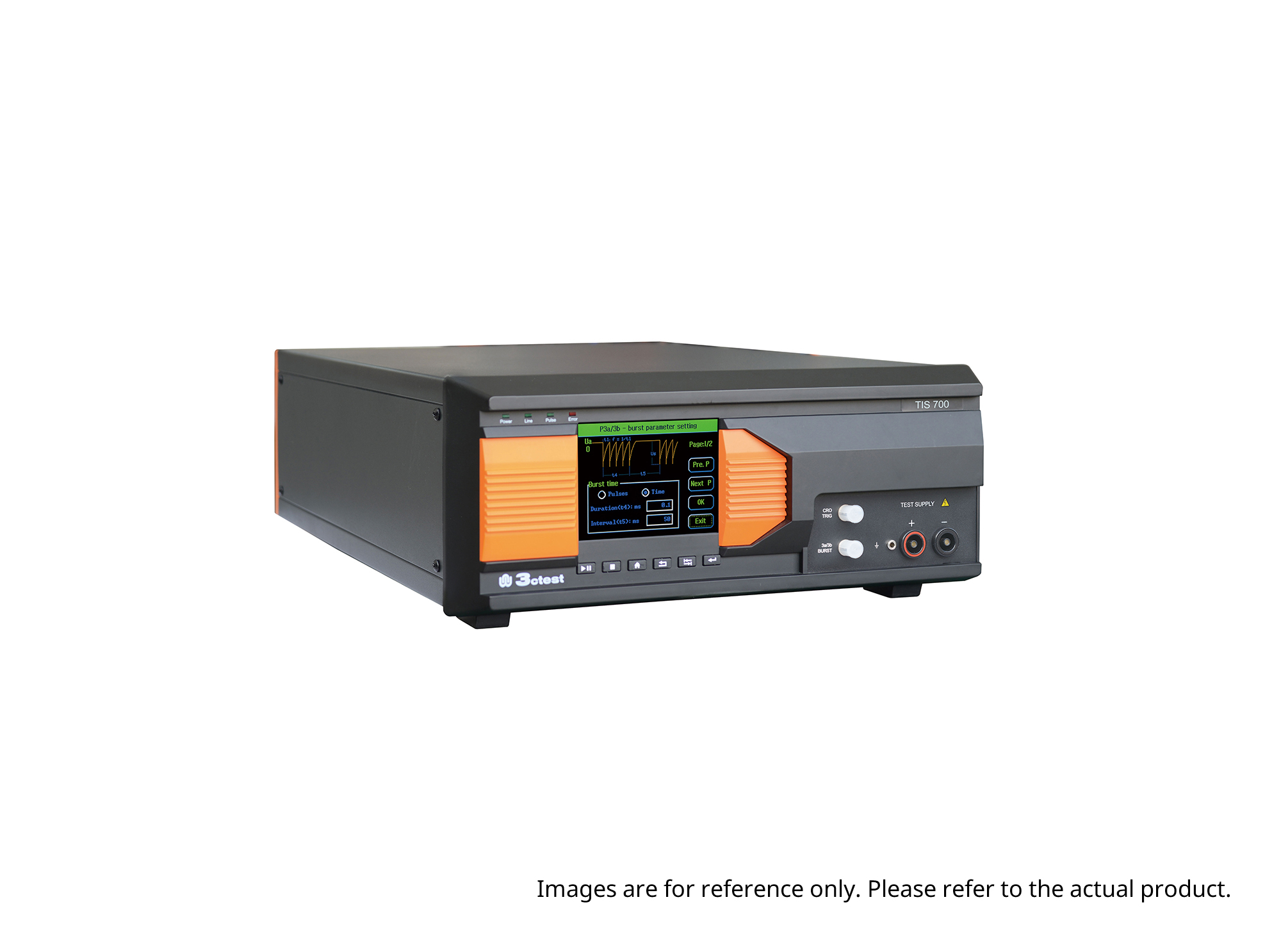
The TIS 700 Vehicle Compact Transient Pulse Simulator can perform pulses 1, 2a, 3a and 3b on power lines as per ISO 7637-2, and signal and data lines as per ISO 7637-3. When used with PC software, it can also perform Pulse 1b and Pulse 6 tests.
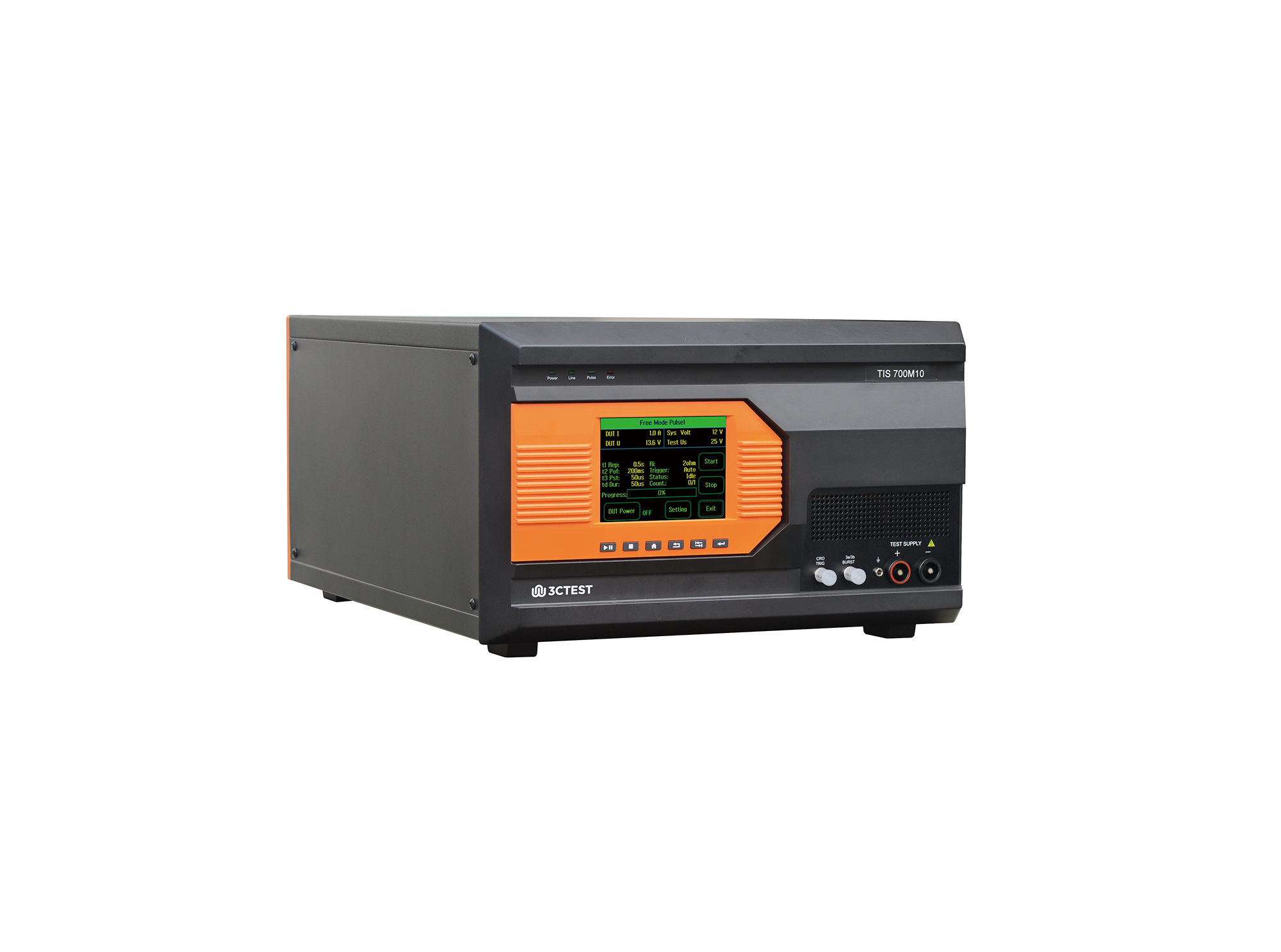
The TIS 700M10 Micro-Pulse Interference Generator can perform pulses 1, 2a, 3a and 3b on power lines as per ISO 7637-2, and fast and slow transient pulses on signal and data lines tests as per ISO 7637-3.
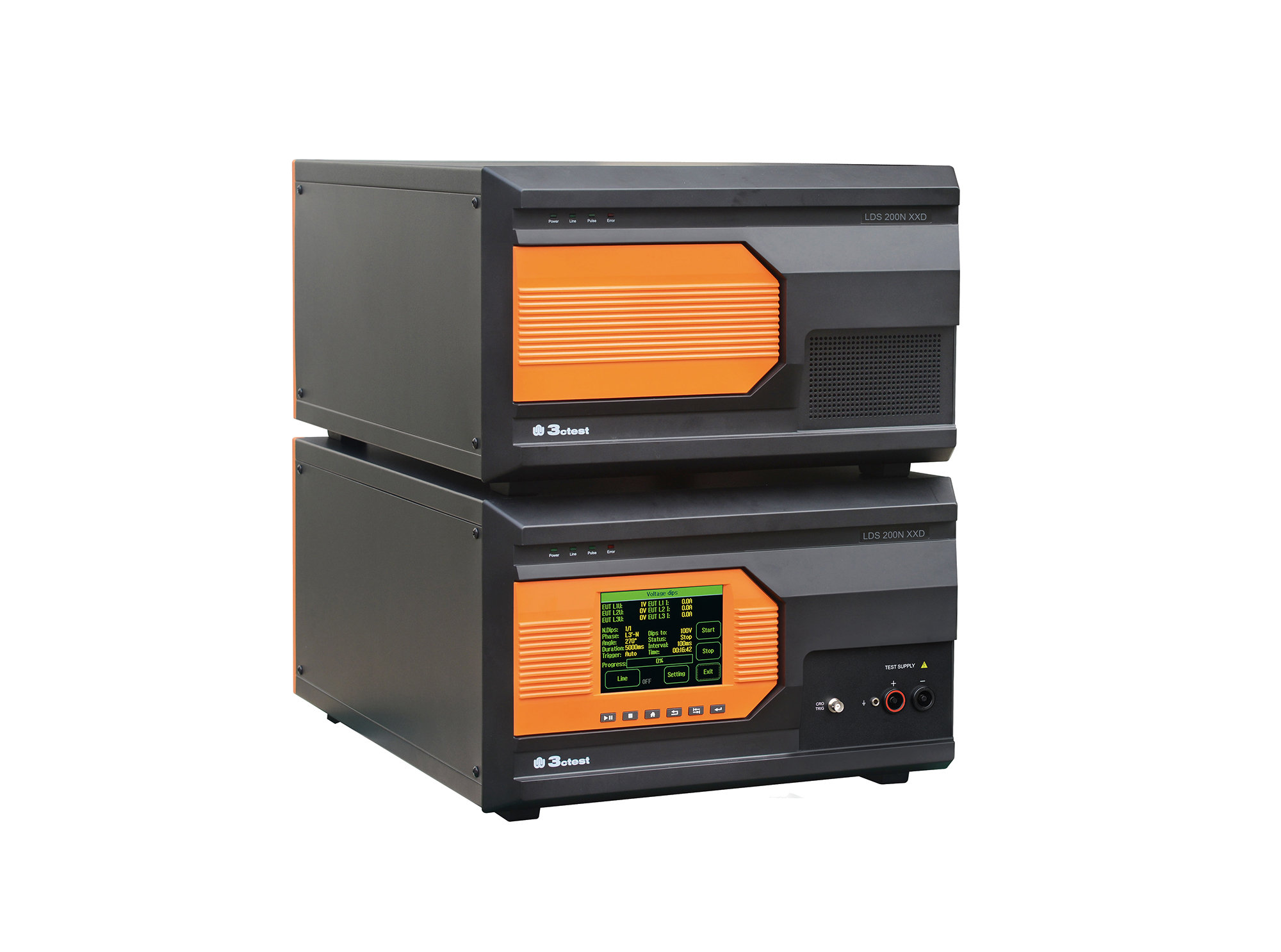
Load dump pulses generated by the LDS 200NxxD comply with ISO 7637-2, ISO 16750-2, SAE J1113 and numerous vehicle manufacturer standards
The TIS 700-200 Vehicle Compact Transient Pulse Simulator can perform pulses 1, 2a, 3a and 3b on power lines as per ISO 7637-2, and signal and data lines as per ISO 7637-3. When used with PC software, it can also perform Pulse 1b and Pulse 6 tests.
The TIS 700-100 Vehicle Compact Transient Pulse Simulator can perform pulses 1, 2a, 3a and 3b on power lines as per ISO 7637-2, and signal and data lines as per ISO 7637-3. When used with PC software, it can also perform Pulse 1b and Pulse 6 tests.
The TIS 700-60 Vehicle Compact Transient Pulse Simulator can perform pulses 1, 2a, 3a and 3b on power lines as per ISO 7637-2, and signal and data lines as per ISO 7637-3. When used with PC software, it can also perform Pulse 1b and Pulse 6 tests.
• Using the product inquiry function can help you quickly learn about the product's price and other related information.
• You can either inquire about a single product directly, or select multiple products to add to the inquiry bar and inquire about them together.
• How to make an inquiry





1. Using the product comparison function can help you find the target product you need for selection more quickly and easily.
2. You can add up to 5 products for comparison. Product models and parameters may vary across different series. It is recommended to compare products within the same series.
3. How to use the comparison bar.




 Phone: +86-512-68413700
 Email: info@3ctest.cn
 Address:No.99 E'meishan Rd, SND, Suzhou, Jiangsu, 215153, China,Suzhou, Jiangsu, 215153, China



© 2025 Suzhou 3CTEST


 Leave a Message


