

High frequency recommended vocabulary

Among the corporate requirements of this manufacturer, the one applying to the restraint system control unit is the clearest illustration of why component standards are written by function rather than by technology. An airbag control unit must not deploy the restraint when it should not, and must deploy it when it should, and those two requirements pull in opposite directions when the behaviour of the accelerometer and its signal path is considered: interference that the unit interprets as a crash is a hazard in itself, while filtering that suppresses interference may delay a genuine deployment. The requirement therefore concentrates on the failure modes that matter for the function, distinguishing the disturbances that must not cause a deployment from those the unit must tolerate without loss of the ability to deploy, and it applies at the level of the sensor, the signal path and the actuator output. The document is read together with the manufacturer's general component requirement.
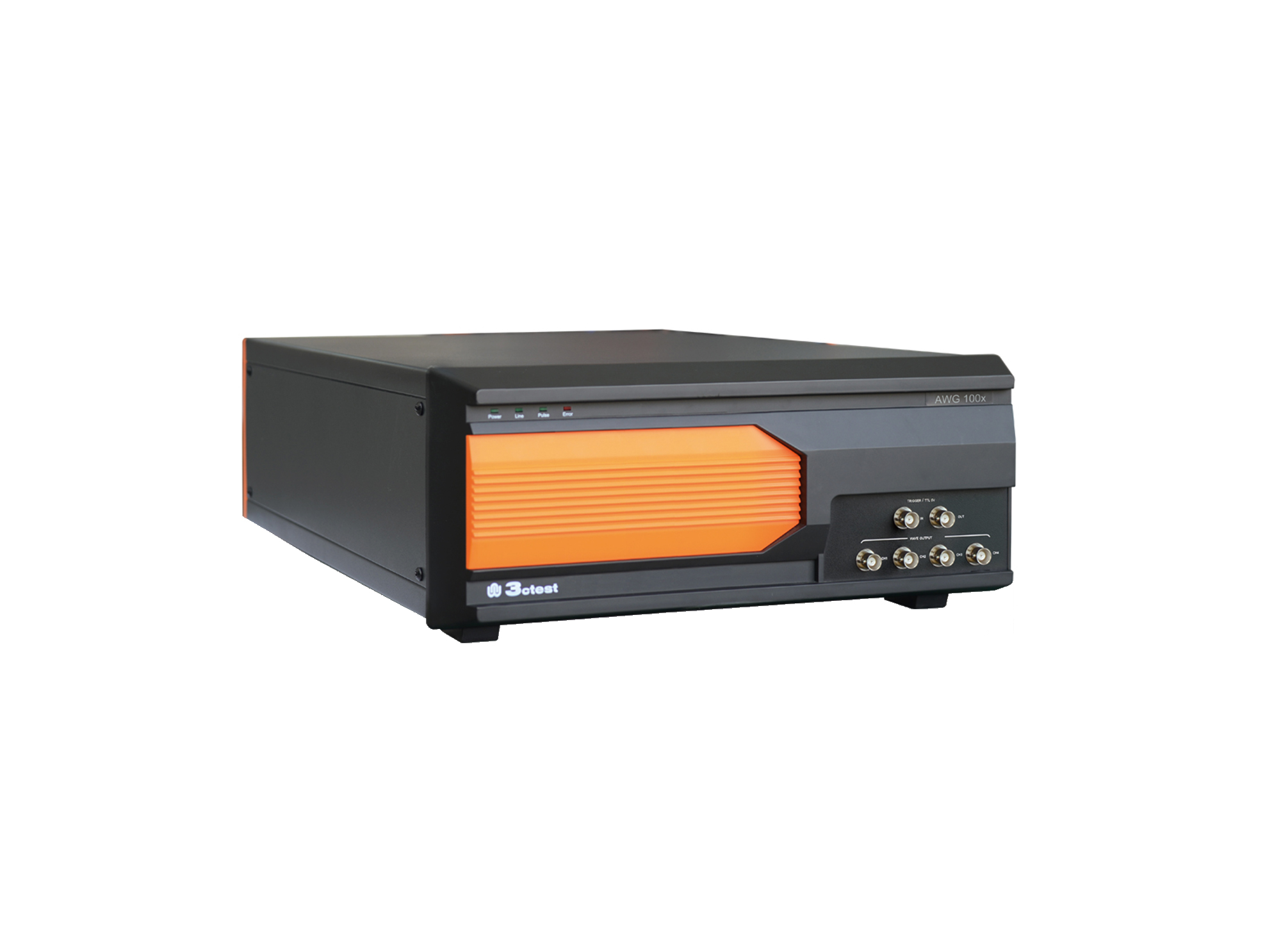
The AWG 100X Arbitrary Waveform Generator complies with ISO 16750, ISO 7637-2 and certain automotive manufacturer standards.
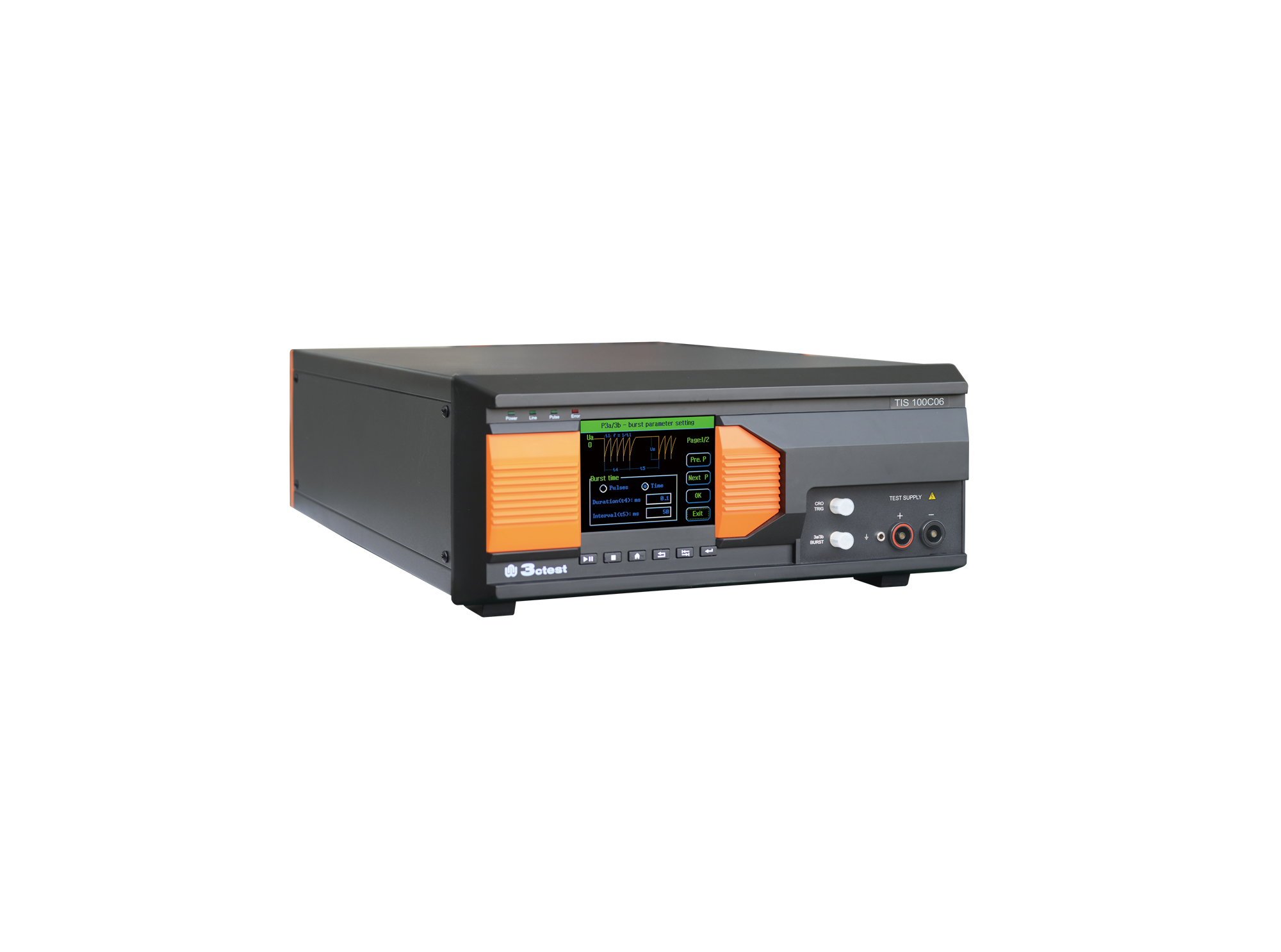
The TIS 100Cx Series Vehicle Compact Transient Pulse Simulator can perform pulses 1, 2a, 3a and 3b on power lines as per ISO 7637-2, and signal and data lines as per ISO 7637-3.
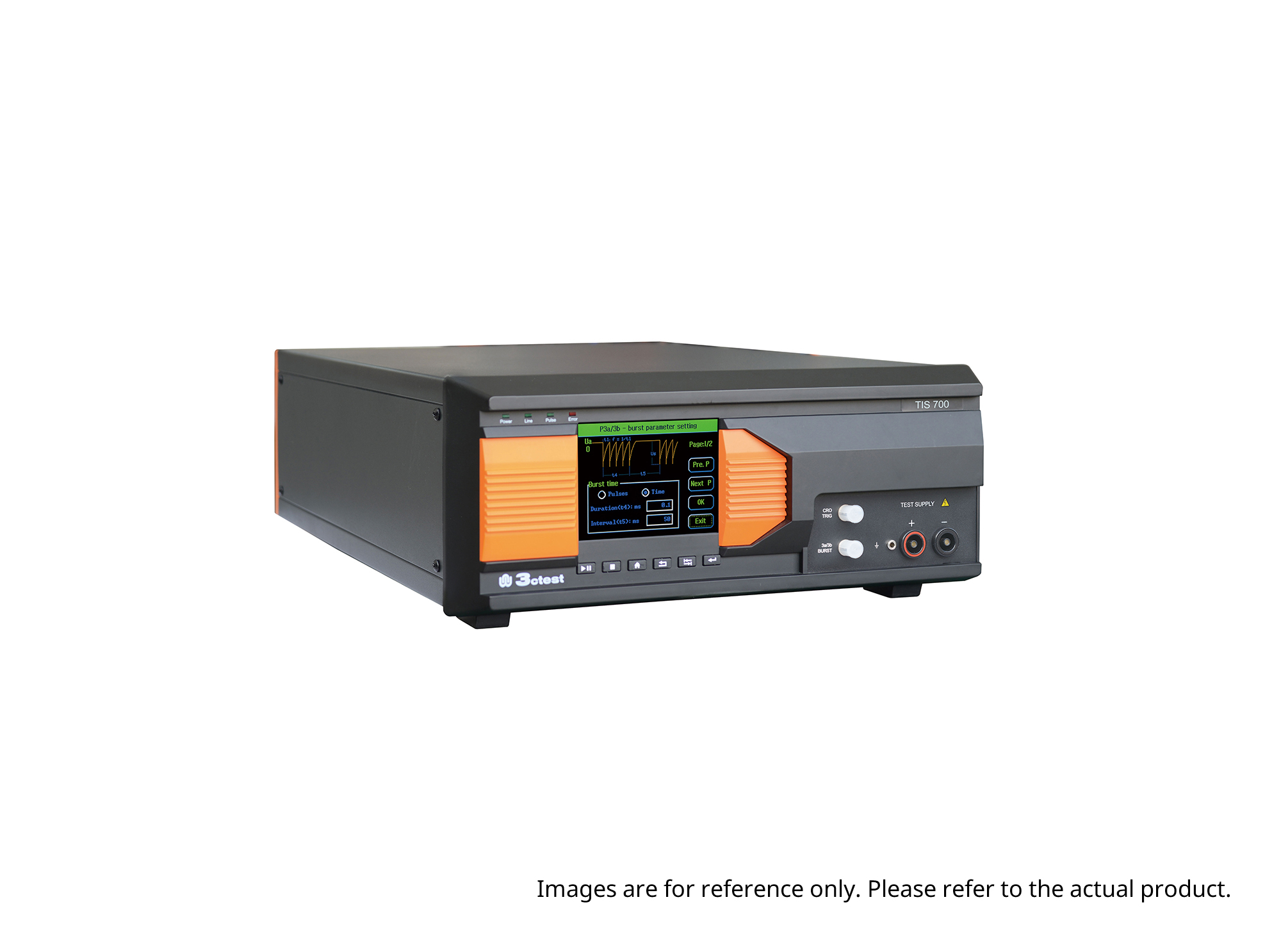
The TIS 700 Vehicle Compact Transient Pulse Simulator can perform pulses 1, 2a, 3a and 3b on power lines as per ISO 7637-2, and signal and data lines as per ISO 7637-3. When used with PC software, it can also perform Pulse 1b and Pulse 6 tests.
The TIS 700-200 Vehicle Compact Transient Pulse Simulator can perform pulses 1, 2a, 3a and 3b on power lines as per ISO 7637-2, and signal and data lines as per ISO 7637-3. When used with PC software, it can also perform Pulse 1b and Pulse 6 tests.
The TIS 700-100 Vehicle Compact Transient Pulse Simulator can perform pulses 1, 2a, 3a and 3b on power lines as per ISO 7637-2, and signal and data lines as per ISO 7637-3. When used with PC software, it can also perform Pulse 1b and Pulse 6 tests.
The TIS 700-60 Vehicle Compact Transient Pulse Simulator can perform pulses 1, 2a, 3a and 3b on power lines as per ISO 7637-2, and signal and data lines as per ISO 7637-3. When used with PC software, it can also perform Pulse 1b and Pulse 6 tests.
• Using the product inquiry function can help you quickly learn about the product's price and other related information.
• You can either inquire about a single product directly, or select multiple products to add to the inquiry bar and inquire about them together.
• How to make an inquiry





1. Using the product comparison function can help you find the target product you need for selection more quickly and easily.
2. You can add up to 5 products for comparison. Product models and parameters may vary across different series. It is recommended to compare products within the same series.
3. How to use the comparison bar.




 Phone: +86-512-68413700
 Email: info@3ctest.cn
 Address:No.99 E'meishan Rd, SND, Suzhou, Jiangsu, 215153, China,Suzhou, Jiangsu, 215153, China



© 2025 Suzhou 3CTEST


 Leave a Message


