

High frequency recommended vocabulary

DC-11224 is a further document of the same series within this manufacturer, and its place in a supplier's programme is the same as that of the others: it is named in the engineering specification as one of the documents the component must satisfy. What a supplier should take from it is less a set of numbers than a procedural obligation, because corporate requirements of this kind generally expect the supplier to produce a test plan that maps each declared requirement to a test, to obtain the manufacturer's agreement to that plan before testing, to have the tests performed at a laboratory on the manufacturer's accepted list, and to submit the result in the manufacturer's report format. Deviations are handled by a formal application and are matters of record. A programme that begins without that agreement tends to end with the tests having to be repeated.
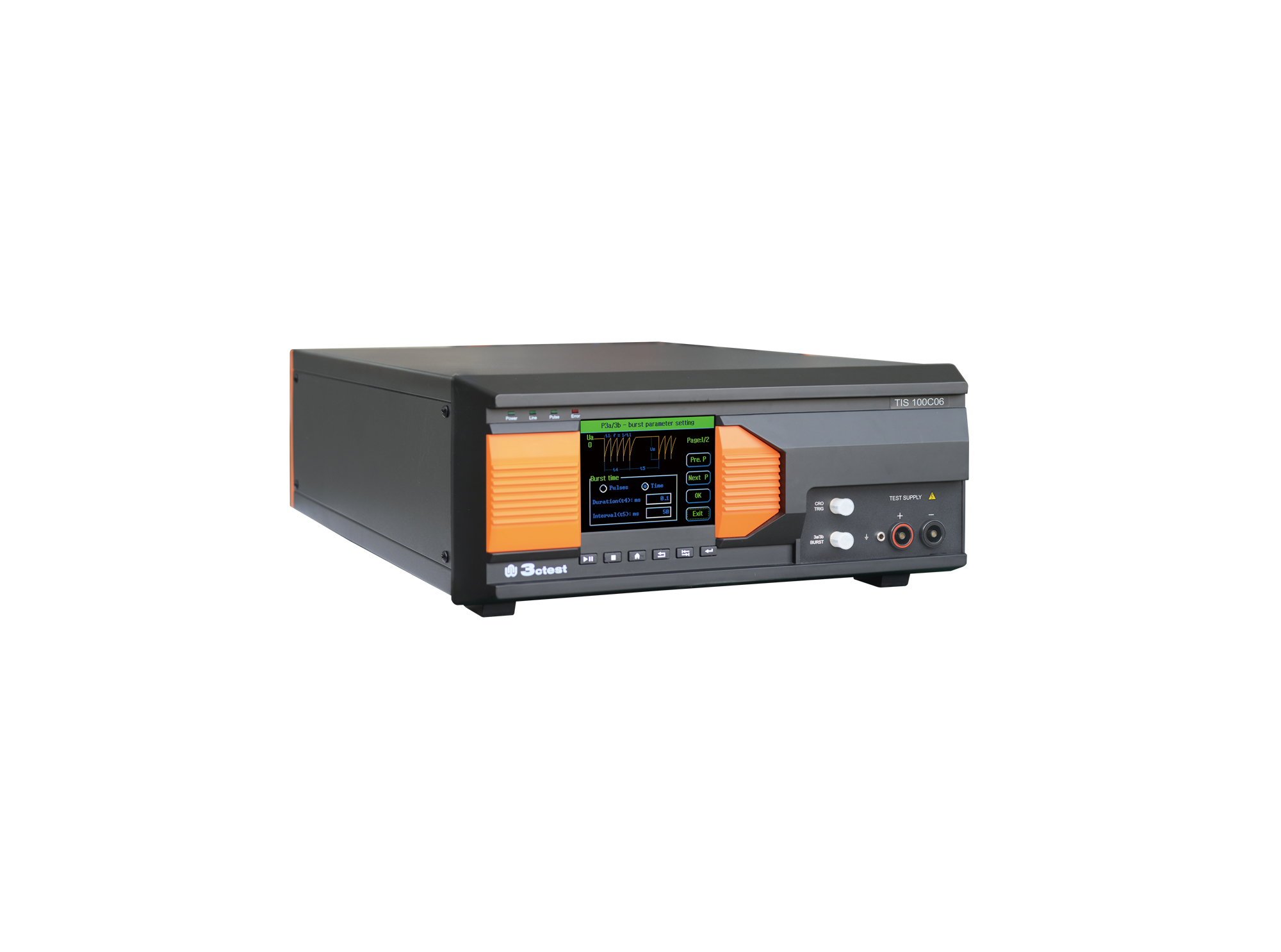
The TIS 100Cx Series Vehicle Compact Transient Pulse Simulator can perform pulses 1, 2a, 3a and 3b on power lines as per ISO 7637-2, and signal and data lines as per ISO 7637-3.
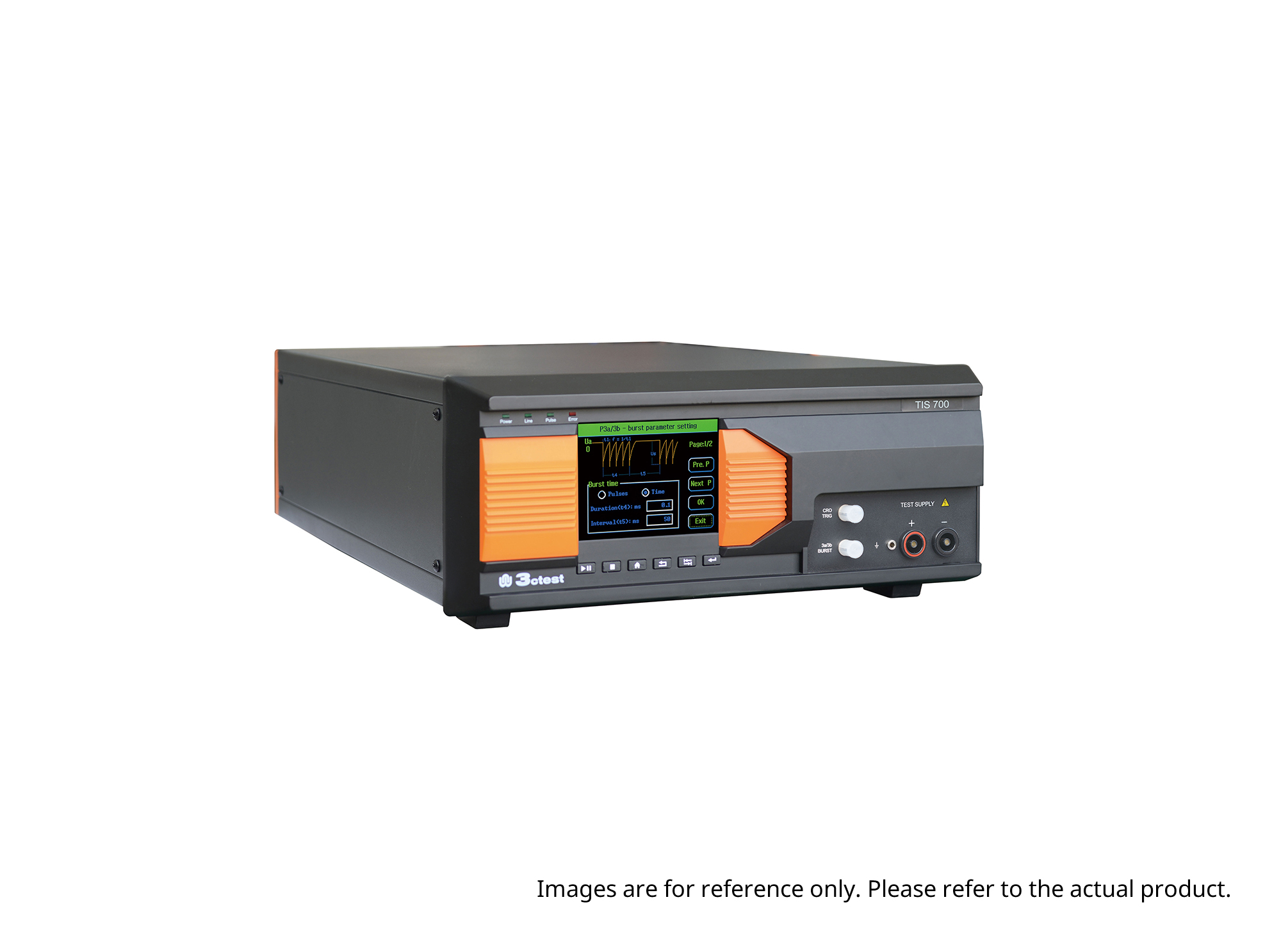
The TIS 700 Vehicle Compact Transient Pulse Simulator can perform pulses 1, 2a, 3a and 3b on power lines as per ISO 7637-2, and signal and data lines as per ISO 7637-3. When used with PC software, it can also perform Pulse 1b and Pulse 6 tests.
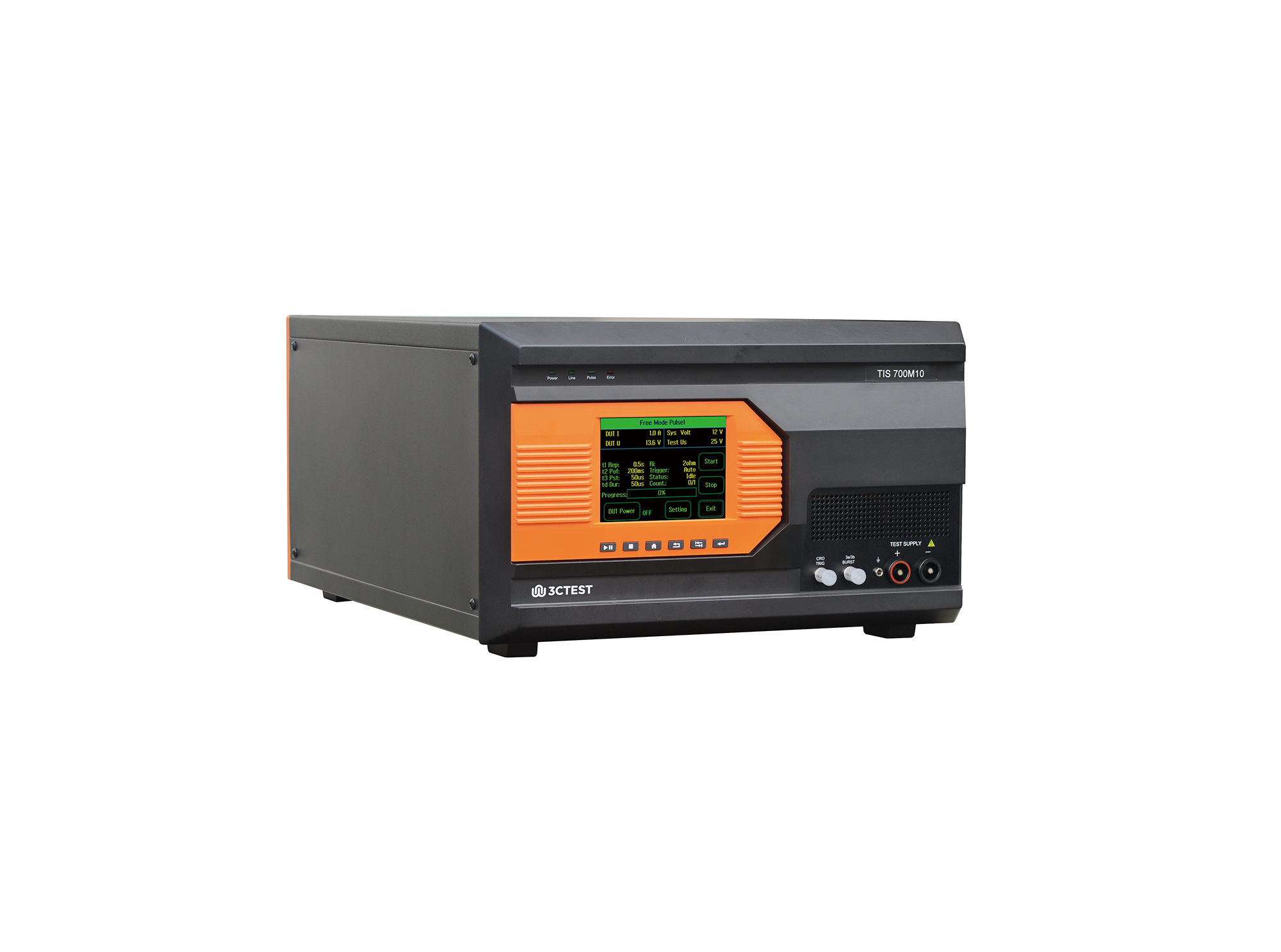
The TIS 700M10 Micro-Pulse Interference Generator can perform pulses 1, 2a, 3a and 3b on power lines as per ISO 7637-2, and fast and slow transient pulses on signal and data lines tests as per ISO 7637-3.
The TIS 700-200 Vehicle Compact Transient Pulse Simulator can perform pulses 1, 2a, 3a and 3b on power lines as per ISO 7637-2, and signal and data lines as per ISO 7637-3. When used with PC software, it can also perform Pulse 1b and Pulse 6 tests.
The TIS 700-100 Vehicle Compact Transient Pulse Simulator can perform pulses 1, 2a, 3a and 3b on power lines as per ISO 7637-2, and signal and data lines as per ISO 7637-3. When used with PC software, it can also perform Pulse 1b and Pulse 6 tests.
The TIS 700-60 Vehicle Compact Transient Pulse Simulator can perform pulses 1, 2a, 3a and 3b on power lines as per ISO 7637-2, and signal and data lines as per ISO 7637-3. When used with PC software, it can also perform Pulse 1b and Pulse 6 tests.
• Using the product inquiry function can help you quickly learn about the product's price and other related information.
• You can either inquire about a single product directly, or select multiple products to add to the inquiry bar and inquire about them together.
• How to make an inquiry





1. Using the product comparison function can help you find the target product you need for selection more quickly and easily.
2. You can add up to 5 products for comparison. Product models and parameters may vary across different series. It is recommended to compare products within the same series.
3. How to use the comparison bar.




 Phone: +86-512-68413700
 Email: info@3ctest.cn
 Address:No.99 E'meishan Rd, SND, Suzhou, Jiangsu, 215153, China,Suzhou, Jiangsu, 215153, China



© 2025 Suzhou 3CTEST


 Leave a Message


