

High frequency recommended vocabulary

TSC7203G is a neighbouring number to another of the same manufacturer's standards listed on this site, and the proximity of the two is itself an indication that the manufacturer, like the other large vehicle producers, separates the assessment of a component from the assessment of the vehicle in which it is installed. The separation is not bureaucratic: a component assessed on a bench can be tested early, cheaply and repeatedly, while the vehicle as a whole can only be tested when a representative car exists, and the two tests answer different questions. A supplier to a programme of this manufacturer should expect to support both stages, and to find that the vehicle level work is planned around the availability of vehicles in the correct build configuration rather than around the laboratory's schedule.
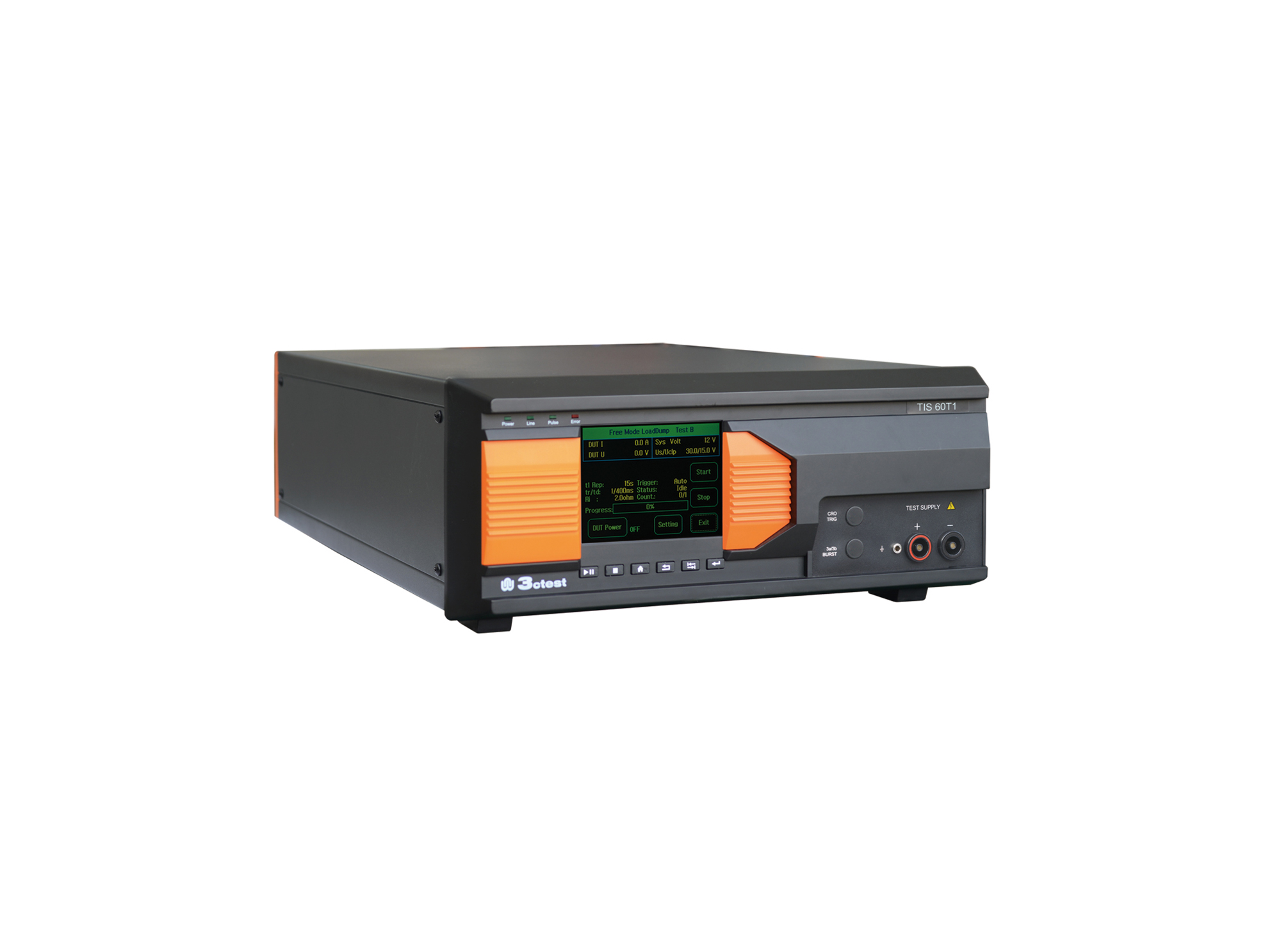
The TIS 60T1 Supply Circuit Negative Surge Simulator is designed in accordance with Toyota TSC0502G.
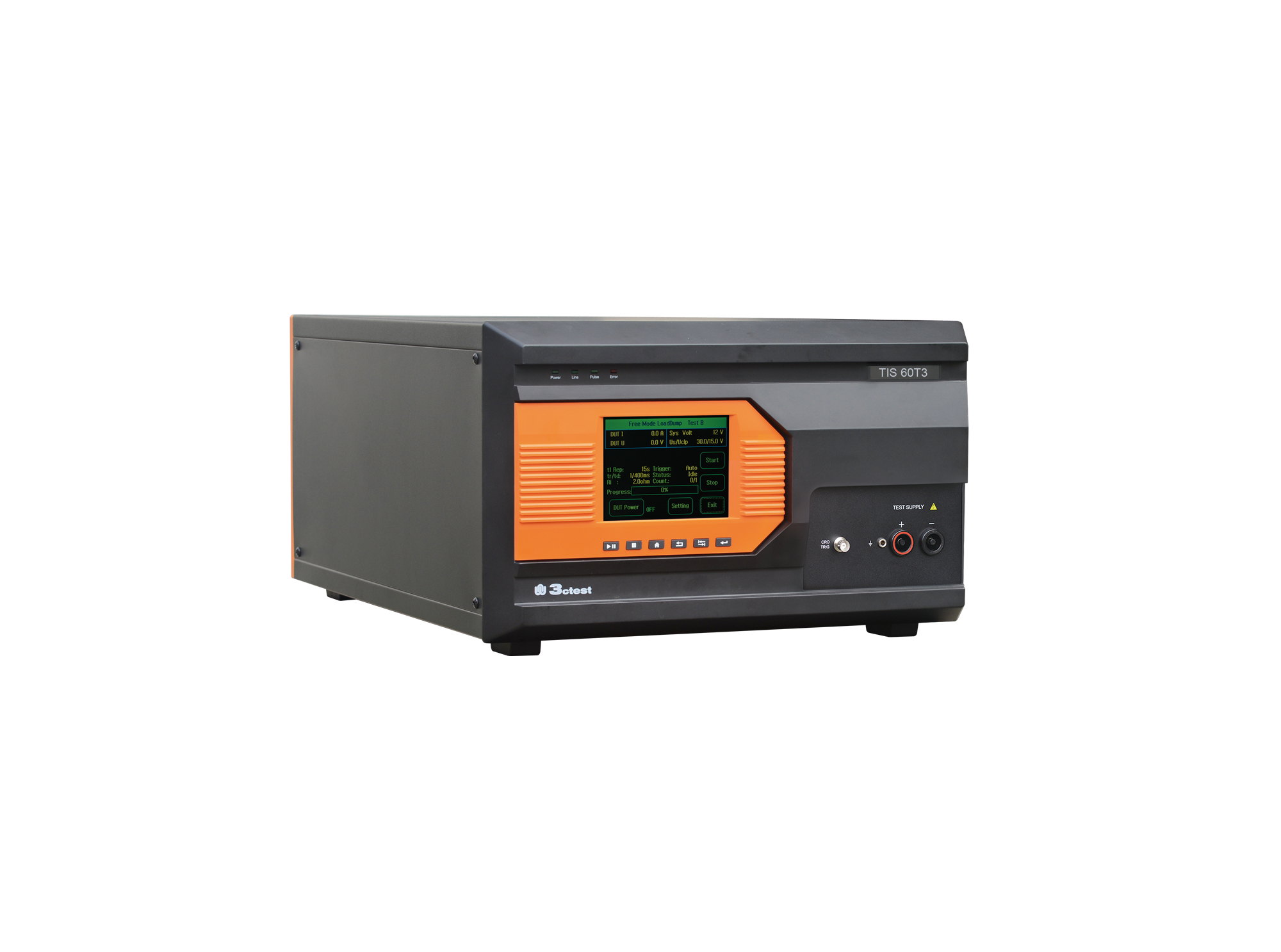
The TIS 60T3 Vehicle Power Supply Circuit Positive Surge Simulator is designed in accordance with Toyota TSC0502G.
• Using the product inquiry function can help you quickly learn about the product's price and other related information.
• You can either inquire about a single product directly, or select multiple products to add to the inquiry bar and inquire about them together.
• How to make an inquiry





1. Using the product comparison function can help you find the target product you need for selection more quickly and easily.
2. You can add up to 5 products for comparison. Product models and parameters may vary across different series. It is recommended to compare products within the same series.
3. How to use the comparison bar.




 Phone: +86-512-68413700
 Email: info@3ctest.cn
 Address:No.99 E'meishan Rd, SND, Suzhou, Jiangsu, 215153, China,Suzhou, Jiangsu, 215153, China



© 2025 Suzhou 3CTEST


 Leave a Message


