

High frequency recommended vocabulary

TSC7001G belongs to a different number range within the Toyota standards from the other numbers of the family listed on this site, which in a corporate numbering system generally indicates a different subject area or a different class of document, and that is the reason a supplier should read the designation rather than the prefix alone. Standards issued by a vehicle manufacturer are indexed so that a reader who knows the system can tell from the number whether the document states a requirement, describes a test method, or governs a component, a system or a vehicle. In the case of a requirement, the document fixes what a component must achieve at its mounting position; the method by which the requirement is verified comes from elsewhere, and the two are cited together in the engineering specification.
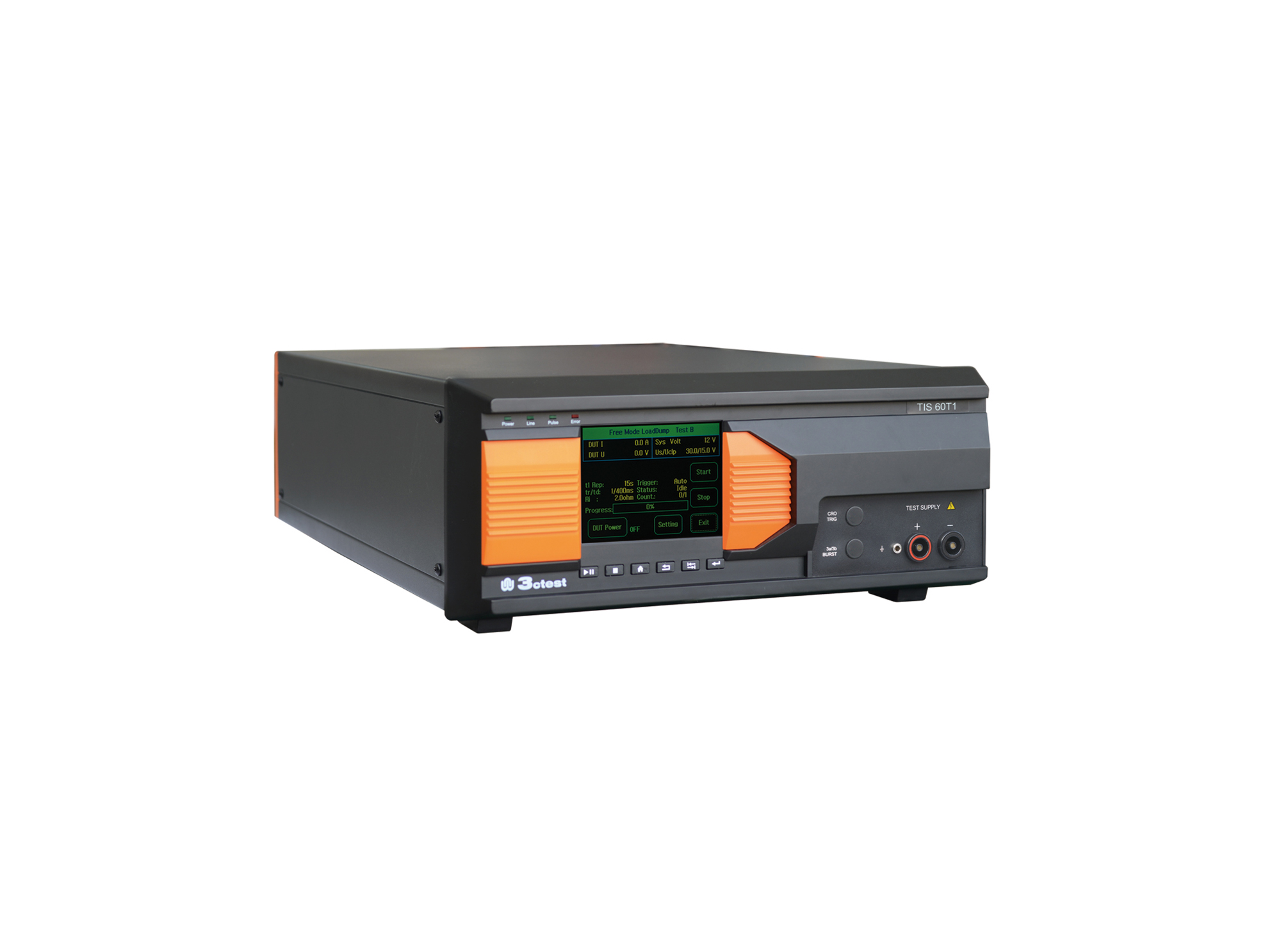
The TIS 60T1 Supply Circuit Negative Surge Simulator is designed in accordance with Toyota TSC0502G.
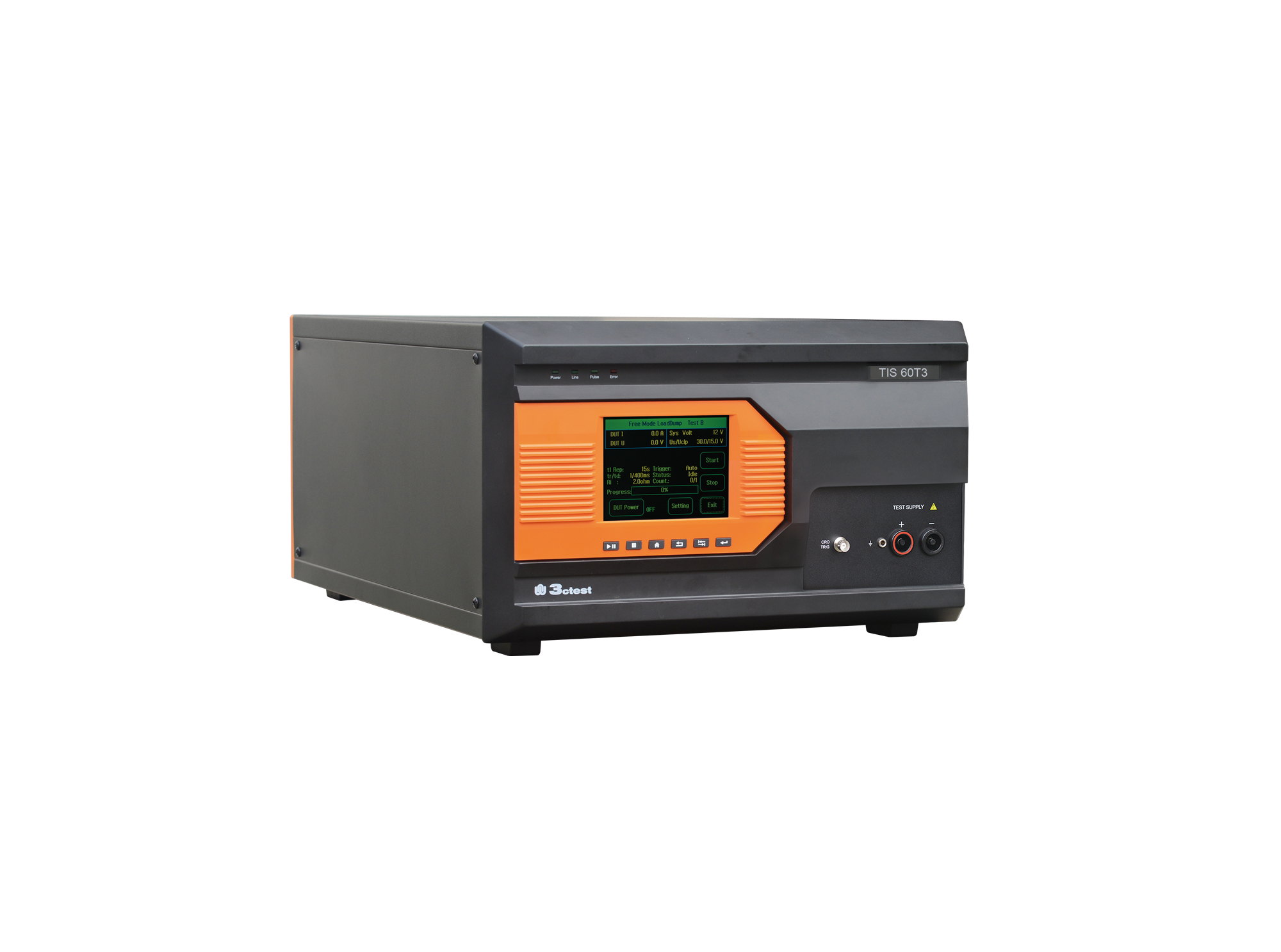
The TIS 60T3 Vehicle Power Supply Circuit Positive Surge Simulator is designed in accordance with Toyota TSC0502G.
• Using the product inquiry function can help you quickly learn about the product's price and other related information.
• You can either inquire about a single product directly, or select multiple products to add to the inquiry bar and inquire about them together.
• How to make an inquiry





1. Using the product comparison function can help you find the target product you need for selection more quickly and easily.
2. You can add up to 5 products for comparison. Product models and parameters may vary across different series. It is recommended to compare products within the same series.
3. How to use the comparison bar.




 Phone: +86-512-68413700
 Email: info@3ctest.cn
 Address:No.99 E'meishan Rd, SND, Suzhou, Jiangsu, 215153, China,Suzhou, Jiangsu, 215153, China



© 2025 Suzhou 3CTEST


 Leave a Message


