

High frequency recommended vocabulary

TSC0502G is a Toyota standard, and it belongs to a family of technical specifications that the manufacturer issues to its supply base under a single prefix, with the letters and digits that follow identifying the subject and the individual document. The designation is important to a supplier because it is the document named in the request for quotation: the obligation to comply begins at that point, and the specification that accompanies the enquiry states which of the manufacturer's standards apply to the part being quoted. Toyota requires the electromagnetic assessment of a component to be performed at a facility it has accepted, and the result to be reported in its own form, so the practical work of a first project with this customer is as much administrative as technical. A second Toyota standard appears on this site in the same family.
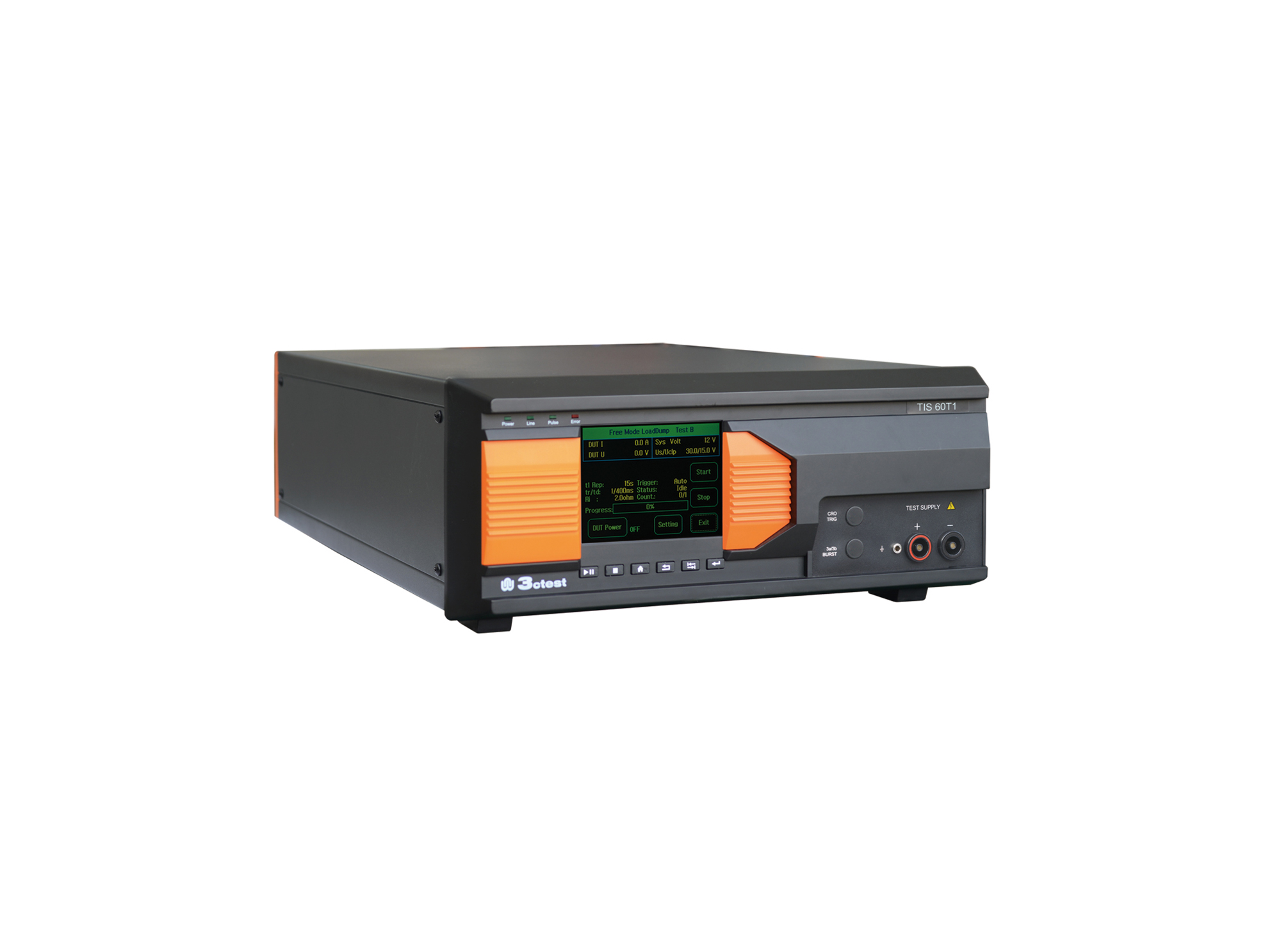
The TIS 60T1 Supply Circuit Negative Surge Simulator is designed in accordance with Toyota TSC0502G.
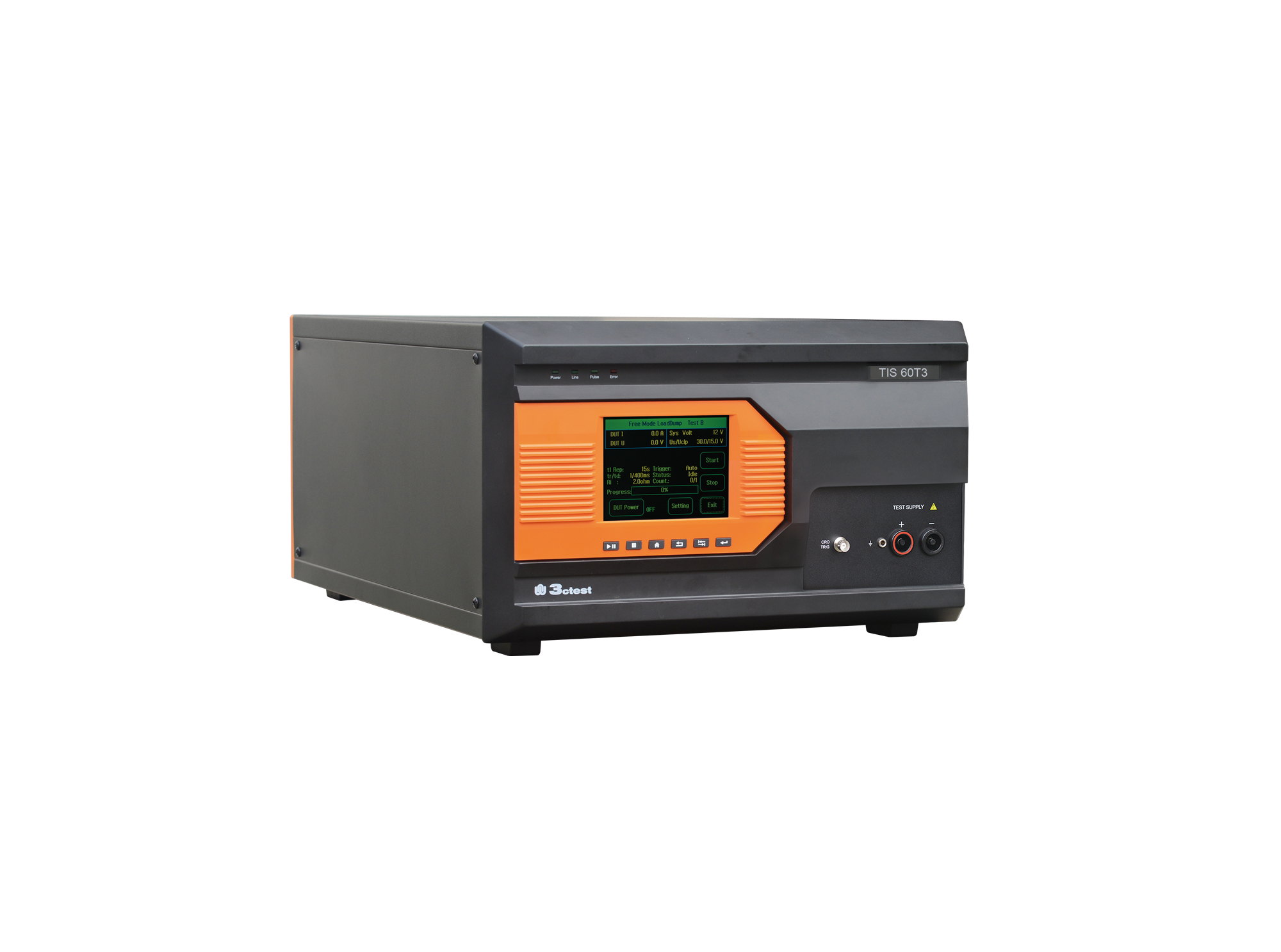
The TIS 60T3 Vehicle Power Supply Circuit Positive Surge Simulator is designed in accordance with Toyota TSC0502G.
• Using the product inquiry function can help you quickly learn about the product's price and other related information.
• You can either inquire about a single product directly, or select multiple products to add to the inquiry bar and inquire about them together.
• How to make an inquiry





1. Using the product comparison function can help you find the target product you need for selection more quickly and easily.
2. You can add up to 5 products for comparison. Product models and parameters may vary across different series. It is recommended to compare products within the same series.
3. How to use the comparison bar.




 Phone: +86-512-68413700
 Email: info@3ctest.cn
 Address:No.99 E'meishan Rd, SND, Suzhou, Jiangsu, 215153, China,Suzhou, Jiangsu, 215153, China



© 2025 Suzhou 3CTEST


 Leave a Message


