

High frequency recommended vocabulary

SAE J1113-25 is a further part of the same multi-part North American standard as the part listed separately on this site, and the parts are intended to be read as a set: a supplier receives the numbers of the parts that the vehicle manufacturer's specification invokes, and between them they define the measurement methods by which the components of the vehicle are assessed. Two practical points about a series of this kind are worth stating. The first is that the method and the limit are separated, so that the level at which a component is tested comes from the specification rather than from the part number. The second is that the parts have been revised and in some cases renumbered over the life of the series, so a report produced several years ago may reference a part that no longer carries the same subject.
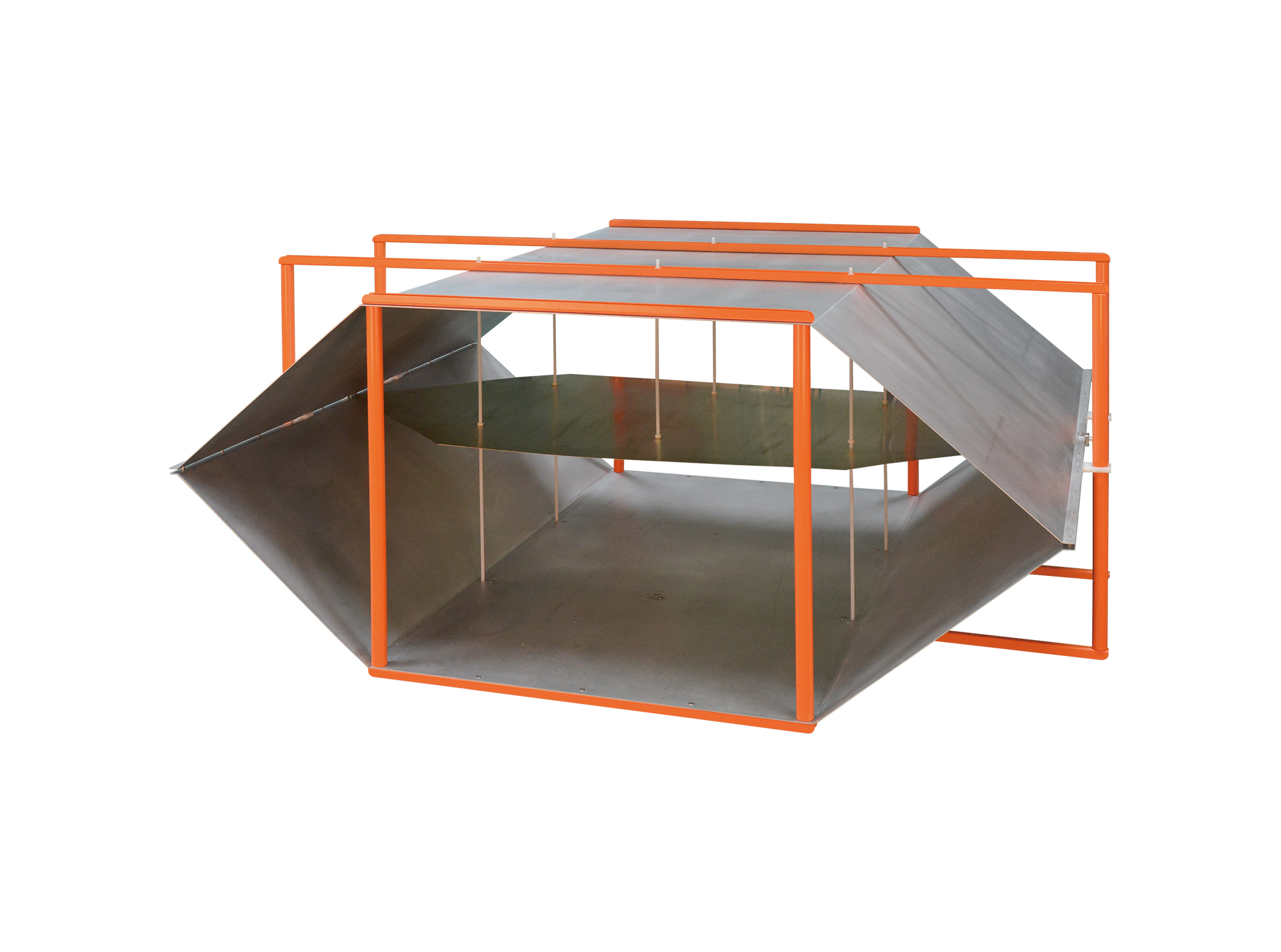
Then TEM Series Open Transverse Electromagnetic Cell is designed for automotive component immunity testing and complies with the requirements of ISO 11452-3 and IEC 61000-4-20.
• Using the product inquiry function can help you quickly learn about the product's price and other related information.
• You can either inquire about a single product directly, or select multiple products to add to the inquiry bar and inquire about them together.
• How to make an inquiry





1. Using the product comparison function can help you find the target product you need for selection more quickly and easily.
2. You can add up to 5 products for comparison. Product models and parameters may vary across different series. It is recommended to compare products within the same series.
3. How to use the comparison bar.




 Phone: +86-512-68413700
 Email: info@3ctest.cn
 Address:No.99 E'meishan Rd, SND, Suzhou, Jiangsu, 215153, China,Suzhou, Jiangsu, 215153, China



© 2025 Suzhou 3CTEST


 Leave a Message


