

High frequency recommended vocabulary

VS-00.34-L-10002 is a component requirement written in the VS numbering system, which is used by the Swedish manufacturer for its corporate standards and is recognisable by the two groups of digits separated by a dot, followed by a letter that identifies the discipline and a number that identifies the document within it. A scheme of this kind is designed to be readable: a reader who knows it can tell from the designation which part of the company's technical documentation the document belongs to before opening it, and documents that share the leading group can be assumed to treat the same subject area. The requirement itself states the electromagnetic conditions applicable to a component and is cited in the engineering specification its supplier receives. The problem the document poses for a supplier is one of identification rather than of engineering: the number tells a reader who knows the system where the document belongs, but nothing about its content, so the only route to the requirement is through the engineering specification.
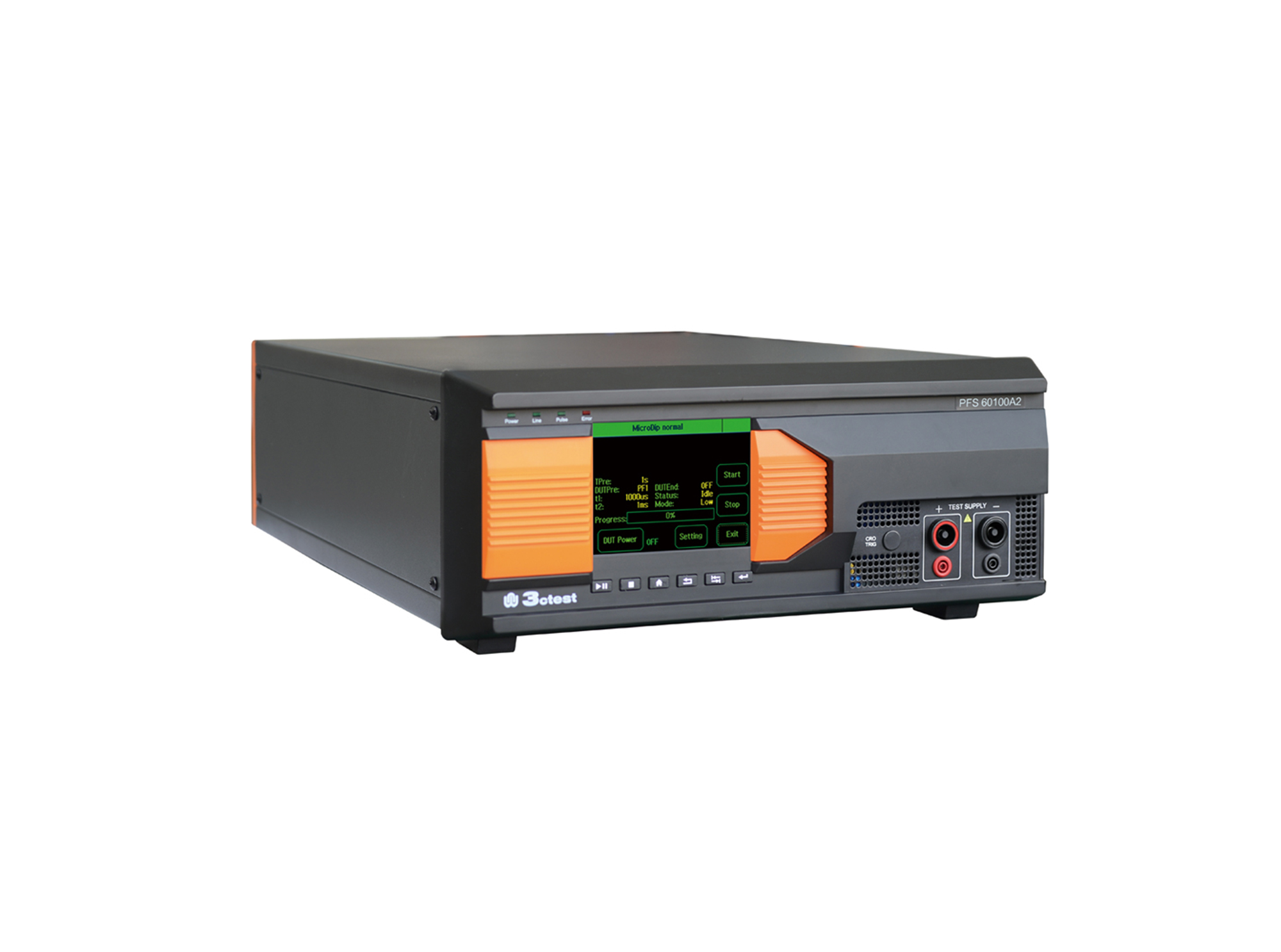
The PFS 60100A2 automotive power failure simulator complies with GM3172, LV124, VW 80000, VS-00.34-L-10002, and other relevant standards.
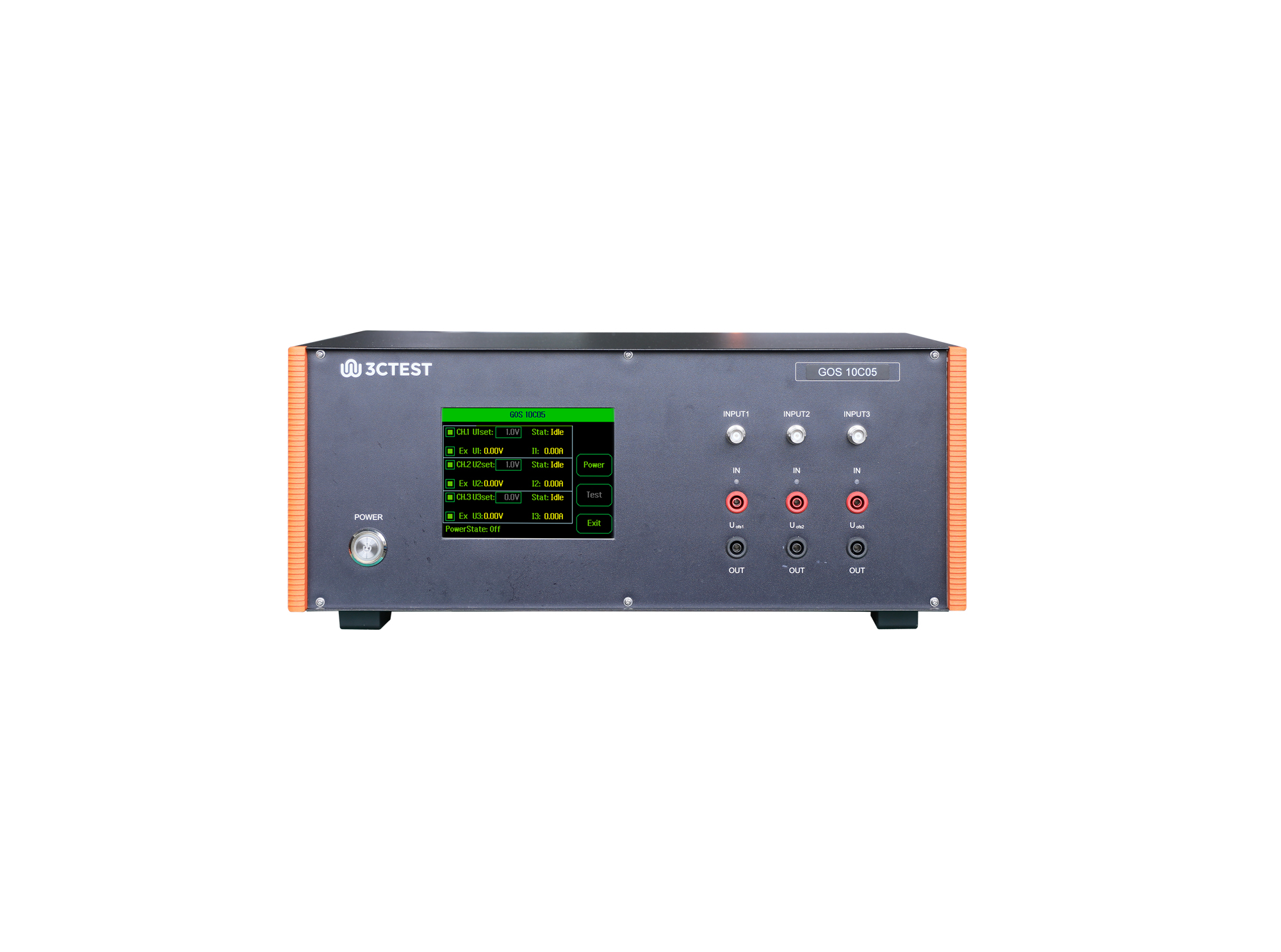
The GOS 10C05 is a standalone test equipment used to simulate ground offset and power supply offset of multi-channel power supply circuits.
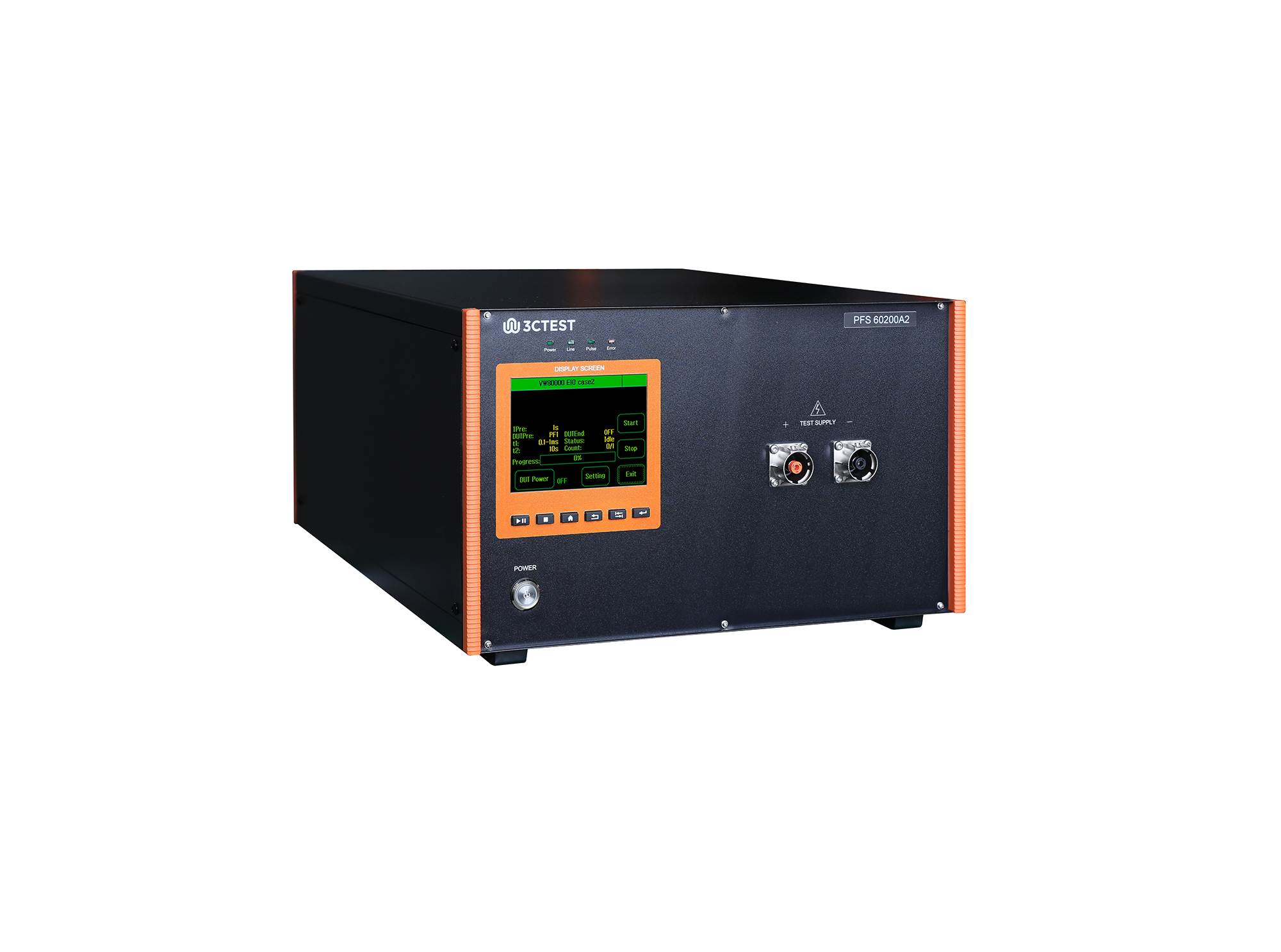
The PFS 60200A2 automotive power failure simulator complies with GM3172, LV124, VW 80000, VS-00.34-L-10002, and other relevant standards.
• Using the product inquiry function can help you quickly learn about the product's price and other related information.
• You can either inquire about a single product directly, or select multiple products to add to the inquiry bar and inquire about them together.
• How to make an inquiry





1. Using the product comparison function can help you find the target product you need for selection more quickly and easily.
2. You can add up to 5 products for comparison. Product models and parameters may vary across different series. It is recommended to compare products within the same series.
3. How to use the comparison bar.




 Phone: +86-512-68413700
 Email: info@3ctest.cn
 Address:No.99 E'meishan Rd, SND, Suzhou, Jiangsu, 215153, China,Suzhou, Jiangsu, 215153, China



© 2025 Suzhou 3CTEST


 Leave a Message


