

High frequency recommended vocabulary

ES-XW7T-1A278-AC is the same Ford engineering specification as its predecessor listed on this site, carrying the next revision suffix, and it is retained as a separate page only because the site records both. Two suffixes of one specification should be treated as one requirement in two states rather than as two documents: the core number identifies the subject, and the suffix identifies the amendment, so the later suffix supersedes the earlier. In practice a supplier should obtain the latest suffix, establish what changed from the one quoted in an older specification, and decide whether an existing test report remains valid. Where a programme is already in testing, the change is normally handled as a deviation or as a supplementary test rather than by repeating the whole programme. In a mature programme the revision change is usually handled by testing only the clauses affected, provided the difference between the two revisions has been established and recorded.
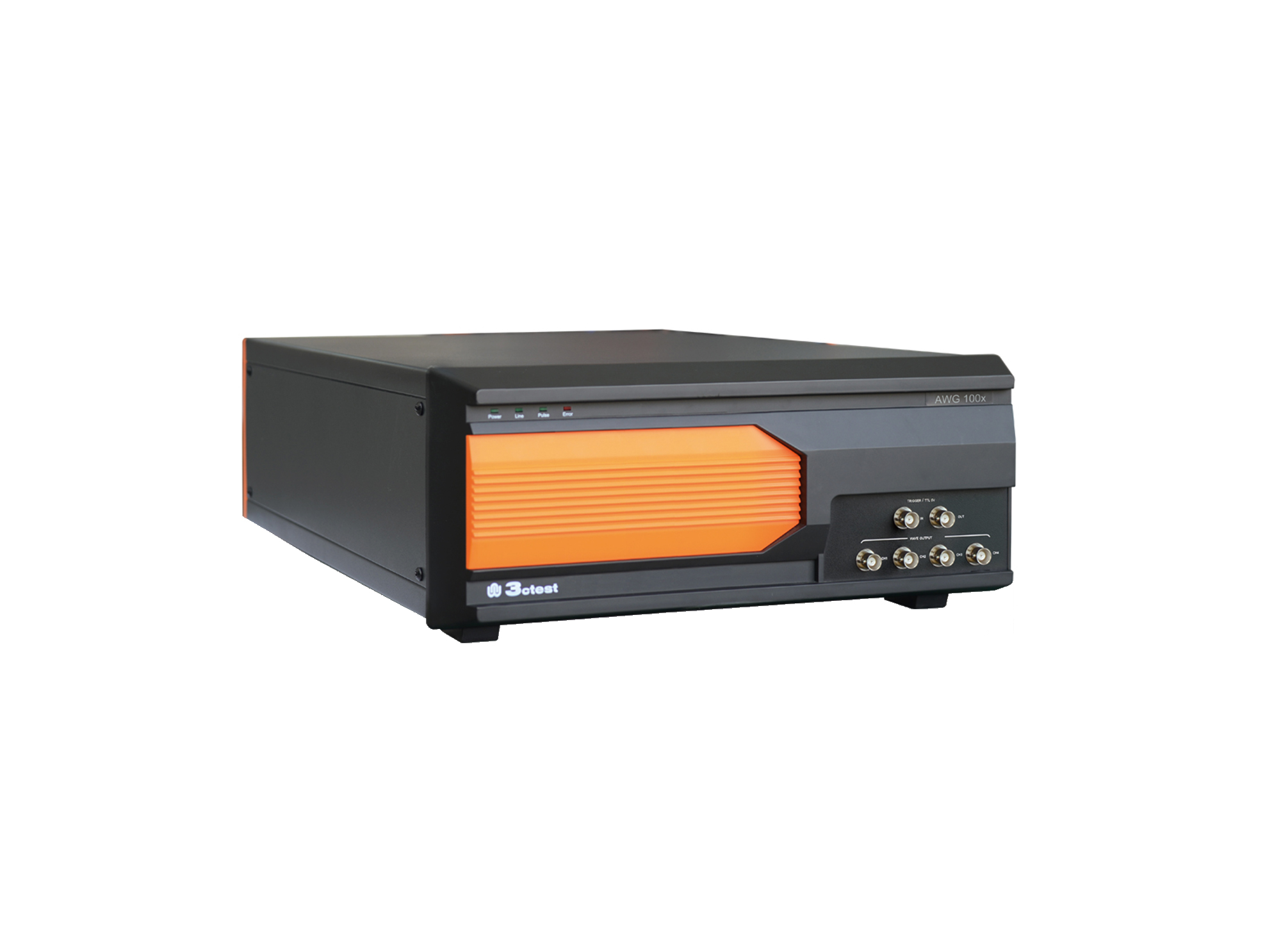
The AWG 100X Arbitrary Waveform Generator complies with ISO 16750, ISO 7637-2 and certain automotive manufacturer standards.
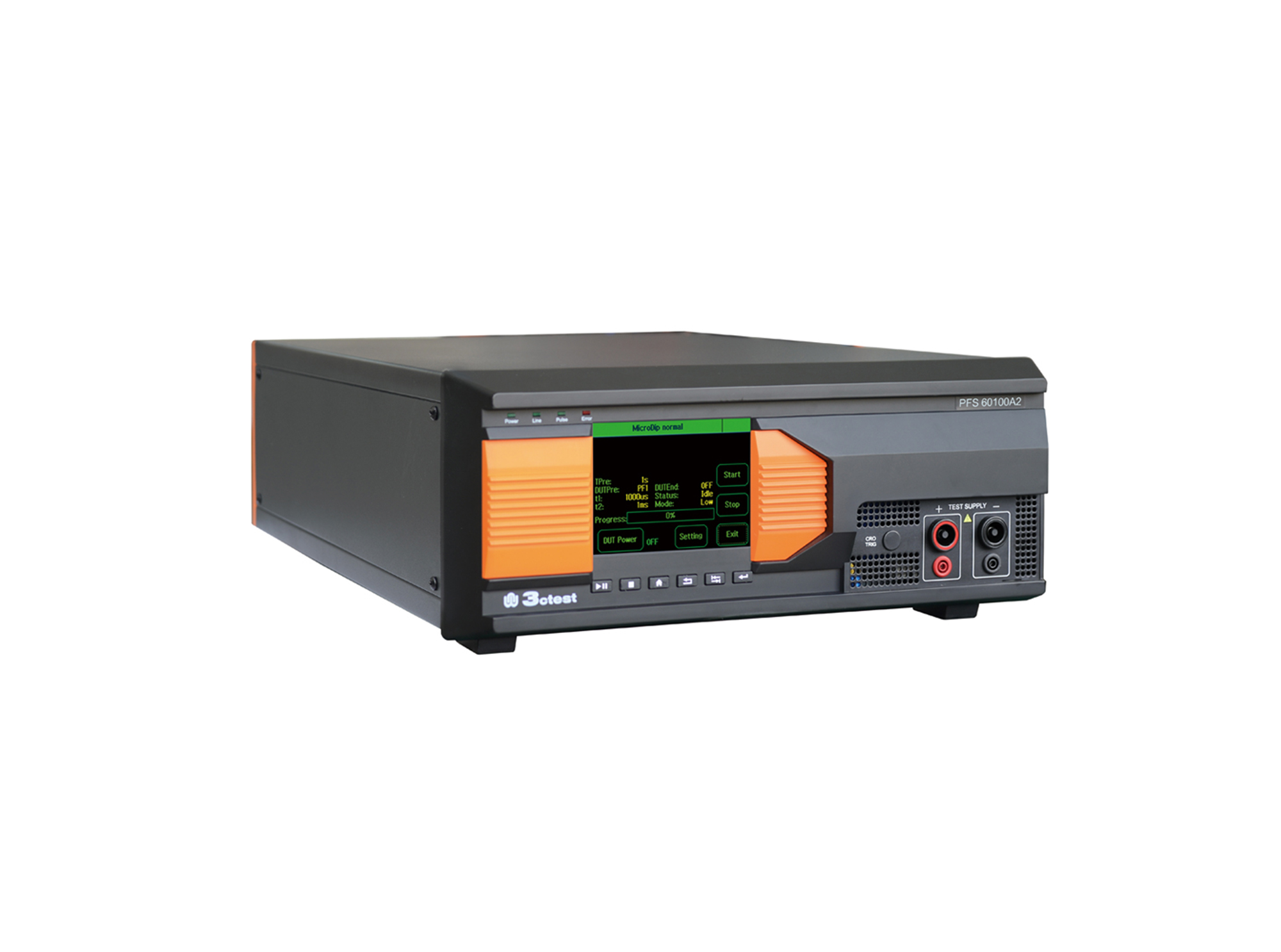
The PFS 60100A2 automotive power failure simulator complies with GM3172, LV124, VW 80000, VS-00.34-L-10002, and other relevant standards.
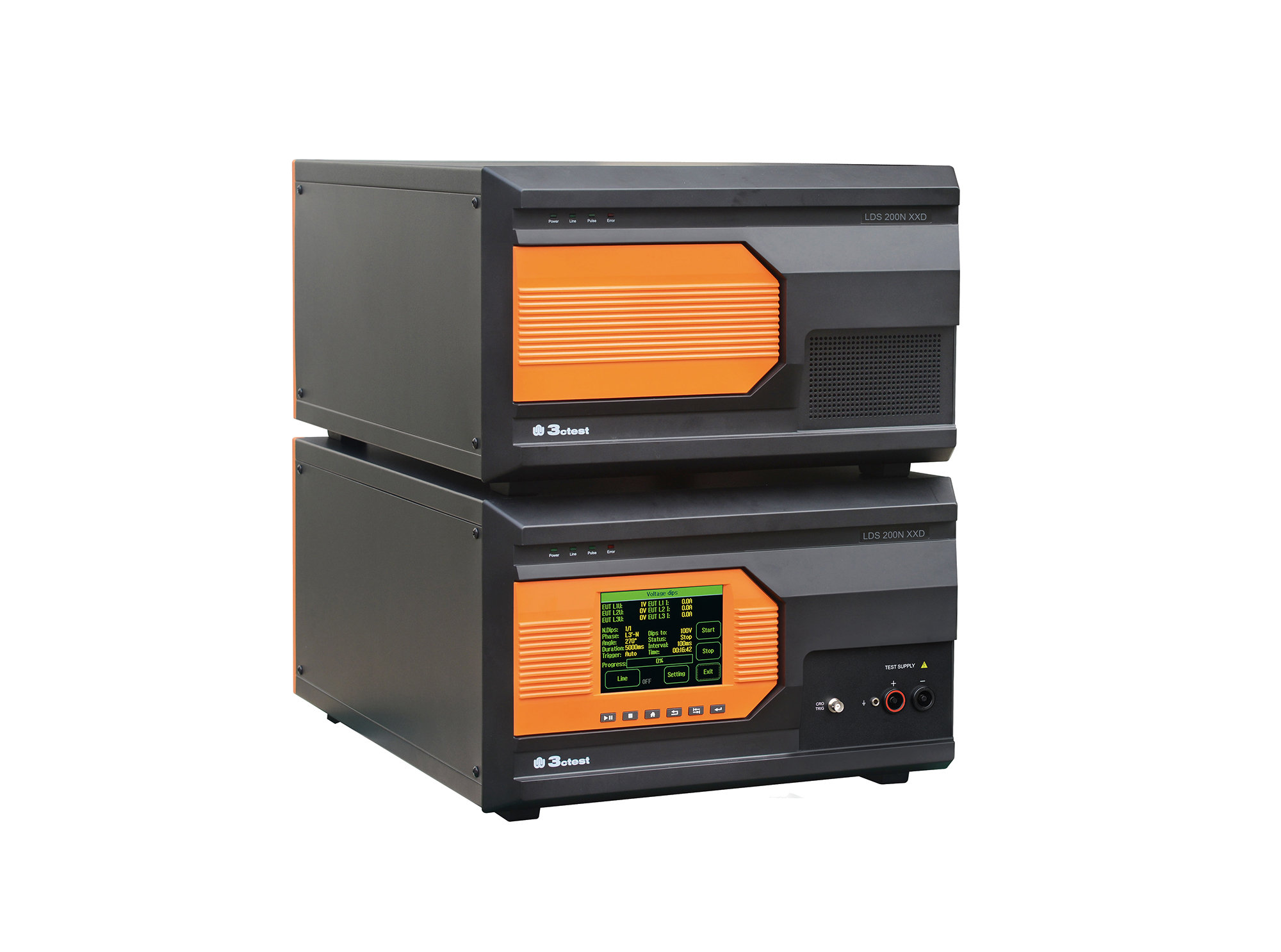
Load dump pulses generated by the LDS 200NxxD comply with ISO 7637-2, ISO 16750-2, SAE J1113 and numerous vehicle manufacturer standards
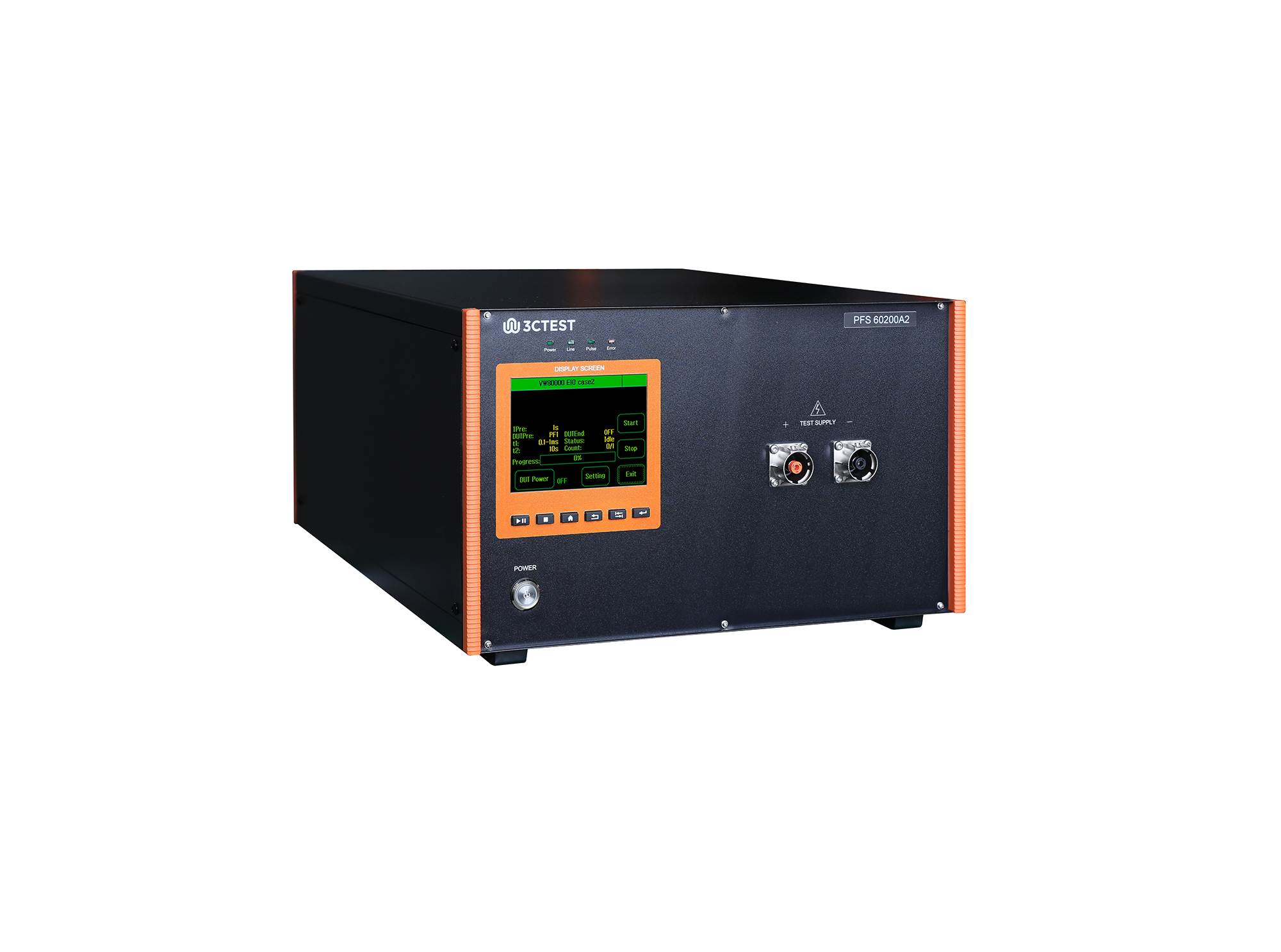
The PFS 60200A2 automotive power failure simulator complies with GM3172, LV124, VW 80000, VS-00.34-L-10002, and other relevant standards.
• Using the product inquiry function can help you quickly learn about the product's price and other related information.
• You can either inquire about a single product directly, or select multiple products to add to the inquiry bar and inquire about them together.
• How to make an inquiry





1. Using the product comparison function can help you find the target product you need for selection more quickly and easily.
2. You can add up to 5 products for comparison. Product models and parameters may vary across different series. It is recommended to compare products within the same series.
3. How to use the comparison bar.




 Phone: +86-512-68413700
 Email: info@3ctest.cn
 Address:No.99 E'meishan Rd, SND, Suzhou, Jiangsu, 215153, China,Suzhou, Jiangsu, 215153, China



© 2025 Suzhou 3CTEST


 Leave a Message


