

High frequency recommended vocabulary

SAE J1113 is the multi-part North American standard that sets out electromagnetic compatibility measurement procedures and limits for the components of vehicles, boats and machines other than aircraft, and J1113-24 is one of the parts, covering a specific measurement method of the series. The series occupies a position in North American automotive practice that is complementary to the CISPR publication covering vehicles: the CISPR standard is principally concerned with the disturbance a vehicle and its components emit, because its purpose is to protect the on-board receivers used for broadcast reception, while the J1113 parts deal with immunity as well as emission, and they are cited in the specifications the American vehicle manufacturers issue to their supply base. Each part is revised independently, so the applicable part and its current revision should be taken from the engineering specification.
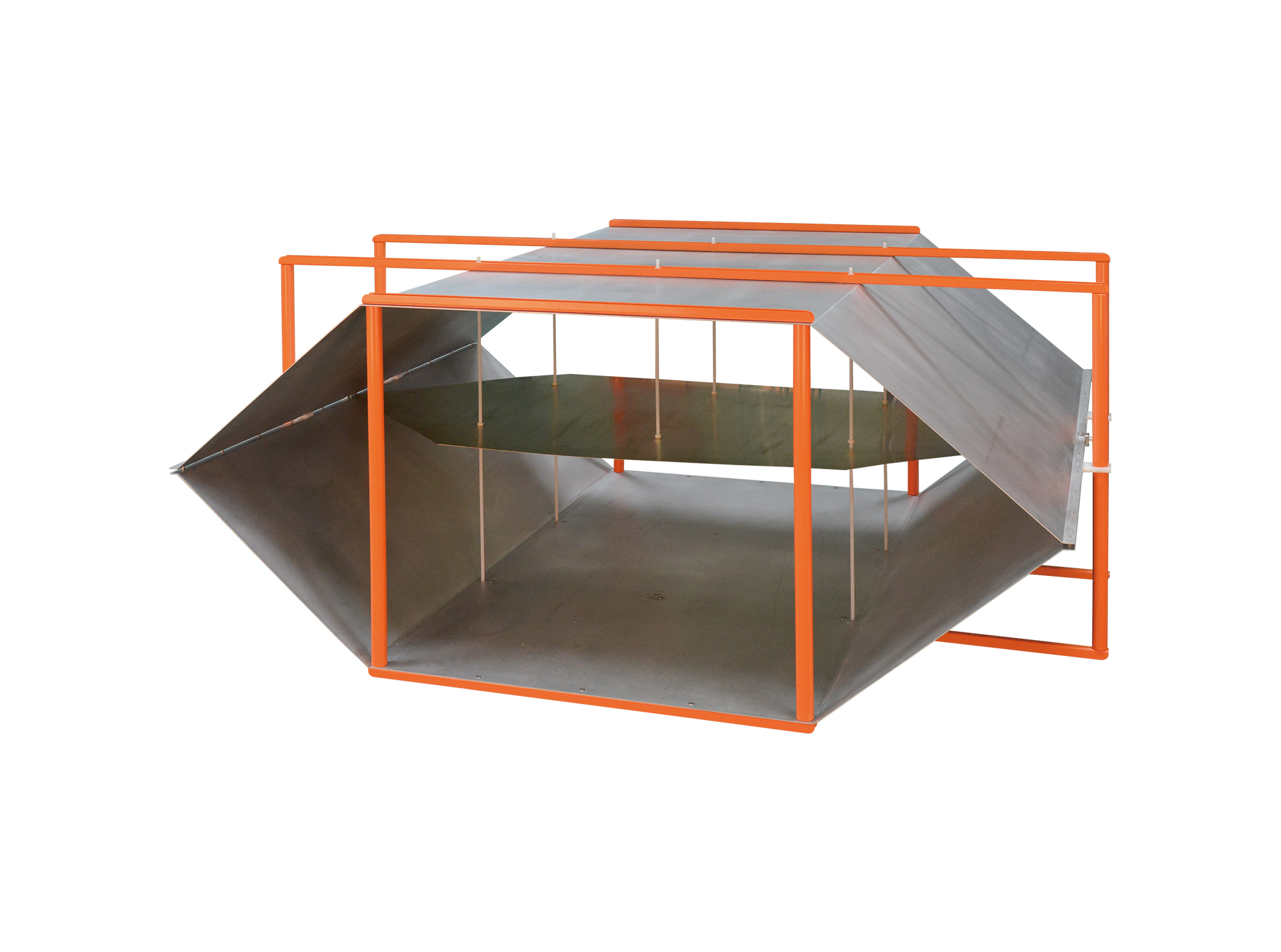
Then TEM Series Open Transverse Electromagnetic Cell is designed for automotive component immunity testing and complies with the requirements of ISO 11452-3 and IEC 61000-4-20.
• Using the product inquiry function can help you quickly learn about the product's price and other related information.
• You can either inquire about a single product directly, or select multiple products to add to the inquiry bar and inquire about them together.
• How to make an inquiry





1. Using the product comparison function can help you find the target product you need for selection more quickly and easily.
2. You can add up to 5 products for comparison. Product models and parameters may vary across different series. It is recommended to compare products within the same series.
3. How to use the comparison bar.




 Phone: +86-512-68413700
 Email: info@3ctest.cn
 Address:No.99 E'meishan Rd, SND, Suzhou, Jiangsu, 215153, China,Suzhou, Jiangsu, 215153, China



© 2025 Suzhou 3CTEST


 Leave a Message


