

High frequency recommended vocabulary

NDS03 is a design standard of the Japanese manufacturer, and the designator shows the way its engineering documents are organised: the letters identify the document as a design standard, the two digits distinguish the individual documents of that class, and the five digit number that precedes them in the full designation identifies the subject group, to which the standard relates the components of one system of the vehicle. Documents of this class state the requirements a component must satisfy rather than the procedures by which they are verified, so a supplier receives the design standard together with the manufacturer's test method documents and is expected to assemble a test plan from the two. The applicable document is named in the engineering specification issued with the request for quotation, and the test report is submitted to the manufacturer in the prescribed form.
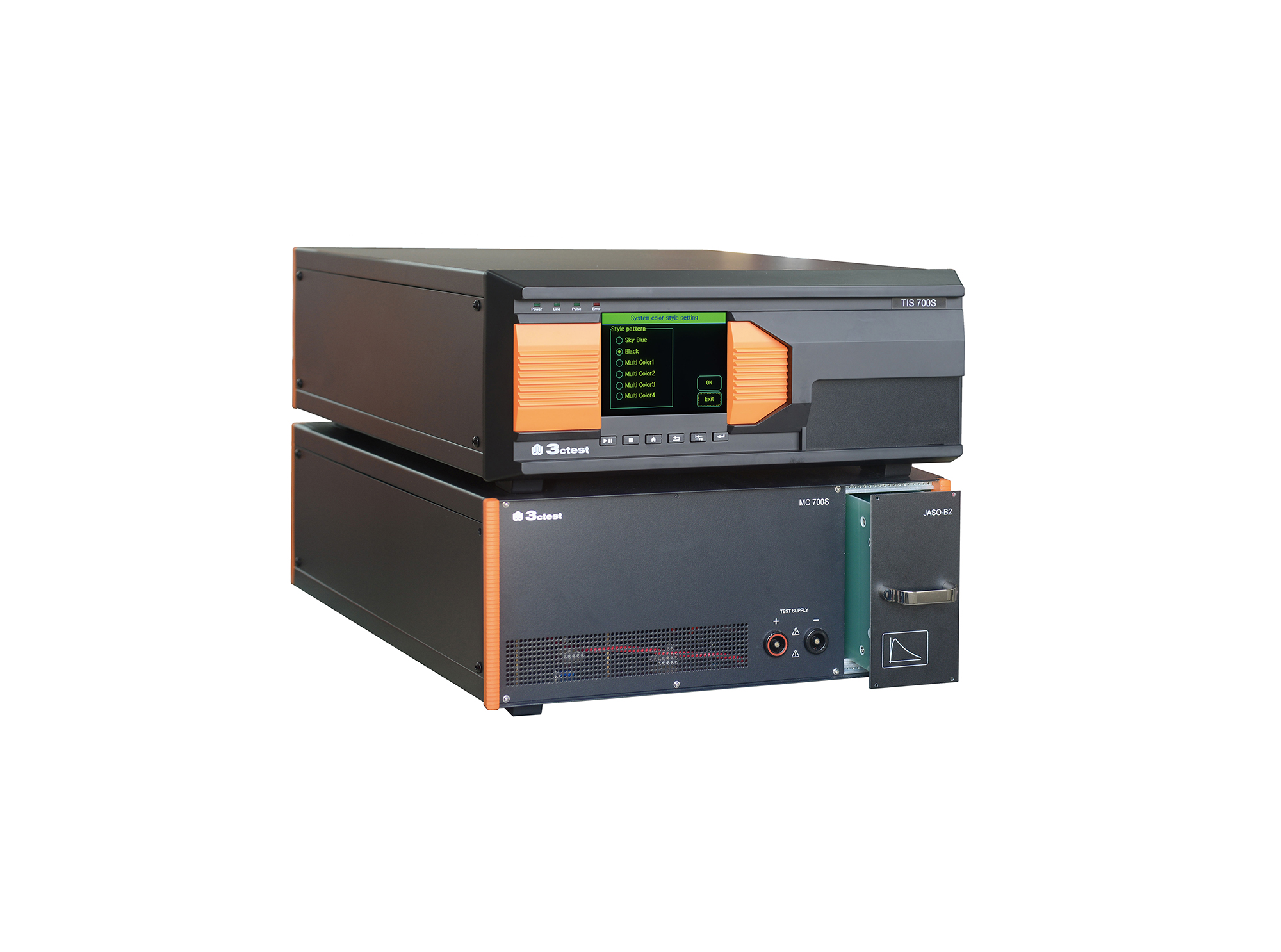
The TIS 700S is capable of independently performing fully compatible automotive electronics micro-pulse tests. Featuring a modular design, it includes 10 waveform modules: JASO D001 Pulse A2, B2, and D2; NISSAN 28400 NDS03 Pulse B2
• Using the product inquiry function can help you quickly learn about the product's price and other related information.
• You can either inquire about a single product directly, or select multiple products to add to the inquiry bar and inquire about them together.
• How to make an inquiry





1. Using the product comparison function can help you find the target product you need for selection more quickly and easily.
2. You can add up to 5 products for comparison. Product models and parameters may vary across different series. It is recommended to compare products within the same series.
3. How to use the comparison bar.




 Phone: +86-512-68413700
 Email: info@3ctest.cn
 Address:No.99 E'meishan Rd, SND, Suzhou, Jiangsu, 215153, China,Suzhou, Jiangsu, 215153, China



© 2025 Suzhou 3CTEST


 Leave a Message


