

High frequency recommended vocabulary

PF-10541 is a further member of the test method series of this manufacturer and is cited in the same way as the others of the family, as the procedure that implements a requirement stated elsewhere. Two details of test methods in this field are worth stating, because they decide whether a result is accepted. The first is the measurement point: for a conducted test the level is defined at a particular reference plane and the cable routing and the bonding of that reference plane are part of the method, so a result obtained with a different arrangement is not comparable. The second is the operating condition of the equipment under test while the disturbance is applied, since a module that is idle may pass a test it would fail when its actuator is driven. Both are fixed by the method document rather than by the requirement.
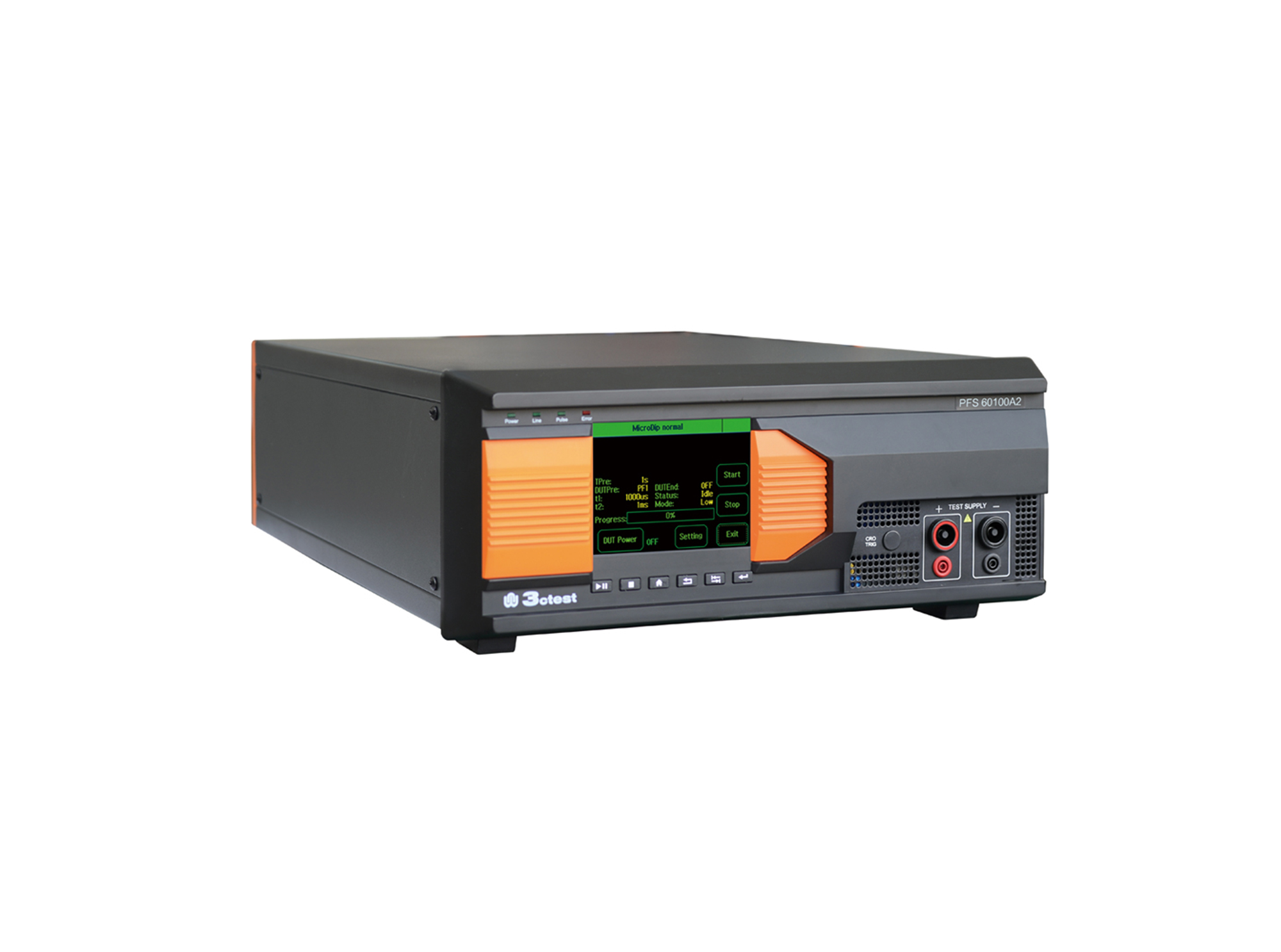
The PFS 60100A2 automotive power failure simulator complies with GM3172, LV124, VW 80000, VS-00.34-L-10002, and other relevant standards.
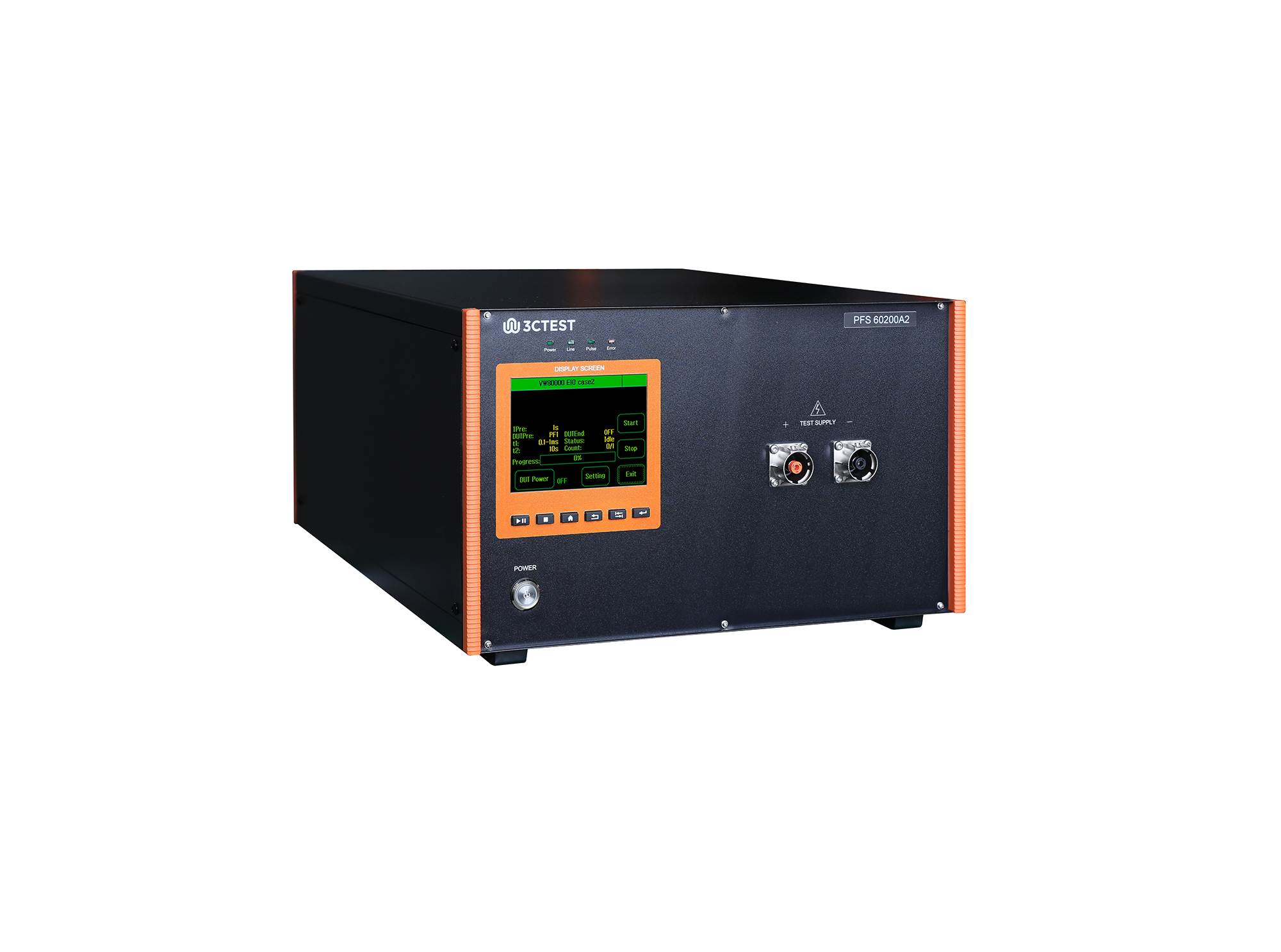
The PFS 60200A2 automotive power failure simulator complies with GM3172, LV124, VW 80000, VS-00.34-L-10002, and other relevant standards.
• Using the product inquiry function can help you quickly learn about the product's price and other related information.
• You can either inquire about a single product directly, or select multiple products to add to the inquiry bar and inquire about them together.
• How to make an inquiry





1. Using the product comparison function can help you find the target product you need for selection more quickly and easily.
2. You can add up to 5 products for comparison. Product models and parameters may vary across different series. It is recommended to compare products within the same series.
3. How to use the comparison bar.




 Phone: +86-512-68413700
 Email: info@3ctest.cn
 Address:No.99 E'meishan Rd, SND, Suzhou, Jiangsu, 215153, China,Suzhou, Jiangsu, 215153, China



© 2025 Suzhou 3CTEST


 Leave a Message


