

High frequency recommended vocabulary

MES PW 67602 is the same Mazda engineering standard as the entry listed on this site under the designator with the space removed, and the two pages exist because the designation has been written in two ways. The document is an electromagnetic compatibility requirement for components of the kind that the manufacturer issues to its suppliers, stating the disturbance a component must tolerate and the disturbance it may emit at a given mounting position and citing the test methods by which each is measured. Nothing distinguishes the two entries other than the punctuation of the designator, so a reader should treat them as one standard and use the form of the designation that appears in the customer's engineering specification, which is the form that must be quoted in a test report.
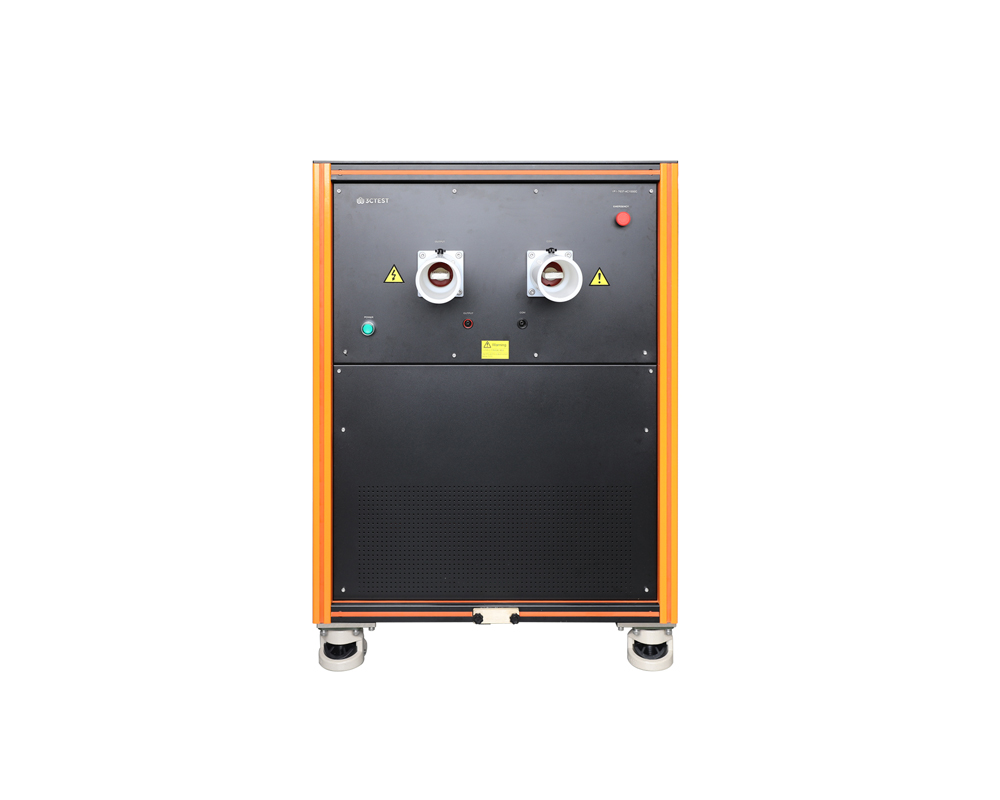
The TPT-7637-4C1000C wideband coupling transformer is designed for immunity tests required by standards such as ISO 21498-2 and ISO 7637-4.
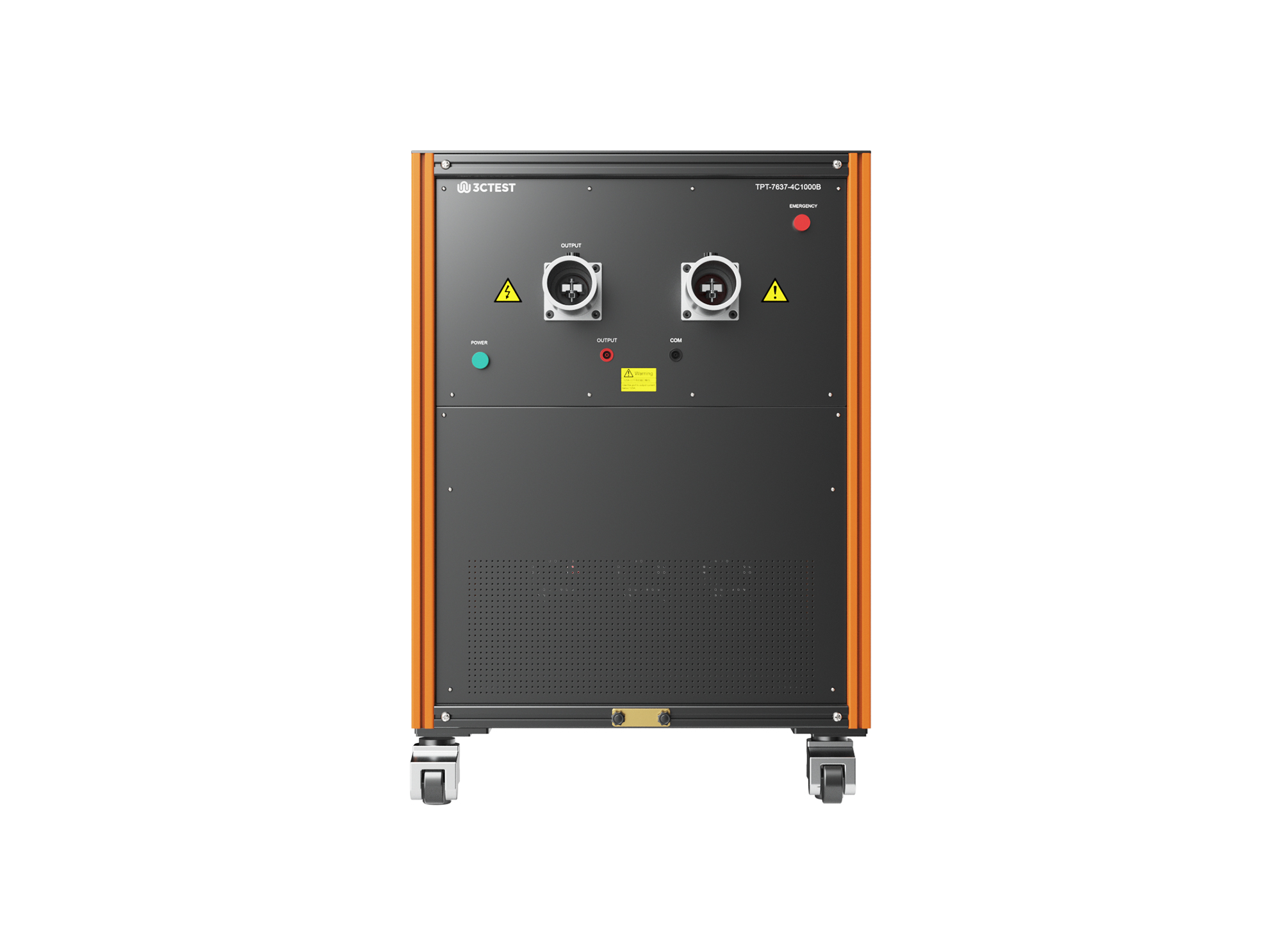
The TPT-7637-4C1000B wideband coupling transformer is designed for immunity tests required by standards such as ISO 21498-2 and ISO 7637-4.
• Using the product inquiry function can help you quickly learn about the product's price and other related information.
• You can either inquire about a single product directly, or select multiple products to add to the inquiry bar and inquire about them together.
• How to make an inquiry





1. Using the product comparison function can help you find the target product you need for selection more quickly and easily.
2. You can add up to 5 products for comparison. Product models and parameters may vary across different series. It is recommended to compare products within the same series.
3. How to use the comparison bar.




 Phone: +86-512-68413700
 Email: info@3ctest.cn
 Address:No.99 E'meishan Rd, SND, Suzhou, Jiangsu, 215153, China,Suzhou, Jiangsu, 215153, China



© 2025 Suzhou 3CTEST


 Leave a Message


