

High frequency recommended vocabulary

LV 124 is the best known of the joint requirements drawn up by several German vehicle manufacturers, and it covers the electrical rather than the electromagnetic behaviour of components in vehicles up to three and a half tonnes: the electrical conditions of the supply, the behaviour of a component over the operating voltage range, its response to the transients produced when loads are switched, its consumption and its behaviour under abnormal conditions such as overvoltage, undervoltage and reverse polarity. The document is valued because it is common to several manufacturers, so a component qualified against it can be offered to more than one programme, and because the market has moved in the same direction with the introduction of the forty eight volt system for which the standard now provides explicitly. Its companion requirement in the same family covers the electromagnetic compatibility of the same components, and the two are normally applied together.
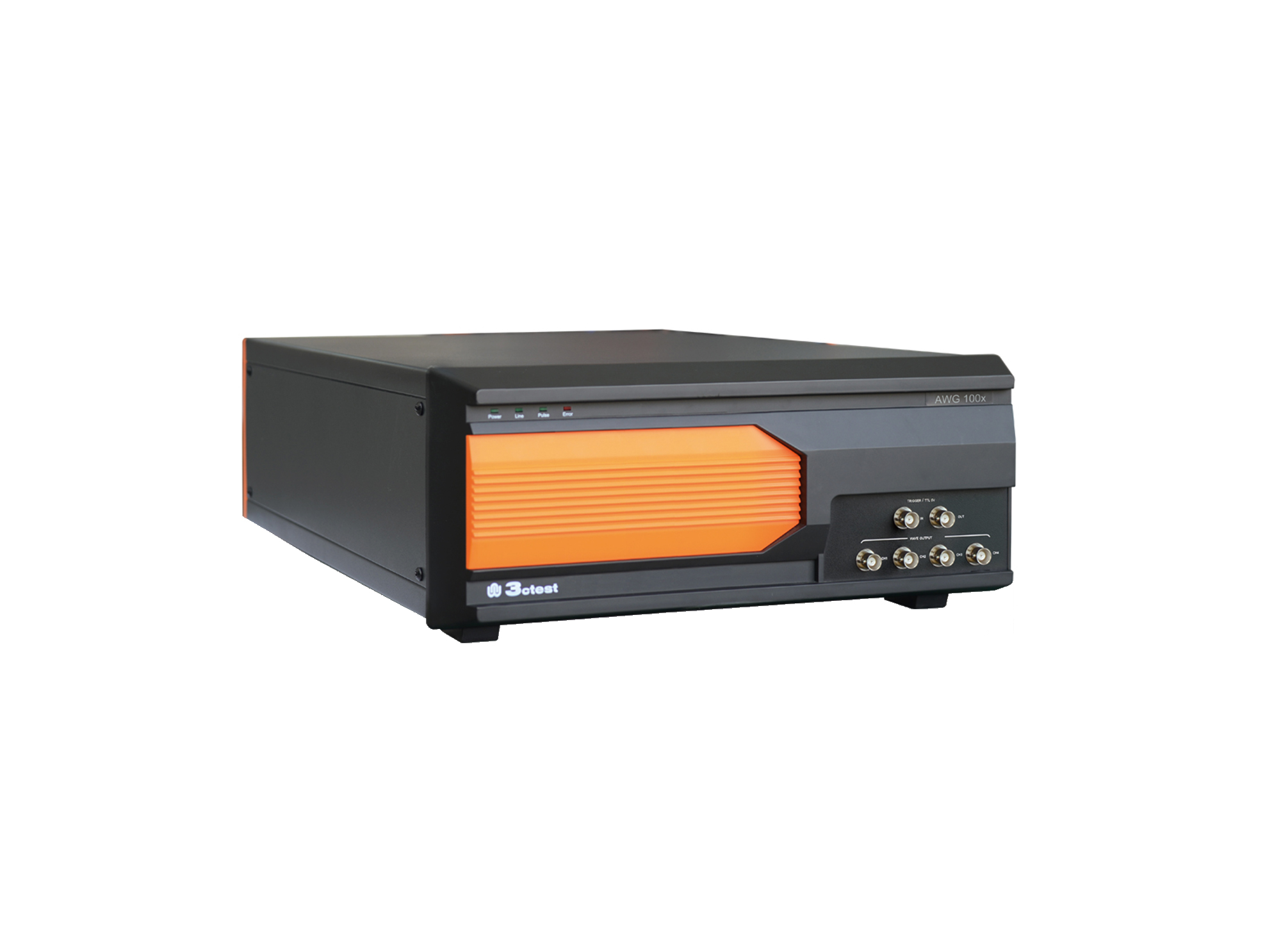
The AWG 100X Arbitrary Waveform Generator complies with ISO 16750, ISO 7637-2 and certain automotive manufacturer standards.
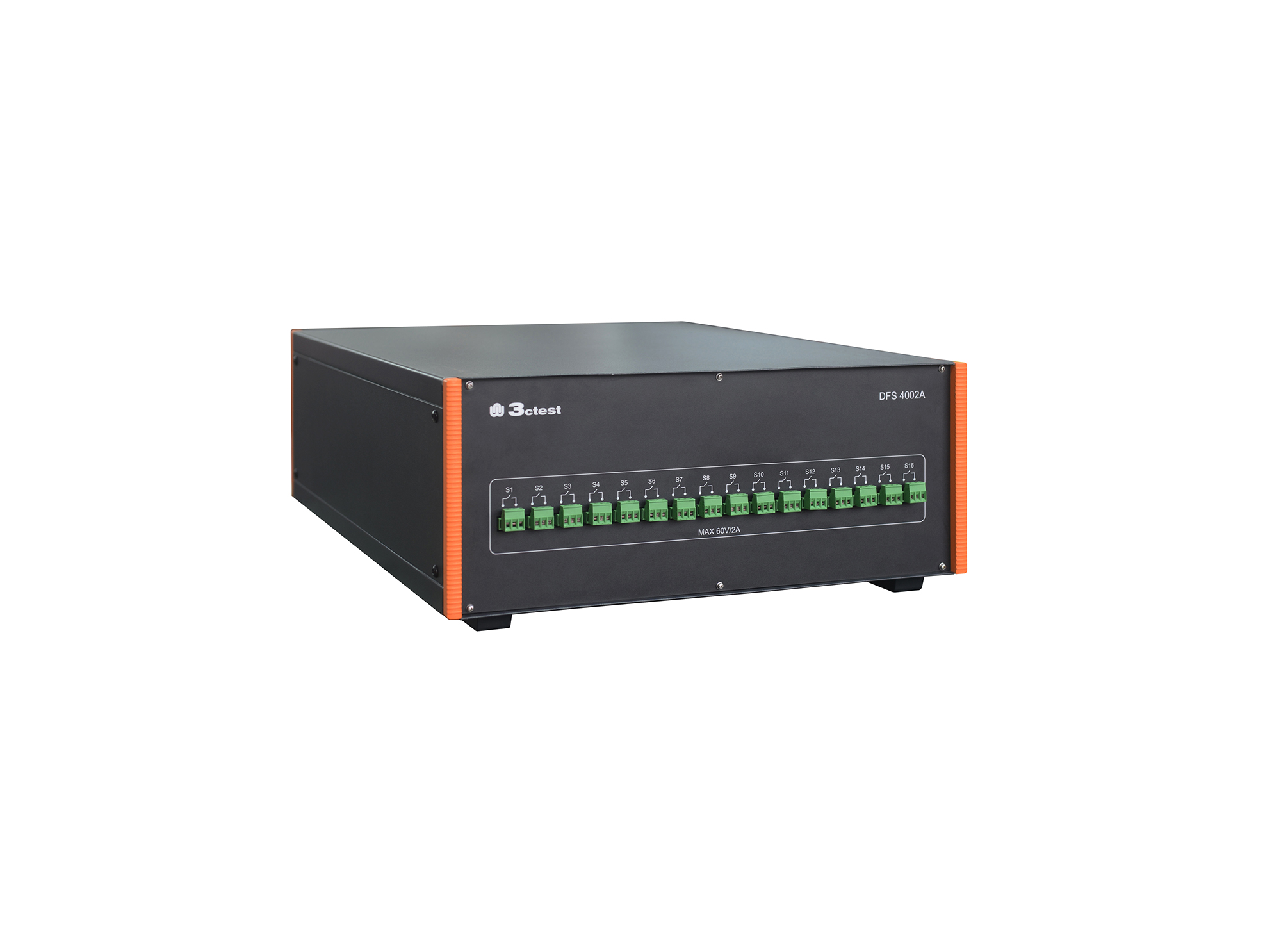
The DFS 4002A signal/data line faulure simulator complies with the test requirements of LV 124 pulses E10, E13, and E14, as well as LV 148 pulse E48-09, which are commonly used by German automotive manufacturers.
• Using the product inquiry function can help you quickly learn about the product's price and other related information.
• You can either inquire about a single product directly, or select multiple products to add to the inquiry bar and inquire about them together.
• How to make an inquiry





1. Using the product comparison function can help you find the target product you need for selection more quickly and easily.
2. You can add up to 5 products for comparison. Product models and parameters may vary across different series. It is recommended to compare products within the same series.
3. How to use the comparison bar.




 Phone: +86-512-68413700
 Email: info@3ctest.cn
 Address:No.99 E'meishan Rd, SND, Suzhou, Jiangsu, 215153, China,Suzhou, Jiangsu, 215153, China



© 2025 Suzhou 3CTEST


 Leave a Message


