

High frequency recommended vocabulary

CVTC 37003 is listed on this site as an electromagnetic compatibility requirement for automotive electrical and electronic components, and it appears in the component specifications issued to suppliers of one or more Chinese vehicle programmes. Documents of this kind are internal to the purchaser and are not published, so the content available to a supplier is the version attached to the request for quotation and the interpretation agreed with the customer's engineering department; what can be said generally is that such a requirement fixes the disturbances to be applied to a component at a given mounting location and the levels that correspond to that location, and that it is paired with a test method document defining how each disturbance is generated and measured. A supplier should obtain both documents and confirm the current revision before a test plan is written.
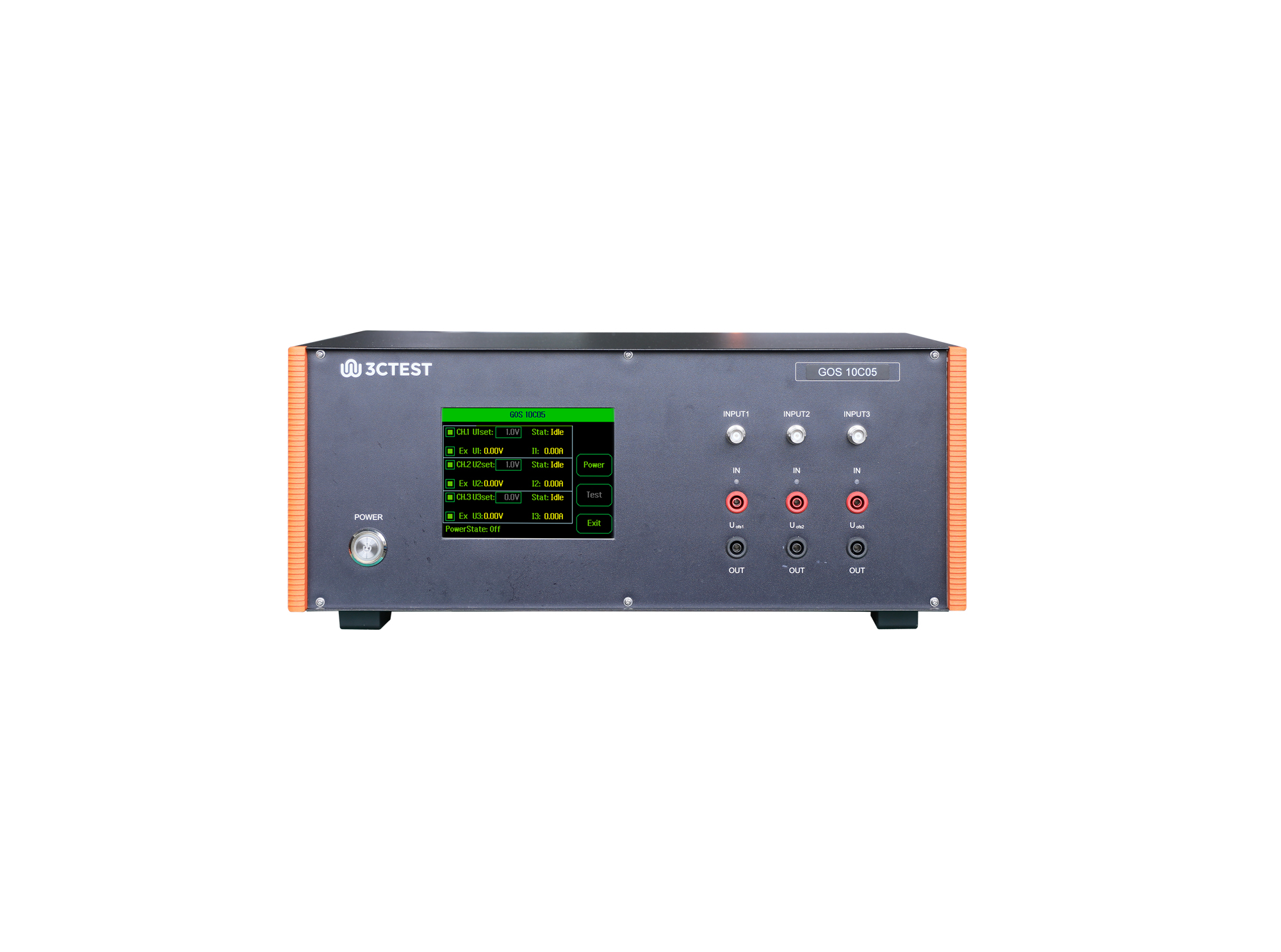
The GOS 10C05 is a standalone test equipment used to simulate ground offset and power supply offset of multi-channel power supply circuits.
• Using the product inquiry function can help you quickly learn about the product's price and other related information.
• You can either inquire about a single product directly, or select multiple products to add to the inquiry bar and inquire about them together.
• How to make an inquiry





1. Using the product comparison function can help you find the target product you need for selection more quickly and easily.
2. You can add up to 5 products for comparison. Product models and parameters may vary across different series. It is recommended to compare products within the same series.
3. How to use the comparison bar.




 Phone: +86-512-68413700
 Email: info@3ctest.cn
 Address:No.99 E'meishan Rd, SND, Suzhou, Jiangsu, 215153, China,Suzhou, Jiangsu, 215153, China



© 2025 Suzhou 3CTEST


 Leave a Message


