

High frequency recommended vocabulary

VS-00.35-L-10008 belongs to the same numbering family as the other VS document listed on this site and differs from it in the group of digits that identifies the subject area, which indicates that the two cover neighbouring but distinct parts of the manufacturer's technical documentation rather than two editions of one requirement. That distinction is the one a supplier most often has to establish in practice, because the designations of a large manufacturer's standards look similar at a glance and a component specification may quote several of them. The correct approach is to treat the specification as the authority: it names the documents that apply, and the supplier should obtain each of them at the edition stated rather than substituting a number that appears to be more recent. Where two numbers of the same family appear in one specification, the supplier should establish whether they are cumulative, that is whether both must be satisfied, or whether each applies to a different class of component within the project.
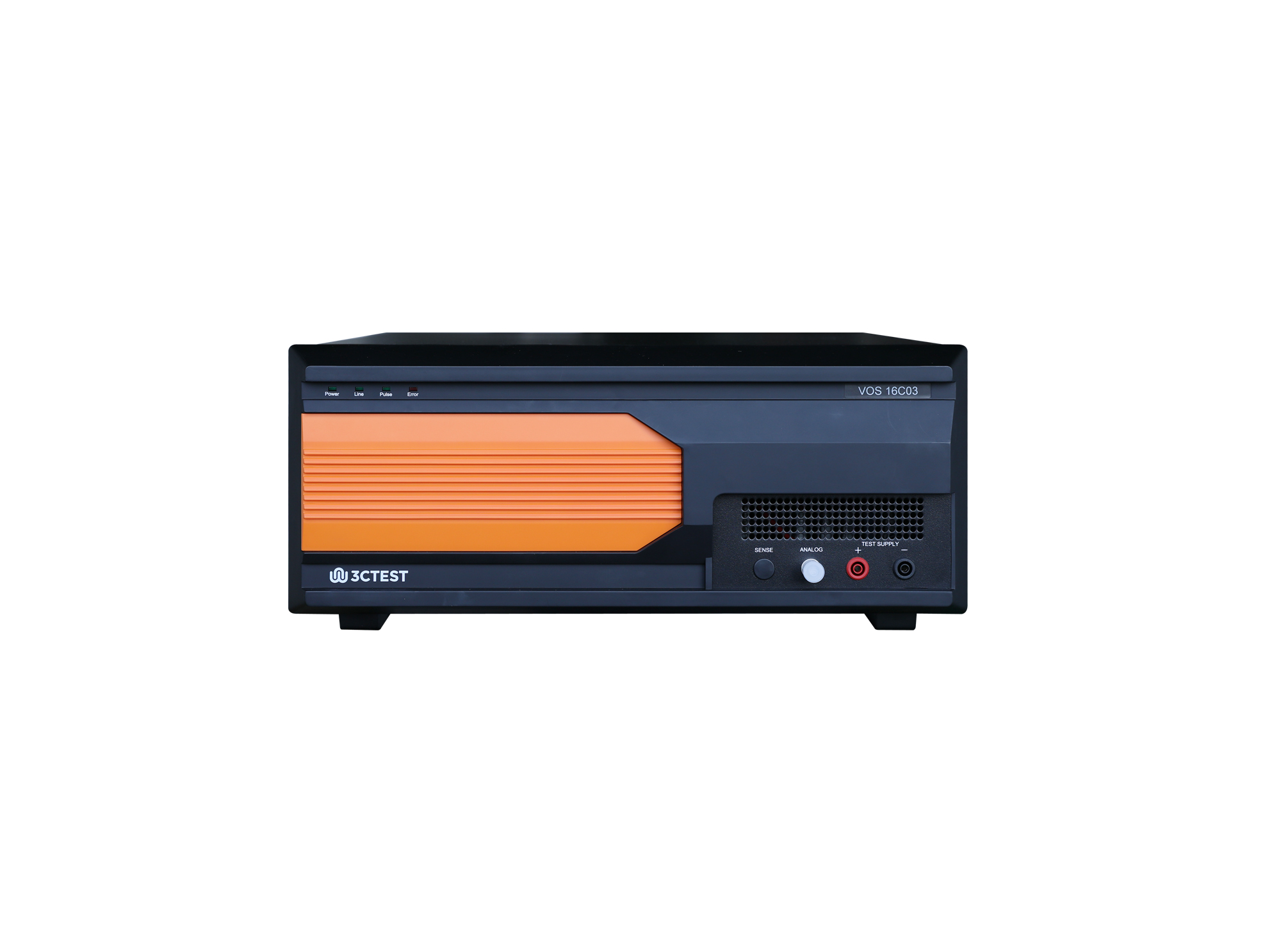
The VOS 16C03 Voltage Offset Simulator is designed strictly in accordance with the Pulse 10a/10b/10c/10d specified in Table 31 of CHANGAN standard VS-00.35-L-10008:2018. The product integrates a high-performance signal generator with frequency up to 300 kHz and its voltage slew rate up to 80 V/μs.
• Using the product inquiry function can help you quickly learn about the product's price and other related information.
• You can either inquire about a single product directly, or select multiple products to add to the inquiry bar and inquire about them together.
• How to make an inquiry





1. Using the product comparison function can help you find the target product you need for selection more quickly and easily.
2. You can add up to 5 products for comparison. Product models and parameters may vary across different series. It is recommended to compare products within the same series.
3. How to use the comparison bar.




 Phone: +86-512-68413700
 Email: info@3ctest.cn
 Address:No.99 E'meishan Rd, SND, Suzhou, Jiangsu, 215153, China,Suzhou, Jiangsu, 215153, China



© 2025 Suzhou 3CTEST


 Leave a Message


