

High frequency recommended vocabulary

VW 80300 is a companion document to the manufacturer's better known electrical component standard, and the relationship between the two illustrates how a large manufacturer organises a test programme across many suppliers and many categories of component. One document states general requirements that apply to a class of components and the conditions under which they are assessed; the companion document sets out the test requirements for particular categories or particular aspects, so that a programme cites both and the supplier assembles the applicable combination. A supplier meeting the pair for the first time should establish which document governs which aspect before writing a test plan, since the same phenomenon may appear in both with the level stated in one and the measurement conditions in the other. The arrangement has a practical benefit for the supplier, since it means that a test programme can be drawn up from the pair of documents without needing separate instructions for each category of test.
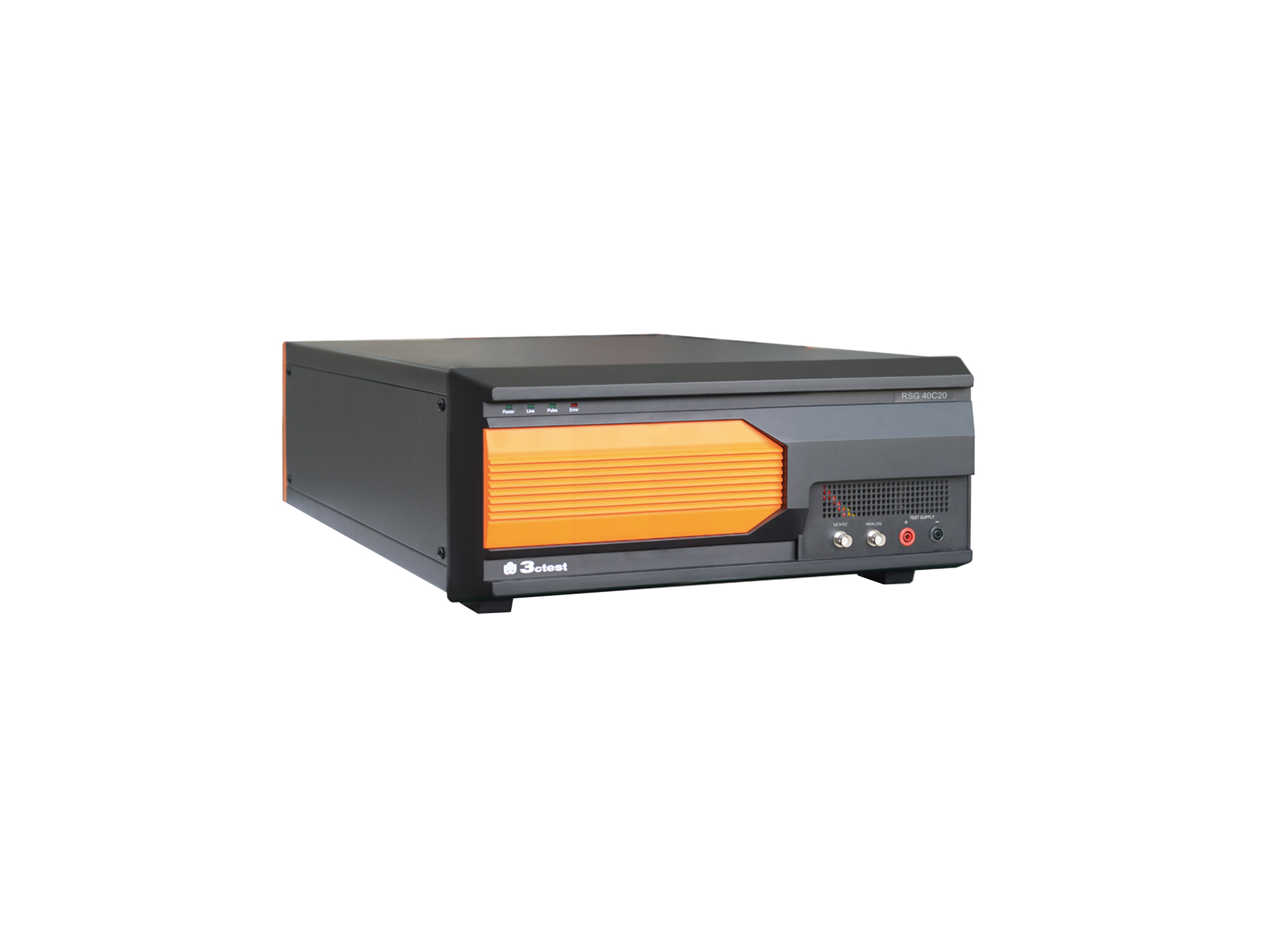
The RSG 40C20 Ripple Signal Generator complies with ISO/TS 7637-4, ISO 21498, VW 80300, GJB 151B and ISO 11452.8
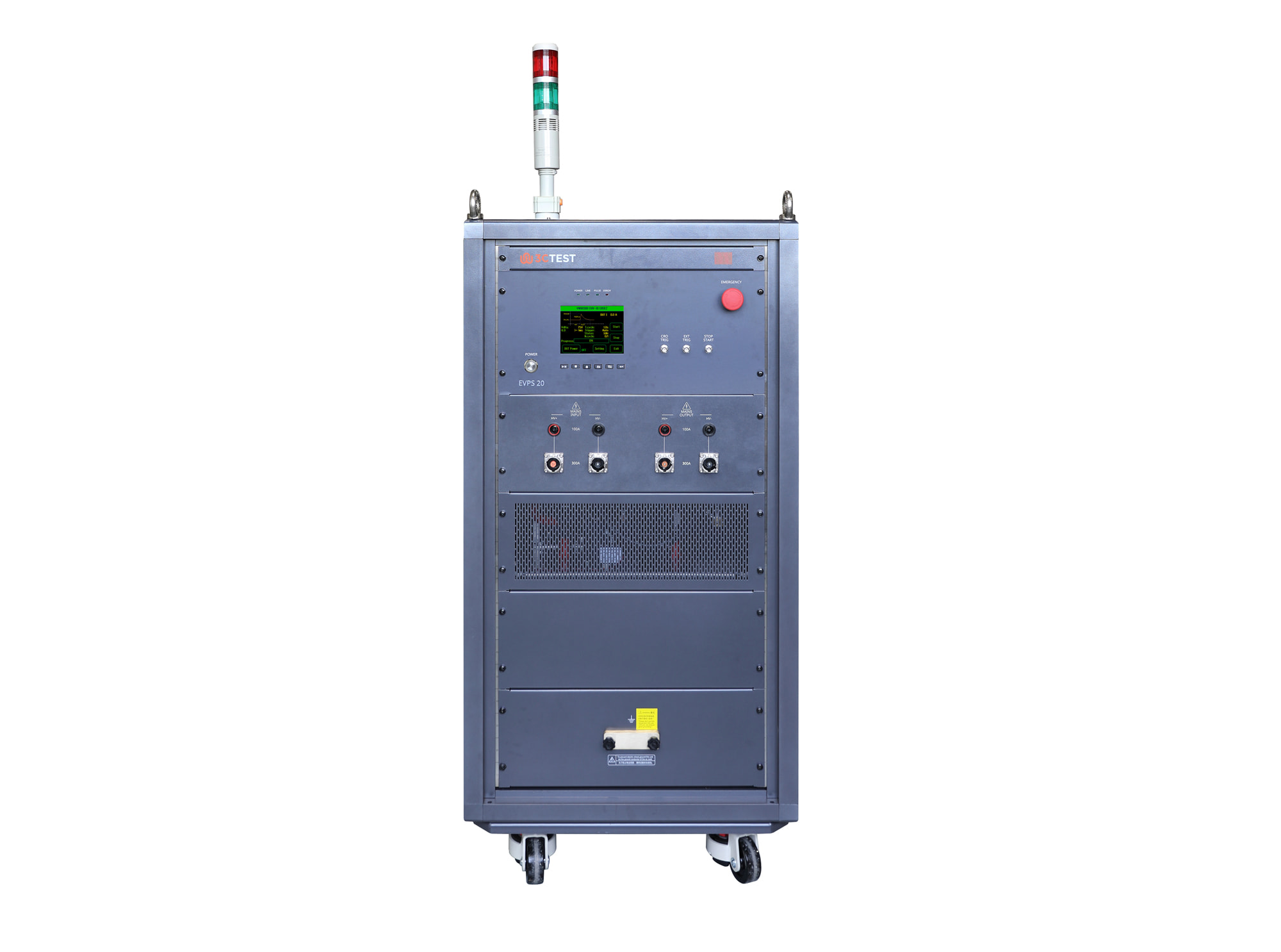
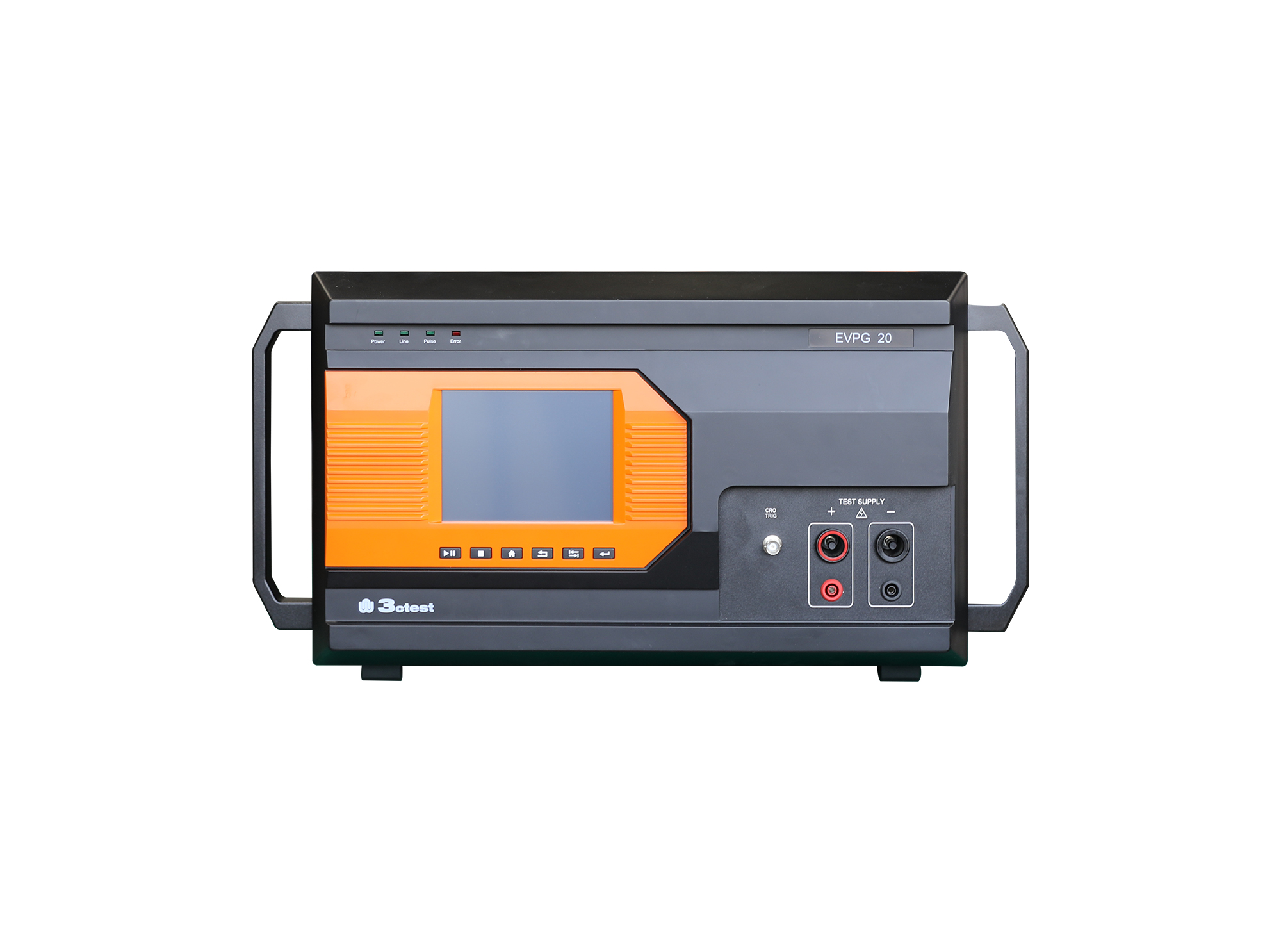
The EVPS 20 is developed in strict accordance with VW 80300:2021. It supports three standard HV pulse waveforms, including EHV-10 Case 2, EHV-16 Case 1, and EHV-16 Case 2, integrating three tests into one system.
The RSG 40C20 Ripple Signal Generator complies with ISO/TS 7637-4, ISO 21498, VW 80300, GJB 151B and ISO 11452.8
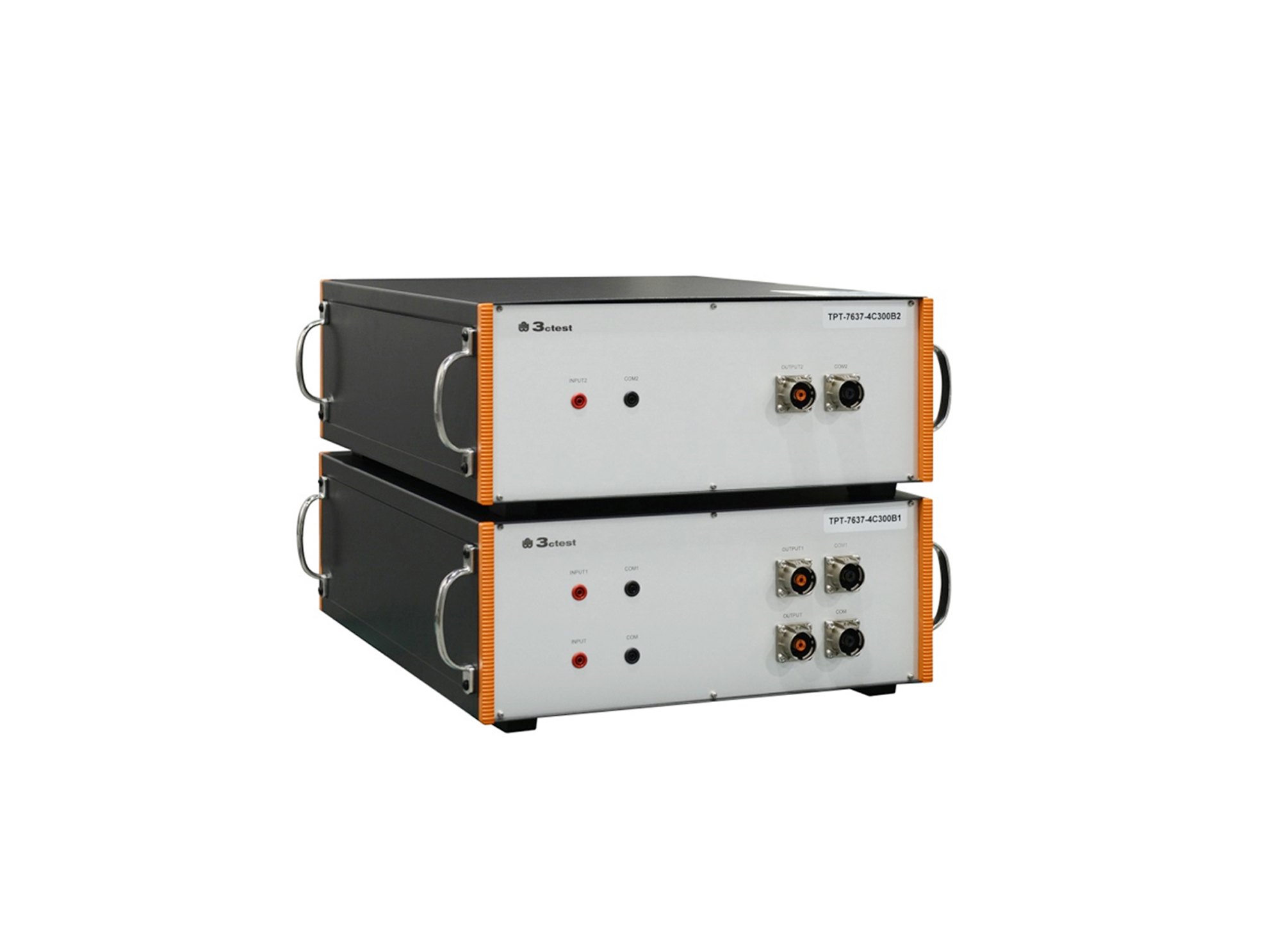
The TPT-7637-4C300B1/B2 is a broadband coupling transformer specifically designed for the Low-Frequency Sinusoidal Disturbance Pulse B transient immunity test defined in ISO 7637-4.
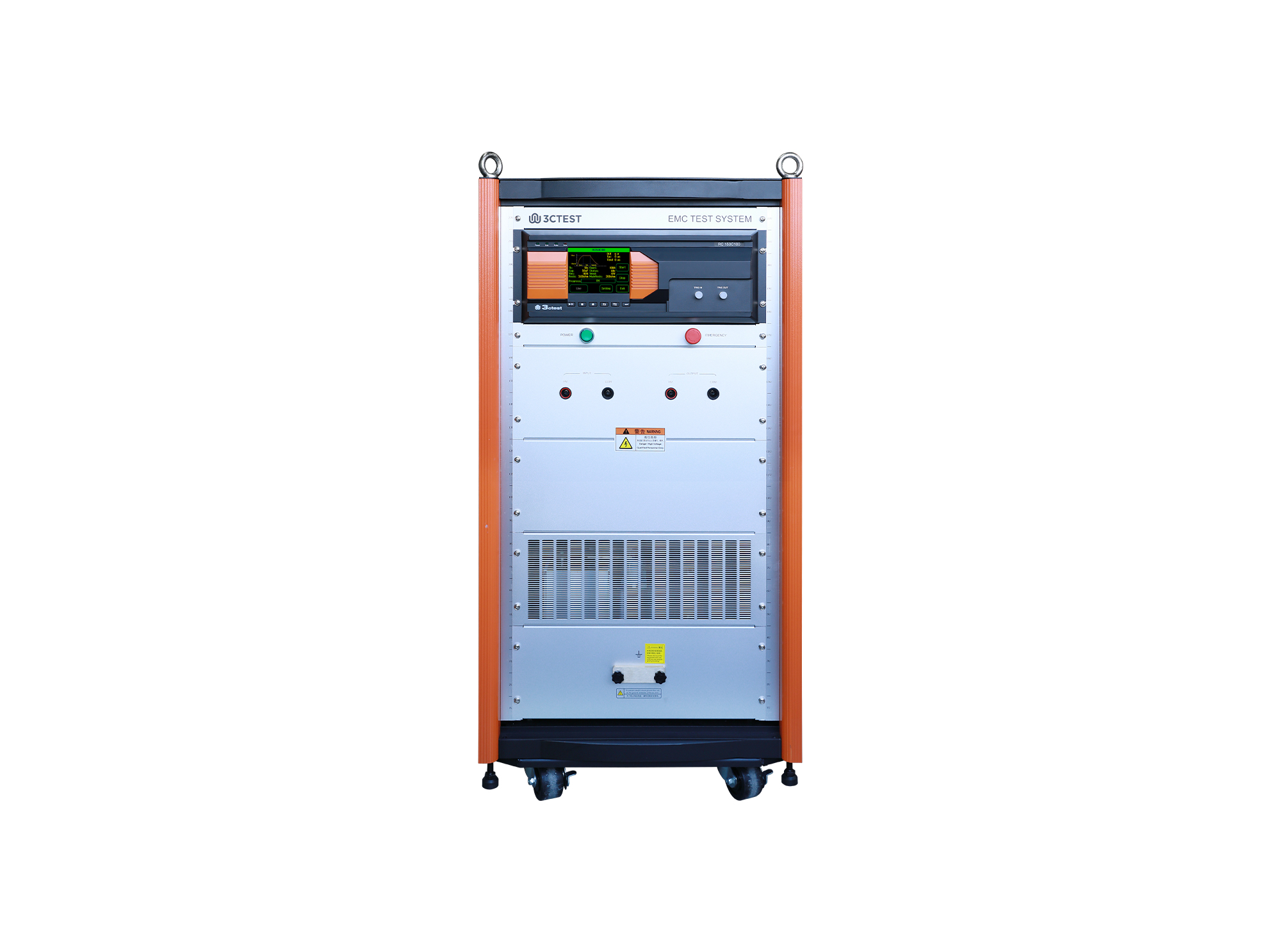
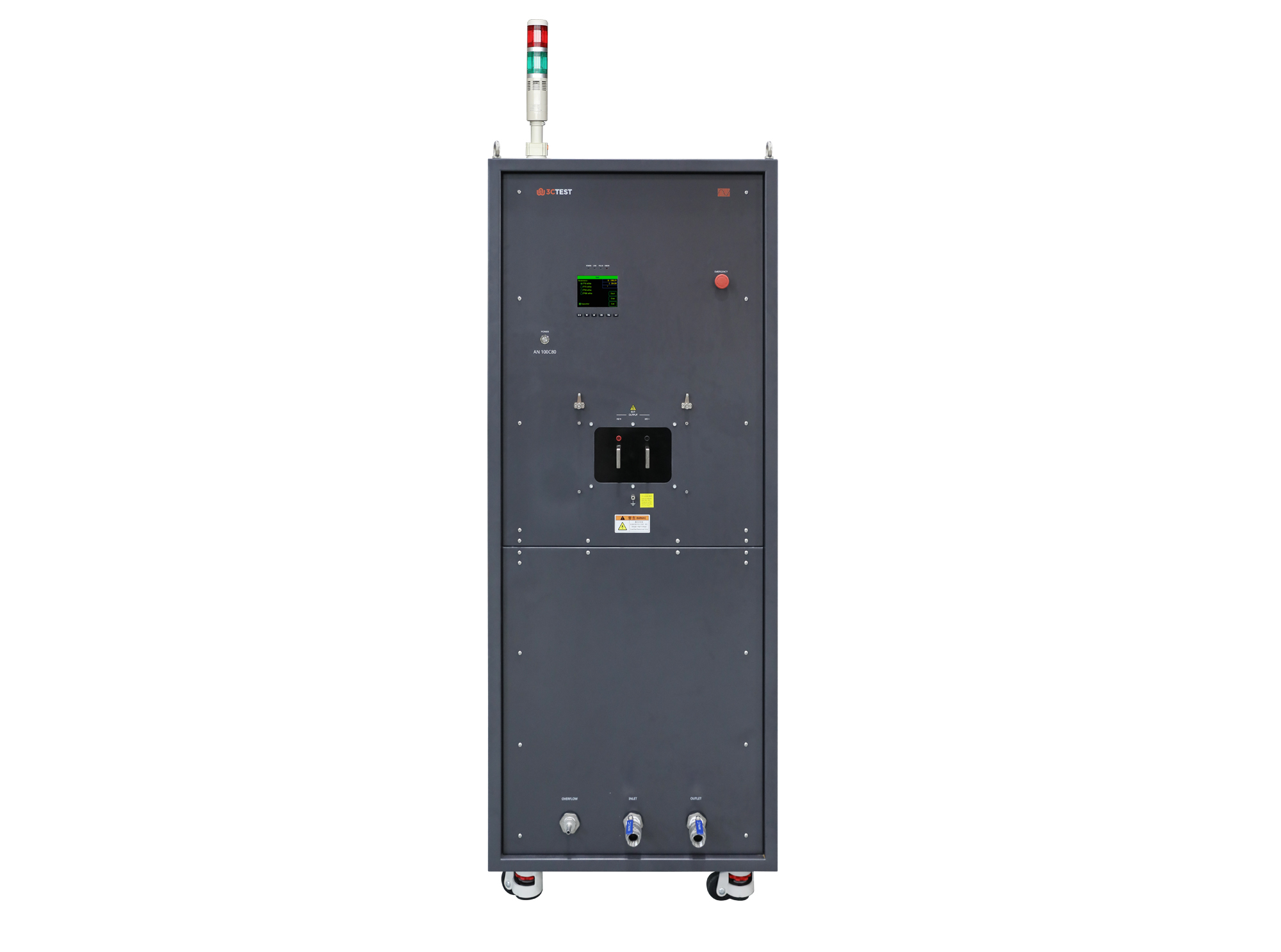
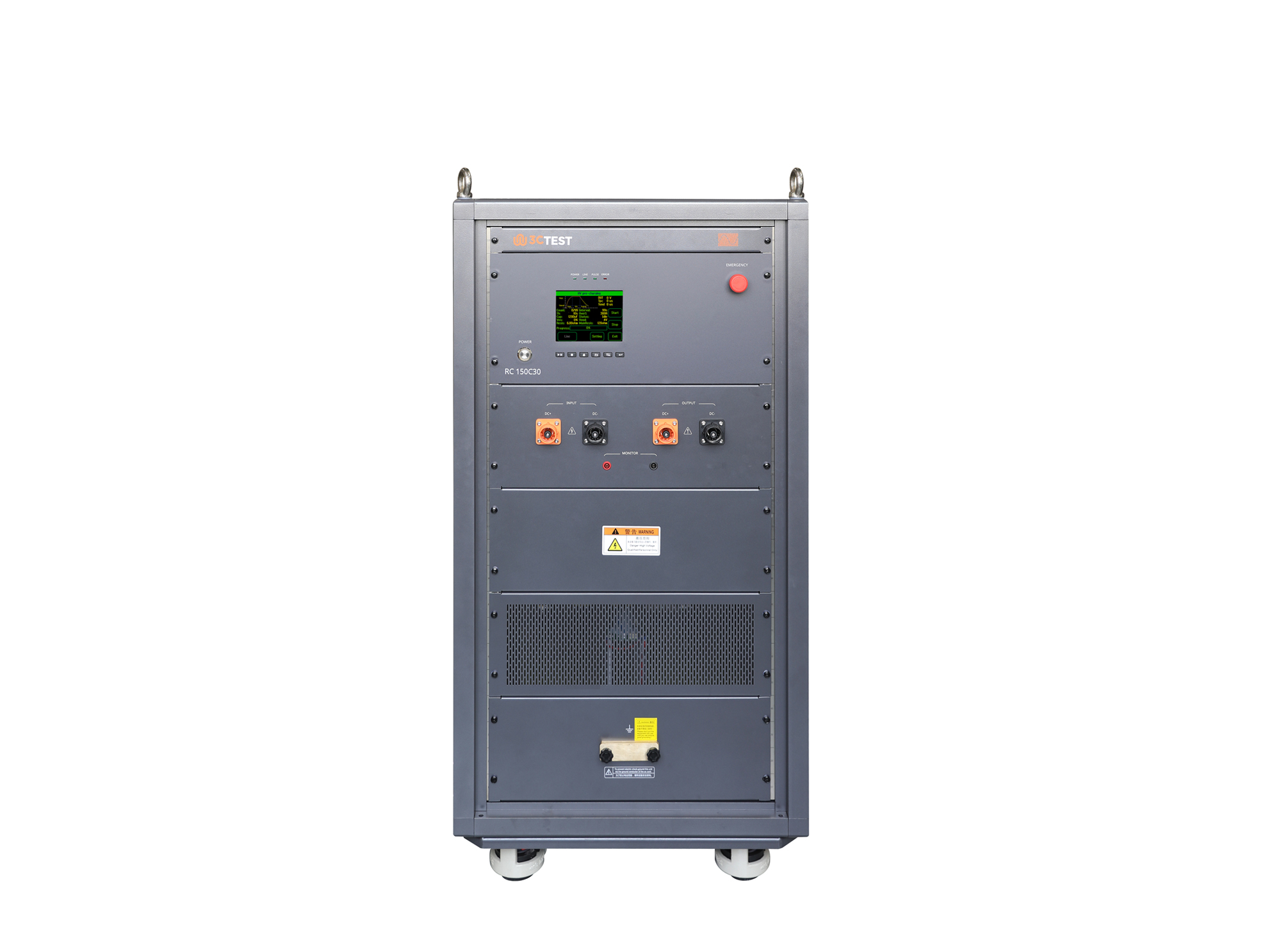
The RC 150C10 Wide-range Adjustable Pre-charging Test Device conforms to the EHV-04 pre-charging test specified in VW 80300. The device is designed to verify the performance of pre-charging circuits in HV energy storage devices and HV components. Its max. test voltage is 1,500 V and max. test current is 100 A.
• Using the product inquiry function can help you quickly learn about the product's price and other related information.
• You can either inquire about a single product directly, or select multiple products to add to the inquiry bar and inquire about them together.
• How to make an inquiry





1. Using the product comparison function can help you find the target product you need for selection more quickly and easily.
2. You can add up to 5 products for comparison. Product models and parameters may vary across different series. It is recommended to compare products within the same series.
3. How to use the comparison bar.




 Phone: +86-512-68413700
 Email: info@3ctest.cn
 Address:No.99 E'meishan Rd, SND, Suzhou, Jiangsu, 215153, China,Suzhou, Jiangsu, 215153, China



© 2025 Suzhou 3CTEST


 Leave a Message


