

High frequency recommended vocabulary

PF-9326 is one of the older numbers in the test method series of this manufacturer, and its age is itself instructive: the methods issued by the North American automotive companies in the 1990s and early 2000s reflect the concerns of the vehicles of that period, with a strong emphasis on the protection of the amplitude modulated broadcast receivers that were then the principal radio service in the vehicle, and with coupling arrangements designed around the wiring of the time. As vehicles have acquired satellite, cellular and radar systems operating at much higher frequencies, the manufacturers have issued new methods to cover those bands while retaining the older numbers for equipment that is still in production. A supplier quoting an old method should therefore confirm whether it remains the applicable one for a new programme or whether a newer method has replaced it.
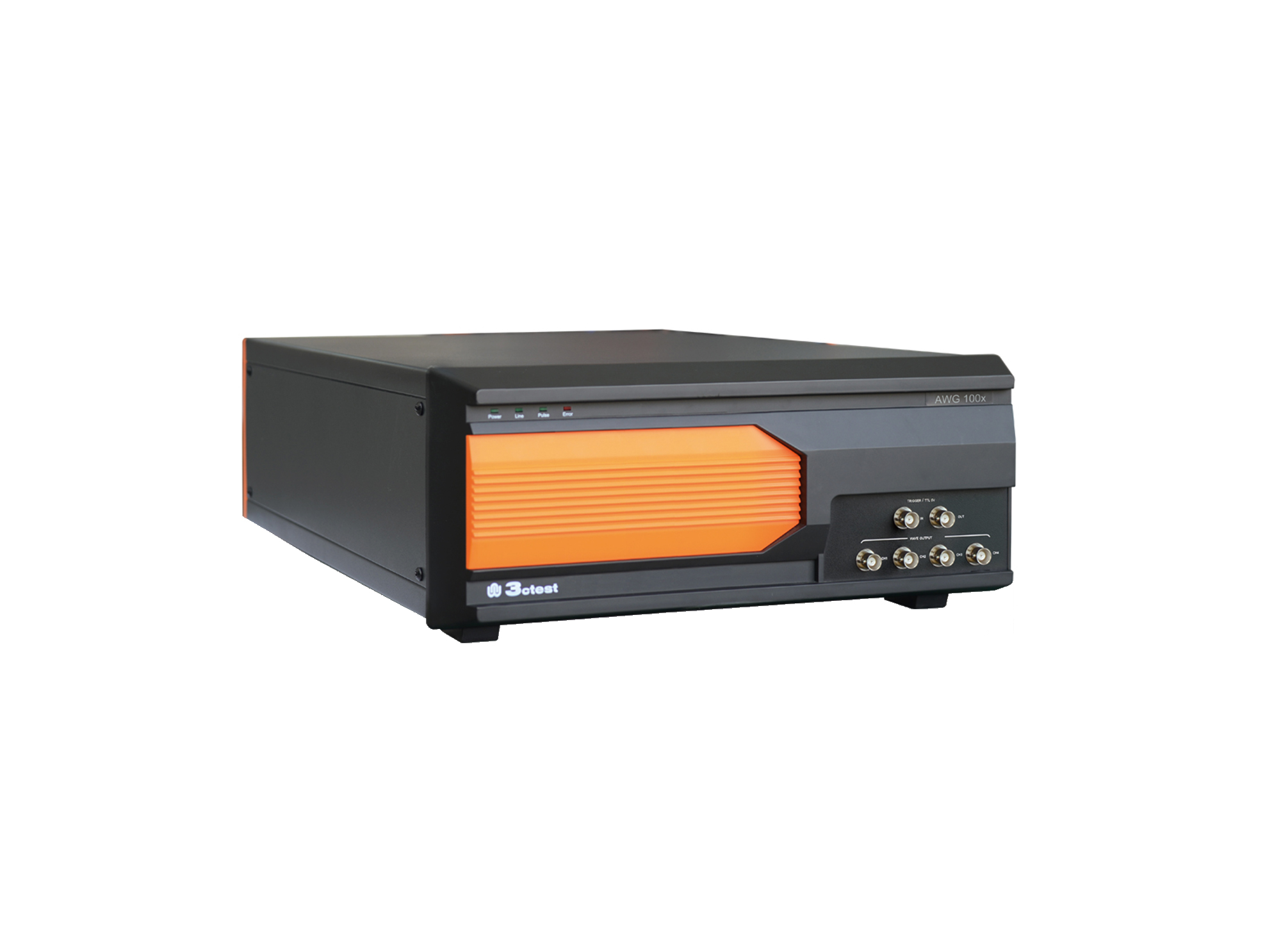
The AWG 100X Arbitrary Waveform Generator complies with ISO 16750, ISO 7637-2 and certain automotive manufacturer standards.
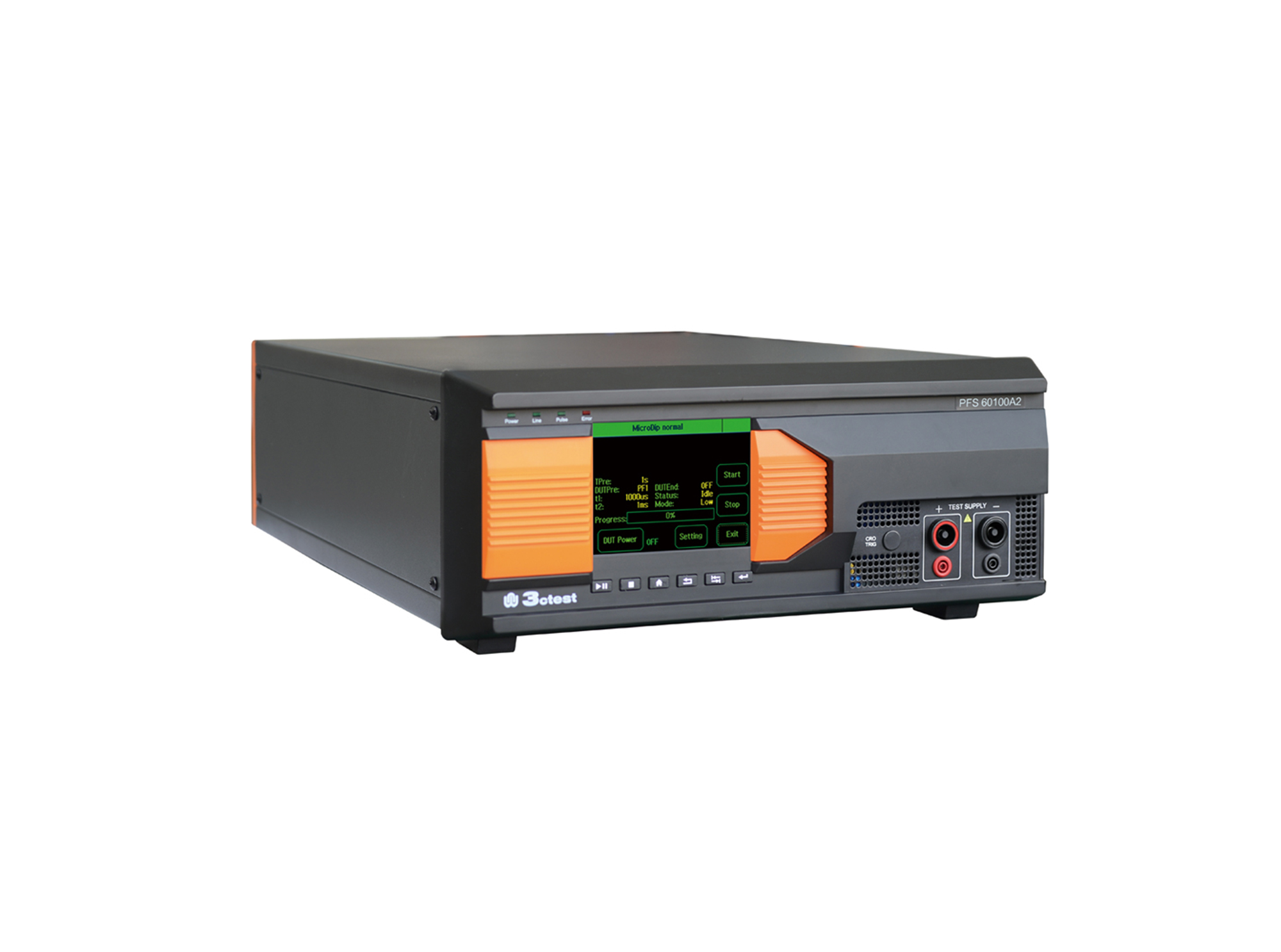
The PFS 60100A2 automotive power failure simulator complies with GM3172, LV124, VW 80000, VS-00.34-L-10002, and other relevant standards.
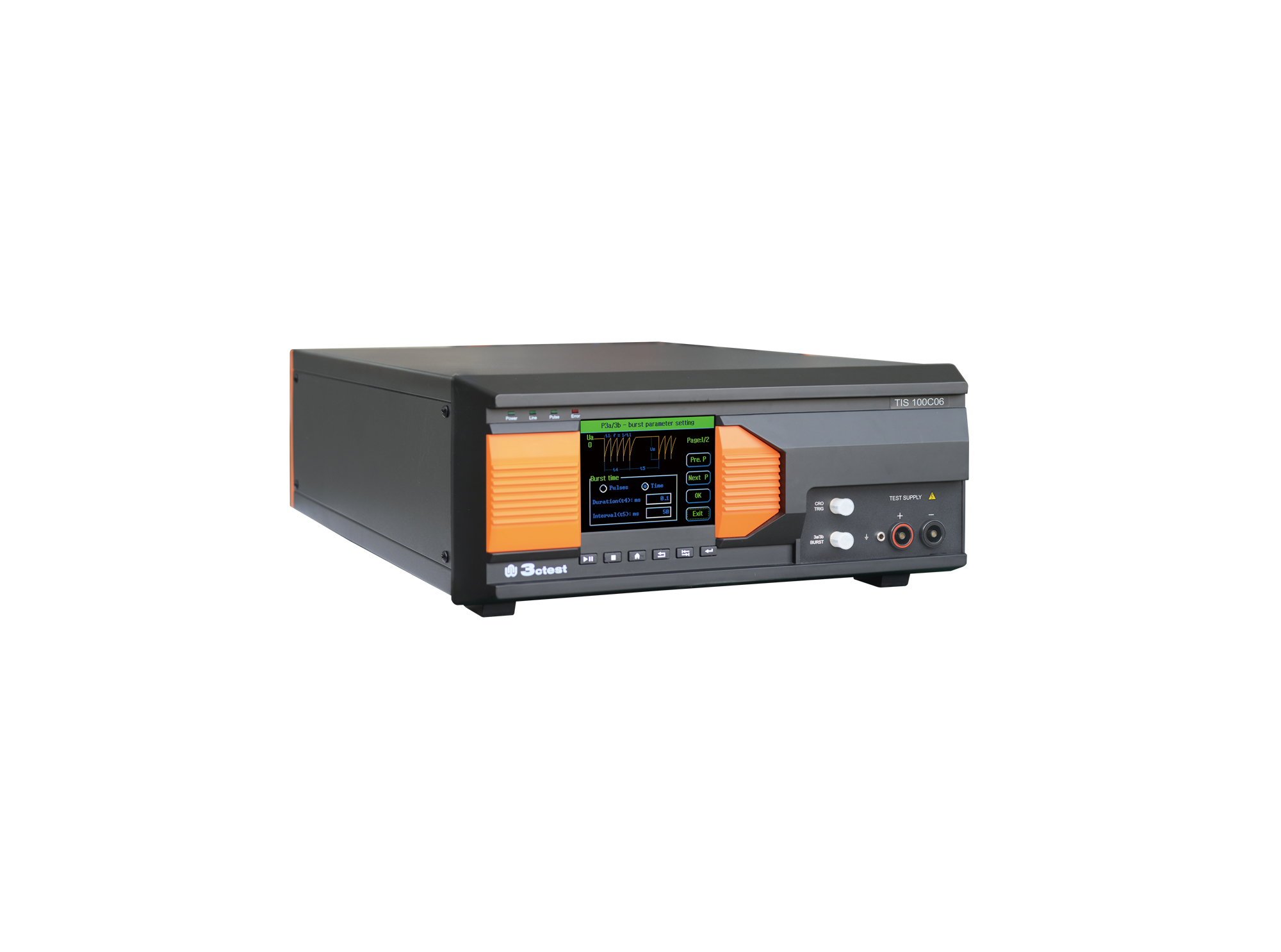
The TIS 100Cx Series Vehicle Compact Transient Pulse Simulator can perform pulses 1, 2a, 3a and 3b on power lines as per ISO 7637-2, and signal and data lines as per ISO 7637-3.
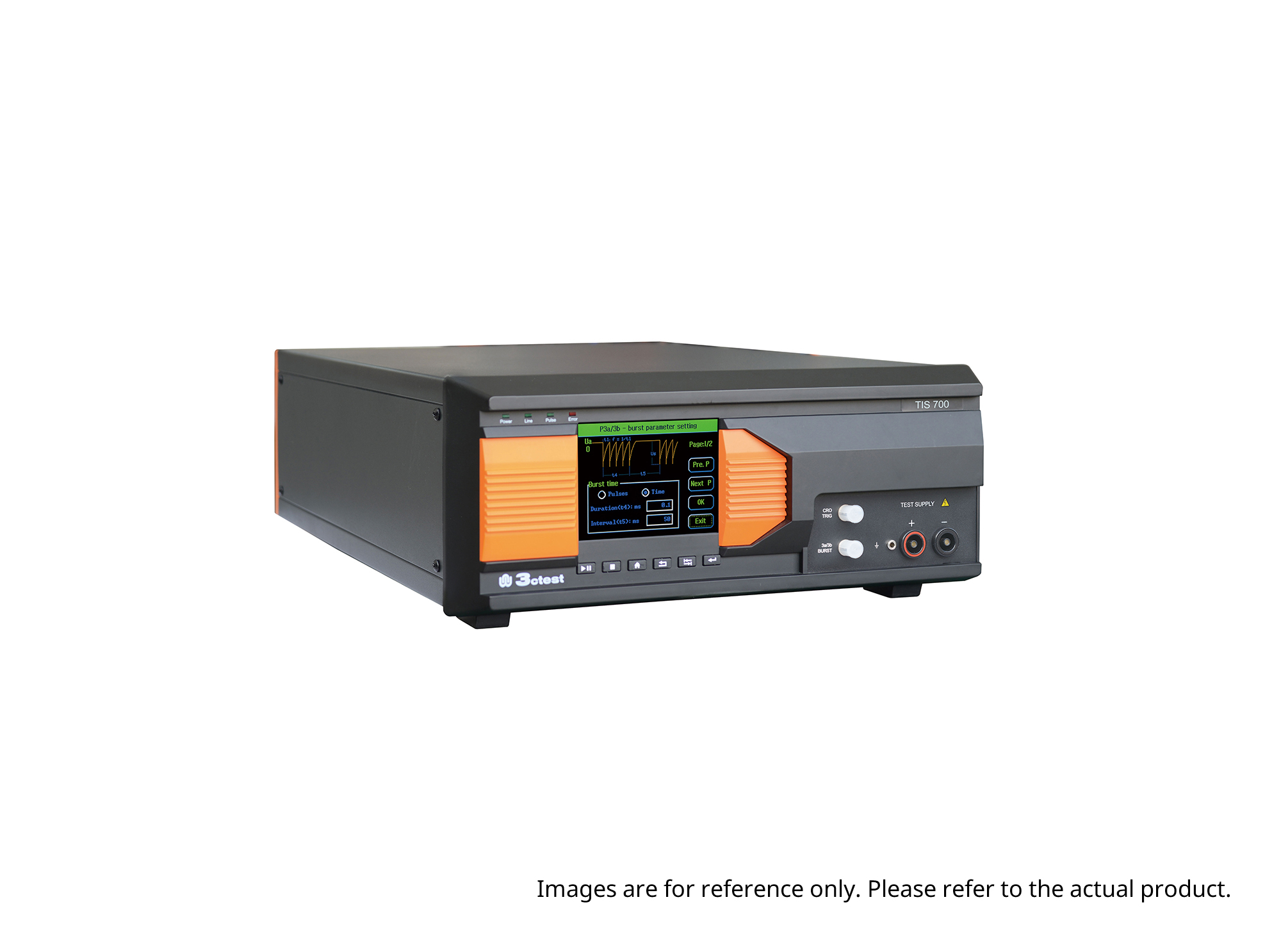
The TIS 700 Vehicle Compact Transient Pulse Simulator can perform pulses 1, 2a, 3a and 3b on power lines as per ISO 7637-2, and signal and data lines as per ISO 7637-3. When used with PC software, it can also perform Pulse 1b and Pulse 6 tests.
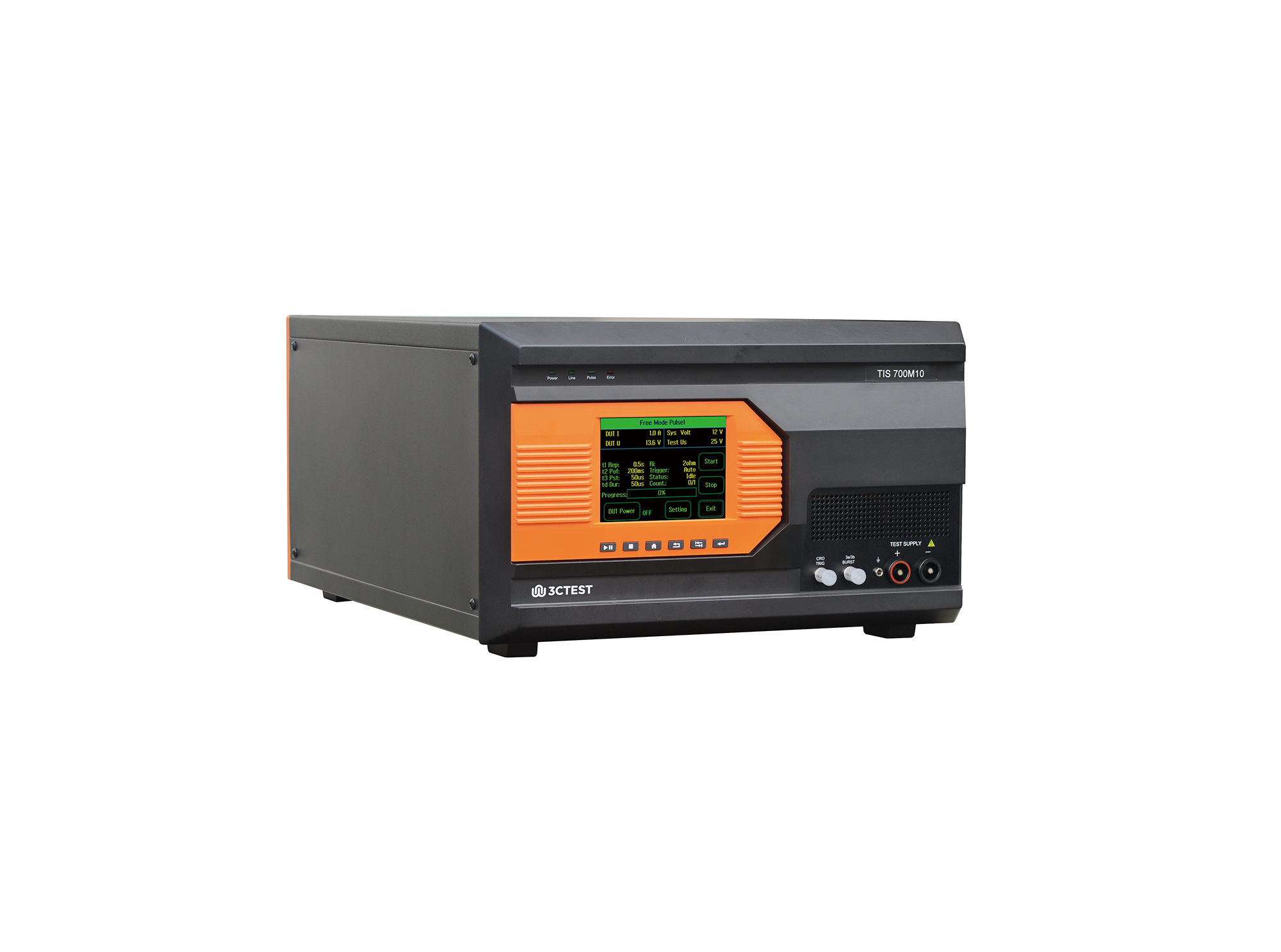
The TIS 700M10 Micro-Pulse Interference Generator can perform pulses 1, 2a, 3a and 3b on power lines as per ISO 7637-2, and fast and slow transient pulses on signal and data lines tests as per ISO 7637-3.
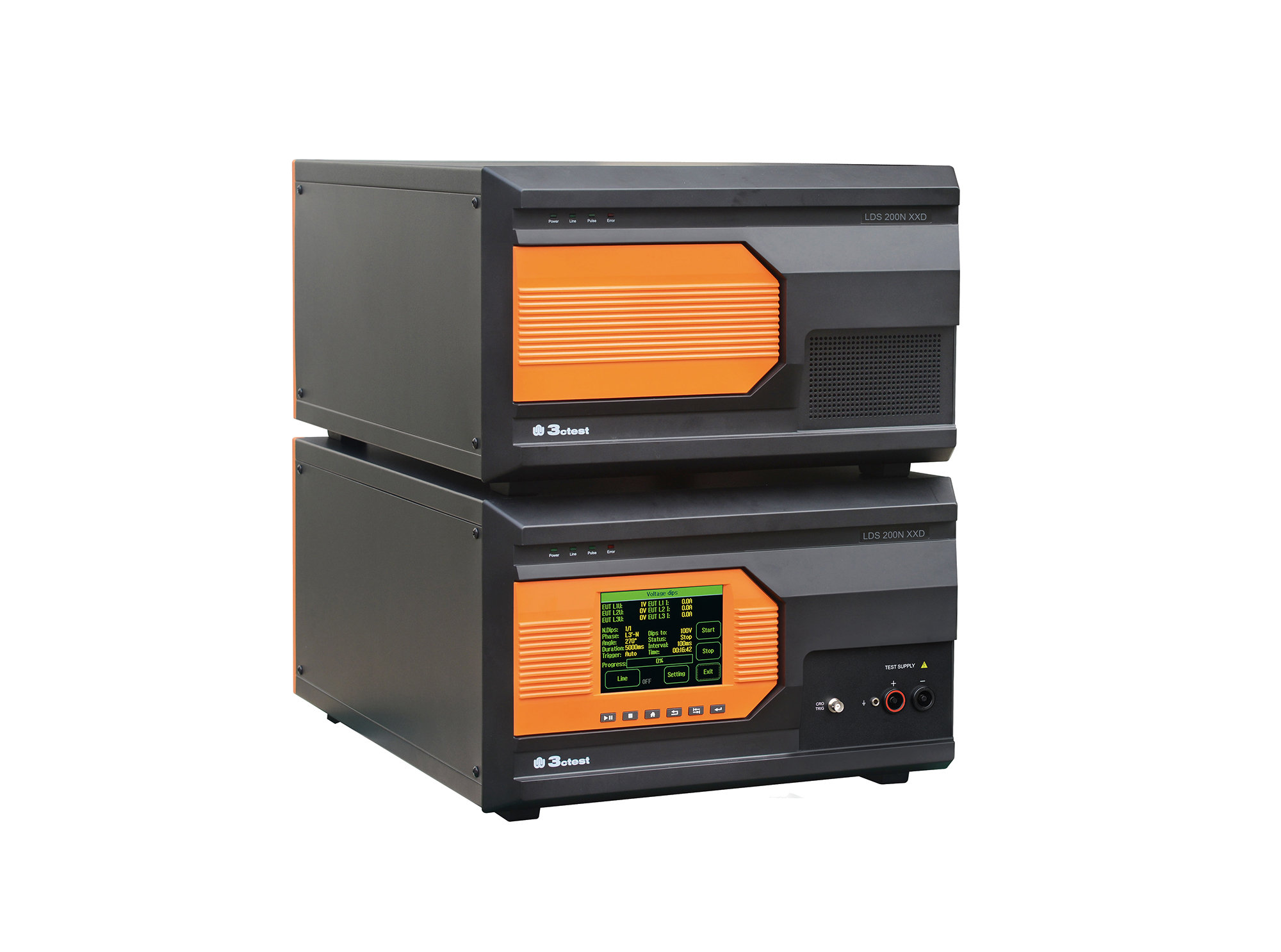
Load dump pulses generated by the LDS 200NxxD comply with ISO 7637-2, ISO 16750-2, SAE J1113 and numerous vehicle manufacturer standards
The TIS 700-200 Vehicle Compact Transient Pulse Simulator can perform pulses 1, 2a, 3a and 3b on power lines as per ISO 7637-2, and signal and data lines as per ISO 7637-3. When used with PC software, it can also perform Pulse 1b and Pulse 6 tests.
The TIS 700-100 Vehicle Compact Transient Pulse Simulator can perform pulses 1, 2a, 3a and 3b on power lines as per ISO 7637-2, and signal and data lines as per ISO 7637-3. When used with PC software, it can also perform Pulse 1b and Pulse 6 tests.
The TIS 700-60 Vehicle Compact Transient Pulse Simulator can perform pulses 1, 2a, 3a and 3b on power lines as per ISO 7637-2, and signal and data lines as per ISO 7637-3. When used with PC software, it can also perform Pulse 1b and Pulse 6 tests.
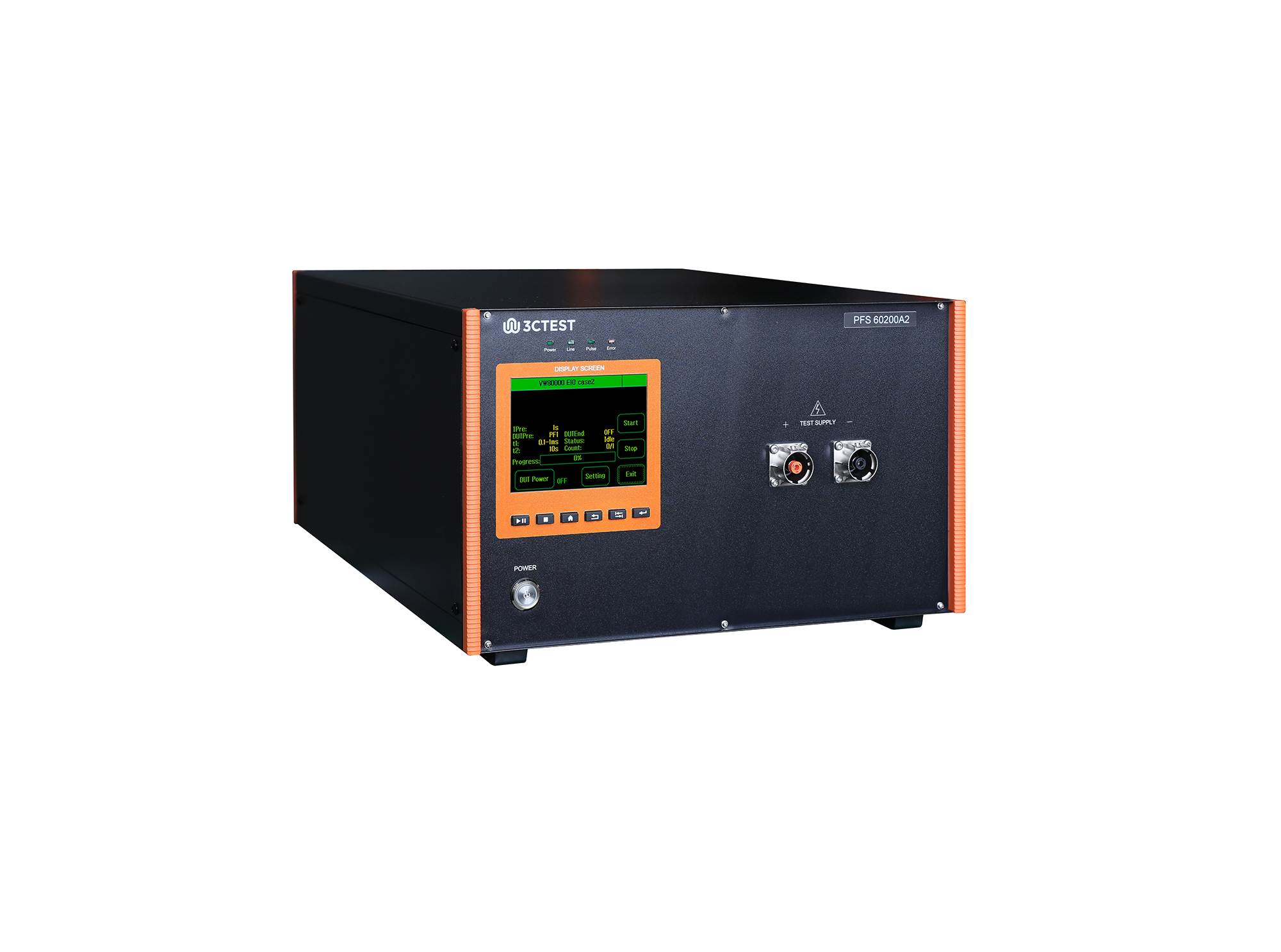
The PFS 60200A2 automotive power failure simulator complies with GM3172, LV124, VW 80000, VS-00.34-L-10002, and other relevant standards.
• Using the product inquiry function can help you quickly learn about the product's price and other related information.
• You can either inquire about a single product directly, or select multiple products to add to the inquiry bar and inquire about them together.
• How to make an inquiry





1. Using the product comparison function can help you find the target product you need for selection more quickly and easily.
2. You can add up to 5 products for comparison. Product models and parameters may vary across different series. It is recommended to compare products within the same series.
3. How to use the comparison bar.




 Phone: +86-512-68413700
 Email: info@3ctest.cn
 Address:No.99 E'meishan Rd, SND, Suzhou, Jiangsu, 215153, China,Suzhou, Jiangsu, 215153, China



© 2025 Suzhou 3CTEST


 Leave a Message


