

High frequency recommended vocabulary

MBN LV 124-1 shows how the joint requirements of the German industry are taken up by an individual manufacturer: where several companies have agreed a common standard, each of them may issue its own numbered document that adopts the common text with the additions or clarifications its own engineering requires, and the document then carries both the manufacturer's prefix and the name of the common standard. For a supplier the consequence is generally convenient, because a component qualified to the common standard is close to qualifying for the manufacturer's variant as well, but the differences have to be established rather than assumed. The document covers the electrical rather than the electromagnetic behaviour of low-voltage components, that is the supply conditions, the transients and the abnormal operating states of the conventional vehicle installation.
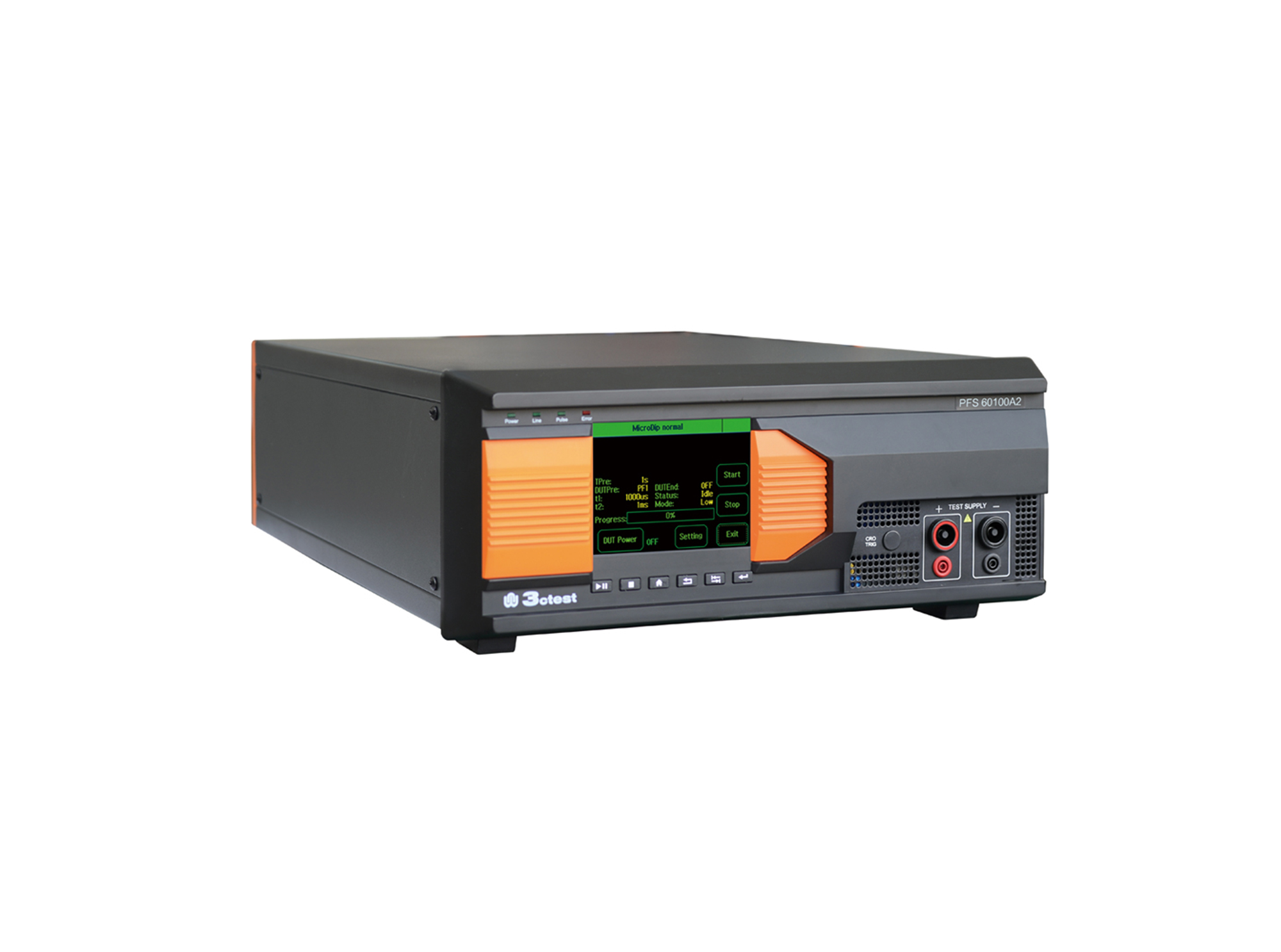
The PFS 60100A2 automotive power failure simulator complies with GM3172, LV124, VW 80000, VS-00.34-L-10002, and other relevant standards.
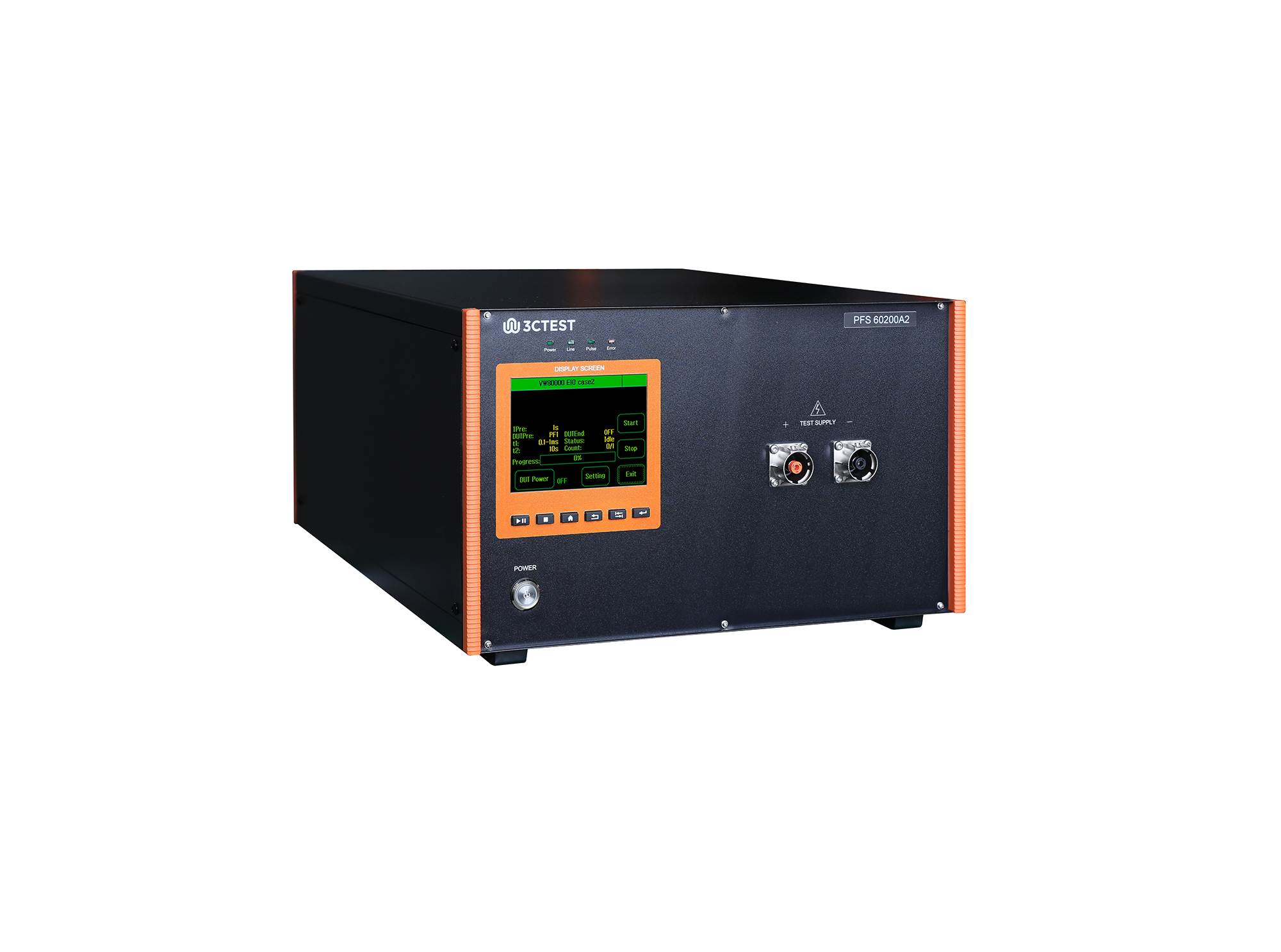
The PFS 60200A2 automotive power failure simulator complies with GM3172, LV124, VW 80000, VS-00.34-L-10002, and other relevant standards.
• Using the product inquiry function can help you quickly learn about the product's price and other related information.
• You can either inquire about a single product directly, or select multiple products to add to the inquiry bar and inquire about them together.
• How to make an inquiry





1. Using the product comparison function can help you find the target product you need for selection more quickly and easily.
2. You can add up to 5 products for comparison. Product models and parameters may vary across different series. It is recommended to compare products within the same series.
3. How to use the comparison bar.




 Phone: +86-512-68413700
 Email: info@3ctest.cn
 Address:No.99 E'meishan Rd, SND, Suzhou, Jiangsu, 215153, China,Suzhou, Jiangsu, 215153, China



© 2025 Suzhou 3CTEST


 Leave a Message


