

High frequency recommended vocabulary

ENS0310 is the electromagnetic compatibility requirement of CNH Industrial, the group that builds agricultural and construction machinery under brands including Case, New Holland and Steyr, and it therefore belongs to the off-highway world in which the external environment differs from that of a road vehicle. A tractor or an excavator works in a field or on a site, surrounded by other machines, close to welding equipment and to the mobile radio transmitters used to coordinate the work, and it may be operated for long periods at a fixed location where the engine and the hydraulics are running and every actuator is in use. The requirement consequently places a heavy emphasis on immunity at the levels applicable to that environment, and on emission limits that protect the receivers and the increasingly common wireless services carried on the machine. It is applied alongside the European off-highway EMC standard for the machine as a whole.
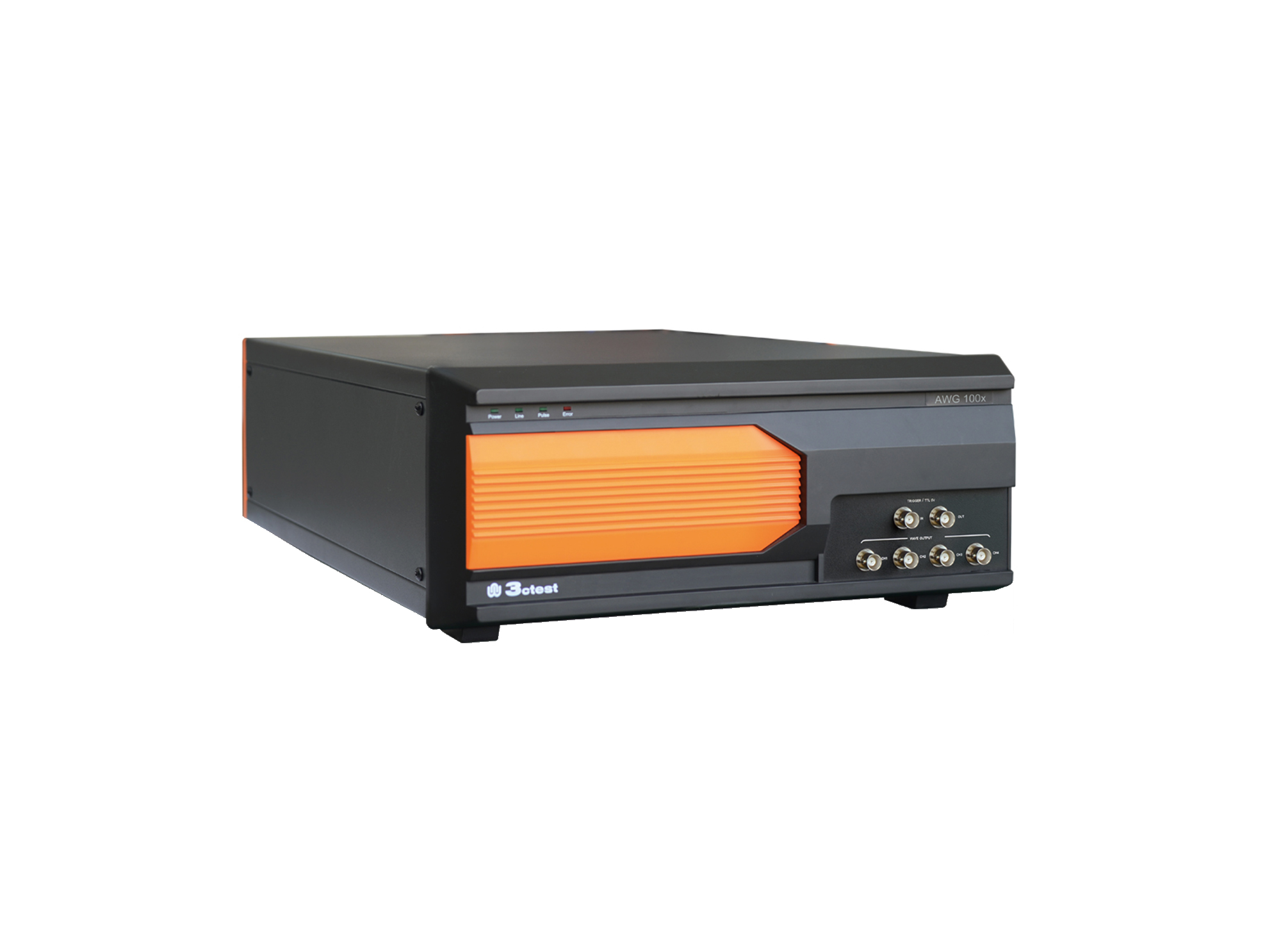
The AWG 100X Arbitrary Waveform Generator complies with ISO 16750, ISO 7637-2 and certain automotive manufacturer standards.
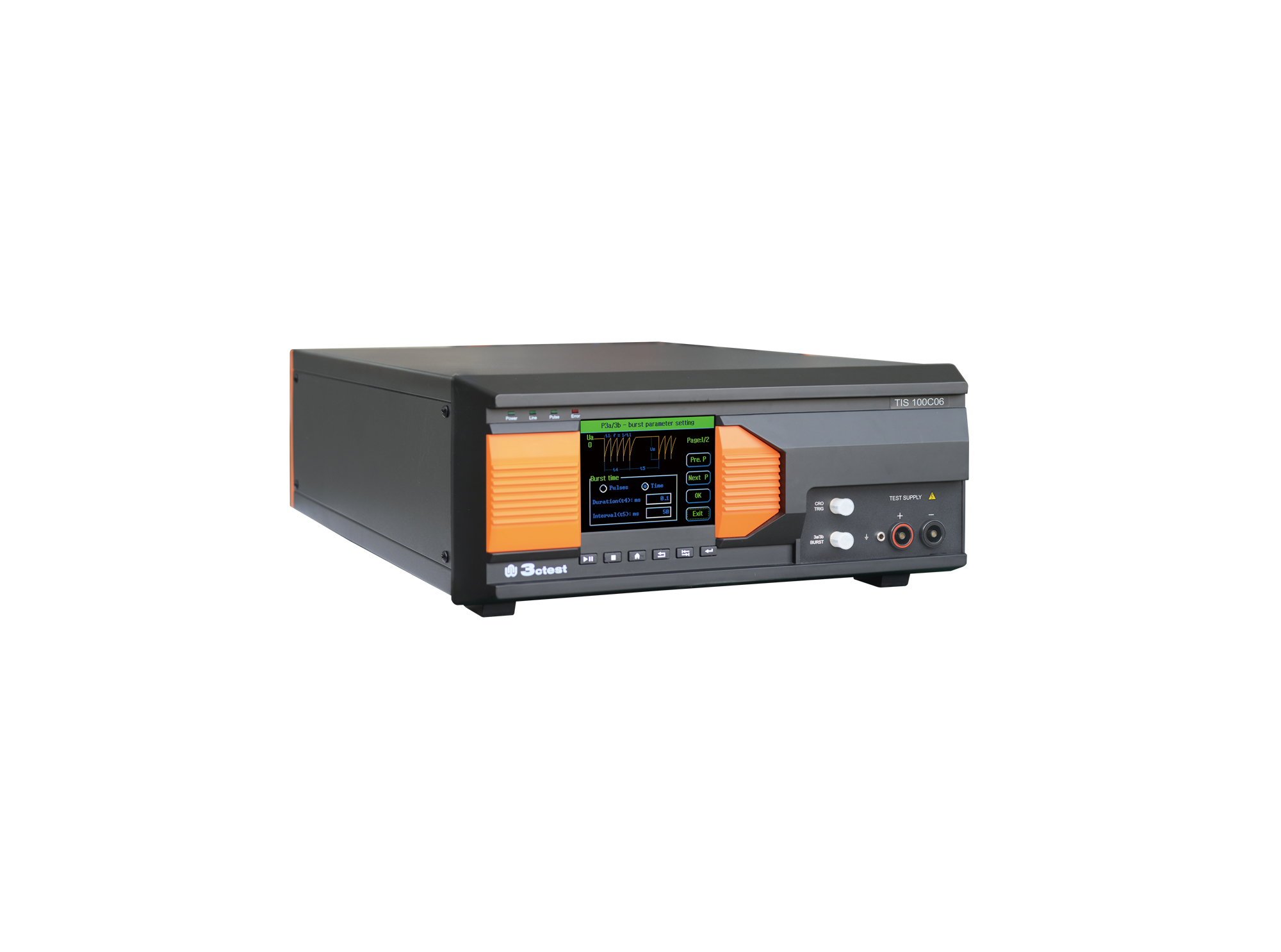
The TIS 100Cx Series Vehicle Compact Transient Pulse Simulator can perform pulses 1, 2a, 3a and 3b on power lines as per ISO 7637-2, and signal and data lines as per ISO 7637-3.
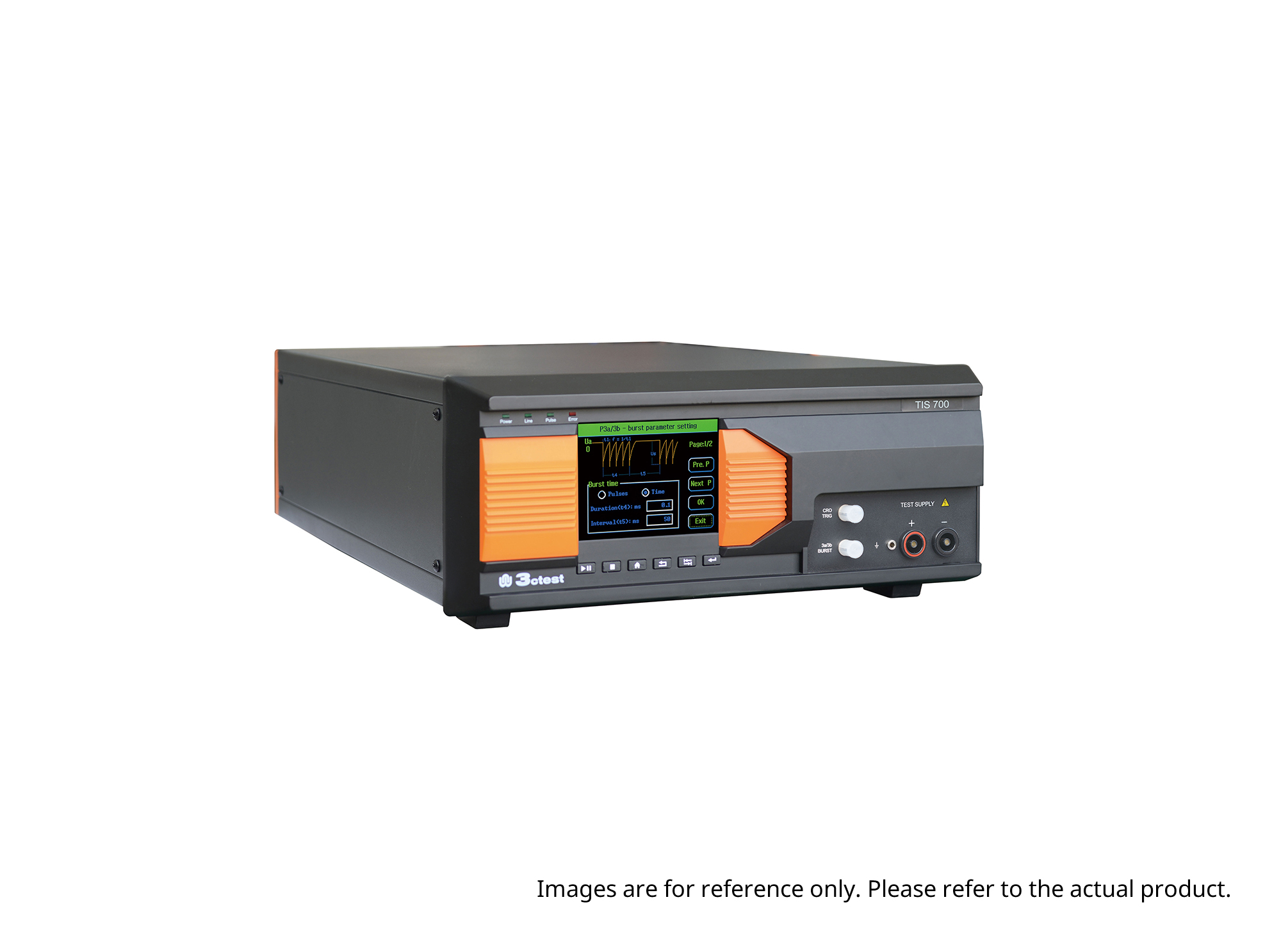
The TIS 700 Vehicle Compact Transient Pulse Simulator can perform pulses 1, 2a, 3a and 3b on power lines as per ISO 7637-2, and signal and data lines as per ISO 7637-3. When used with PC software, it can also perform Pulse 1b and Pulse 6 tests.
The TIS 700-100 Vehicle Compact Transient Pulse Simulator can perform pulses 1, 2a, 3a and 3b on power lines as per ISO 7637-2, and signal and data lines as per ISO 7637-3. When used with PC software, it can also perform Pulse 1b and Pulse 6 tests.
The TIS 700-60 Vehicle Compact Transient Pulse Simulator can perform pulses 1, 2a, 3a and 3b on power lines as per ISO 7637-2, and signal and data lines as per ISO 7637-3. When used with PC software, it can also perform Pulse 1b and Pulse 6 tests.
• Using the product inquiry function can help you quickly learn about the product's price and other related information.
• You can either inquire about a single product directly, or select multiple products to add to the inquiry bar and inquire about them together.
• How to make an inquiry





1. Using the product comparison function can help you find the target product you need for selection more quickly and easily.
2. You can add up to 5 products for comparison. Product models and parameters may vary across different series. It is recommended to compare products within the same series.
3. How to use the comparison bar.




 Phone: +86-512-68413700
 Email: info@3ctest.cn
 Address:No.99 E'meishan Rd, SND, Suzhou, Jiangsu, 215153, China,Suzhou, Jiangsu, 215153, China



© 2025 Suzhou 3CTEST


 Leave a Message


