

High frequency recommended vocabulary

DC-10842 is one of the component requirements inherited from the former DaimlerChrysler group, and it appears on this site under both the group name and the name of the North American successor because drawings and specifications issued on both sides of the Atlantic still cite it. The duplicate arises from the way standards survive corporate change: when a group is divided, the documents it issued are not rewritten but distributed, and each successor thereafter maintains its own revision of a number that was originally common. A supplier who meets the number in an older specification should therefore establish not only the current revision but which company's revision is meant, since the two may differ, and should record that decision in the test plan. The pair of entries on this site records the two designations.
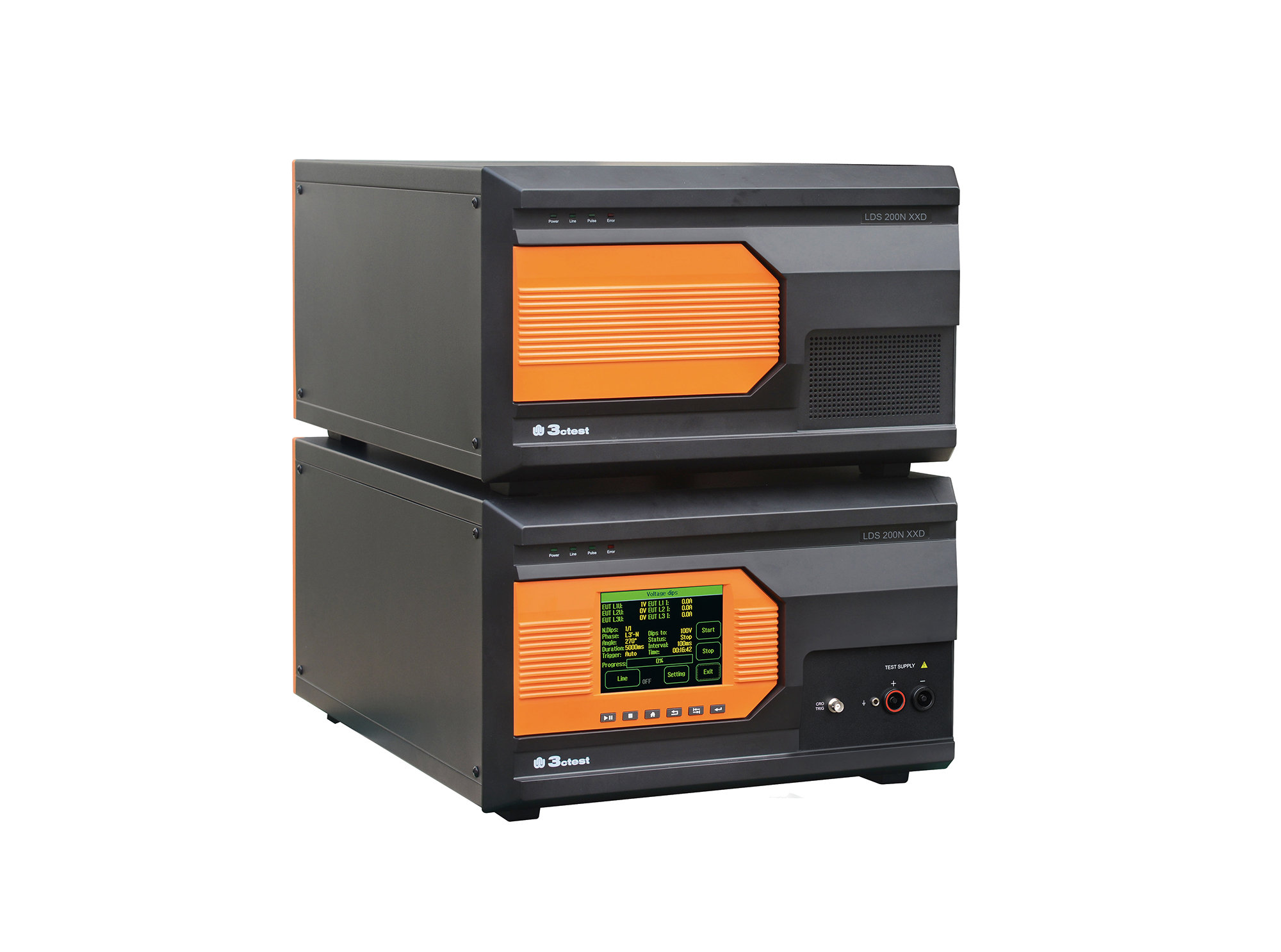
Load dump pulses generated by the LDS 200NxxD comply with ISO 7637-2, ISO 16750-2, SAE J1113 and numerous vehicle manufacturer standards
• Using the product inquiry function can help you quickly learn about the product's price and other related information.
• You can either inquire about a single product directly, or select multiple products to add to the inquiry bar and inquire about them together.
• How to make an inquiry





1. Using the product comparison function can help you find the target product you need for selection more quickly and easily.
2. You can add up to 5 products for comparison. Product models and parameters may vary across different series. It is recommended to compare products within the same series.
3. How to use the comparison bar.




 Phone: +86-512-68413700
 Email: info@3ctest.cn
 Address:No.99 E'meishan Rd, SND, Suzhou, Jiangsu, 215153, China,Suzhou, Jiangsu, 215153, China



© 2025 Suzhou 3CTEST


 Leave a Message


