

High frequency recommended vocabulary

TS_TG1-030-1 appears in the component specifications issued to suppliers of one or more Chinese vehicle programmes, and the designator indicates a technical specification series belonging to a single manufacturer. Designations of this form are internal to the purchaser and are not published, so a supplier's knowledge of the document comes from the controlled copy issued with the enquiry and from the correspondence that follows it. The trailing group of digits in a specification of this kind usually distinguishes the parts of the series from one another, so a programme will invoke more than one of them and the supplier should obtain the set rather than the single number that appears on a drawing. The requirement itself states the electromagnetic conditions applicable to a component and the report the supplier must submit.
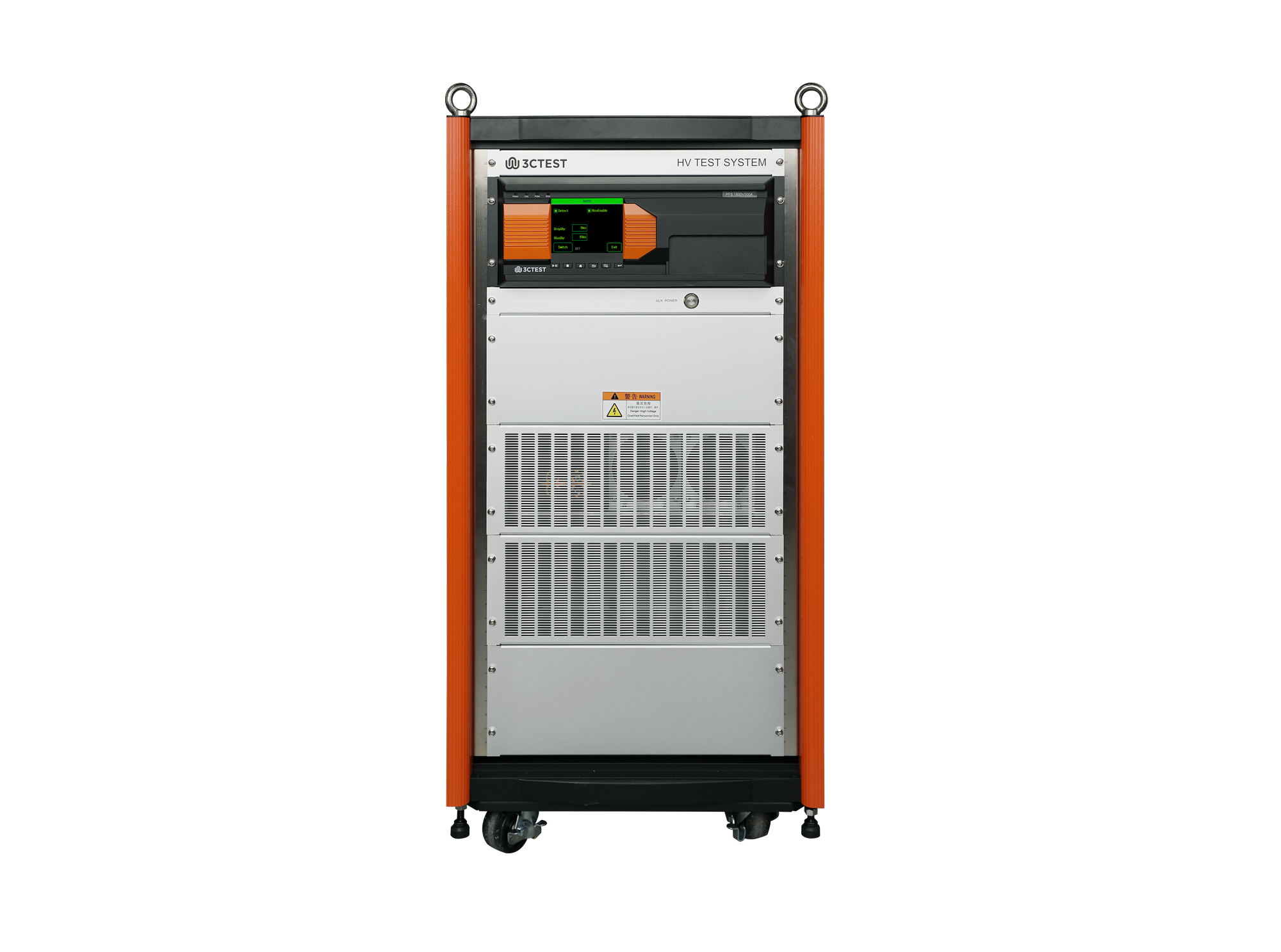
PFS 1500 V 300 A vehicle Power Fault Simulator is designed for switching tests of high-voltage DC cables.
• Using the product inquiry function can help you quickly learn about the product's price and other related information.
• You can either inquire about a single product directly, or select multiple products to add to the inquiry bar and inquire about them together.
• How to make an inquiry





1. Using the product comparison function can help you find the target product you need for selection more quickly and easily.
2. You can add up to 5 products for comparison. Product models and parameters may vary across different series. It is recommended to compare products within the same series.
3. How to use the comparison bar.




 Phone: +86-512-68413700
 Email: info@3ctest.cn
 Address:No.99 E'meishan Rd, SND, Suzhou, Jiangsu, 215153, China,Suzhou, Jiangsu, 215153, China



© 2025 Suzhou 3CTEST


 Leave a Message


