

High frequency recommended vocabulary

TS_TG1-048-1 is a third number in the same series as the other two TS_TG1 documents listed on this site, and taken together the three illustrate a point that applies to every manufacturer's internal standards: the set matters more than the individual document. A component is qualified against the whole set that the engineering specification invokes, and the set is what defines the phenomena, the levels and the reporting the supplier must satisfy, so obtaining one number from a drawing and proceeding on that basis risks omitting a requirement that appears in another part of the series. The practical action for a supplier is to ask the customer for the list of documents that govern the part, together with their editions, before the test plan is written. Where the issuer cannot be identified from the document itself, the practical route is to ask the customer to state the issuing organisation and the edition in writing, and to keep that reply with the test plan.
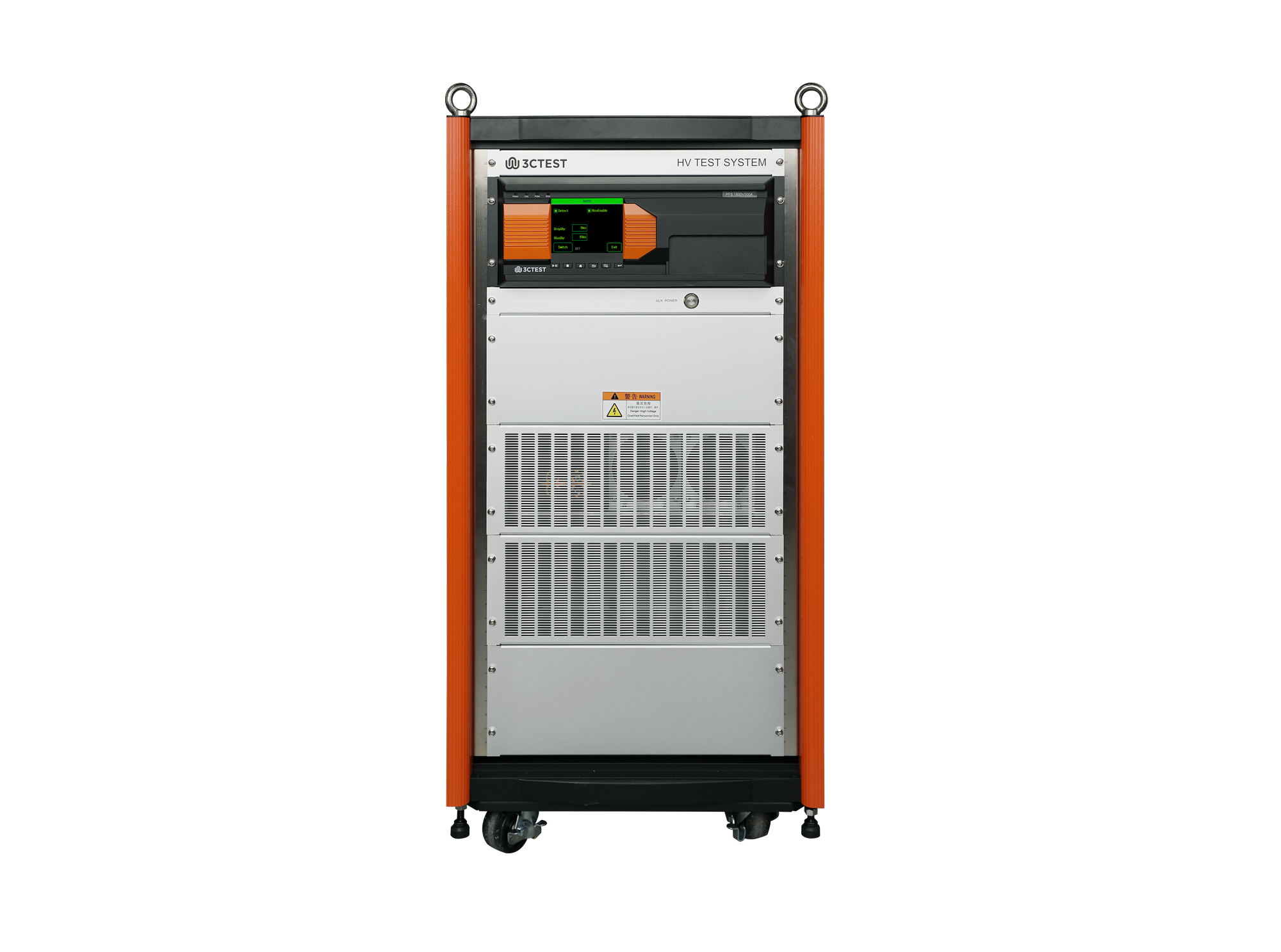
PFS 1500 V 300 A vehicle Power Fault Simulator is designed for switching tests of high-voltage DC cables.
• Using the product inquiry function can help you quickly learn about the product's price and other related information.
• You can either inquire about a single product directly, or select multiple products to add to the inquiry bar and inquire about them together.
• How to make an inquiry





1. Using the product comparison function can help you find the target product you need for selection more quickly and easily.
2. You can add up to 5 products for comparison. Product models and parameters may vary across different series. It is recommended to compare products within the same series.
3. How to use the comparison bar.




 Phone: +86-512-68413700
 Email: info@3ctest.cn
 Address:No.99 E'meishan Rd, SND, Suzhou, Jiangsu, 215153, China,Suzhou, Jiangsu, 215153, China



© 2025 Suzhou 3CTEST


 Leave a Message


