

High frequency recommended vocabulary

This is a component requirement of the French manufacturer Renault, and its designator is typical of the manufacturer's scheme in that the groups of digits separated by hyphens identify successively the family of the document, the sub-family and the individual requirement, with a trailing letter giving the revision. The designation as it appears on the original site listing contains a doubled hyphen, which is most likely a transcription error rather than part of the official form, and a supplier should take the exact designation from the customer's engineering specification before quoting it in a report. The requirement states the conditions under which a component is assessed at its mounting position and cites the test methods by which those conditions are applied, the tests being performed at a laboratory accepted by the manufacturer.
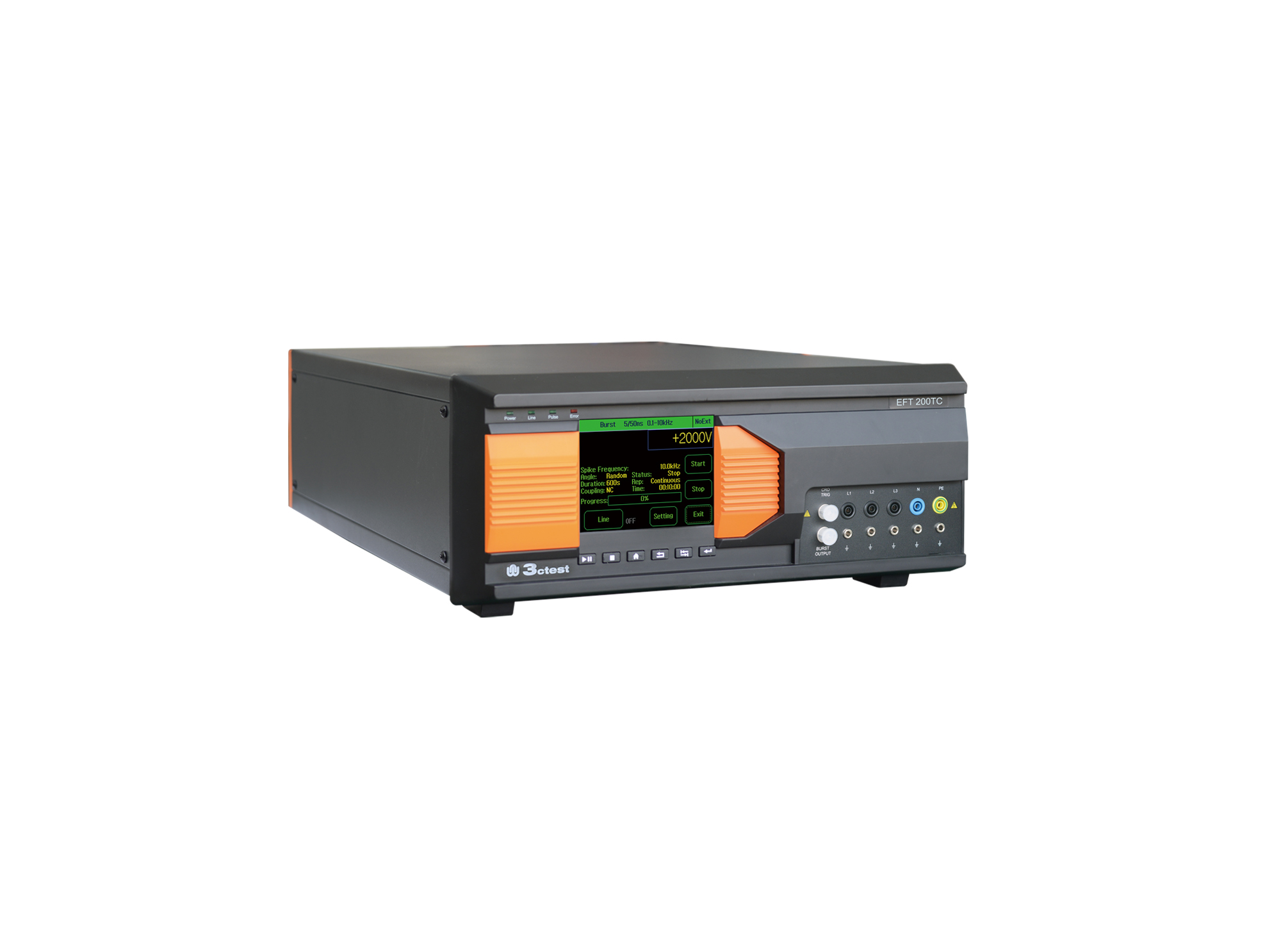
EFT 200TC three-phase EFT/Burst Simulator is developed for EMC testing of automotive components.
• Using the product inquiry function can help you quickly learn about the product's price and other related information.
• You can either inquire about a single product directly, or select multiple products to add to the inquiry bar and inquire about them together.
• How to make an inquiry





1. Using the product comparison function can help you find the target product you need for selection more quickly and easily.
2. You can add up to 5 products for comparison. Product models and parameters may vary across different series. It is recommended to compare products within the same series.
3. How to use the comparison bar.




 Phone: +86-512-68413700
 Email: info@3ctest.cn
 Address:No.99 E'meishan Rd, SND, Suzhou, Jiangsu, 215153, China,Suzhou, Jiangsu, 215153, China



© 2025 Suzhou 3CTEST


 Leave a Message


