

High frequency recommended vocabulary

This part of the IEC 255 series specifies the 1 MHz burst disturbance test that is applied to measuring relays and protection equipment. The disturbance is a damped oscillatory burst at 1 MHz, chosen because it represents the repetitive transient activity found on the wiring of substations and industrial installations when switching devices, contactors and relay coils operate. The standard defines the generator characteristics, including the burst envelope, repetition rate and output impedance, together with the coupling network used to inject the disturbance into the ports of the equipment under test. Test severity levels are graded so that a manufacturer or a user can select the level appropriate to the installation. Because the coupling mode is common mode, the test simultaneously exercises auxiliary supply, binary input and communication ports. Assessment is based on whether the relay continues to perform its intended protection function during and after the disturbance, with any change of output state recorded in the test report.
.jpg)
The DOS 400F fast damped oscillatory wave simulator can complete the testing of fast damped oscillatory waves required by the IEC 61000-4-18 standard.
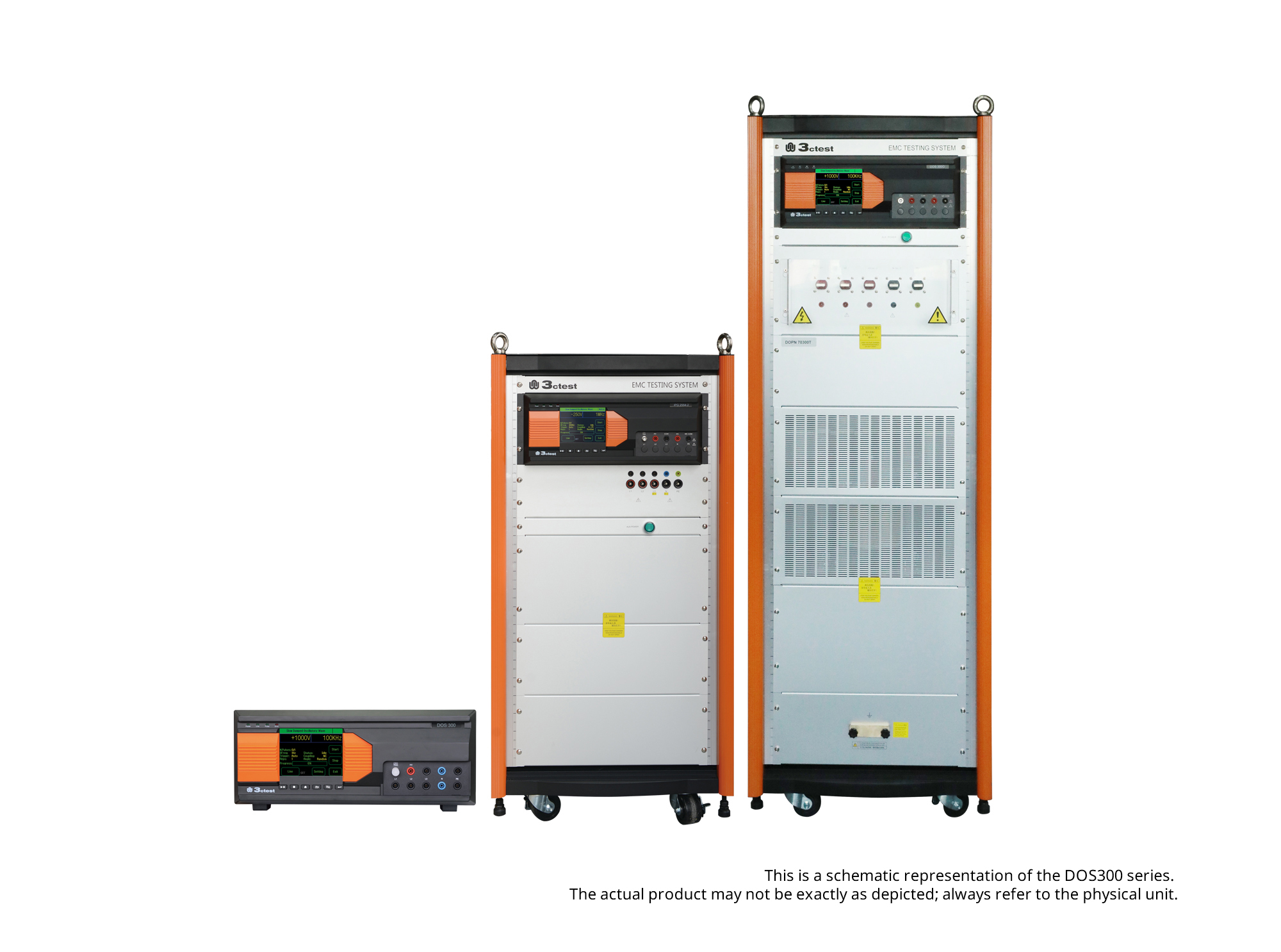
The DOS 300 Series Damped Oscillatory Wave Simulator can perform slow damped oscillatory wave tests according to IEC 61000-4-18 and damped oscillatory magnetic field tests according to IEC 61000-4-10 (optional).
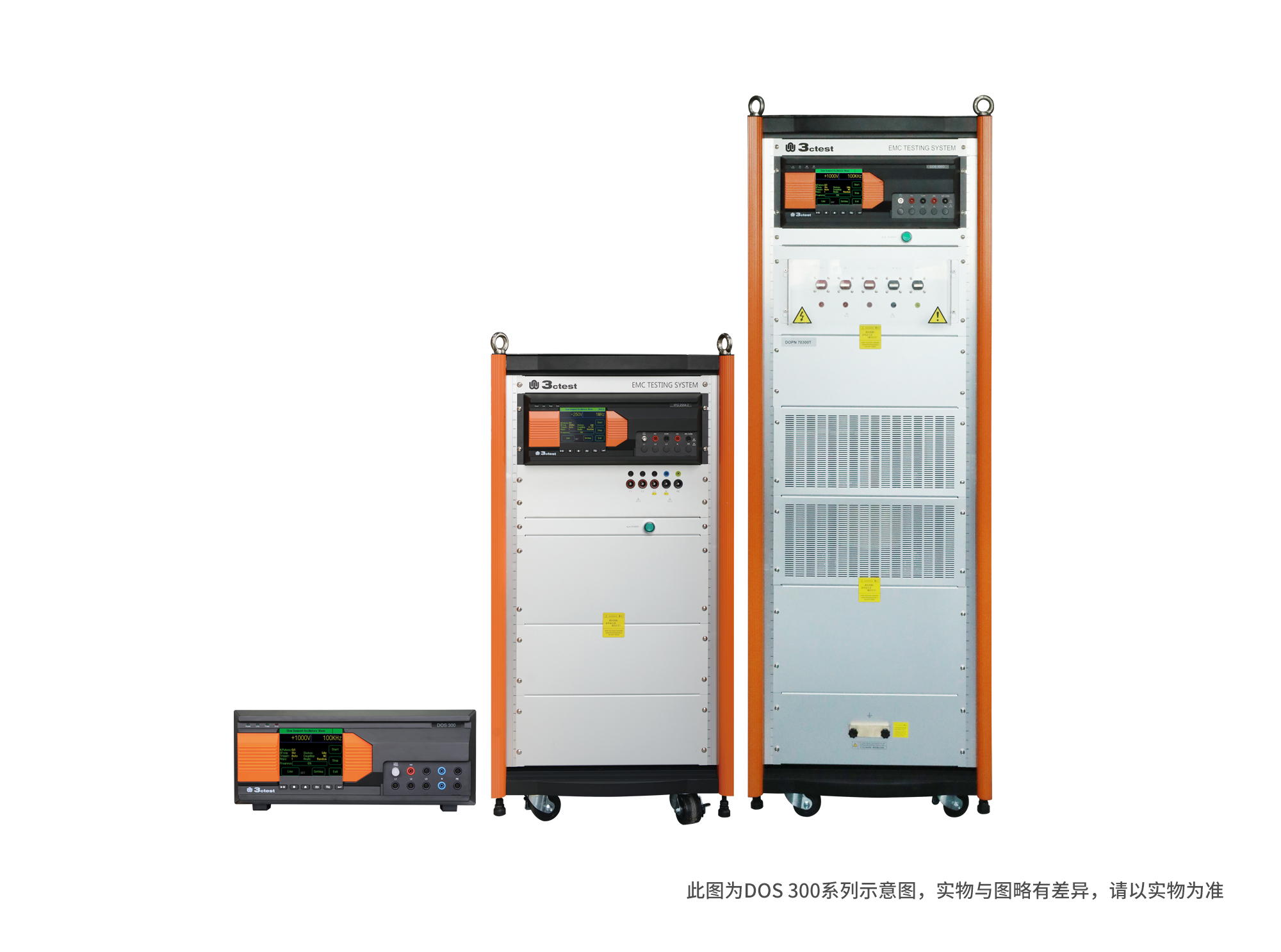
The DOS 300 Series Damped Oscillatory Wave Simulator can perform slow damped oscillatory wave tests according to IEC 61000-4-18 and damped oscillatory magnetic field tests according to IEC 61000-4-10 (optional).
• Using the product inquiry function can help you quickly learn about the product's price and other related information.
• You can either inquire about a single product directly, or select multiple products to add to the inquiry bar and inquire about them together.
• How to make an inquiry





1. Using the product comparison function can help you find the target product you need for selection more quickly and easily.
2. You can add up to 5 products for comparison. Product models and parameters may vary across different series. It is recommended to compare products within the same series.
3. How to use the comparison bar.




 Phone: +86-512-68413700
 Email: info@3ctest.cn
 Address:No.99 E'meishan Rd, SND, Suzhou, Jiangsu, 215153, China,Suzhou, Jiangsu, 215153, China



© 2025 Suzhou 3CTEST


 Leave a Message


