

High frequency recommended vocabulary

IEC 61643-1 specified the requirements and test methods for surge protective devices connected to low-voltage power distribution systems. The standard defined what a surge protective device must achieve rather than how it should be built, and it established the characteristics by which the devices are described and compared: the maximum continuous operating voltage, the nominal discharge current, the maximum discharge current, the voltage protection level under a given impulse current and the temporary overvoltage withstand. The test programme was designed to demonstrate both that the device protects the equipment behind it and that it survives the duty it is called upon to perform, and it included the determination of the voltage protection level, the impulse current withstand tests at increasing severity, the verification of the thermal stability in the presence of a superimposed power frequency voltage, the test of the disconnector that removes a failed device from service, and the mechanical and enclosure tests. The document has been superseded by the restructured IEC 61643-11, which addresses the same devices with revised classifications.
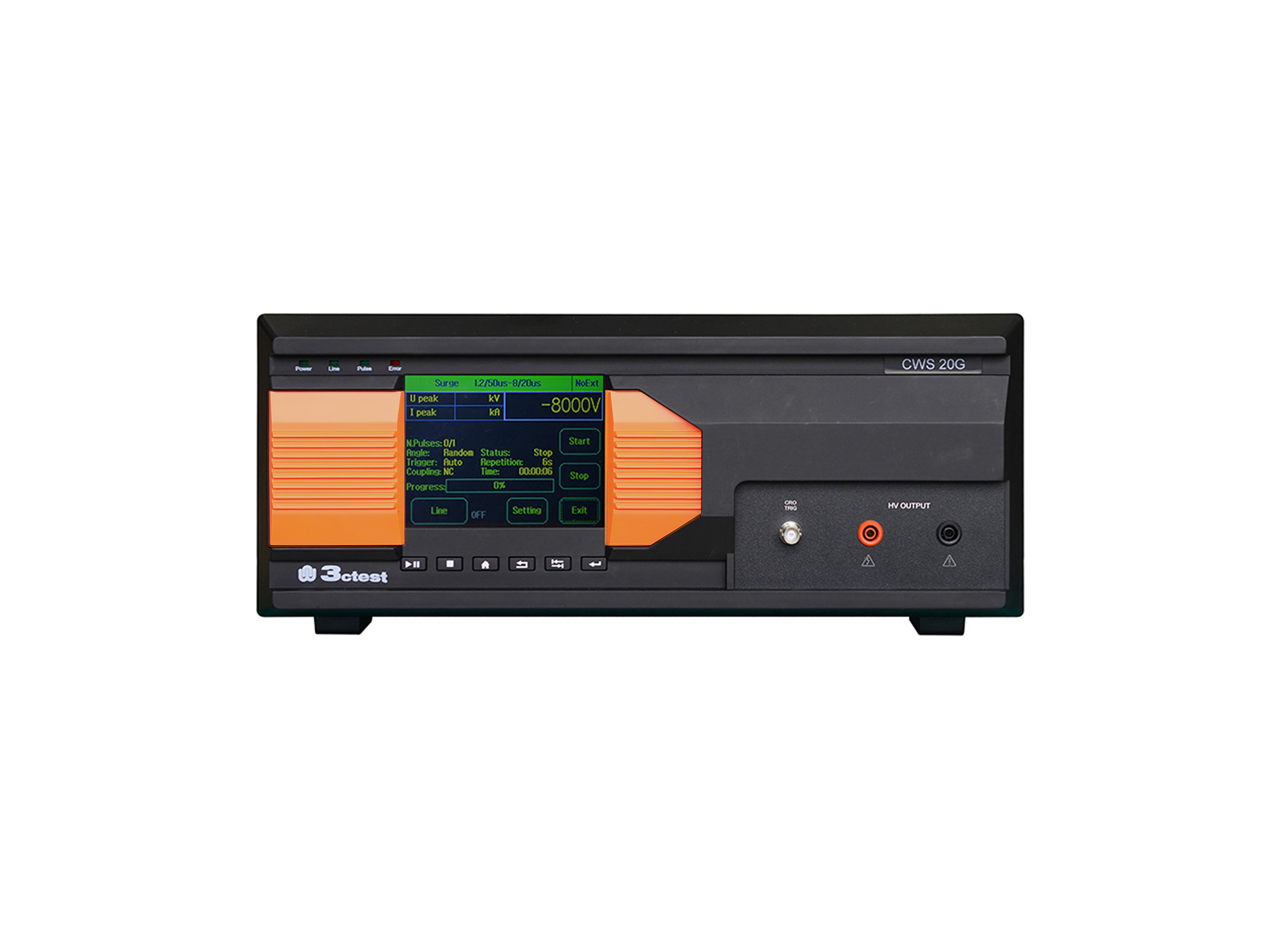
The CWS 20G Combination Lightning Surge Generator is based on the company's third-generation control platform. It is designed according to the requirements of IEC/EN 61000-4-5, IEC 60950, IEC 62305-4, IEC 61643-1, ITU-T K17, ITU-T K21.
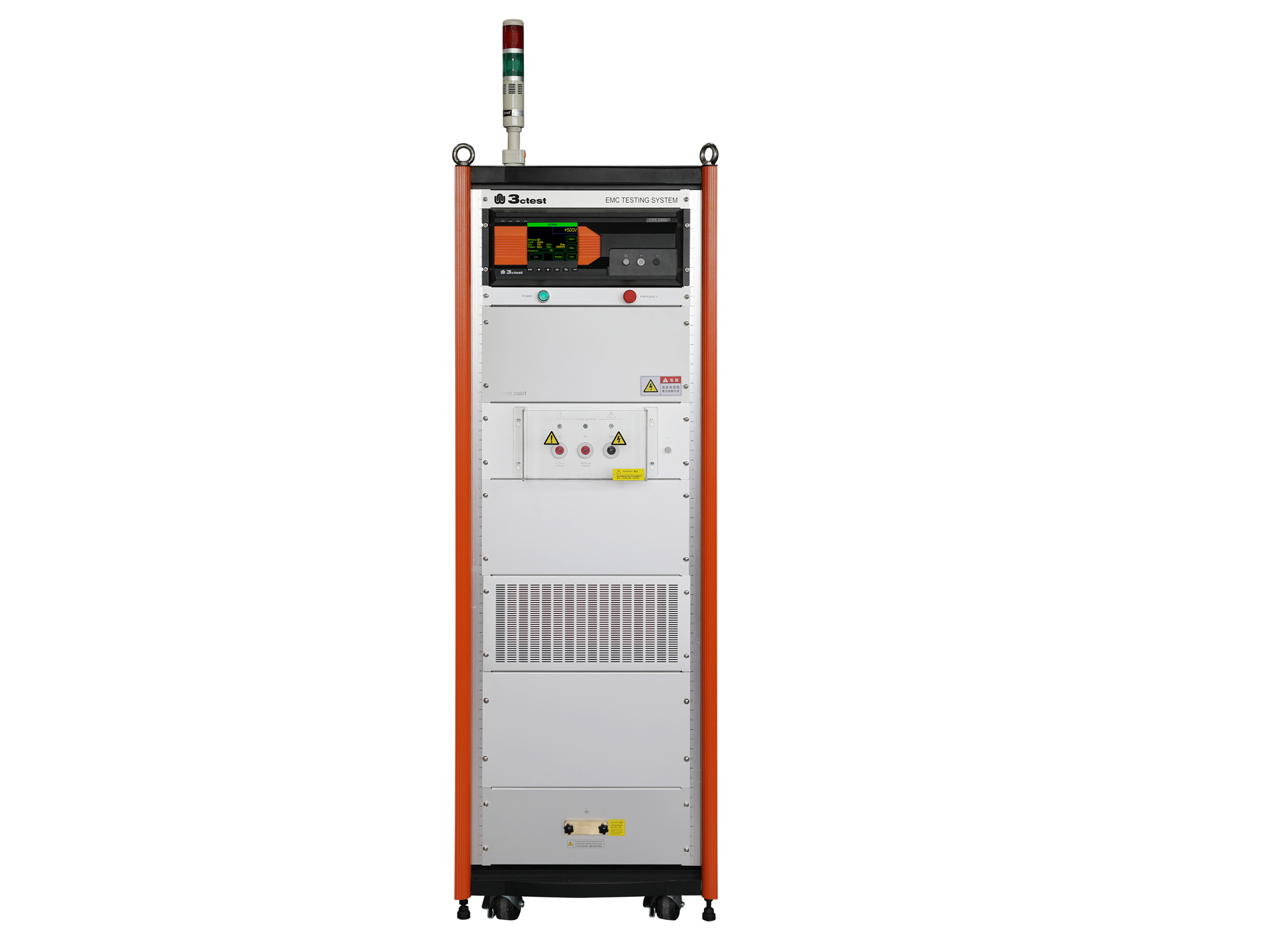
The CWS 2000C & CWS 2000T communication surge immunity tester complies with IEC 61000-4-5 and other standard requirements.
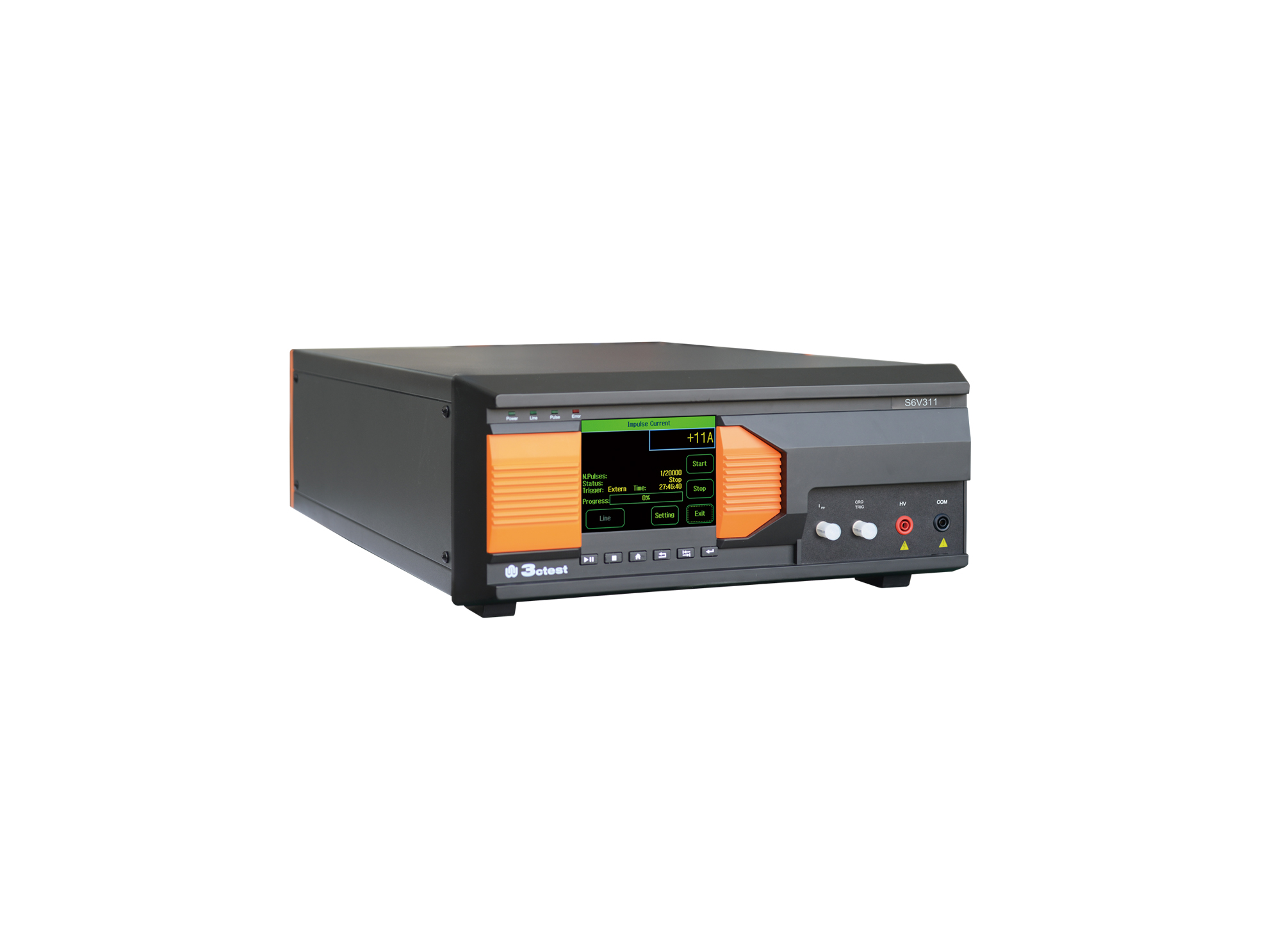
The S6V311 is an intelligent impulse voltage test equipment developed in compliance with IEC 60065, IEC/EN 61643-311 and IEC 61643-1.
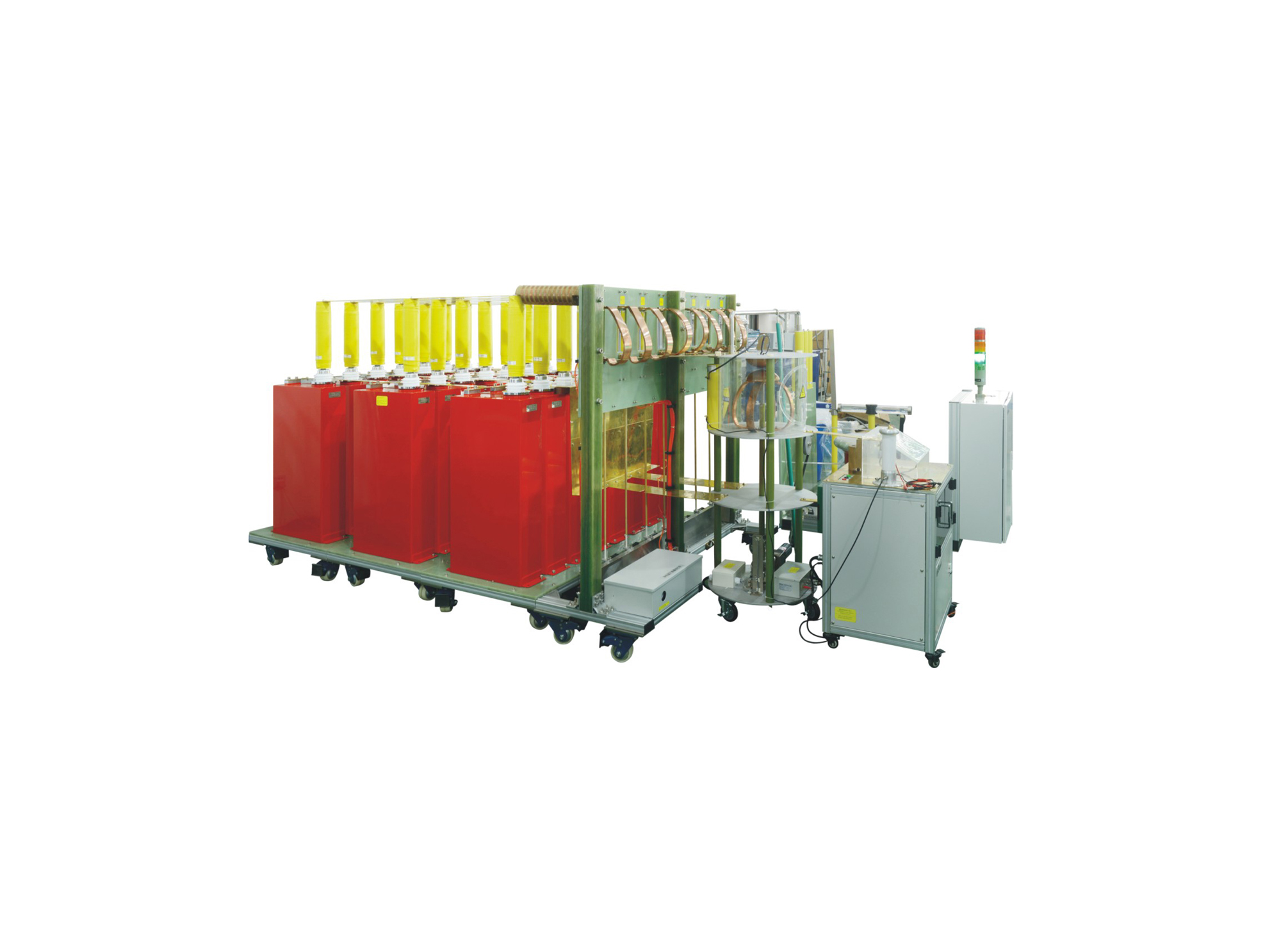
LCG 50A系列冲击电流发生器测试系统,具有系统集成度高、控制智能化,操作简便等优点。本产品通过不同主回路单元的组合,将设备输出分为多个等级,实现拓宽输出范围的测试能力。
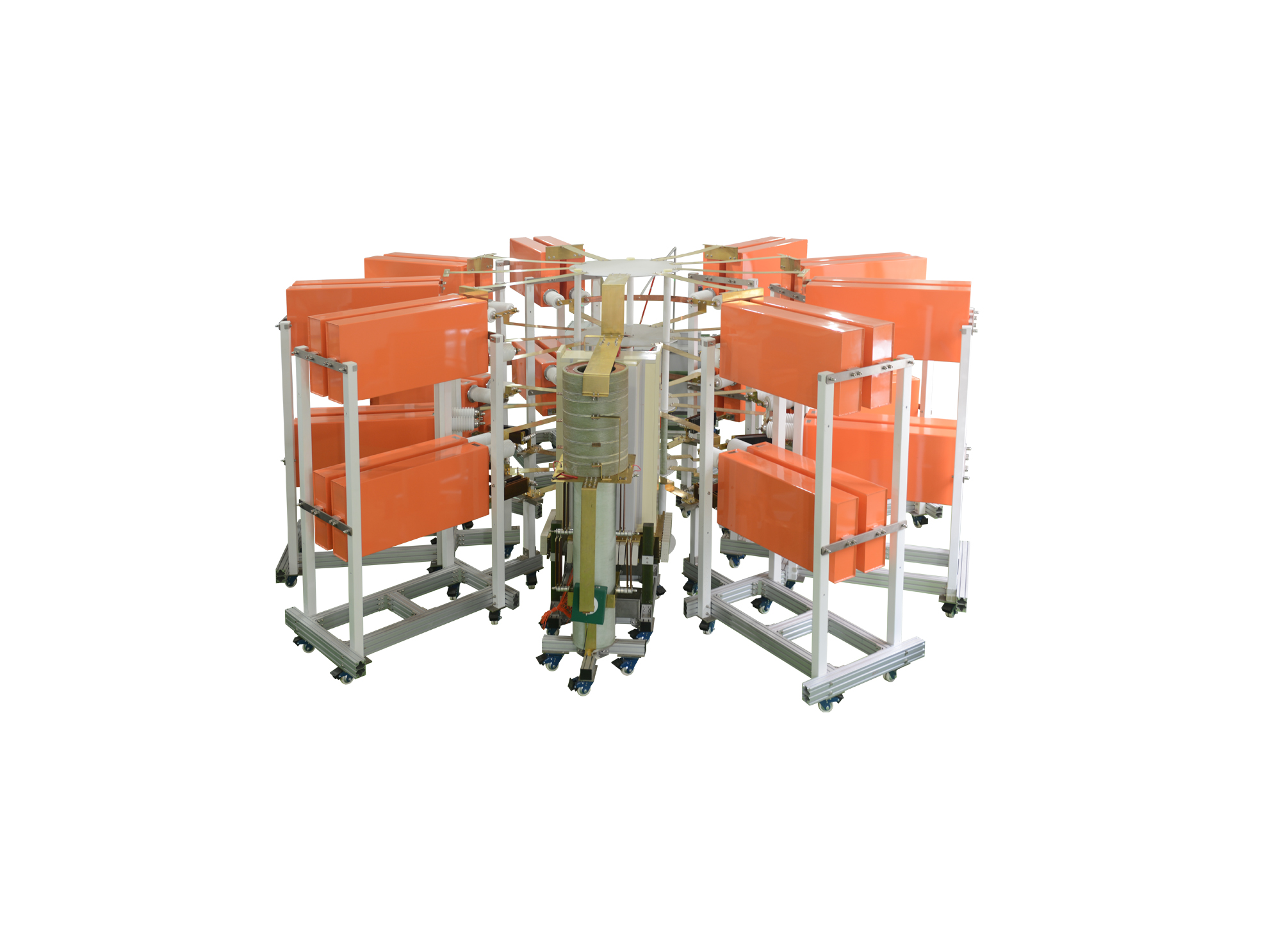
I类雷电电流试验系统可产生200kA的I类10/350us直接雷电波形和300kA的II类8/20us间接雷电波形,同时本套系统可通过不同的调波模块可以调试出满足航空标准及军用标准的直接雷电电流波形中的A分量和D分量,同时可扩展更多的其他波形
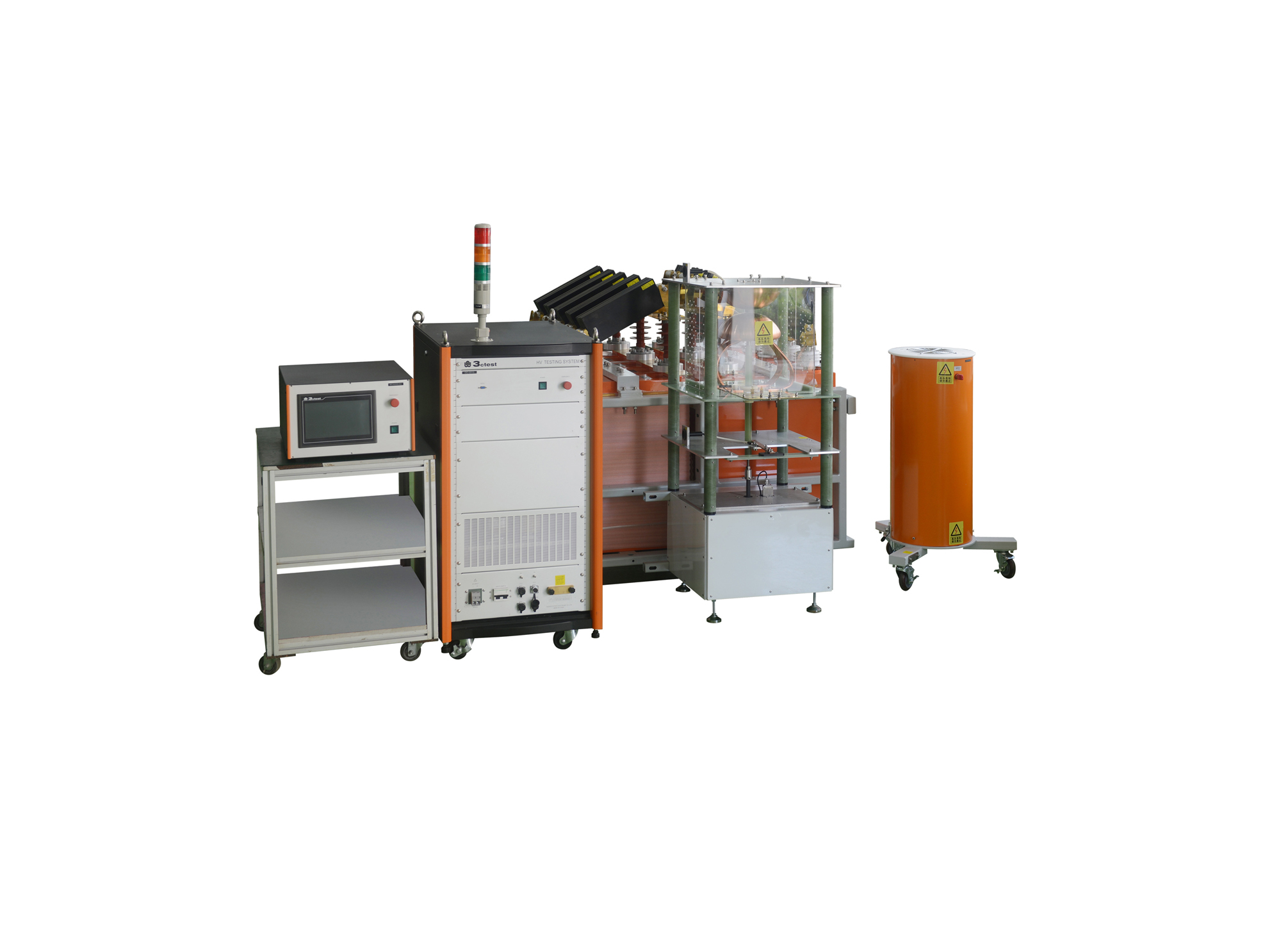
LCG-100P是我公司自主研发的冲击电流测试系统,具有系统集成度高、控制智能化,操作简便等优点。本产品通过统一规划,选用定制主器件(电容器,电阻等),通过二组共十个储能电容单元,实现能量输出,使高压测试设备化零为整的创造性理念。
LCG M系列全自动方波冲击电流测试系统采用两路10级LC链型回路,输出持续时间约2ms方波冲击电流。本系统主要用于对氧化锌阀片(MOV)进行2ms方波冲击电流耐受试验。
LCG A系列全自动冲击电流测试系统,主要用于进行模拟雷电放电时产生的大电流浪涌,研究其对于供电系统和用电器产生的影响,本系统具有系统集成度高、控制智能化,操作简便等优点,主要用于大能量冲击电流测试。本产品通过不同主回路单元的组合,将设备输出分为多个等级,实现拓宽输出范围的测试能力。
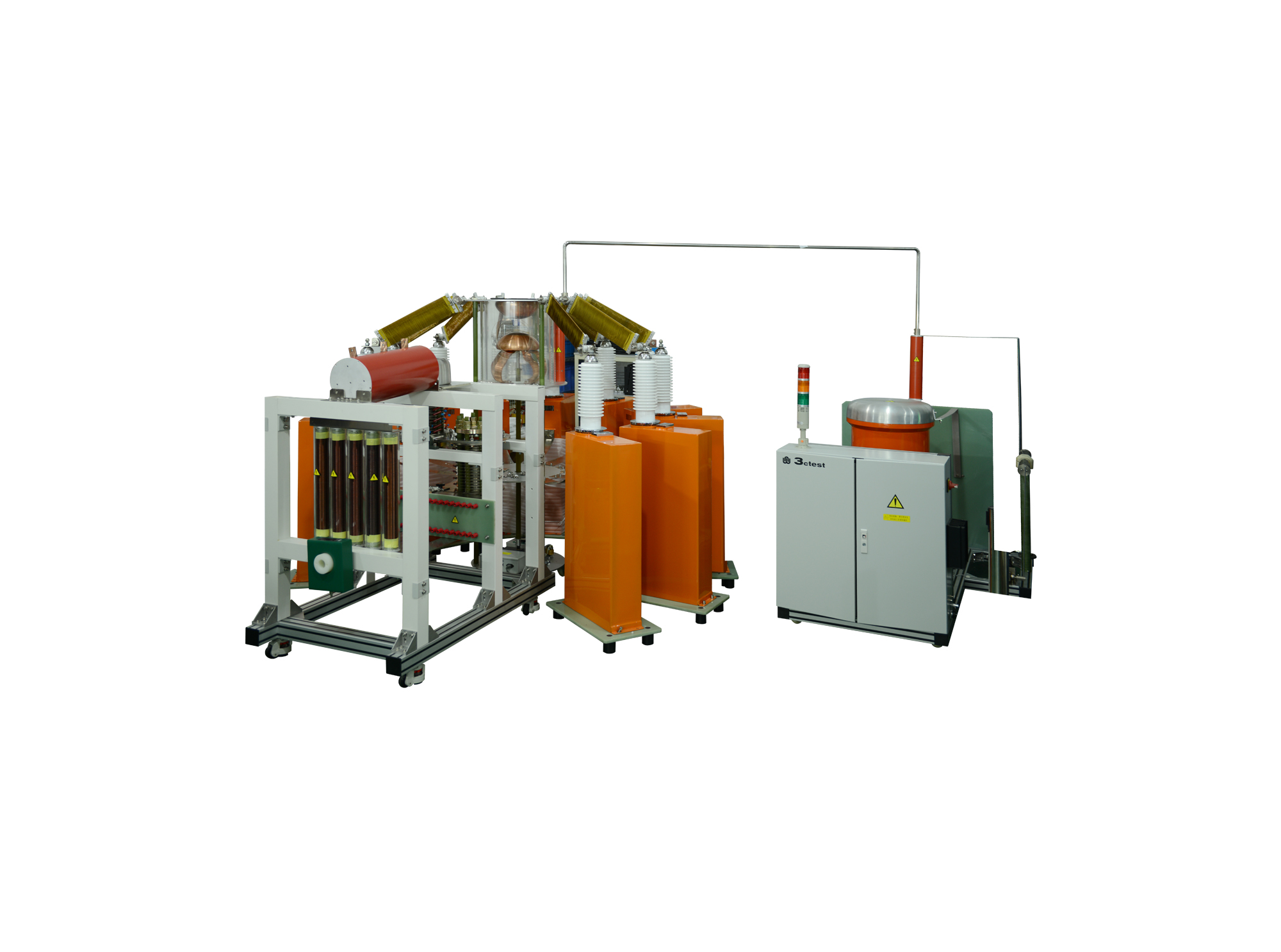
LCG S系列全自动冲电流发生器属我司自主发的冲击电流测试发生器,主要用于MOV、TVS、GDT、SPD等浪涌保护装置进行模拟雷击试验,也可用于其它的科学研究,具有系统集成度高、控制智能化,操作简便等优点。可通过主回路单元的不同组合,将输出分为多个等级,实现拓宽输出范围的测试能力。
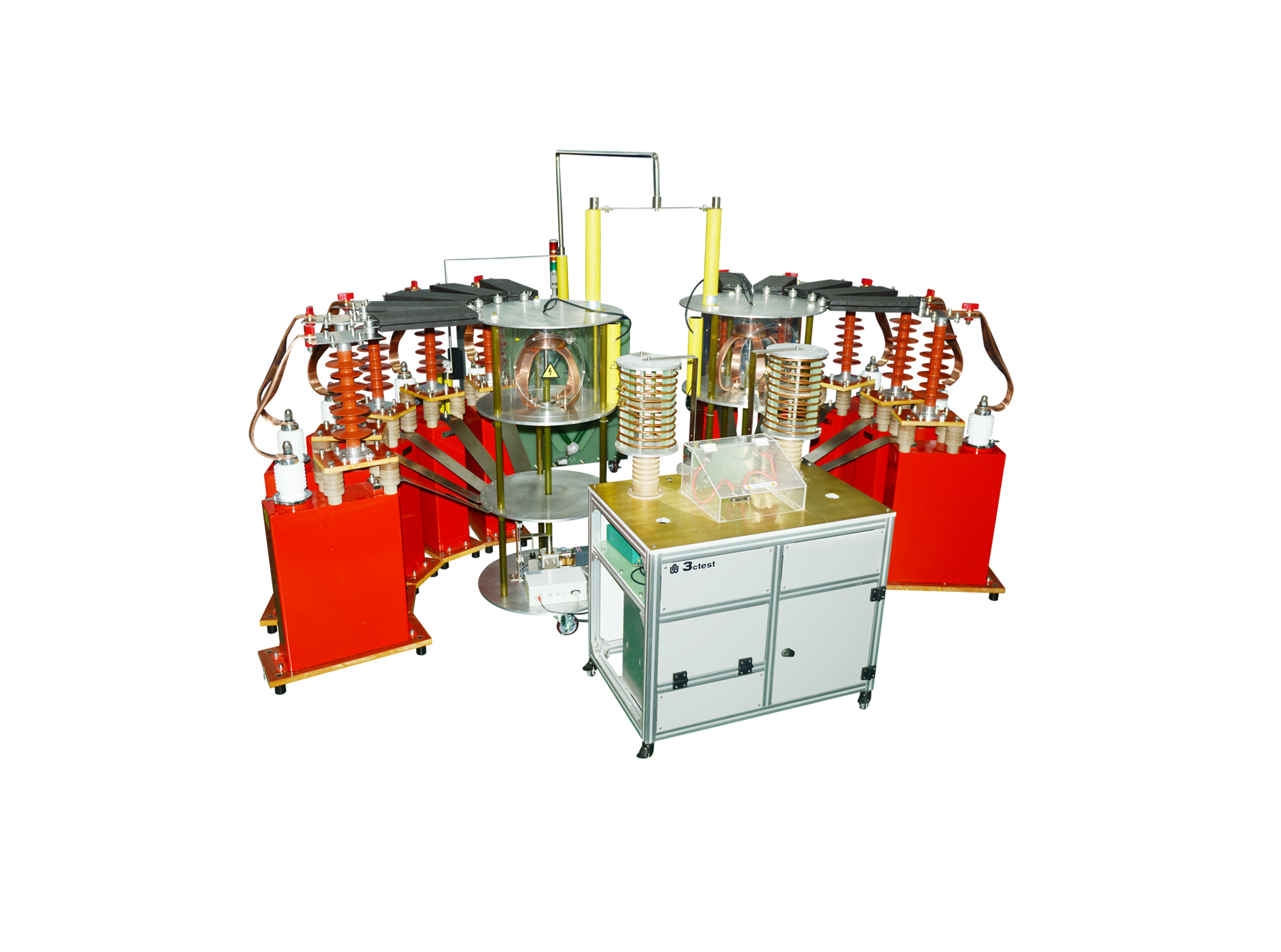
LCG D系列双路时序冲击电流发生器属我司自主发的冲击电流测试发生器,具有系统集成度高、控制智能化,操作简便等优点。本设备由两组发生器组成,分别可以输出II类放电电流波形,两组脉冲之间可按照需要进行0~99.9μs的时间延时,亦可采用并联形式输出,用以测试更大电流的被试品。
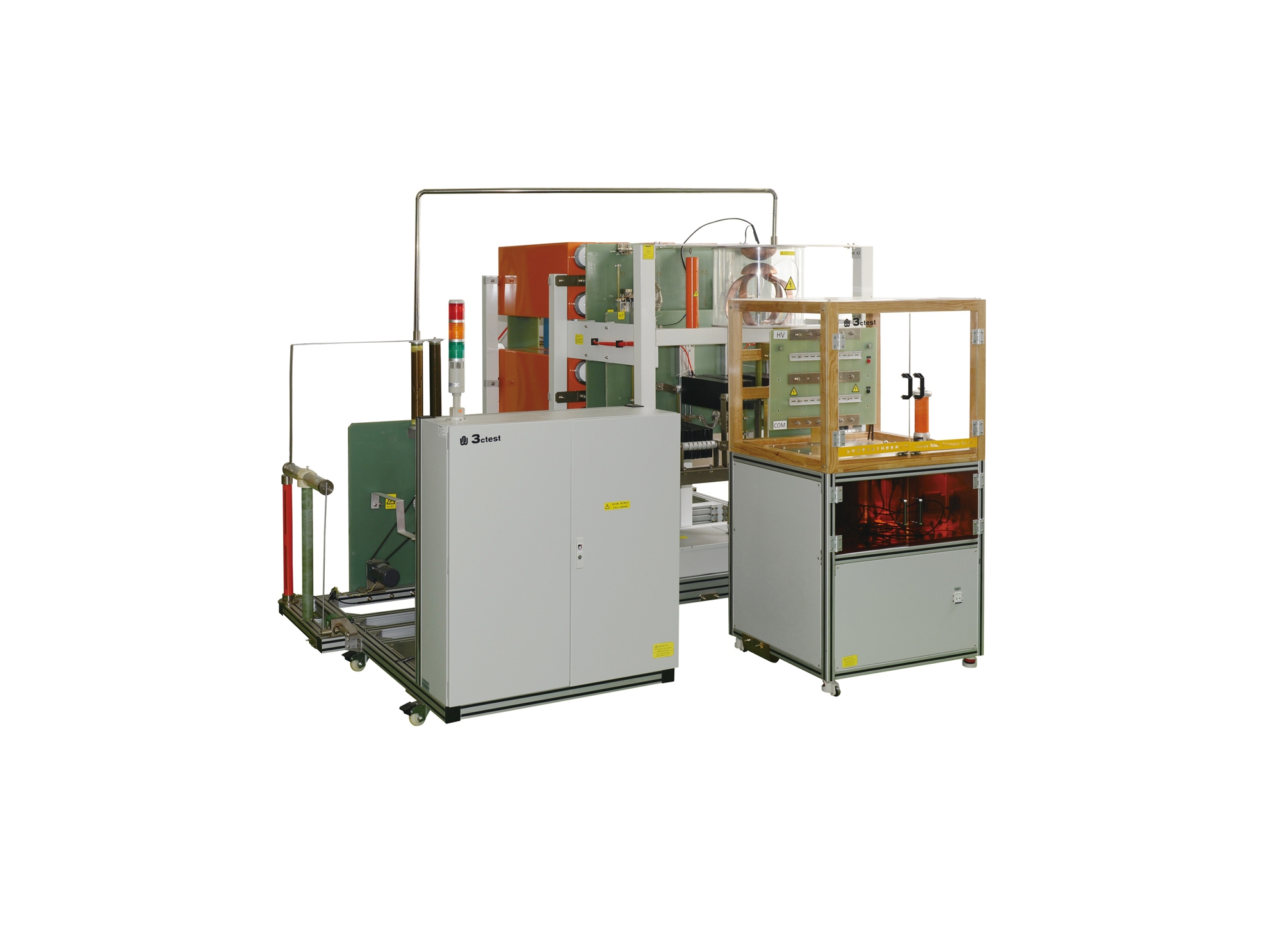
LCG C系列全自动双波形冲击电流测试系统属我司自主研发的多波形综合测试发生器,具有系统集成度高、控制智能化,操作简便等优点。通过模块组合,可产生不同的波形,实现了高压测试设备一站或一体化的创造性测试理念。
• Using the product inquiry function can help you quickly learn about the product's price and other related information.
• You can either inquire about a single product directly, or select multiple products to add to the inquiry bar and inquire about them together.
• How to make an inquiry





1. Using the product comparison function can help you find the target product you need for selection more quickly and easily.
2. You can add up to 5 products for comparison. Product models and parameters may vary across different series. It is recommended to compare products within the same series.
3. How to use the comparison bar.




 Phone: +86-512-68413700
 Email: info@3ctest.cn
 Address:No.99 E'meishan Rd, SND, Suzhou, Jiangsu, 215153, China,Suzhou, Jiangsu, 215153, China



© 2025 Suzhou 3CTEST


 Leave a Message


