

High frequency recommended vocabulary

IEC 61000-4-16 deals with immunity to conducted, common-mode disturbances in the frequency range from 0 Hz to 150 kHz. This band lies below the range normally covered by conducted emission and immunity standards, yet it contains phenomena that are notoriously difficult for electronic equipment to tolerate: the 50 Hz and 60 Hz fundamental and its low-order harmonics, the ripple that appears on d.c. supplies derived from rectifiers, and the fluctuating currents that traction systems, electrolytic plants, welding equipment and inverters feed into the earth system. The standard defines the test source, which operates continuously and provides a specified output voltage, and the coupling arrangement by which the disturbance is applied common mode to d.c. power ports, a.c. power ports and signal and communication ports, including ports with long external cabling. Severity levels are stated as voltages with tolerances, and both continuous and short-duration disturbances are specified because the equipment may be affected differently by each. The test procedure, the measurement of the applied disturbance and the verification of the test setup are described in detail.
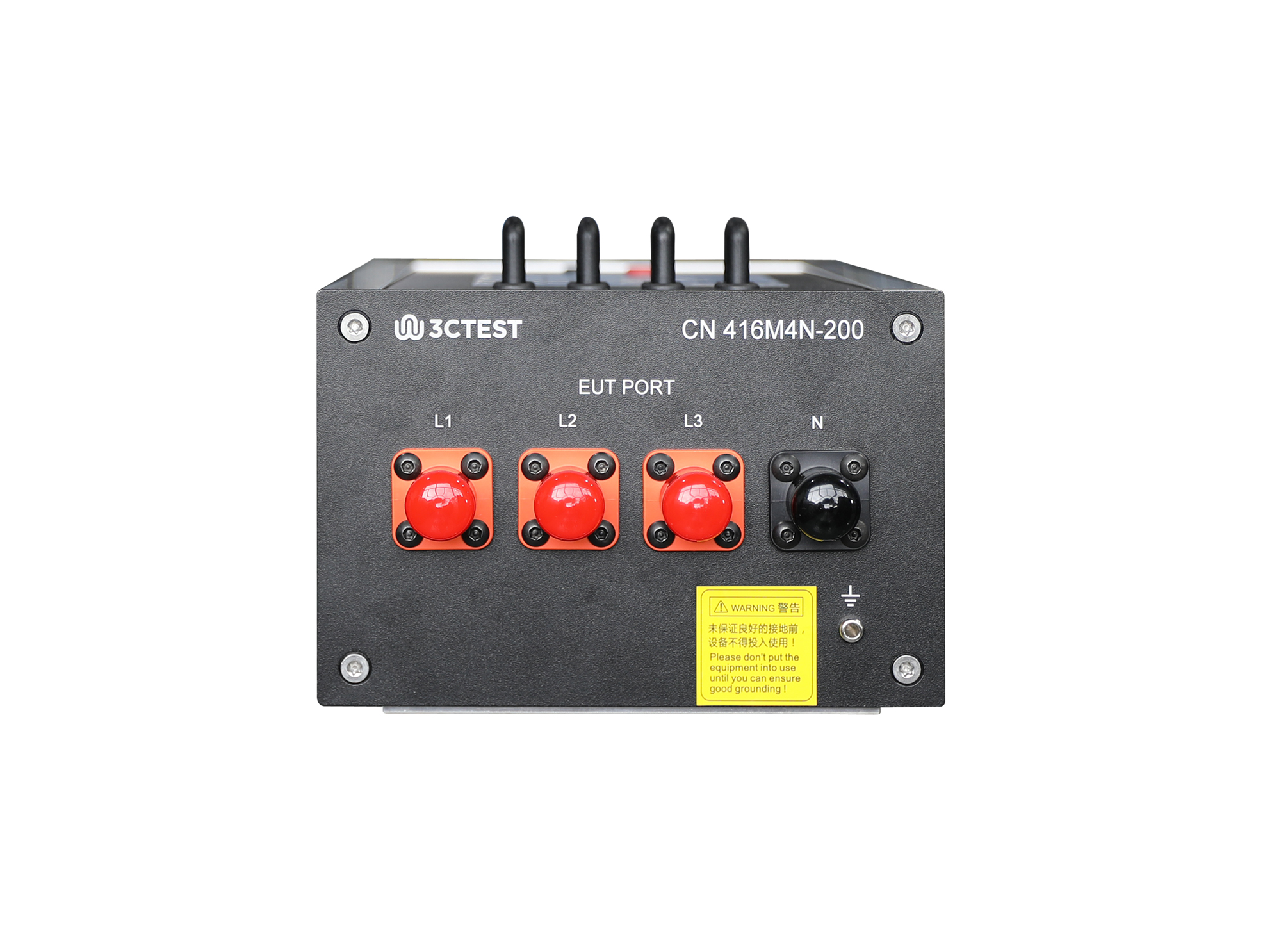
The CN 416M4N-200 coupling network complies with IEC 61000-4-16 and is designed for common-mode conducted immunity testing on 4-wire cables.
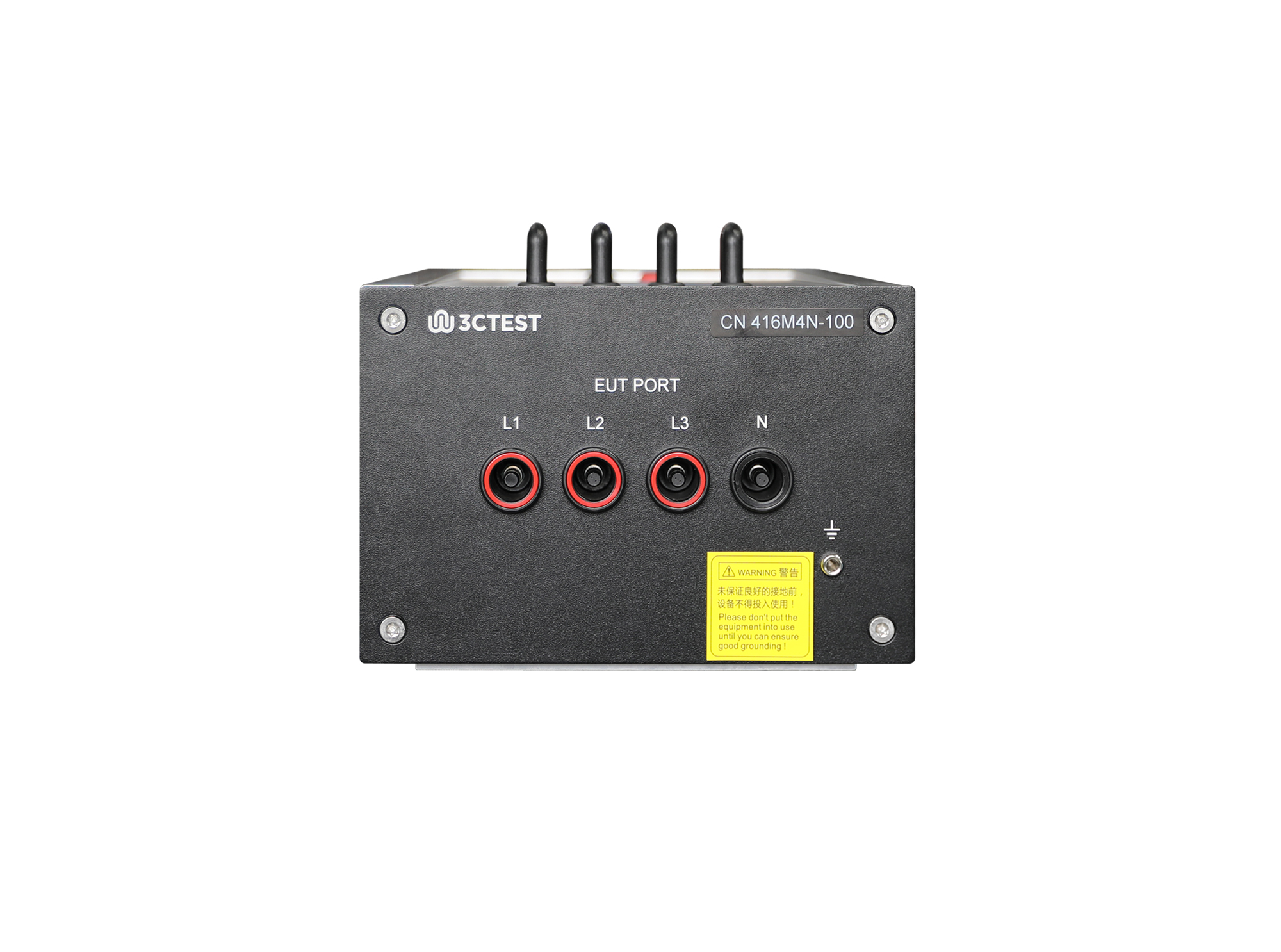
The CN 416M4N-100 Coupling Network complies with IEC 61000-4-16, GB/T 17626.16 and other domestic and international standards.
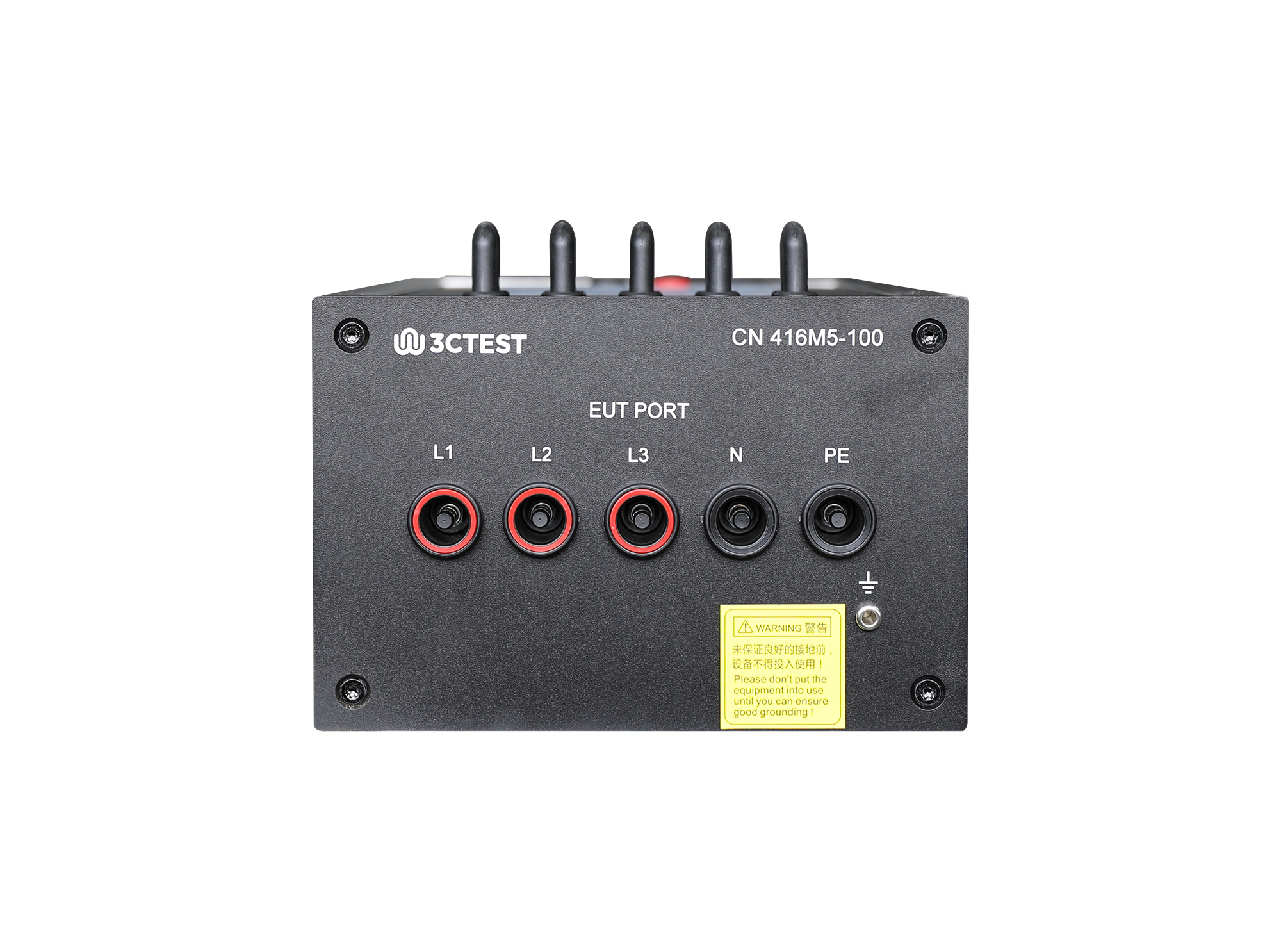
The CN 416M5-100 Coupling Network complies with IEC 61000-4-16, GB/T 17626.16 and other domestic and international standards.
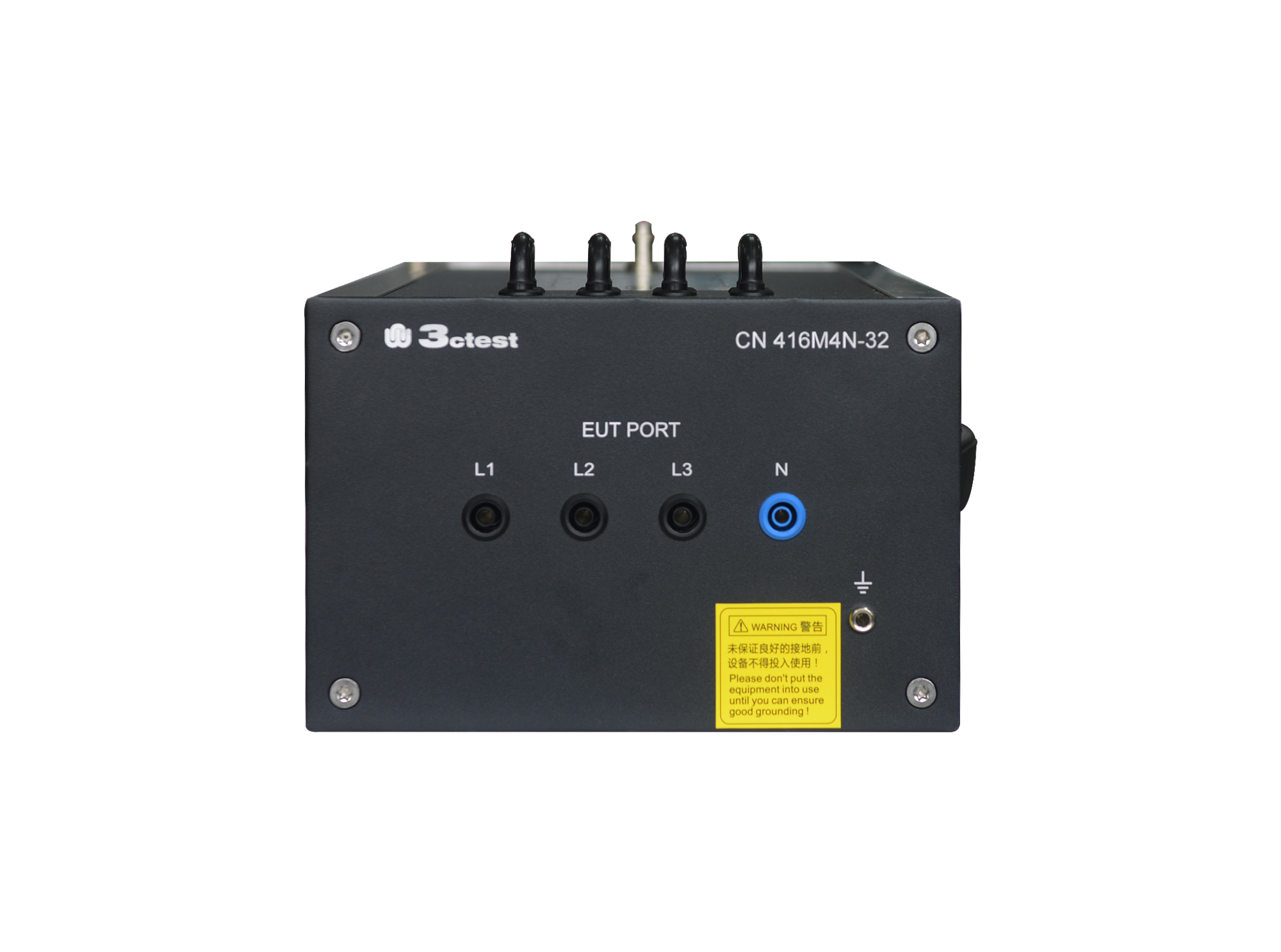
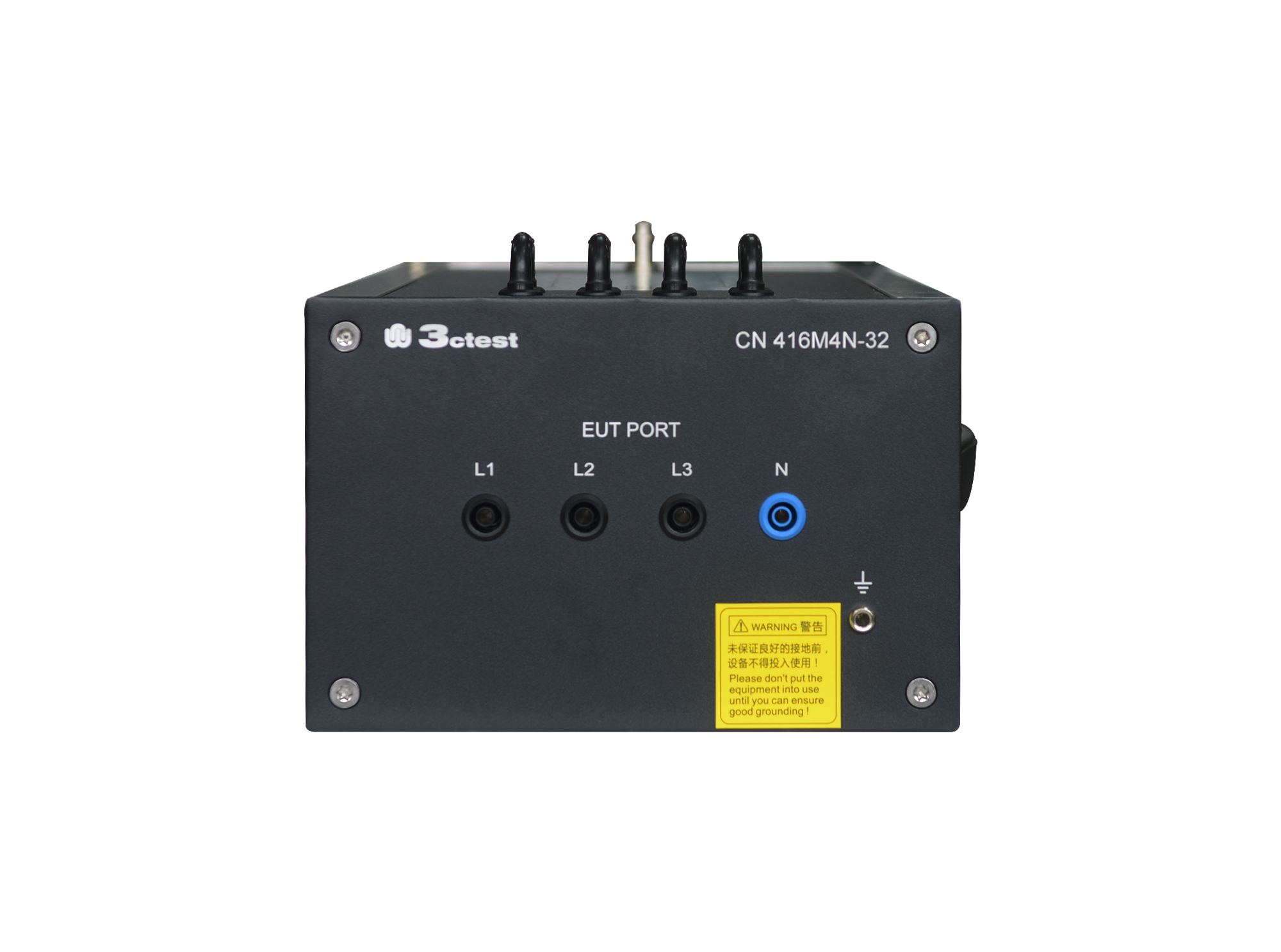
The CN 416M4N-32 Coupling Network complies with IEC 61000-4-16, GB/T 17626.16 and other domestic and international standards.
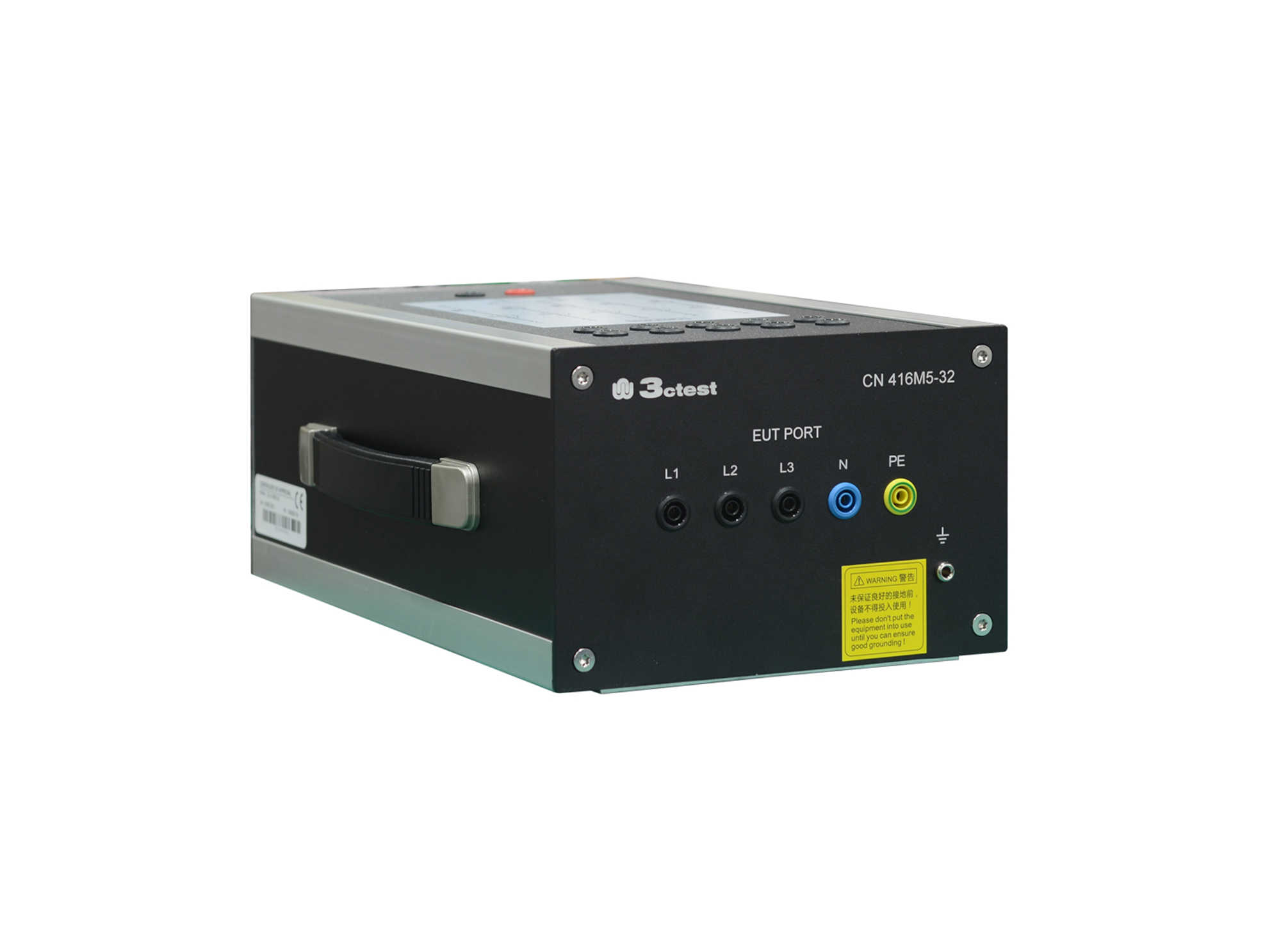
The CN 416M5-32 Coupling Network complies with IEC 61000-4-16, GB/T 17626.16 and other domestic and international standards.
The CN 416M4N-32(690V) Coupling Network complies with IEC 61000-4-16, GB/T 17626.16 and other domestic and international standards.
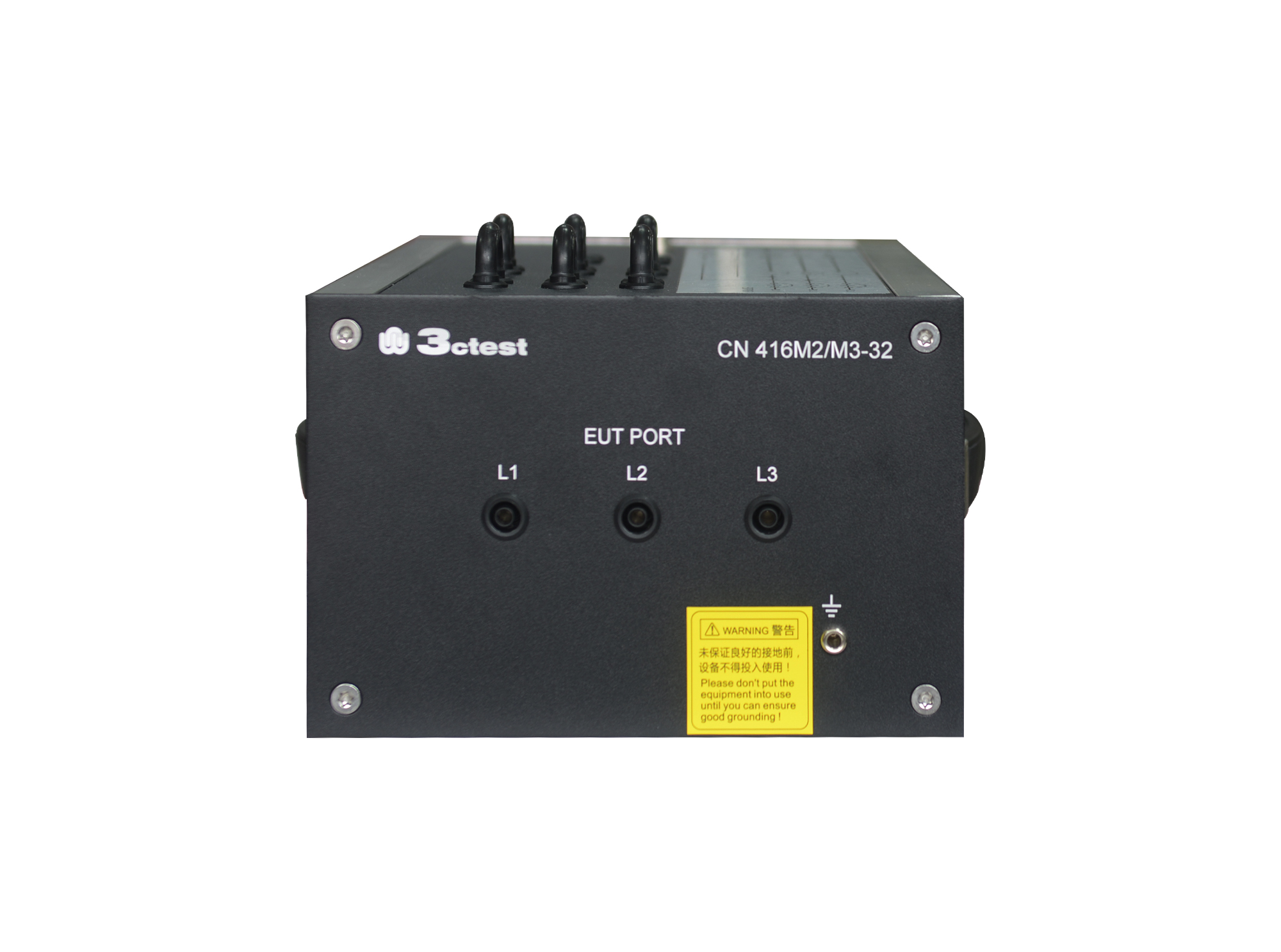
The CN 416M2/M3-32 Coupling Network complies with IEC 61000-4-16, GB/T 17626.16 and other domestic and international standards.
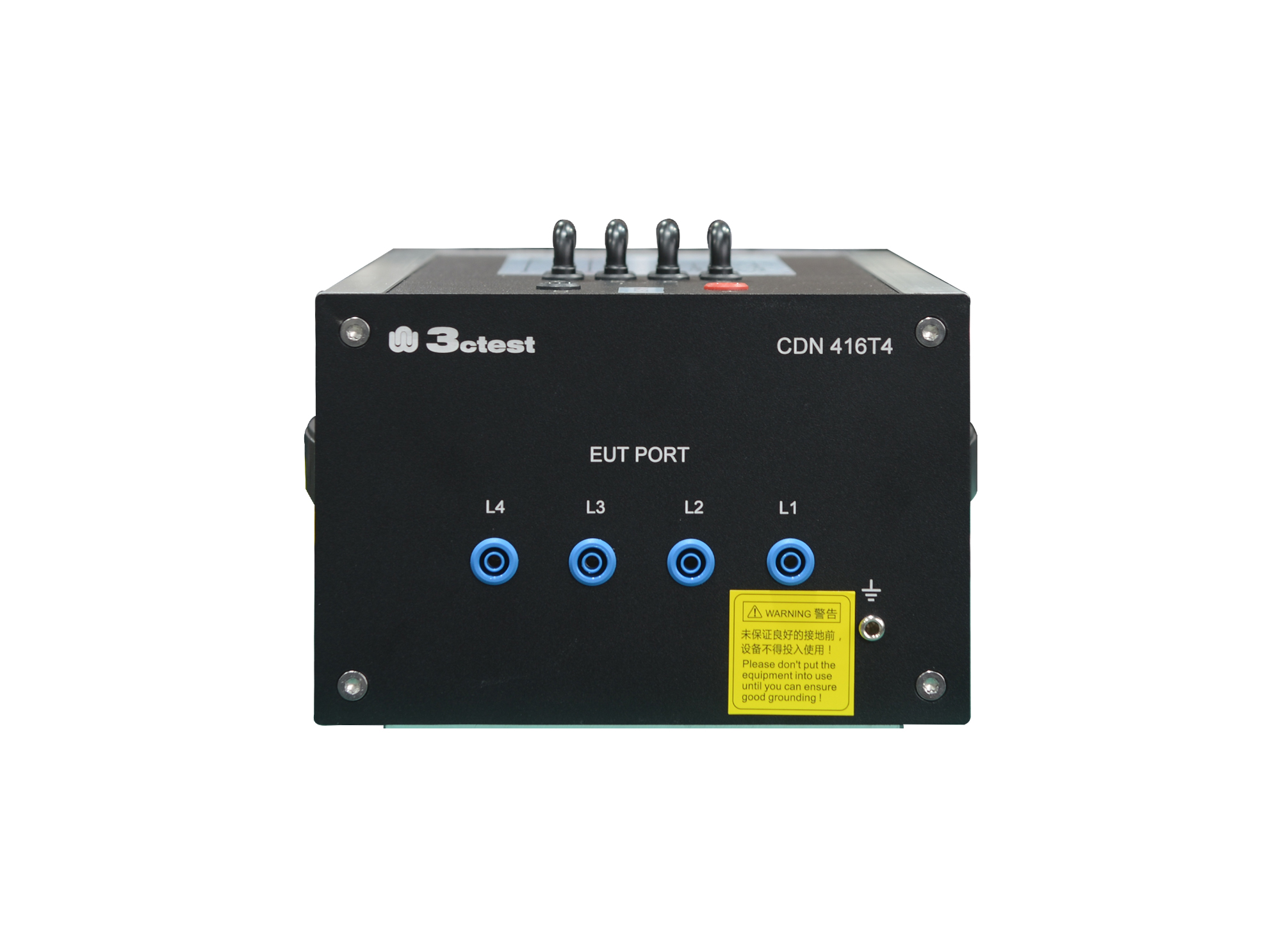
The CDN 416T4 (300 V) coupling/decoupling network complies with IEC 61000-4-16, GB/T 17626.16 and other domestic and international standards.
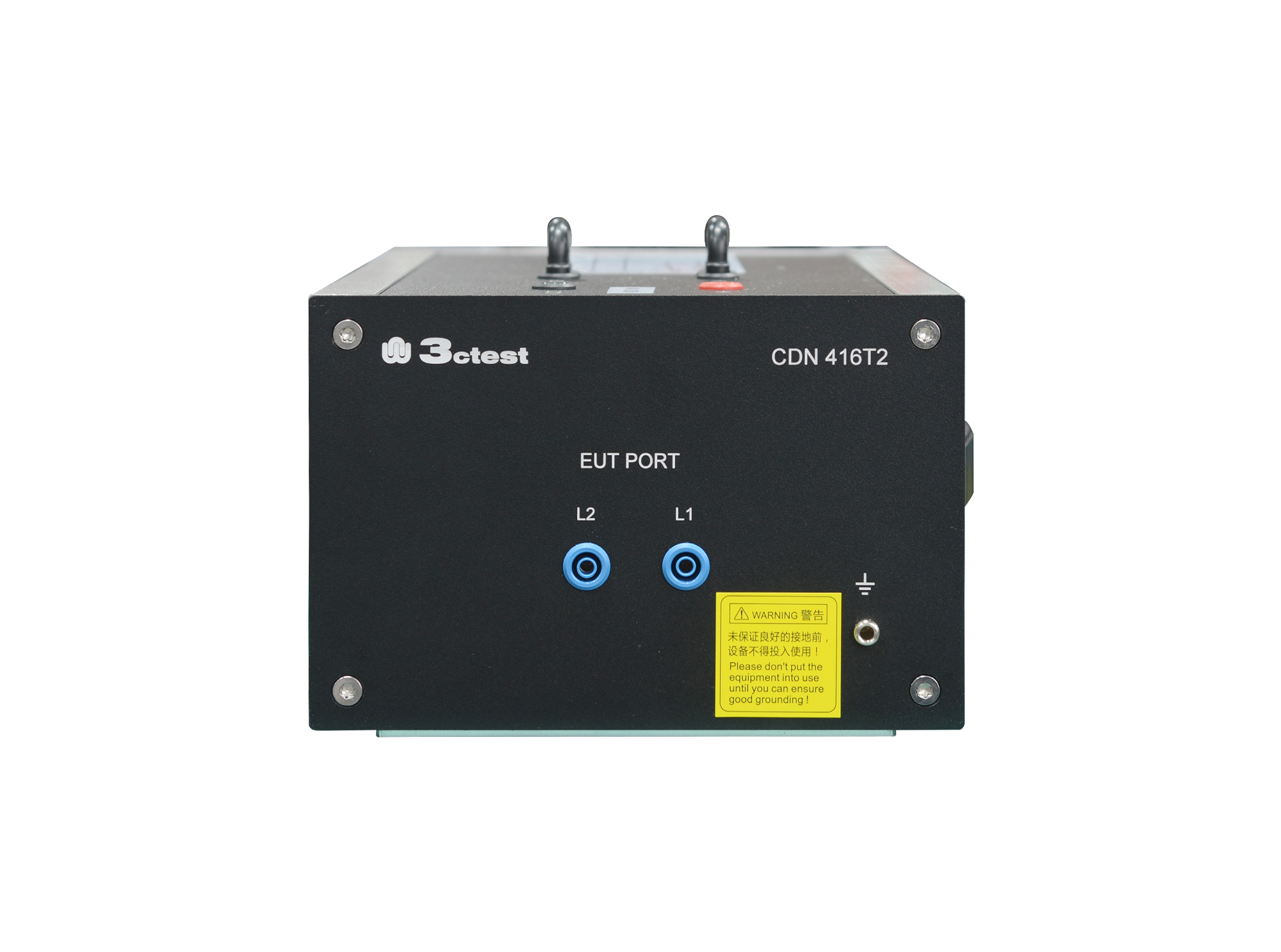
The CDN 416T2 (300 V) coupling/decoupling network complies with IEC 61000-4-16, GB/T 17626.16 and other domestic and international standards.
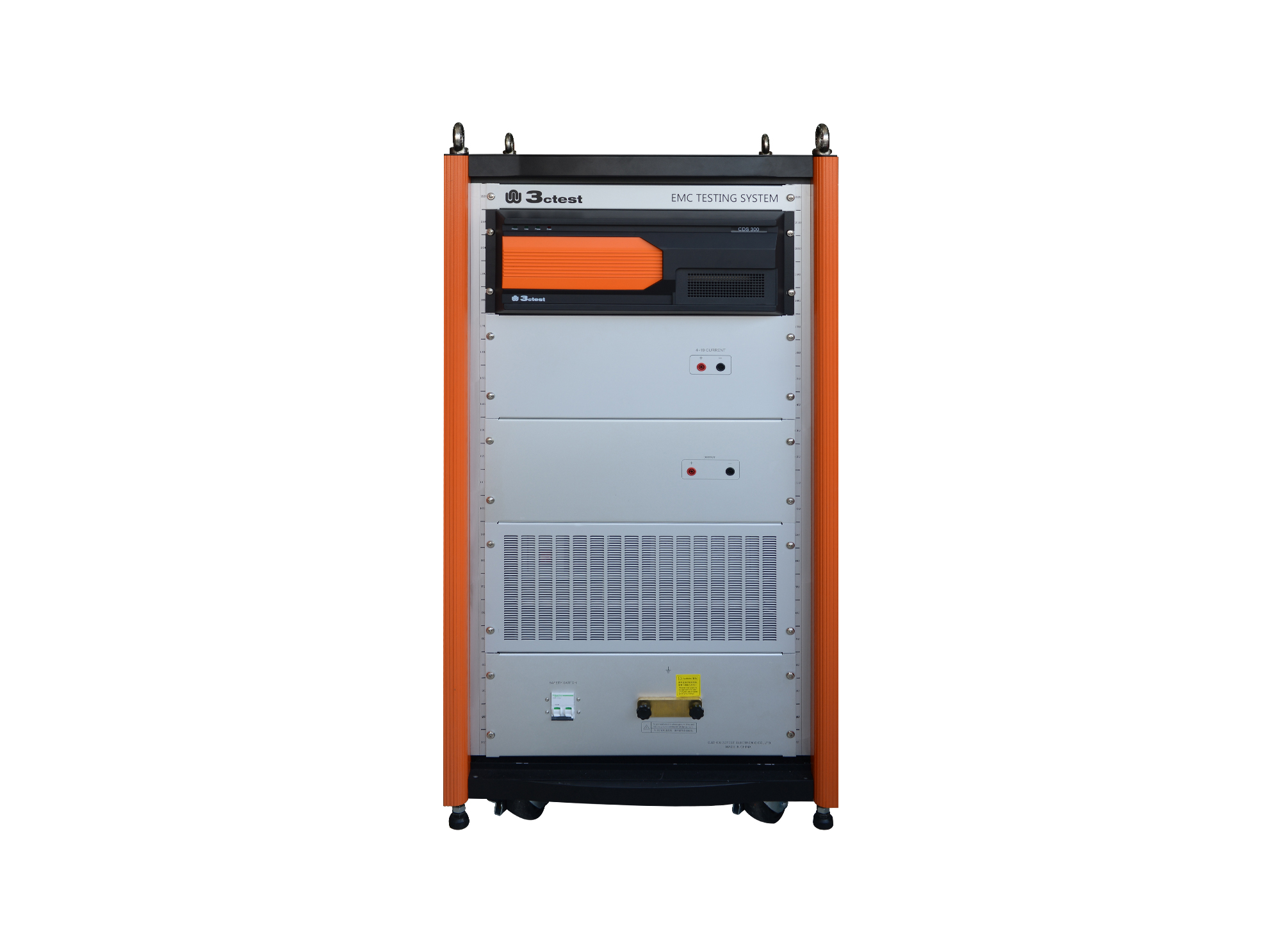
The CDS 300 is a common-mode conducted disturbance simulator with a frequency range of 0 Hz (DC) to 165 kHz and a max. output voltage of 300 V.
• Using the product inquiry function can help you quickly learn about the product's price and other related information.
• You can either inquire about a single product directly, or select multiple products to add to the inquiry bar and inquire about them together.
• How to make an inquiry





1. Using the product comparison function can help you find the target product you need for selection more quickly and easily.
2. You can add up to 5 products for comparison. Product models and parameters may vary across different series. It is recommended to compare products within the same series.
3. How to use the comparison bar.




 Phone: +86-512-68413700
 Email: info@3ctest.cn
 Address:No.99 E'meishan Rd, SND, Suzhou, Jiangsu, 215153, China,Suzhou, Jiangsu, 215153, China



© 2025 Suzhou 3CTEST


 Leave a Message


