

High frequency recommended vocabulary

IEC 61000-4-9 specifies the immunity test in which an impulse magnetic field is applied to equipment. The field is produced by the current of a lightning stroke flowing in a conductor or in the structure of a building, and it is characterised by a standard waveform with a rise time of 1.2 microseconds and a time to half value of 8 microseconds, the same waveform as the open-circuit voltage of the surge test. It is encountered in installations with external lightning protection, in buildings with structural steelwork acting as a natural down conductor, and near overhead lines and masts. The standard defines the field generating coil, which in practice is most often a large rectangular coil capable of meeting the physical dimensions of the equipment, and specifies the field strength levels used, up to 1000 A/m for the most severe class. It explains the orientation of the equipment with respect to the three field axes, the number of impulses and the interval between them, and the method of measuring the field. The test is normally performed together with the power frequency and damped oscillatory magnetic field tests to cover the whole range of magnetic phenomena.
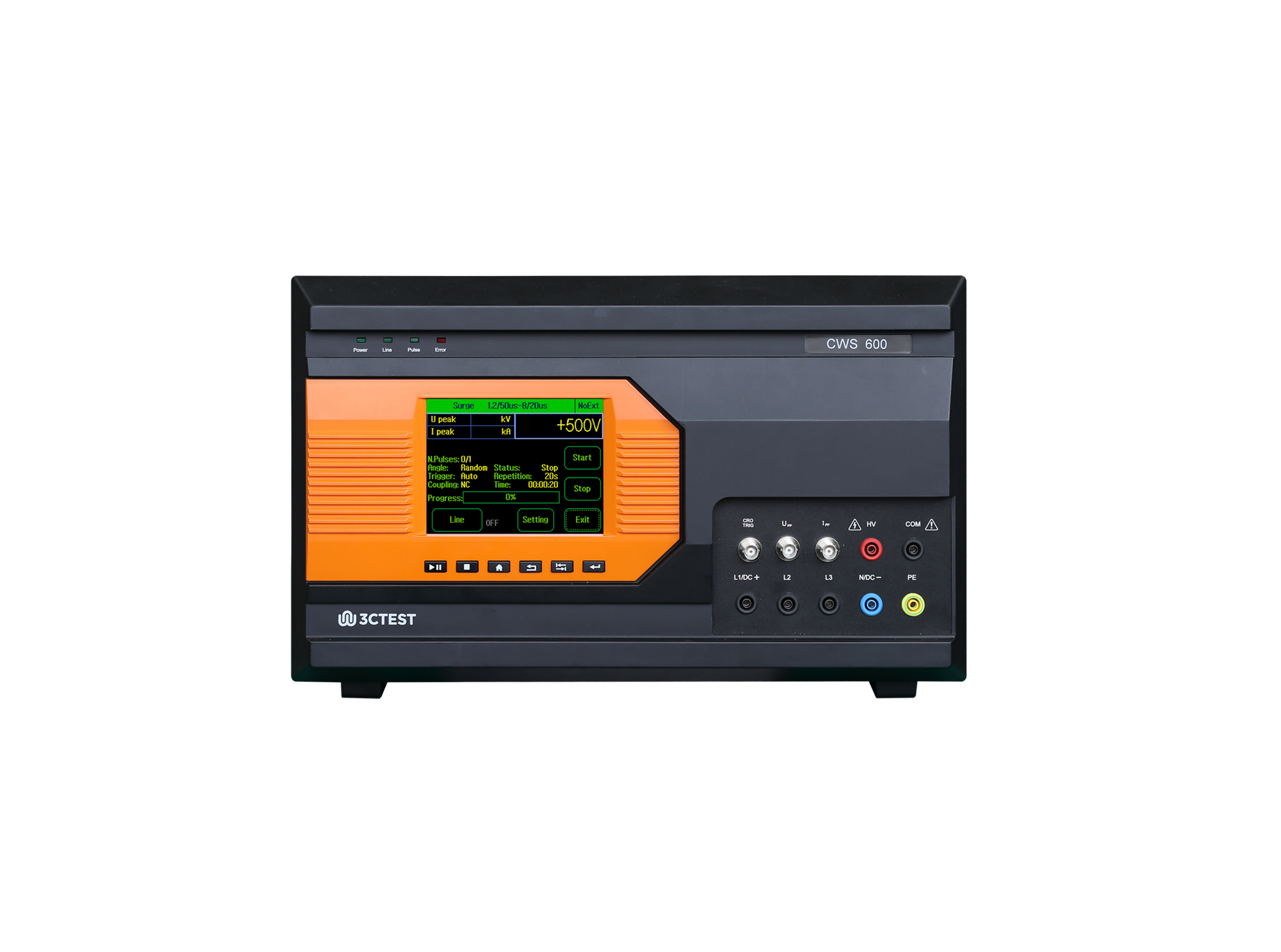
The CWS 600 complies with IEC/EN 61000-4-5, IEC/EN-4-9 and simulates high-voltage surges induced by lightning and power grid switching.
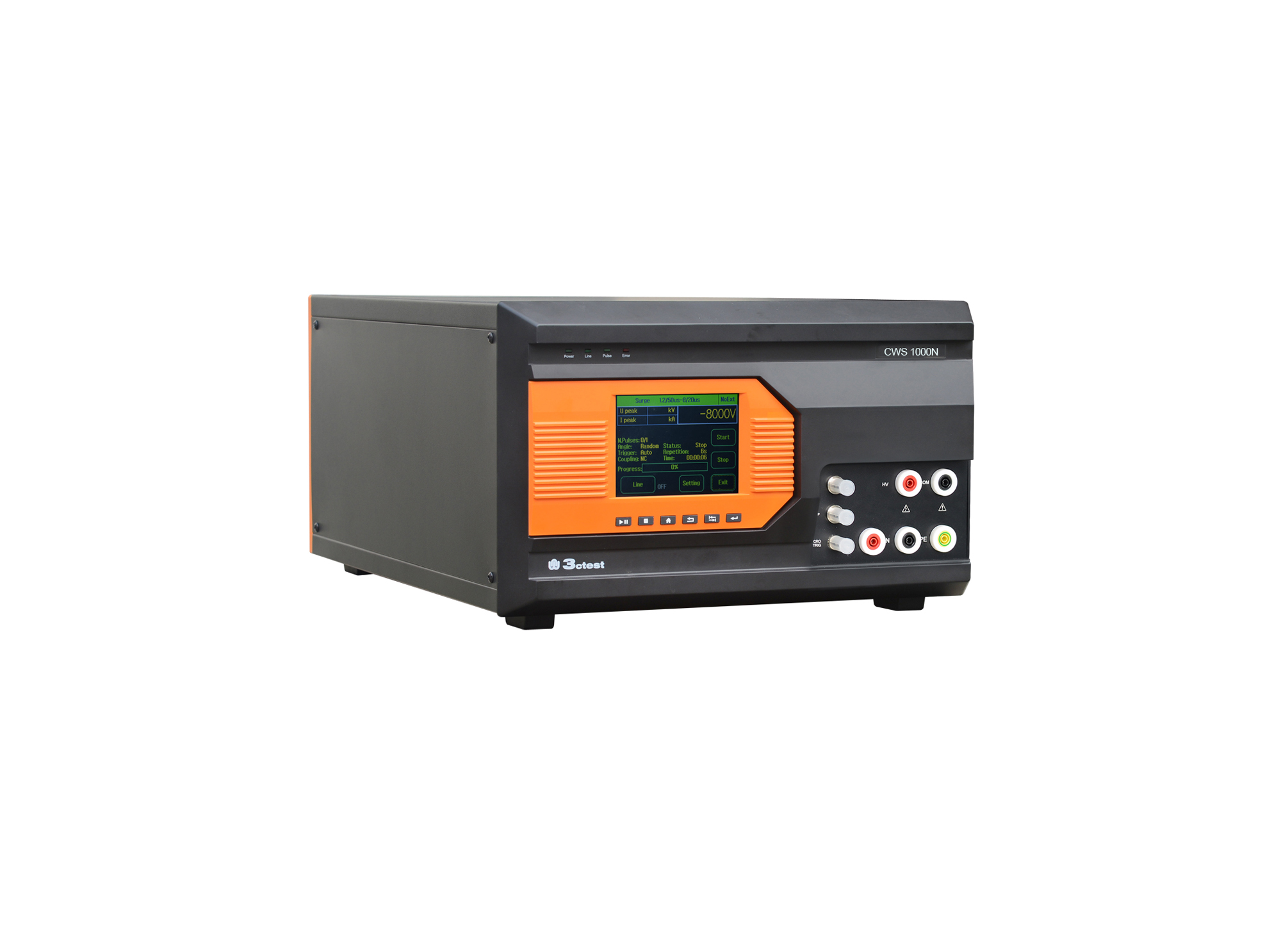
The CWS 1000N Lightning Surge Generator complies with IEC/EN 61000-4-5 and IEC/EN 61000-4-9 standards, and is capable of simulating surge transients generated by grid switching and lightning strikes.
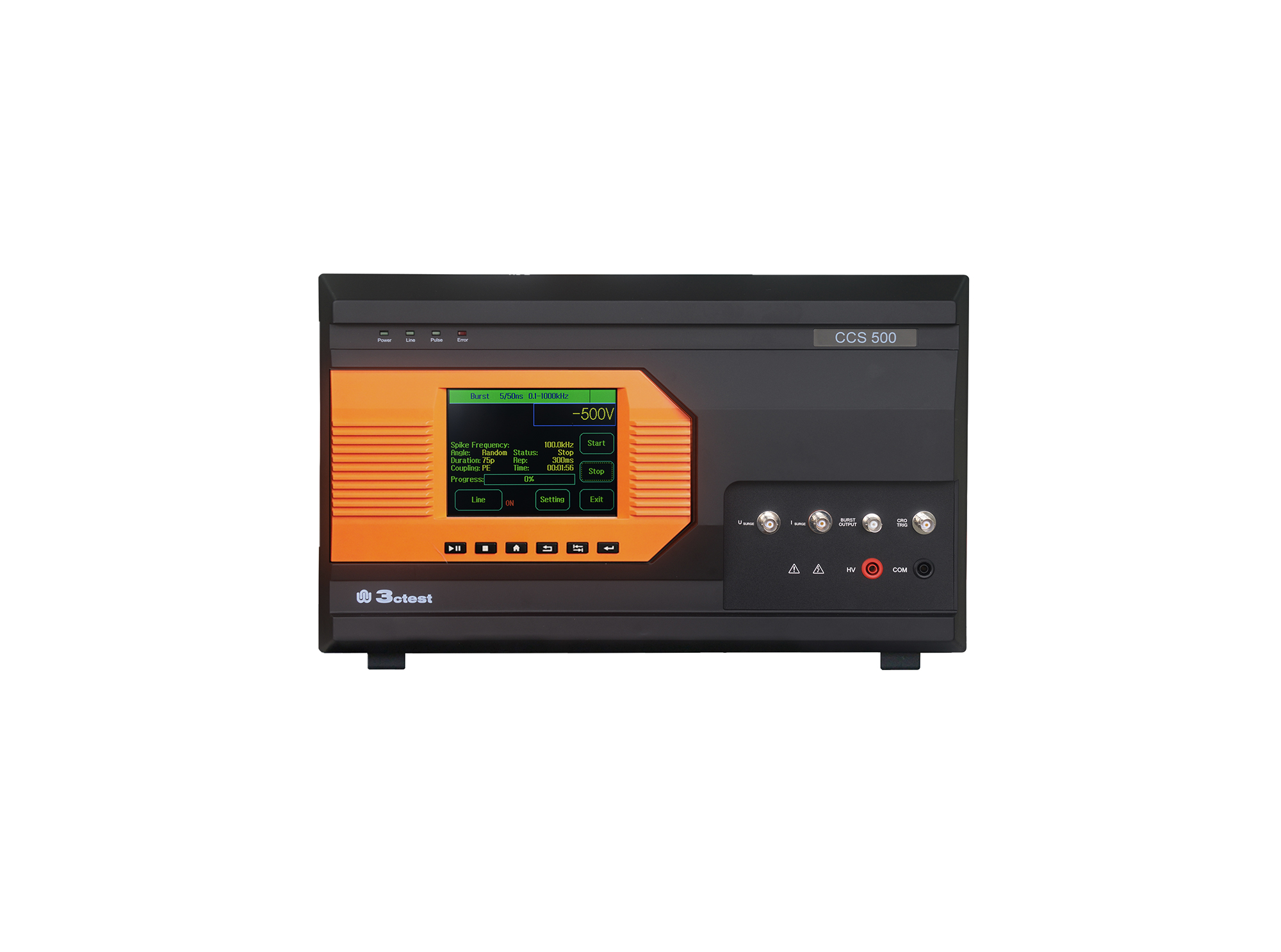
The CCS 500 is an intelligent multi-functional conducted electromagnetic compatibility (EMC) test equipment designed to meet a wide range of IEC/EN standards, including IEC 61000-4-4, -4-5, -4-8, -4-9, -4-11, -4-12, -4-29.
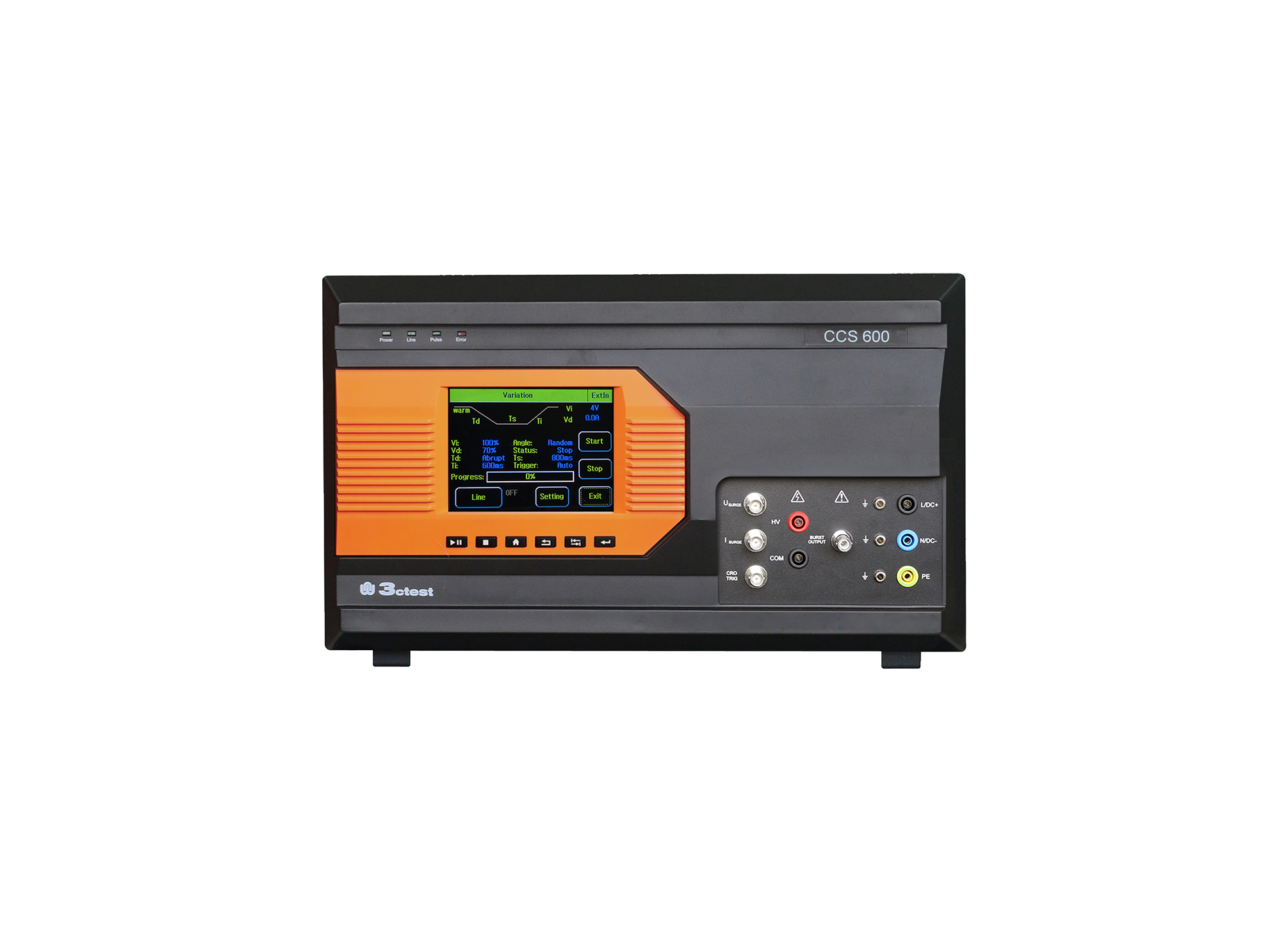
The CCS 600 is an intelligent multi-functional conducted electromagnetic compatibility (EMC) test equipment designed to meet a wide range of IEC/EN standards, including IEC 61000-4-4, -4-5, -4-8, -4-9, -4-11, -4-12, -4-29.
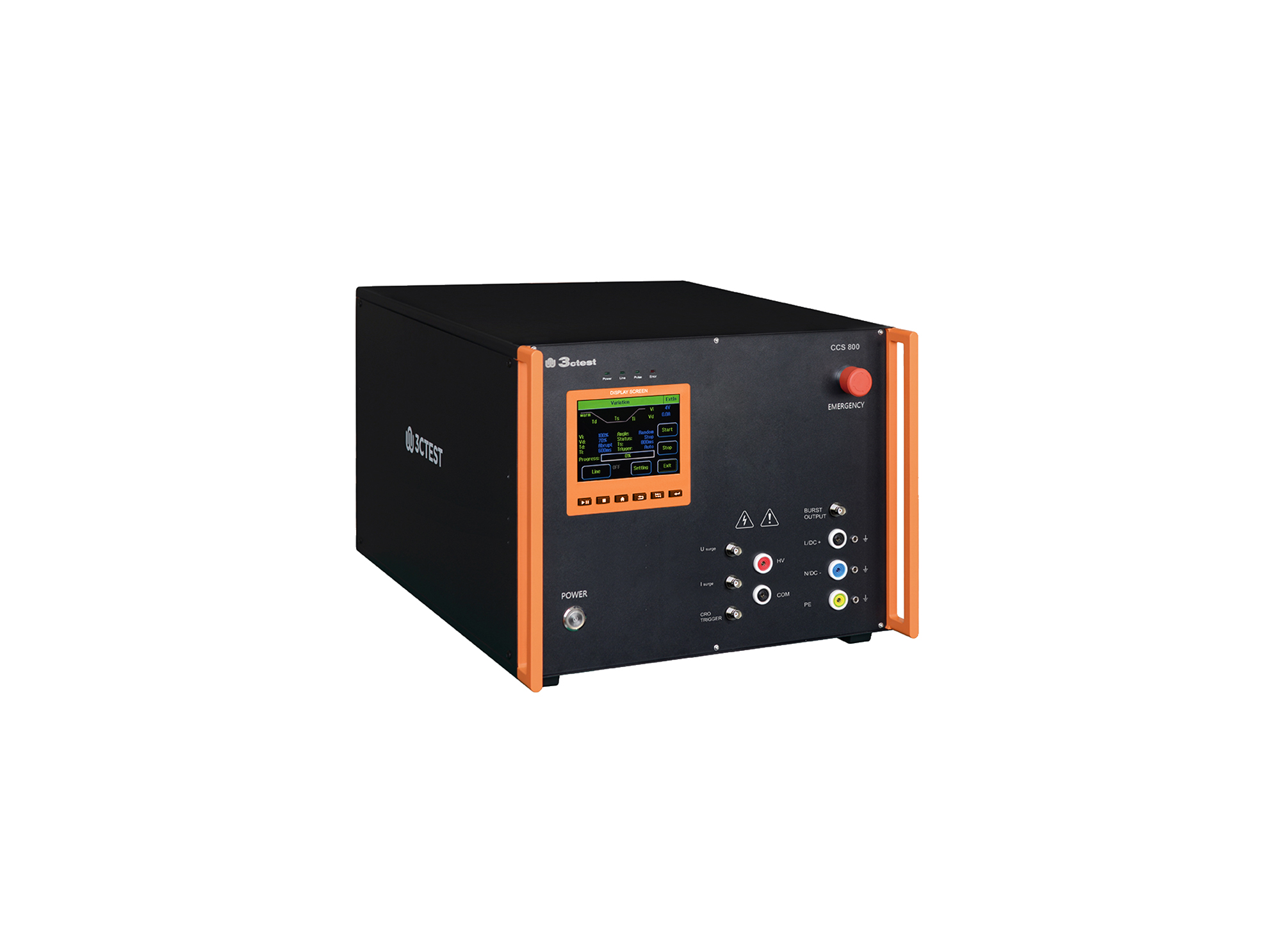
The CCS 800 is an intelligent multi-functional conducted electromagnetic compatibility (EMC) test equipment designed to meet a wide range of IEC/EN standards, including IEC 61000-4-4, -4-5, -4-8, -4-9, -4-11, -4-12, -4-29.
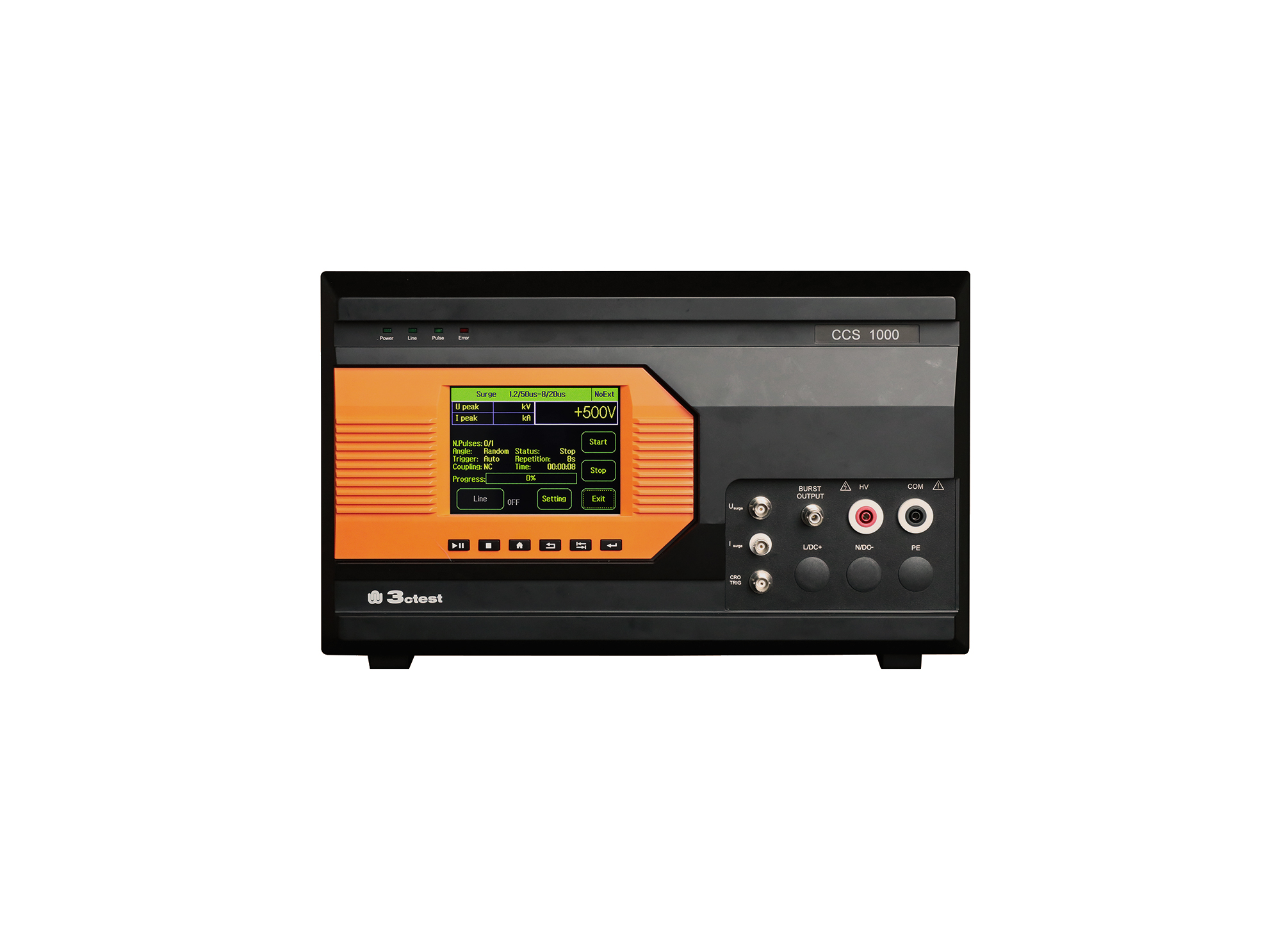
The CCS 1000 is an intelligent multi-functional conducted electromagnetic compatibility (EMC) test equipment designed to meet a wide range of IEC/EN standards, including IEC 61000-4-4, -4-5, -4-8, -4-9, -4-11, -4-29.
The CCS 600 is an intelligent multi-functional conducted electromagnetic compatibility (EMC) test equipment designed to meet a wide range of IEC/EN standards, including IEC 61000-4-4, -4-5, -4-8, -4-9, -4-11, -4-12, -4-29.
The CCS 600 is an intelligent multi-functional conducted electromagnetic compatibility (EMC) test equipment designed to meet a wide range of IEC/EN standards, including IEC 61000-4-4, -4-5, -4-8, -4-9, -4-11, -4-12, -4-29.
The CCS 600 is an intelligent multi-functional conducted electromagnetic compatibility (EMC) test equipment designed to meet a wide range of IEC/EN standards, including IEC 61000-4-4, -4-5, -4-8, -4-9, -4-11, -4-12, -4-29.
The CCS 600 is an intelligent multi-functional conducted electromagnetic compatibility (EMC) test equipment designed to meet a wide range of IEC/EN standards, including IEC 61000-4-4, -4-5, -4-8, -4-9, -4-11, -4-12, -4-29.
The CCS 600 is an intelligent multi-functional conducted electromagnetic compatibility (EMC) test equipment designed to meet a wide range of IEC/EN standards, including IEC 61000-4-4, -4-5, -4-8, -4-9, -4-11, -4-12, -4-29.
The CCS 600 is an intelligent multi-functional conducted electromagnetic compatibility (EMC) test equipment designed to meet a wide range of IEC/EN standards, including IEC 61000-4-4, -4-5, -4-8, -4-9, -4-11, -4-12, -4-29.
The CCS 600 is an intelligent multi-functional conducted electromagnetic compatibility (EMC) test equipment designed to meet a wide range of IEC/EN standards, including IEC 61000-4-4, -4-5, -4-8, -4-9, -4-11, -4-12, -4-29.
Featuring a modular design, the CCS 800 allows for future upgrades by adding new test modules. It supports test voltage up to 6 kV for EFT/Burst, and 8 kV for surge and ring wave.
The CCS 800 is an intelligent multi-functional conducted electromagnetic compatibility (EMC) test equipment designed to meet a wide range of IEC/EN standards, including IEC 61000-4-4, -4-5, -4-8, -4-9, -4-11, -4-12, -4-29.
The CCS 800 is an intelligent multi-functional conducted electromagnetic compatibility (EMC) test equipment designed to meet a wide range of IEC/EN standards, including IEC 61000-4-4, -4-5, -4-8, -4-9, -4-11, -4-12, -4-29.
• Using the product inquiry function can help you quickly learn about the product's price and other related information.
• You can either inquire about a single product directly, or select multiple products to add to the inquiry bar and inquire about them together.
• How to make an inquiry





1. Using the product comparison function can help you find the target product you need for selection more quickly and easily.
2. You can add up to 5 products for comparison. Product models and parameters may vary across different series. It is recommended to compare products within the same series.
3. How to use the comparison bar.




 Phone: +86-512-68413700
 Email: info@3ctest.cn
 Address:No.99 E'meishan Rd, SND, Suzhou, Jiangsu, 215153, China,Suzhou, Jiangsu, 215153, China



© 2025 Suzhou 3CTEST


 Leave a Message


