

High frequency recommended vocabulary

IEC 61730-1 is the first part of the safety qualification standard for photovoltaic modules. It defines the constructional requirements that a module must satisfy in order to be considered safe, and it is applied together with Part 2, which contains the corresponding test procedures. The document begins by establishing the application classes of modules, from the fully accessible class used in unattended systems at low voltage, through the class used in systems with accessible live parts, to the class intended for use in high-voltage installations where the modules are protected from contact, and it shows how the class determines the string voltage that the module may be used at. It then sets out the requirements for the materials and components of the module: the encapsulant, the backsheet, the frame, the junction box and the connectors must all have adequate electrical, thermal and mechanical properties, and the construction must maintain the separation of live parts from accessible surfaces through the whole life of the module. Rules for creepage distance and clearance complete the document.
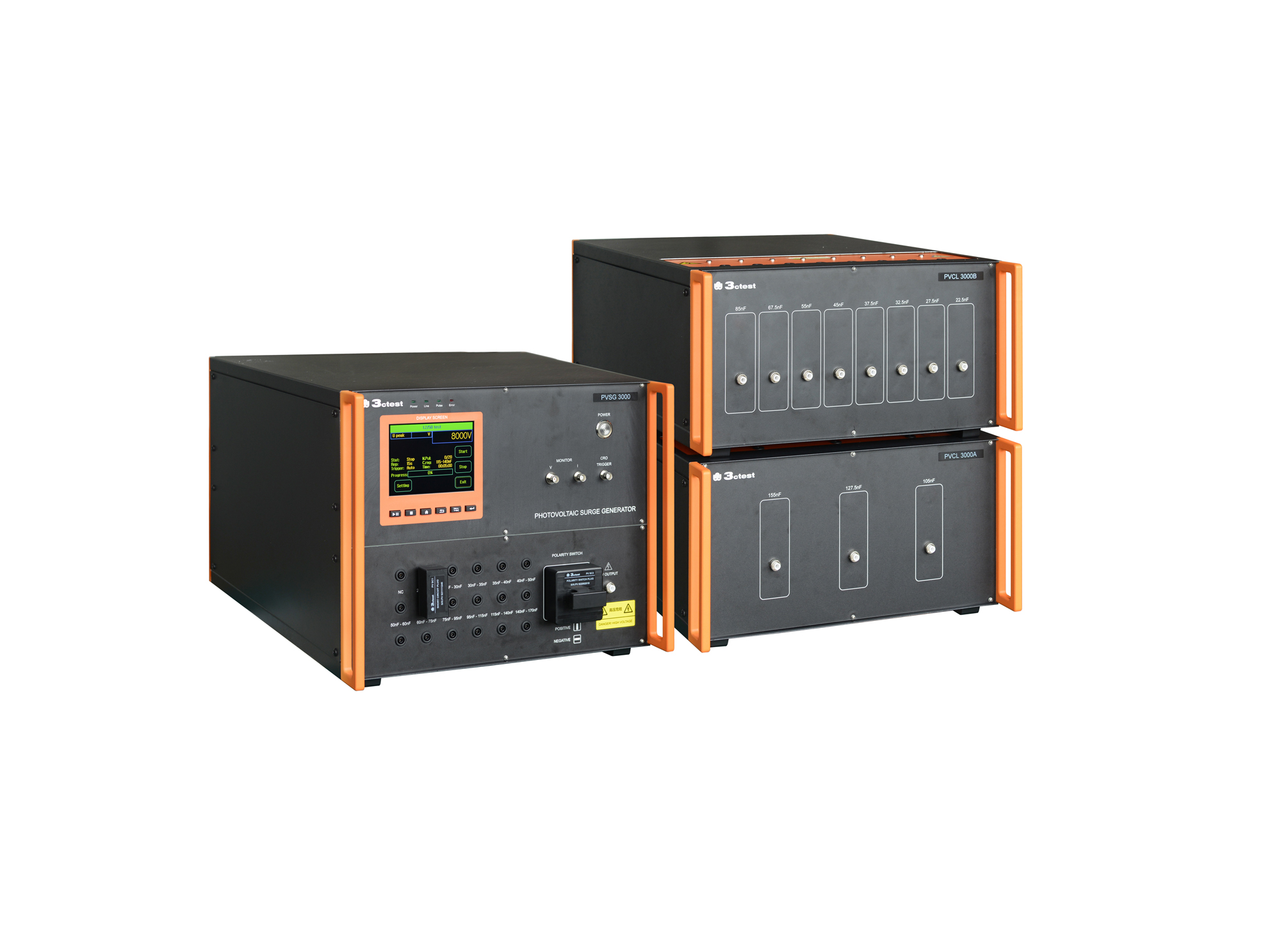
The PVSG 3000 photovoltaic impulse voltage generator is developed in compliance with IEC 61730-2 (MST14), IEC 61730-1 and IEC 60060-1. It delivers a standard 1.2/50 μs impulse waveform for photovoltaic panels testing with equivalent capacitance ranging from 20 nF to 170 nF.
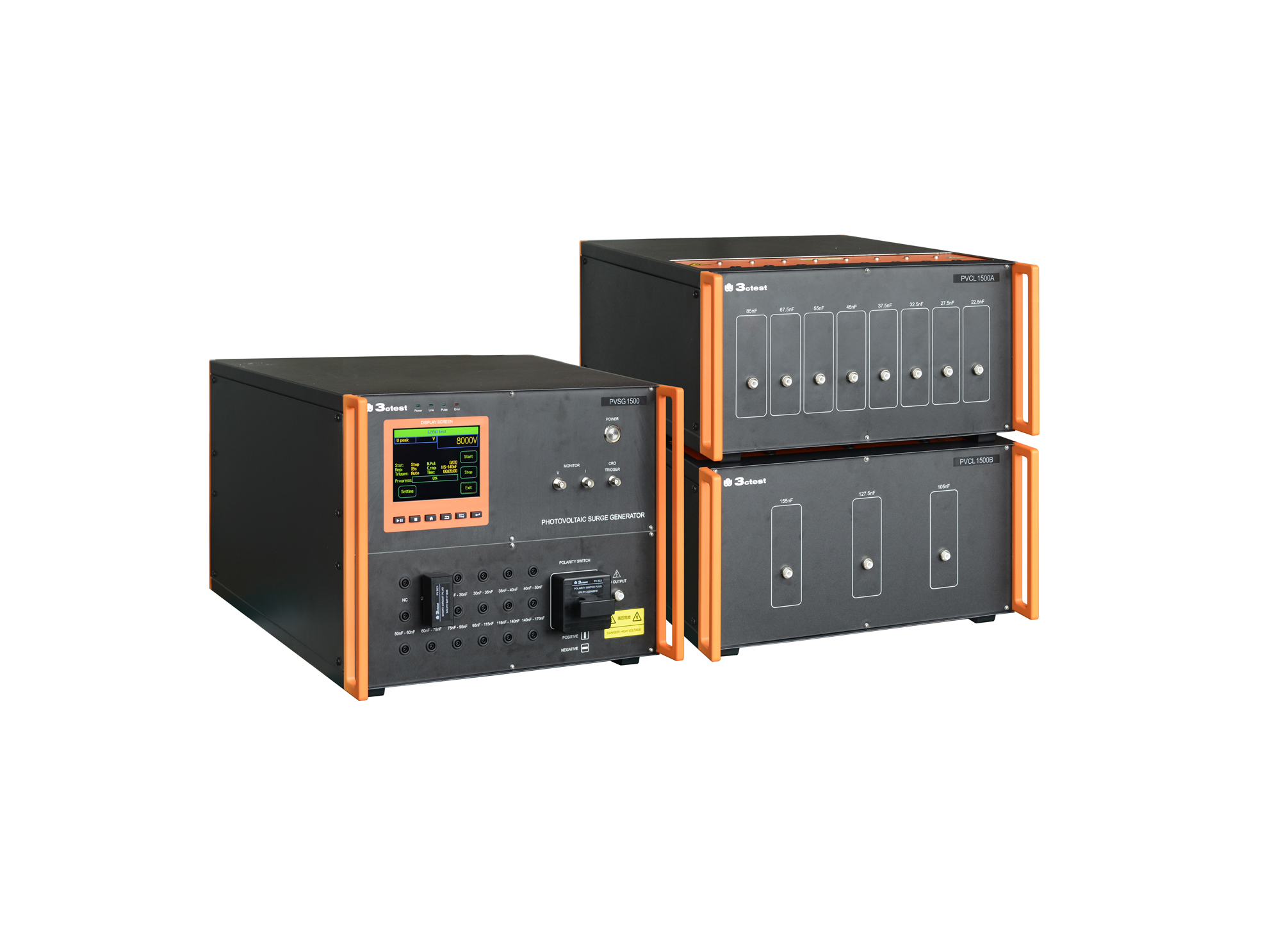
The PVSG 1500 photovoltaic impulse voltage generator is developed in compliance with IEC 61730-2 (MST14), IEC 61730-1 and IEC 60060-1. It delivers a standard 1.2/50 μs impulse waveform for photovoltaic panels testing with equivalent capacitance ranging from 20 nF to 170 nF.
• Using the product inquiry function can help you quickly learn about the product's price and other related information.
• You can either inquire about a single product directly, or select multiple products to add to the inquiry bar and inquire about them together.
• How to make an inquiry





1. Using the product comparison function can help you find the target product you need for selection more quickly and easily.
2. You can add up to 5 products for comparison. Product models and parameters may vary across different series. It is recommended to compare products within the same series.
3. How to use the comparison bar.




 Phone: +86-512-68413700
 Email: info@3ctest.cn
 Address:No.99 E'meishan Rd, SND, Suzhou, Jiangsu, 215153, China,Suzhou, Jiangsu, 215153, China



© 2025 Suzhou 3CTEST


 Leave a Message


