

High frequency recommended vocabulary

IEC 61000-4-18 specifies the immunity test in which damped oscillatory waves are applied to the power and signal ports of equipment. Three frequency ranges are defined: 100 kHz, associated with the lower-frequency switching transients of medium-voltage networks; 1 MHz, which reproduces the repetitive transient activity of high-voltage substation switching and of gas-insulated switchgear operations; and the range from 3 MHz to 10 MHz, which is used for equipment installed in gas-insulated installations where the switching operation generates oscillations at much higher frequencies. The standard defines the generator waveform in terms of the first peak voltage, the rise time, the oscillation frequency and the decay rate, together with the common-mode and differential-mode coupling networks and the coupling method appropriate to each type of port. Severity is expressed as peak voltage values and the applicable level depends on the installation category of the equipment. The document prescribes the test configuration, including the reference ground plane, the decoupling of auxiliary equipment and the length of the connecting leads, and defines the functional criteria used to judge performance.
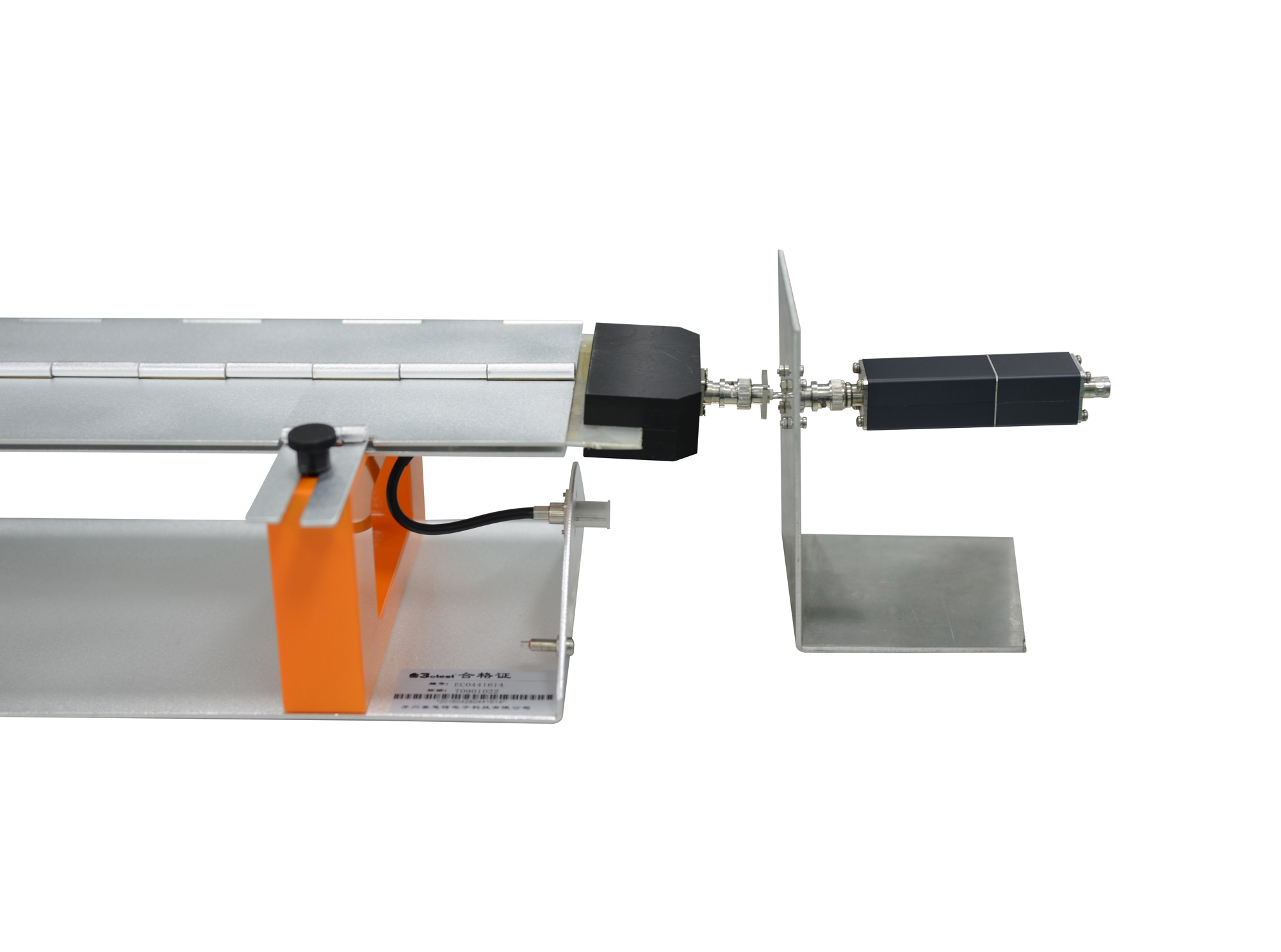
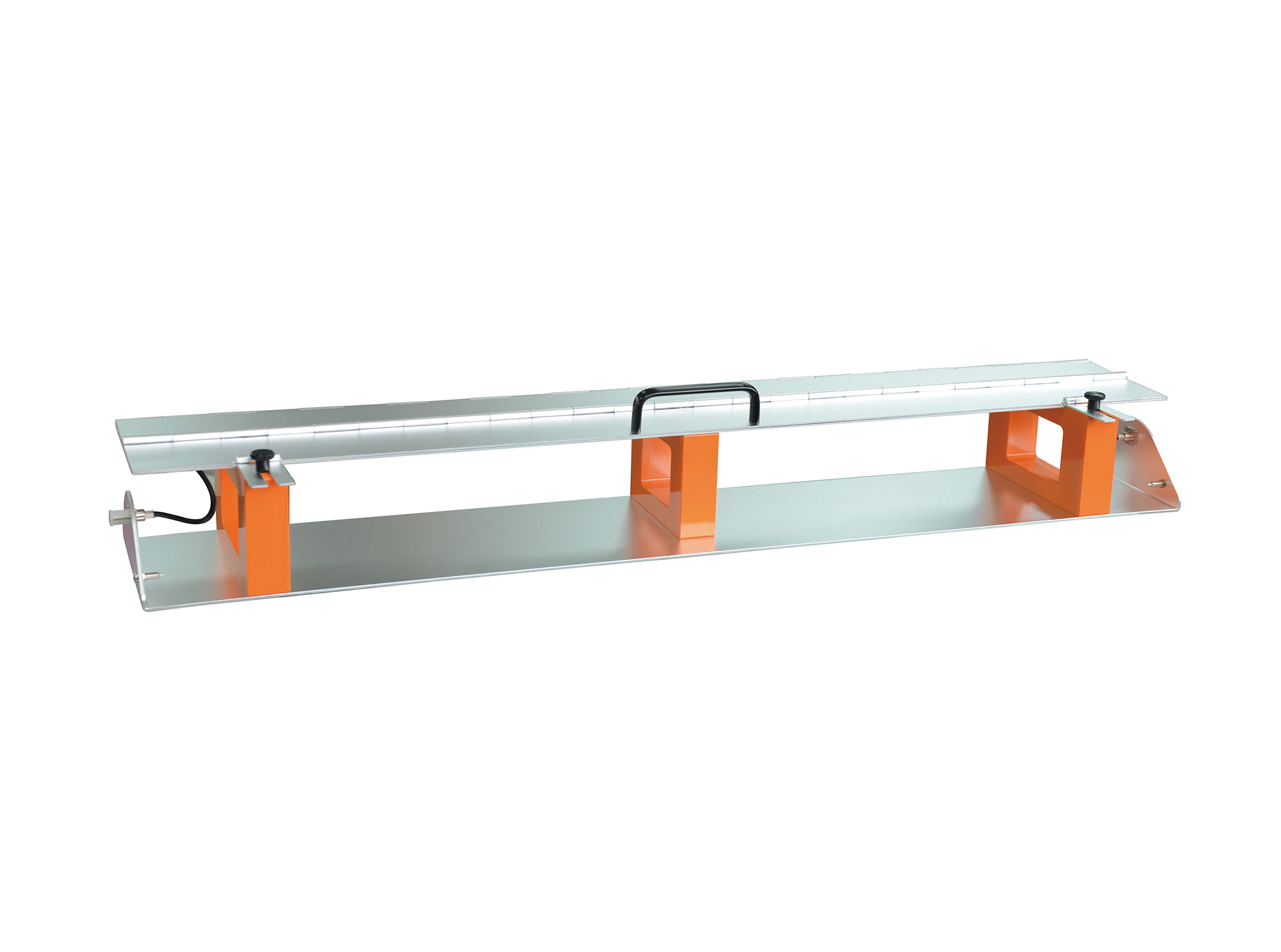
The CA-CCC transducer plate is applied for the calibration of capacitive coupling clamp. It is designed in accordance with domestic and international standards including IEC 61000-4-4 and GB/T 17626.4.
.jpg)
The CDN 416AFL8 is a coupling/decoupling network for unshielded asymmetric communication line of damped oscillatory wave. It complies with IEC 61000-4-12, IEC 61000-4-18, GB/T 17626.12 and GB/T 17626.18.
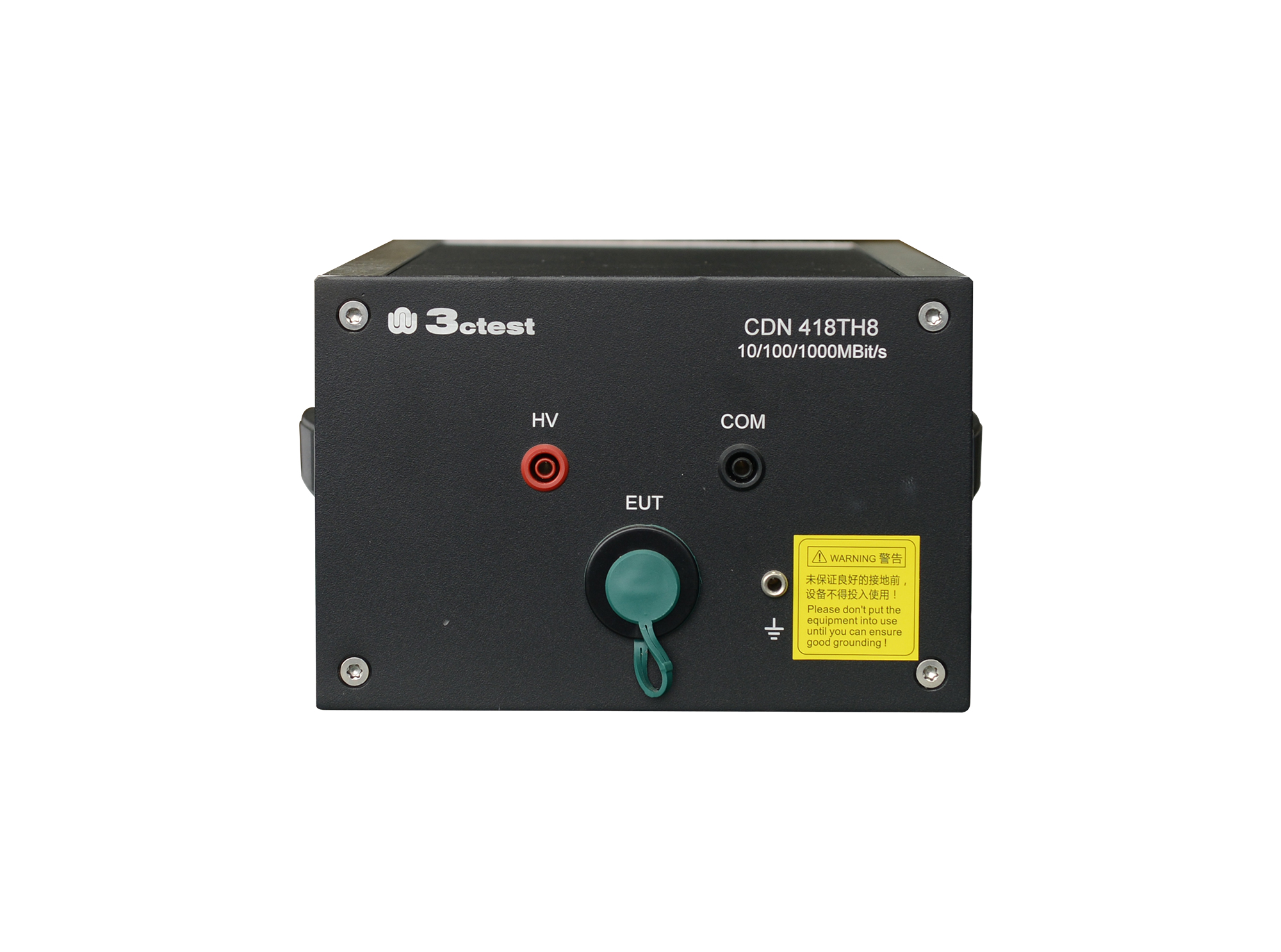
The CDN 418TH8 is a coupling/decoupling networks for damped oscillatory waves testing on unshielded symmetrical high-speed communication lines complies with IEC 61000-4-12, IEC 61000-4-18, GB/T 17626.12 and GB/T 17626.18.
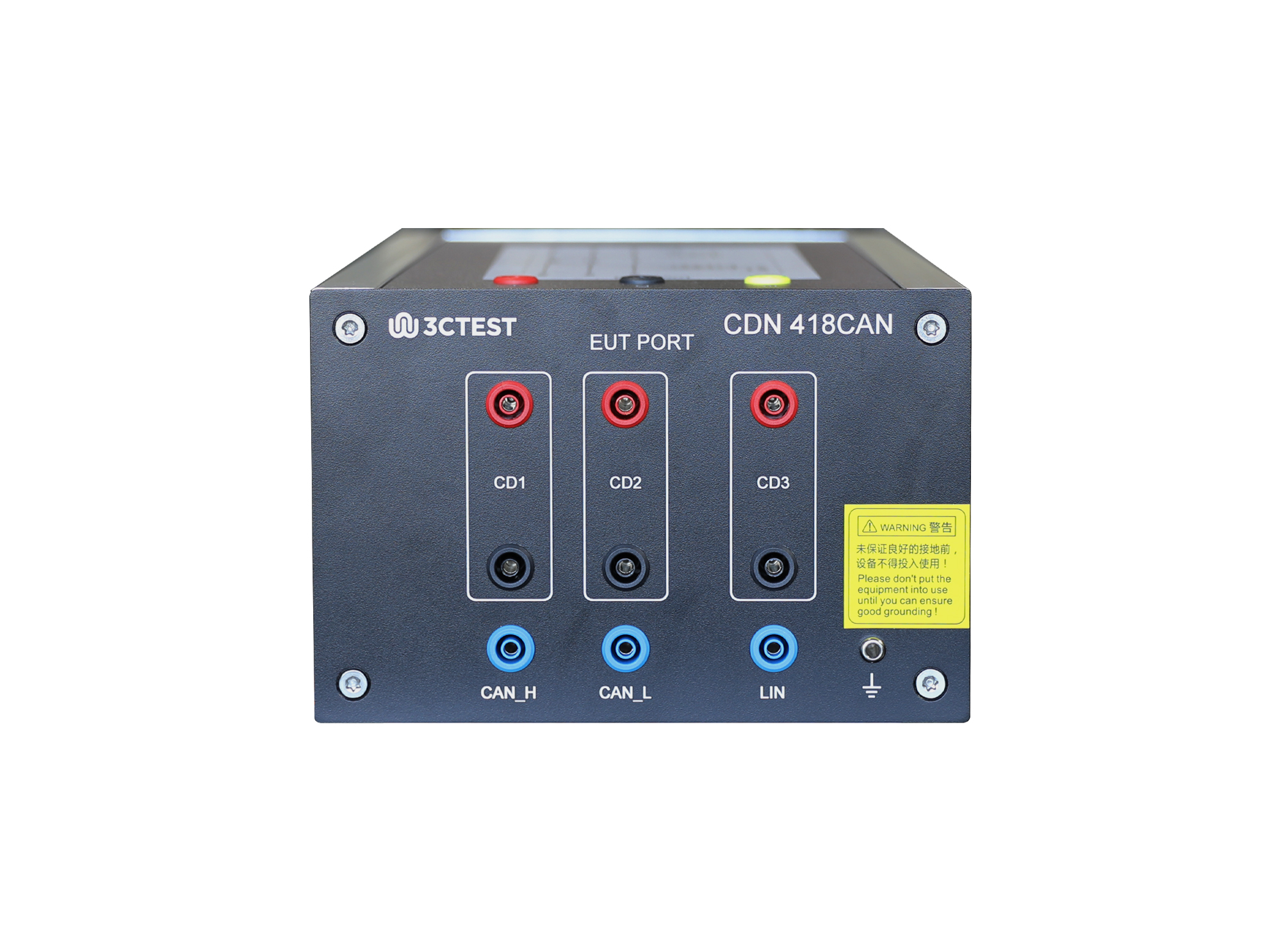
The CDN 418CAN coupling/decoupling network is a professional device designed for immunity tests of damped oscillatory waves and ring waves on CAN/LIN lines.
.jpg)
The DOS 400F fast damped oscillatory wave simulator can complete the testing of fast damped oscillatory waves required by the IEC 61000-4-18 standard.
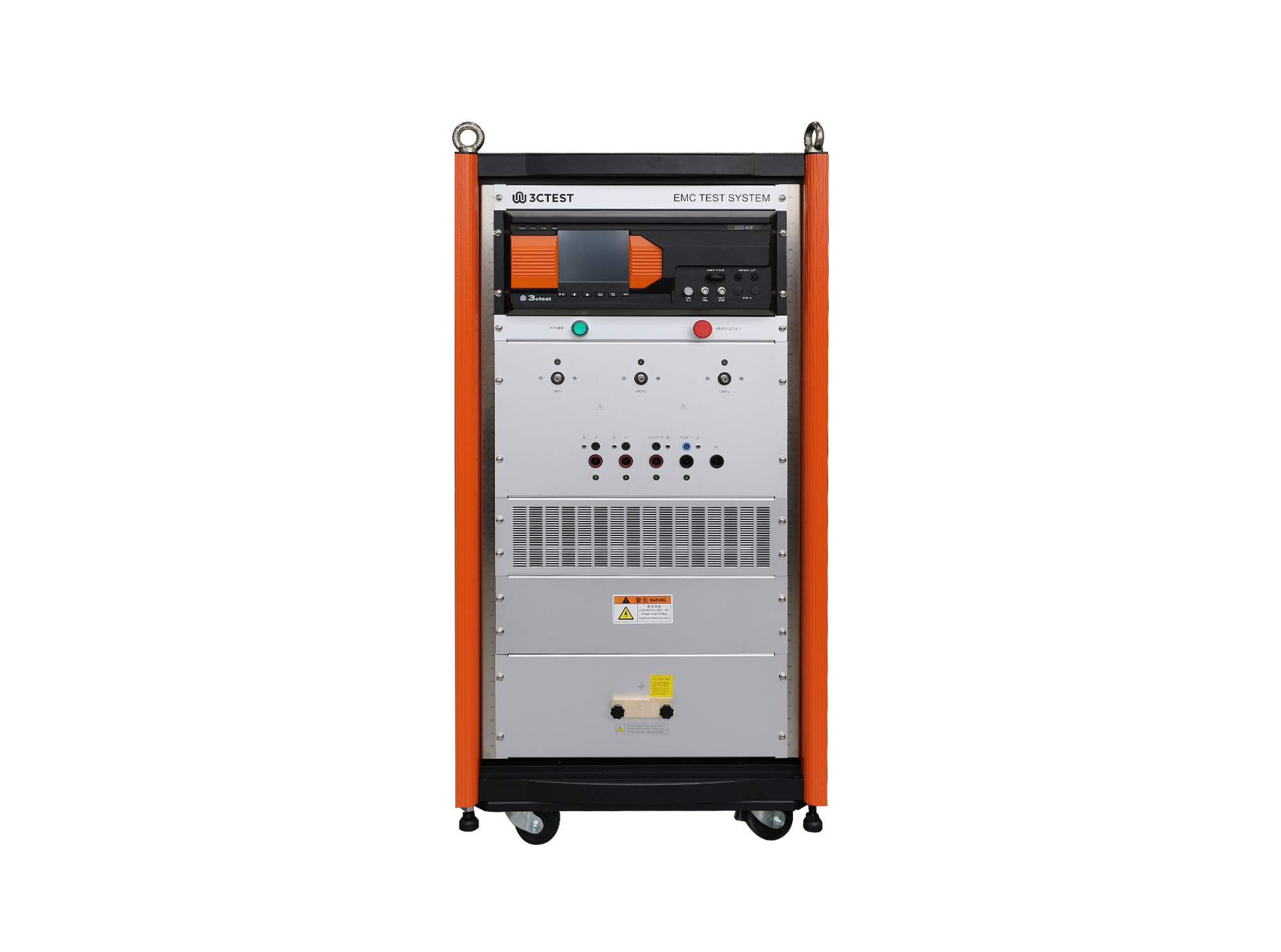
The DOS 400F fast damped oscillatory wave generator can complete the testing of fast damped oscillatory waves required by the IEC 61000-4-18 standard.
.jpg)
The DOS 300(1XXX) Slow Damped Oscillatory Wave Simulator is designed in accordance with IEC 61000-4-18 to simulate repetitive slow damped oscillatory phenomena caused by switching disconnectors occurring on power, control, and signal cables in HV/MV power systems, particularly caused by HV busbar switching.
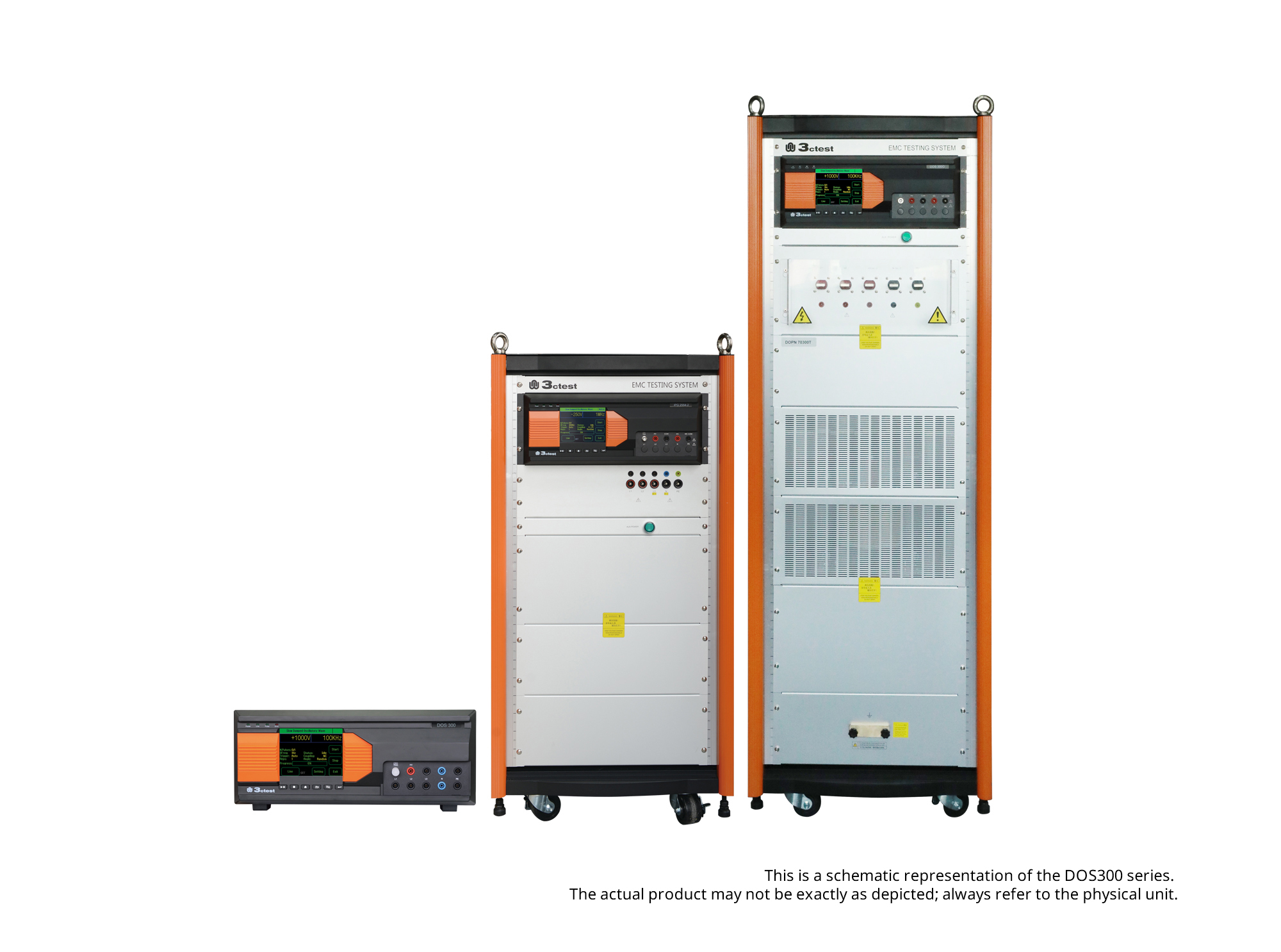
The DOS 300 Series Damped Oscillatory Wave Simulator can perform slow damped oscillatory wave tests according to IEC 61000-4-18 and damped oscillatory magnetic field tests according to IEC 61000-4-10 (optional).
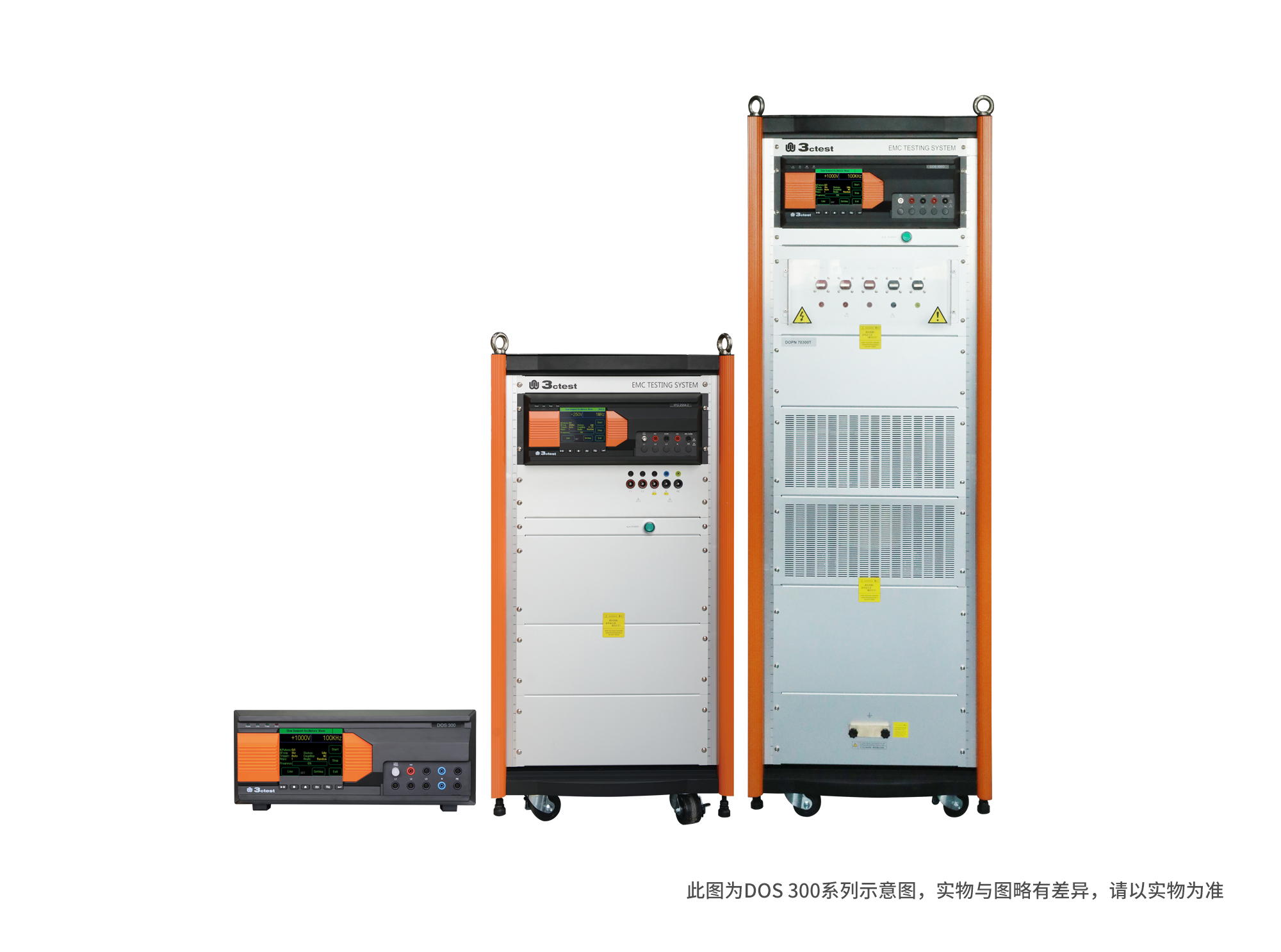
The DOS 300 Series Damped Oscillatory Wave Simulator can perform slow damped oscillatory wave tests according to IEC 61000-4-18 and damped oscillatory magnetic field tests according to IEC 61000-4-10 (optional).
• Using the product inquiry function can help you quickly learn about the product's price and other related information.
• You can either inquire about a single product directly, or select multiple products to add to the inquiry bar and inquire about them together.
• How to make an inquiry





1. Using the product comparison function can help you find the target product you need for selection more quickly and easily.
2. You can add up to 5 products for comparison. Product models and parameters may vary across different series. It is recommended to compare products within the same series.
3. How to use the comparison bar.




 Phone: +86-512-68413700
 Email: info@3ctest.cn
 Address:No.99 E'meishan Rd, SND, Suzhou, Jiangsu, 215153, China,Suzhou, Jiangsu, 215153, China



© 2025 Suzhou 3CTEST


 Leave a Message


