

High frequency recommended vocabulary

IEC 61000-4-2 is the basic standard that defines how the immunity of electrical and electronic equipment to electrostatic discharge is tested. It describes the discharge events that occur when a person charged by walking across a floor or by friction on clothing touches equipment or a nearby object, and it separates them into two application methods: contact discharge, in which the generator tip is held against a conductive surface of the equipment, and air discharge, in which the tip approaches an insulating surface until a spark occurs. Contact discharge levels are 2 kV, 4 kV, 6 kV and 8 kV, and air discharge levels are 2 kV, 4 kV, 8 kV and 15 kV. To make results reproducible the standard quantifies the discharge current waveform, requiring a rise time of about 0.7 to 1 nanosecond for contact discharge together with specified peak currents and ringing at each level. It also specifies the horizontal and vertical coupling planes, the ground reference plane and the indirect discharge method. Acceptance is judged against the performance criteria defined in the applicable product standard.
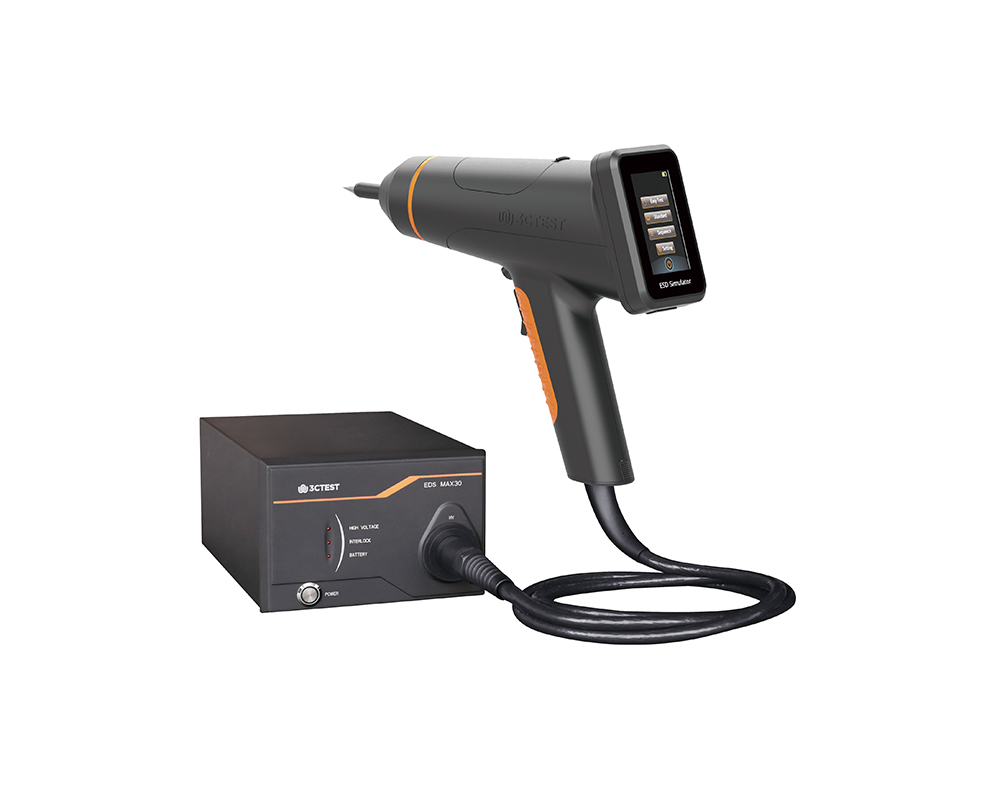
The EDS MAX30 is 3CTEST’s fourth-generation electrostatic discharge simulator in compliance with IEC 61000-4-2:2025, ISO 10605:2023 and other standards. This new product has a test voltage up to 30 kV
The EDS MAX30 is 3CTEST's fourth-generation electrostatic discharge simulator in compliance with IEC 61000-4-2:2025, ISO 10605:2023 and other standards.
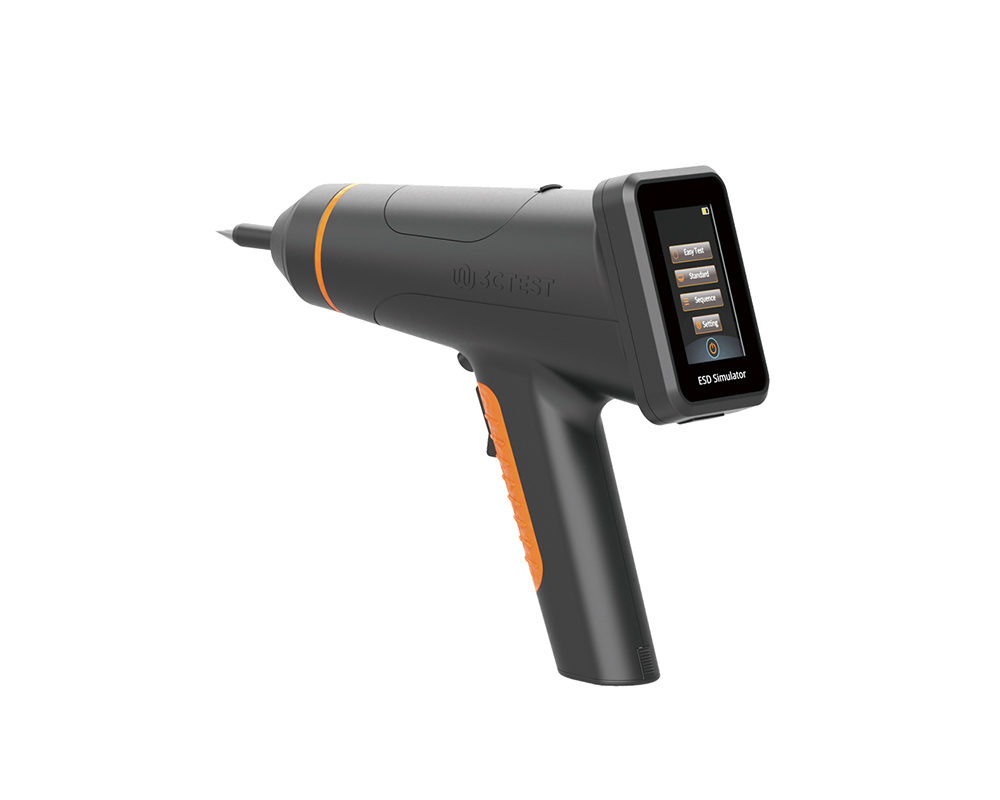
The EDS MAX20 is 3CTEST's fourth - generation electrostatic discharge simulator in compliance with IEC 61000-4-2 and other standards.
The EDS MAX20 is 3CTEST’s fourth - generation electrostatic discharge simulator in compliance with IEC 61000-4-2 and other standards. This new product has a test voltage up to 20 kV and features 3.5-inch HD color screen, along with compact mechanical design, intuitive UI design, lightweight, and impeccable waveforms.
The EDS MAX16 is 3CTEST's fourth - generation electrostatic discharge simulator in compliance with IEC 61000-4-2 and other standards.
The EDS MAX16 is 3CTEST's fourth - generation electrostatic discharge simulator in compliance with IEC 61000-4-2 and other standards. This new product has a test voltage up to 17 kV and features 3.5-inch high - definition color screen,
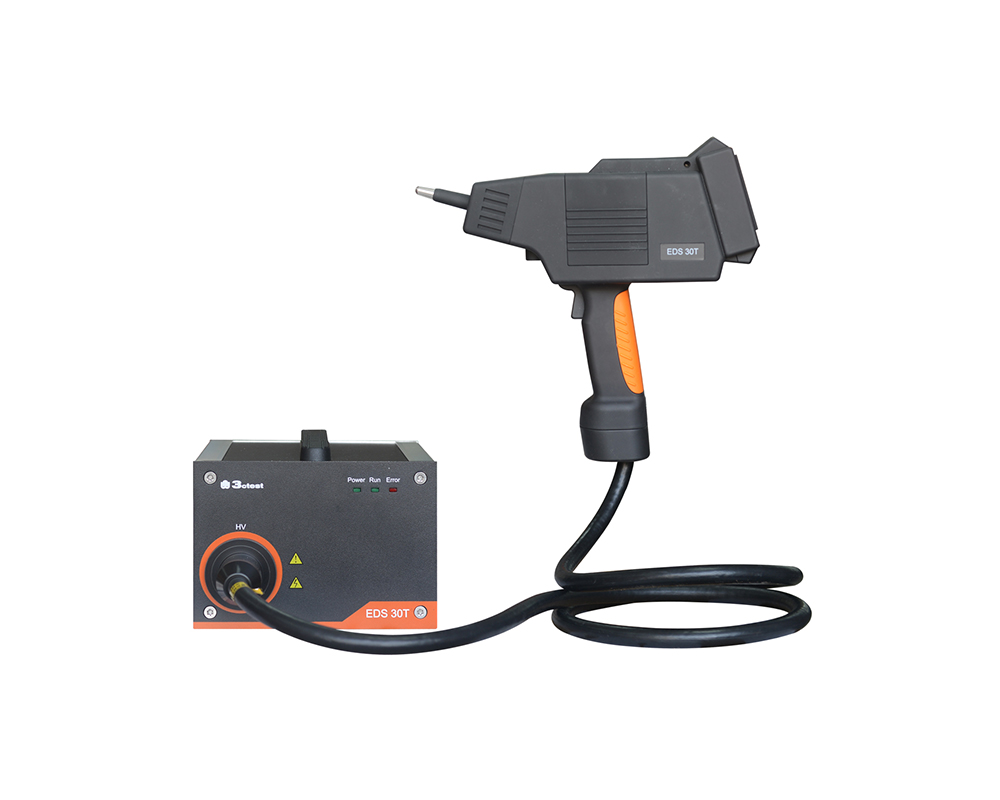
The EDS 30T is an intelligent electrostatic discharge (ESD) simulator designed to meet the IEC 61000-4-2 testing standard, accurately simulating electrostatic discharge pulse up to 30 kV.
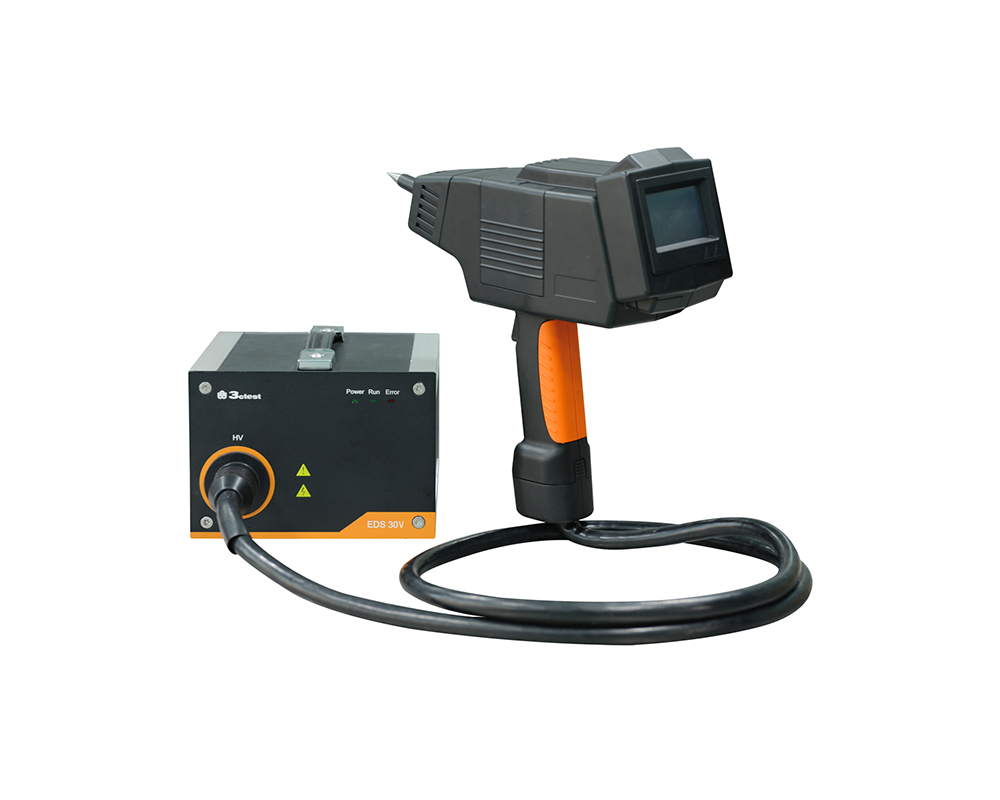
The EDS 30V is an intelligent electrostatic discharge (ESD) generator complies with international automotive electronic standards such as ISO 10605, while also supporting general electrostatic discharge test standards such as IEC 61000-4-2.
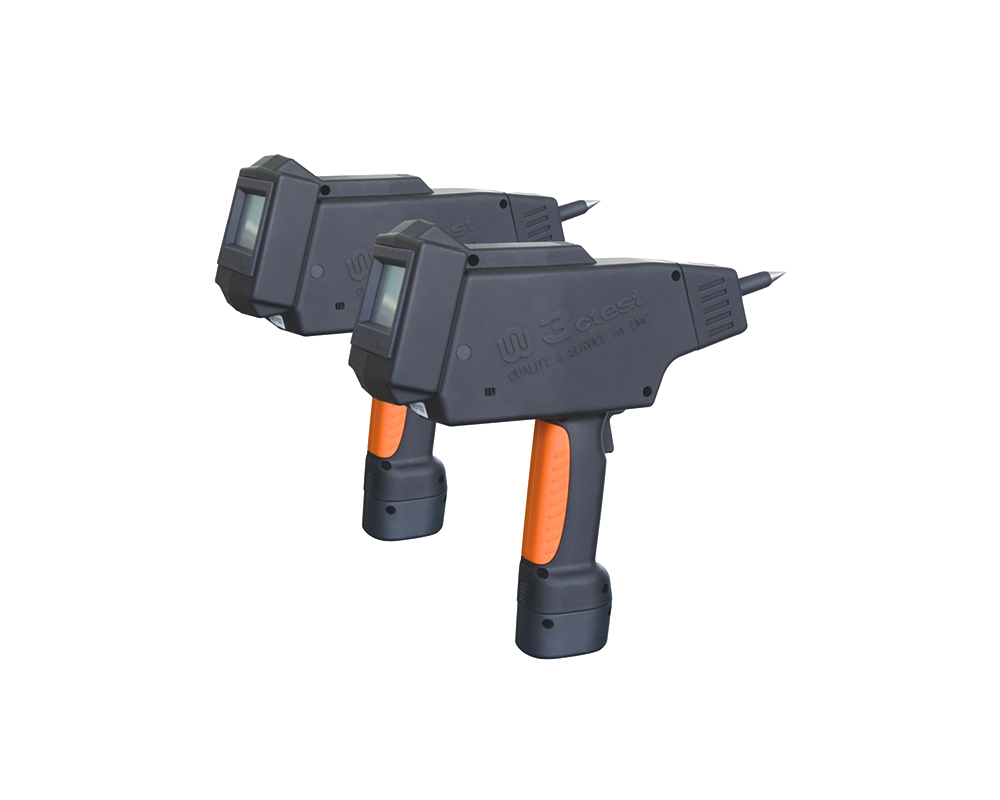
The EDS 20H is an intelligent electrostatic discharge (ESD) generator designed to meet the IEC 61000-4-2 testing standard, accurately simulating electrostatic discharge pulse up to 20 kV.
The EDS 16H is an intelligent electrostatic discharge (ESD) generator designed to meet the IEC 61000-4-2 testing standard, accurately simulating electrostatic discharge pulse up to 16.5 kV.
The EDS MAX30 is 3CTEST’s fourth-generation electrostatic discharge simulator in compliance with IEC 61000-4-2:2025, ISO 10605:2023 and other standards. This new product has a test voltage up to 30 kV
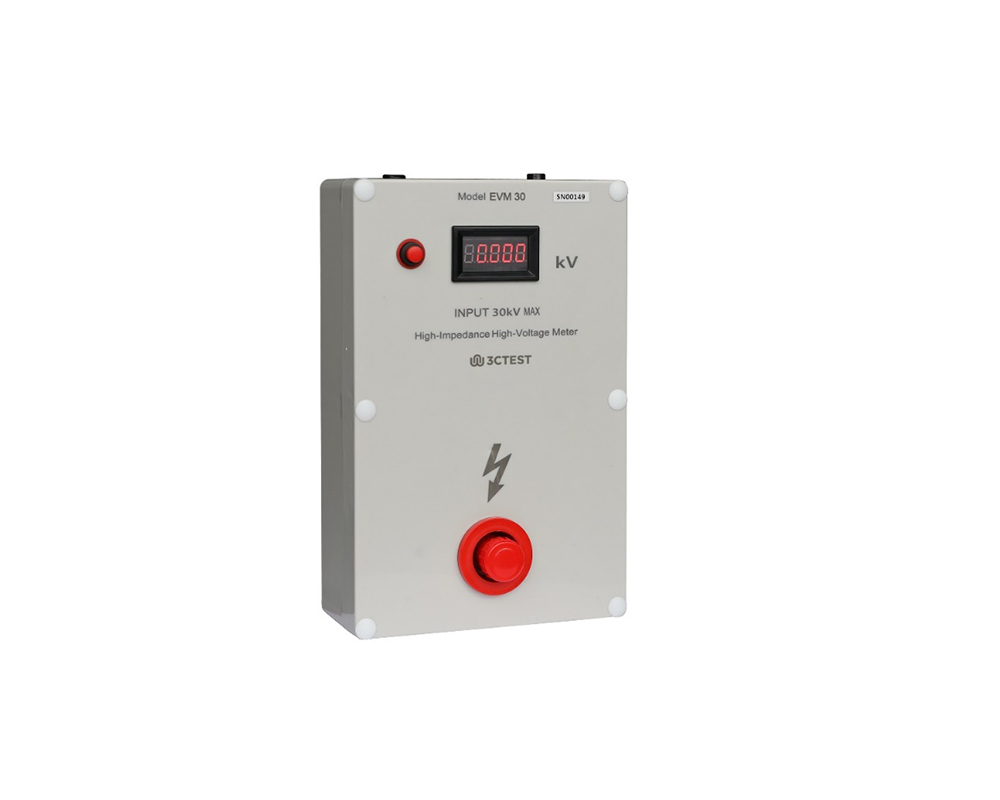
The EVM 30 High-Voltage Electrostatic Voltmeter complies with IEC/EN 61000-4-2 with high-performance and cost-effective.
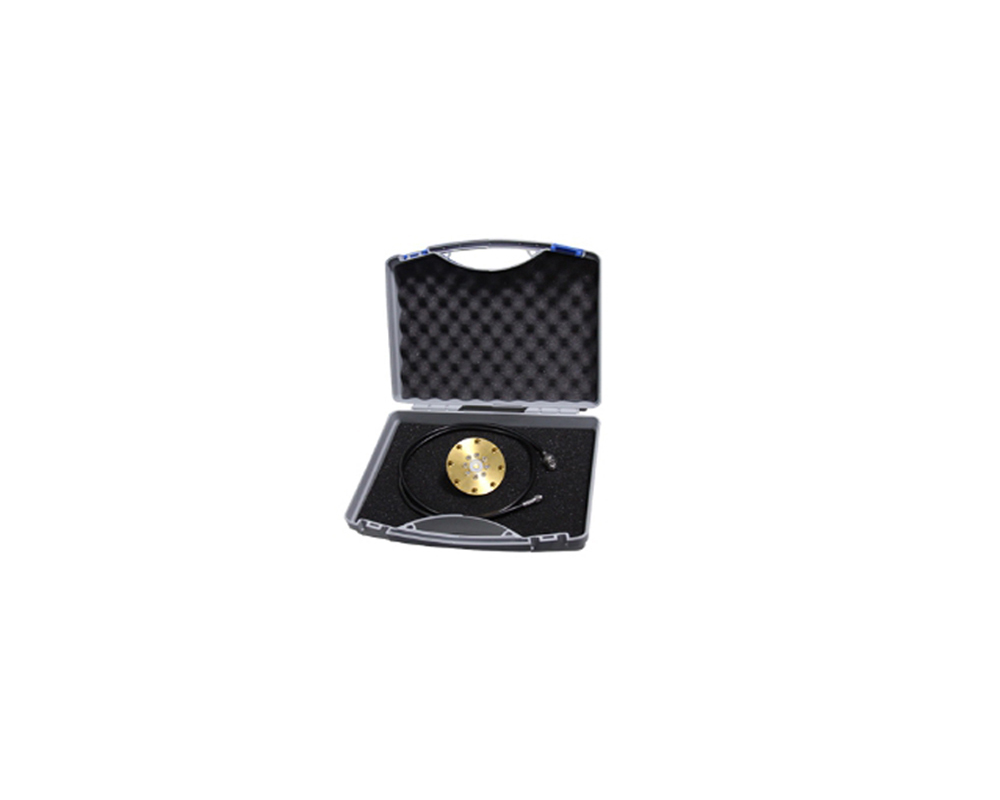
The ESD-CALA calibration Kit complies with the requirements of IEC/EN 61000-4-2. It consists of BX602 calibration target, coaxial cables and adapters.
The EDS 30V is an intelligent electrostatic discharge (ESD) generator designed to meet the IEC 61000-4-2 testing standard, accurately simulating electrostatic discharge pulse up to 30kV.
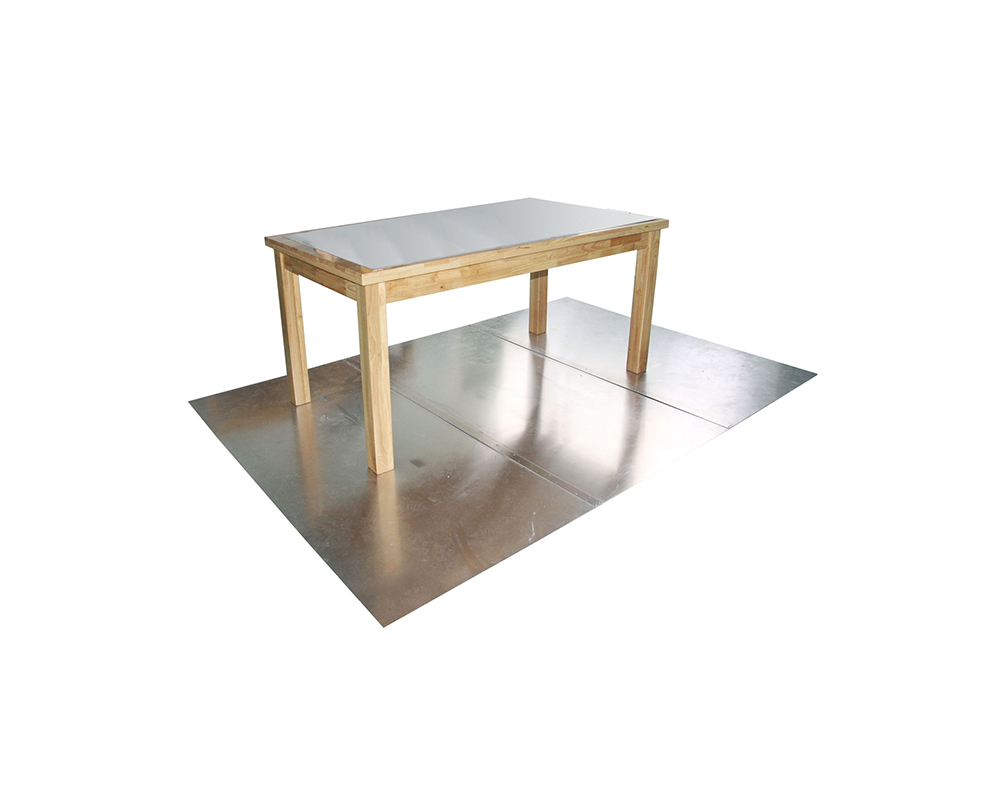
The test table is specially designed for ESD tests. Adopting an all‑solid‑wood structure, it complies with IEC 61000‑4‑2 and GB/T 17626.2 standards.
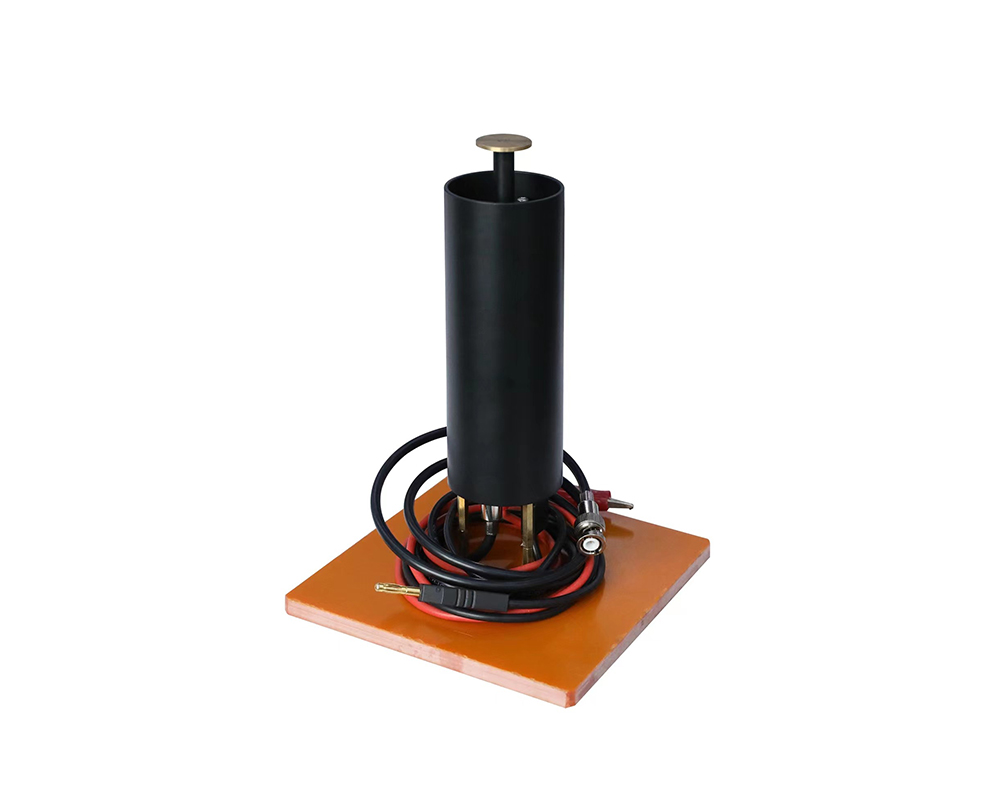
The ESD-HVM30 high-voltage divider complies with the requirements of IEC/EN 61000-4-2.
• Using the product inquiry function can help you quickly learn about the product's price and other related information.
• You can either inquire about a single product directly, or select multiple products to add to the inquiry bar and inquire about them together.
• How to make an inquiry





1. Using the product comparison function can help you find the target product you need for selection more quickly and easily.
2. You can add up to 5 products for comparison. Product models and parameters may vary across different series. It is recommended to compare products within the same series.
3. How to use the comparison bar.




 Phone: +86-512-68413700
 Email: info@3ctest.cn
 Address:No.99 E'meishan Rd, SND, Suzhou, Jiangsu, 215153, China,Suzhou, Jiangsu, 215153, China



© 2025 Suzhou 3CTEST


 Leave a Message


