

High frequency recommended vocabulary

IEC 62305-4 is the part of the lightning protection series that deals with the protection of electrical and electronic systems inside a structure. The series as a whole assumes that a structure may be struck and that the resulting current will be diverted to earth by the external protection system, but a stroke still produces a severe electromagnetic environment inside the building: the current flowing in the down conductors creates a magnetic field, and the potential rise of the earthing system drives surge currents into every conductor that leaves the building. Part 4 provides the framework for managing this environment. It introduces the concept of the lightning protection zone, in which the severity of the electromagnetic disturbance is progressively reduced from the point of entry to the location of the most sensitive equipment, and it sets out the strategy of coordinated surge protective devices installed at the boundaries between zones, with their energy handling capability and their voltage protection level selected so that the equipment behind each boundary is not overstressed. Earthing, bonding, shielding and cable routing requirements complete the document.
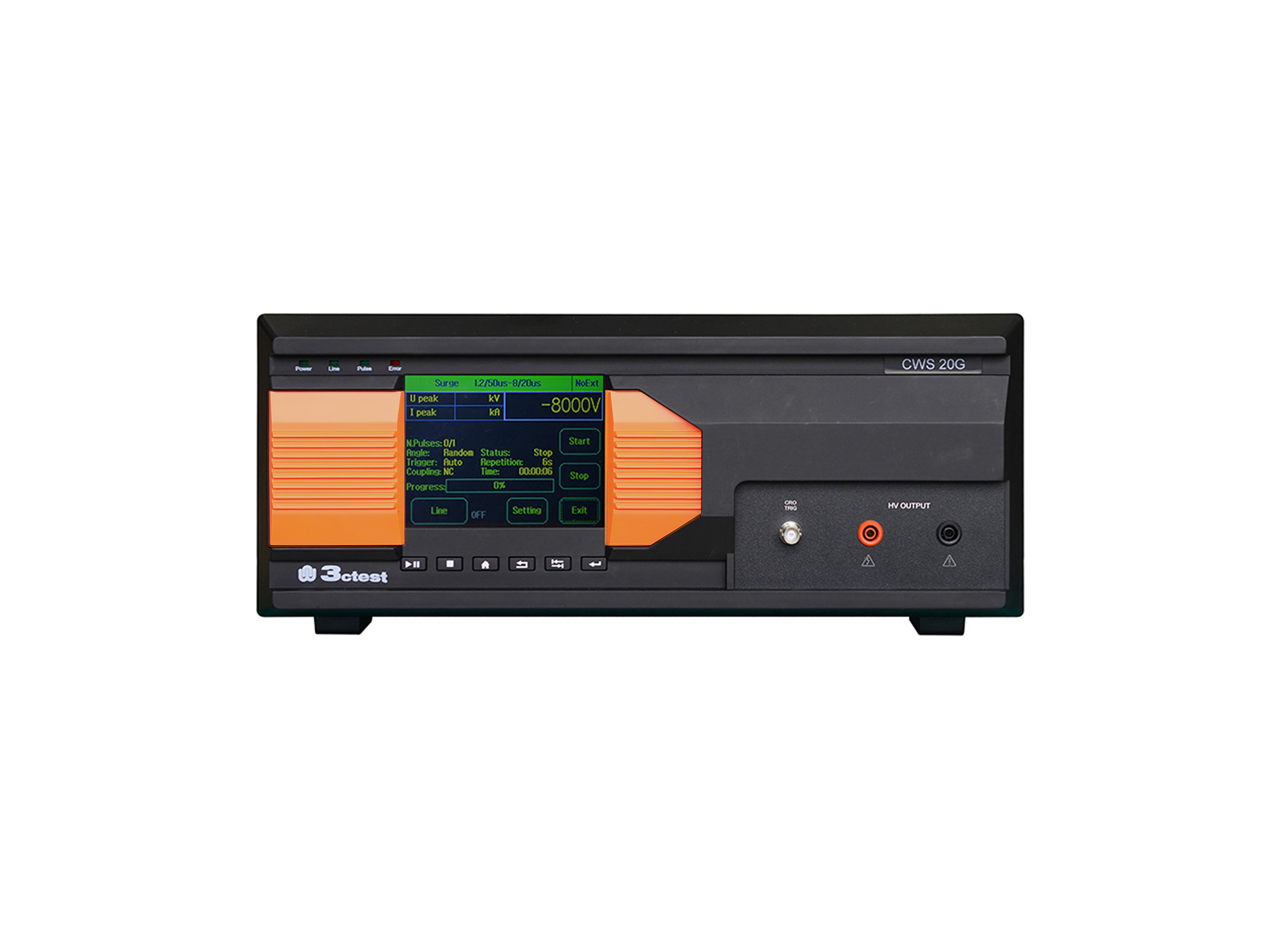
The CWS 20G Combination Lightning Surge Generator is based on the company's third-generation control platform. It is designed according to the requirements of IEC/EN 61000-4-5, IEC 60950, IEC 62305-4, IEC 61643-1, ITU-T K17, ITU-T K21.
• Using the product inquiry function can help you quickly learn about the product's price and other related information.
• You can either inquire about a single product directly, or select multiple products to add to the inquiry bar and inquire about them together.
• How to make an inquiry





1. Using the product comparison function can help you find the target product you need for selection more quickly and easily.
2. You can add up to 5 products for comparison. Product models and parameters may vary across different series. It is recommended to compare products within the same series.
3. How to use the comparison bar.




 Phone: +86-512-68413700
 Email: info@3ctest.cn
 Address:No.99 E'meishan Rd, SND, Suzhou, Jiangsu, 215153, China,Suzhou, Jiangsu, 215153, China



© 2025 Suzhou 3CTEST


 Leave a Message


