

High frequency recommended vocabulary

IEC 60601-1-2 is the collateral standard that governs electromagnetic compatibility for medical electrical equipment and medical electrical systems. It differs from general EMC standards in one important respect: compliance is not judged on emissions and immunity alone but on whether the equipment continues to deliver its basic safety and essential performance. The collateral standard therefore requires the manufacturer to identify the essential performance of the device, to define the electromagnetic environment in which it is intended to be used, and to demonstrate through test that no unacceptable risk arises within that environment. Separate requirements are given for the professional healthcare facility environment and for the home healthcare environment, the latter being considerably stricter for immunity. The document specifies the applicable emission limits and the immunity test levels for electrostatic discharge, radiated radio-frequency fields, electrical fast transients, surges, conducted disturbances, power frequency magnetic fields and voltage dips, and it defines the acceptance criteria in terms of the clinical function rather than a simple pass or fail. Labelling, instructions and the warnings that must accompany a device whose performance is affected are also regulated.
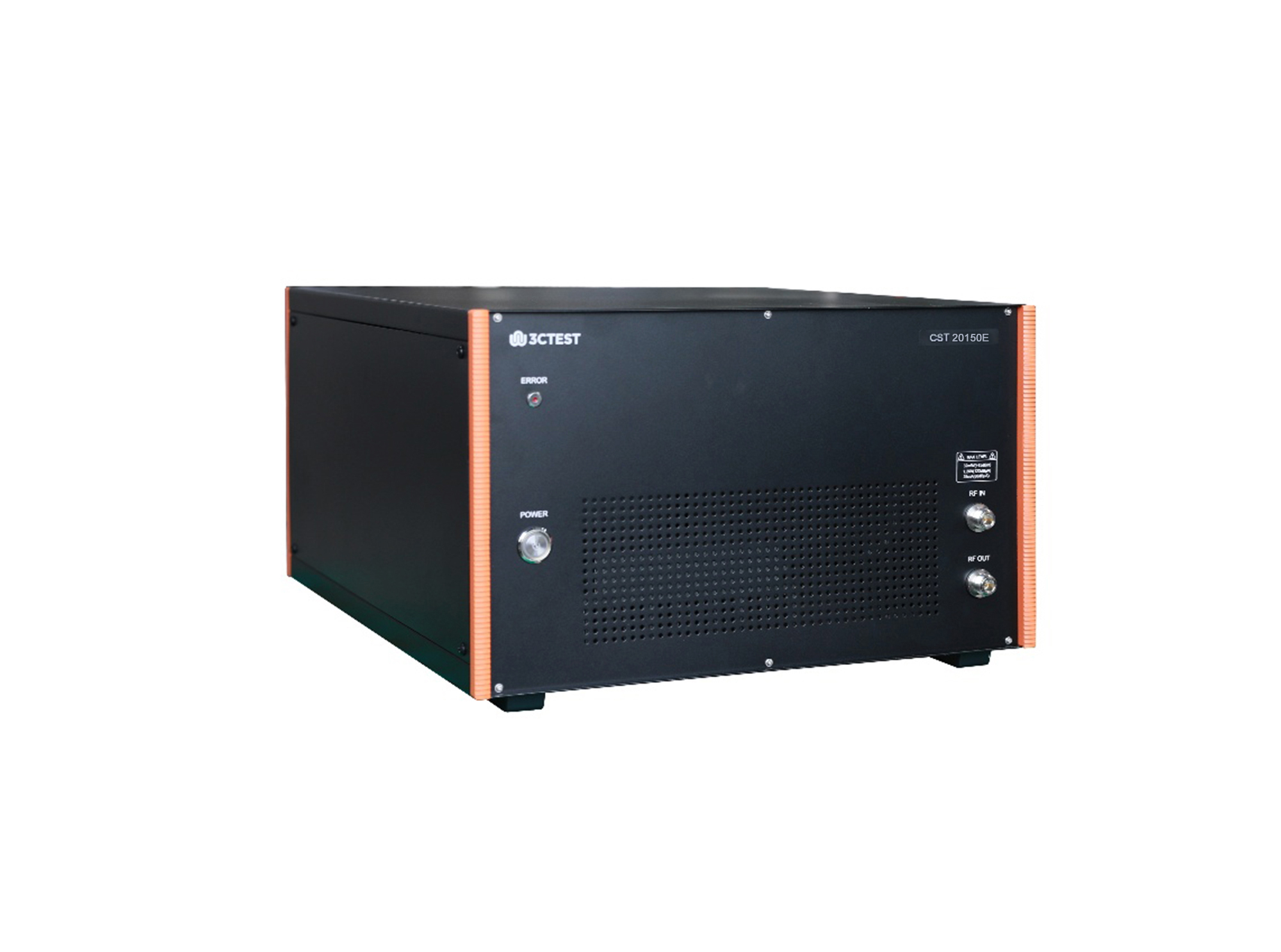
The CST 20150E conducted immunity test system is an integrated automatic test system in accordance with IEC 61000-4-39, IEC 61000-4-6, YY 9706.102, designed for radiated fields in close proximity - immunity test, conducted immunity test, and supporting pulse and sinusoidal injection tests for power supply lines of electric vehicles.
• Using the product inquiry function can help you quickly learn about the product's price and other related information.
• You can either inquire about a single product directly, or select multiple products to add to the inquiry bar and inquire about them together.
• How to make an inquiry





1. Using the product comparison function can help you find the target product you need for selection more quickly and easily.
2. You can add up to 5 products for comparison. Product models and parameters may vary across different series. It is recommended to compare products within the same series.
3. How to use the comparison bar.




 Phone: +86-512-68413700
 Email: info@3ctest.cn
 Address:No.99 E'meishan Rd, SND, Suzhou, Jiangsu, 215153, China,Suzhou, Jiangsu, 215153, China



© 2025 Suzhou 3CTEST


 Leave a Message


