

High frequency recommended vocabulary

IEC 60747-5 is the part of the discrete semiconductor device series that covers optoelectronic devices. It is a specification standard rather than a test method standard: its purpose is to define the terminology, the letter symbols, the essential ratings and the essential characteristics by which each family of optoelectronic device is described, so that a datasheet from one supplier can be compared with a datasheet from another. The family is broad and includes light-emitting diodes, infrared emitters, photodiodes, phototransistors, optocouplers and optical isolators, together with the associated display devices. For each device type the standard identifies the maximum ratings that must not be exceeded, such as forward current, reverse voltage, power dissipation and junction or storage temperature, and the characteristics that must be stated, such as luminous or radiant intensity, forward voltage, coupling efficiency and switching times. It also prescribes the conditions under which these quantities are measured and the methods for verifying the ratings, including electrical, thermal and endurance tests, so that the published data is reproducible between laboratories.
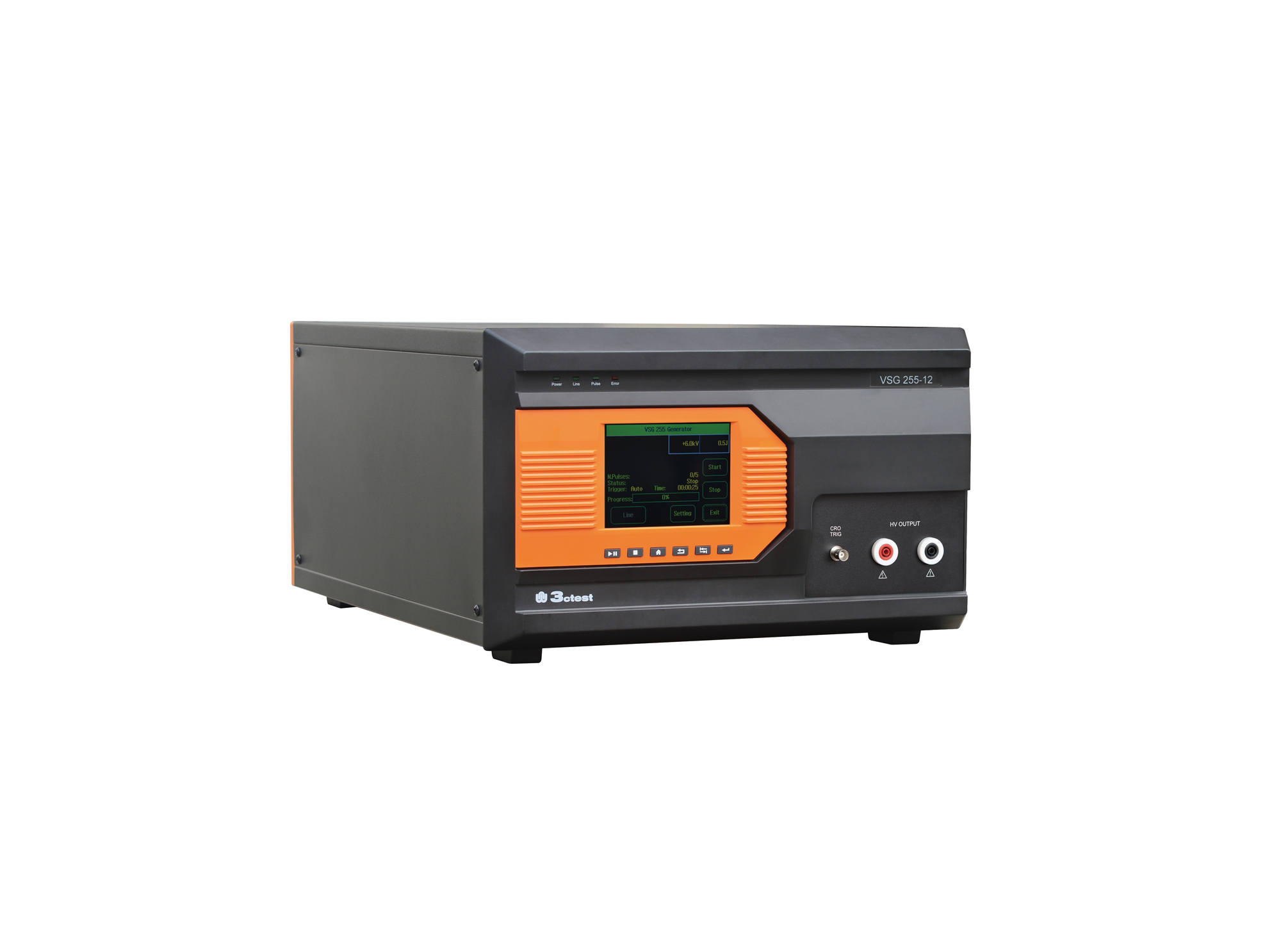
The VSG 255 series impulse voltage simulators comply with the requirements of standards such as IEC 60255 and IEC 61036.
• Using the product inquiry function can help you quickly learn about the product's price and other related information.
• You can either inquire about a single product directly, or select multiple products to add to the inquiry bar and inquire about them together.
• How to make an inquiry





1. Using the product comparison function can help you find the target product you need for selection more quickly and easily.
2. You can add up to 5 products for comparison. Product models and parameters may vary across different series. It is recommended to compare products within the same series.
3. How to use the comparison bar.




 Phone: +86-512-68413700
 Email: info@3ctest.cn
 Address:No.99 E'meishan Rd, SND, Suzhou, Jiangsu, 215153, China,Suzhou, Jiangsu, 215153, China



© 2025 Suzhou 3CTEST


 Leave a Message


