

High frequency recommended vocabulary

IEC 61312-1 established the general principles for protecting structures and their contents against the lightning electromagnetic impulse, the electromagnetic field and the surge currents that a lightning stroke produces even when the structure itself is not struck. The document explained the composition of the lightning current waveform as it appears at different parts of a building, distinguished the surge current that enters through the external protection system from that induced in internal cabling, and described the concept of a lightning protection zone in which the electromagnetic environment is progressively reduced from the outside towards the most sensitive equipment. On this basis it set out the strategy of coordinated surge protective devices, installed at the boundaries between zones, whose energy handling capability and voltage protection level are matched to the exposure of each zone and to the withstand of the equipment. Guidance was given on earthing and bonding, on the routing and shielding of cables and on the layout of equipment inside a structure. The material has since been incorporated into IEC 62305-4.
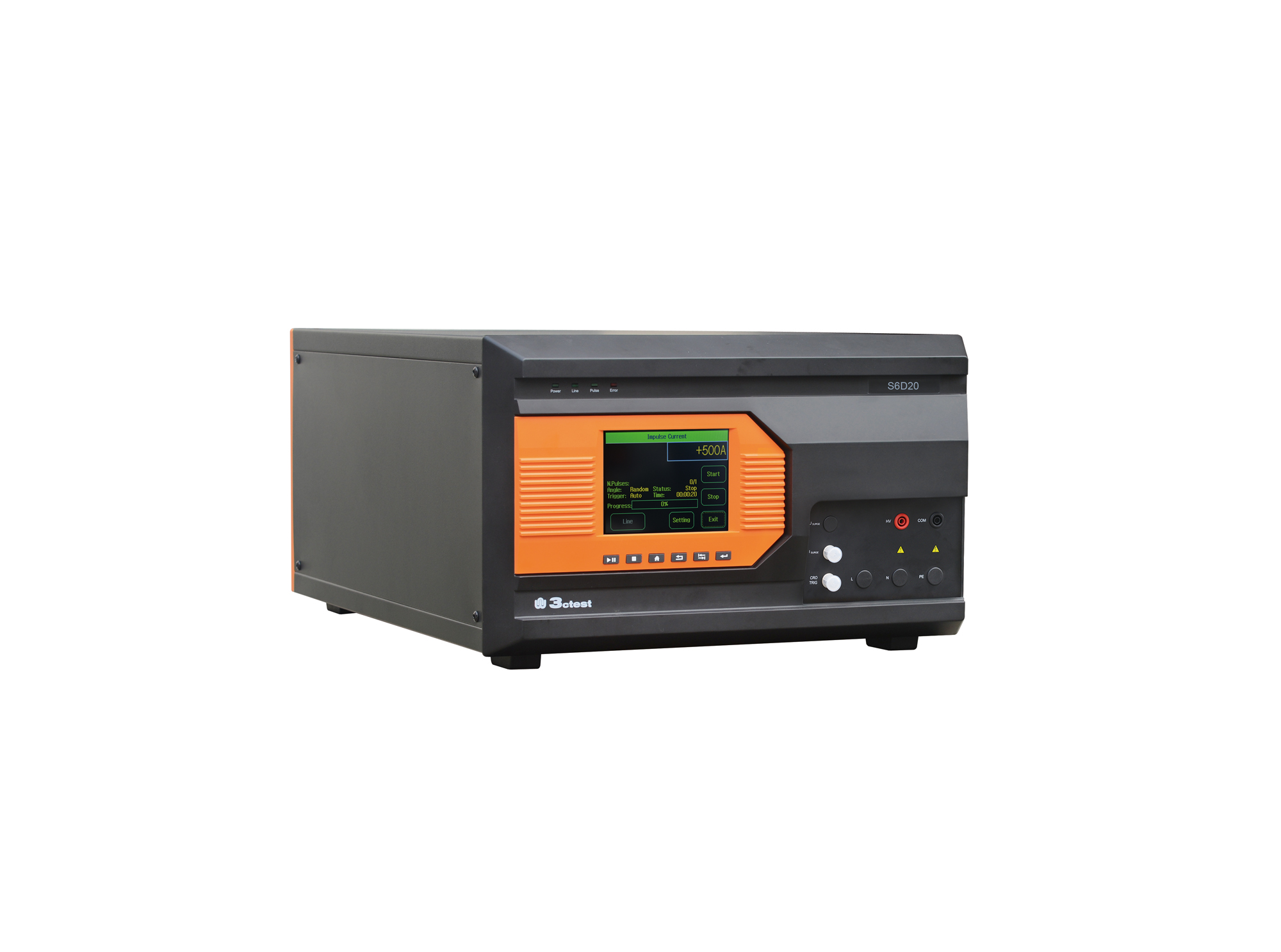
The S6D Series are a new type of impulse current simulators developed in compliance with IEC 61643-11, GB/T 18802.11 and IEC 61312-1.
• Using the product inquiry function can help you quickly learn about the product's price and other related information.
• You can either inquire about a single product directly, or select multiple products to add to the inquiry bar and inquire about them together.
• How to make an inquiry





1. Using the product comparison function can help you find the target product you need for selection more quickly and easily.
2. You can add up to 5 products for comparison. Product models and parameters may vary across different series. It is recommended to compare products within the same series.
3. How to use the comparison bar.




 Phone: +86-512-68413700
 Email: info@3ctest.cn
 Address:No.99 E'meishan Rd, SND, Suzhou, Jiangsu, 215153, China,Suzhou, Jiangsu, 215153, China



© 2025 Suzhou 3CTEST


 Leave a Message


