

High frequency recommended vocabulary

IEC 62368-1 is the safety standard that applies to audio, video, information and communication technology equipment. It replaces the two earlier standards for the same product families and introduces a fundamentally different approach, known as hazard-based safety engineering. Instead of prescribing a construction and then testing it, the standard starts from the energy sources inside the equipment, classifies each as a class 1, 2 or 3 source according to its magnitude, identifies the potential hazards the energy can cause, and then requires a safeguard appropriate to the class: insulation, a protective barrier, a safety interlock or an instruction. This structure allows the same framework to accommodate new technologies without revision, which was the principal reason for the change. The standard covers electric shock, fire, energy related injury, thermal burn and radiation hazards, and it specifies the type tests used to verify insulation, temperature rise, fault conditions and the integrity of the safeguards. It has been adopted in Europe as a harmonised standard and is now the principal requirement for placing such products on the market.
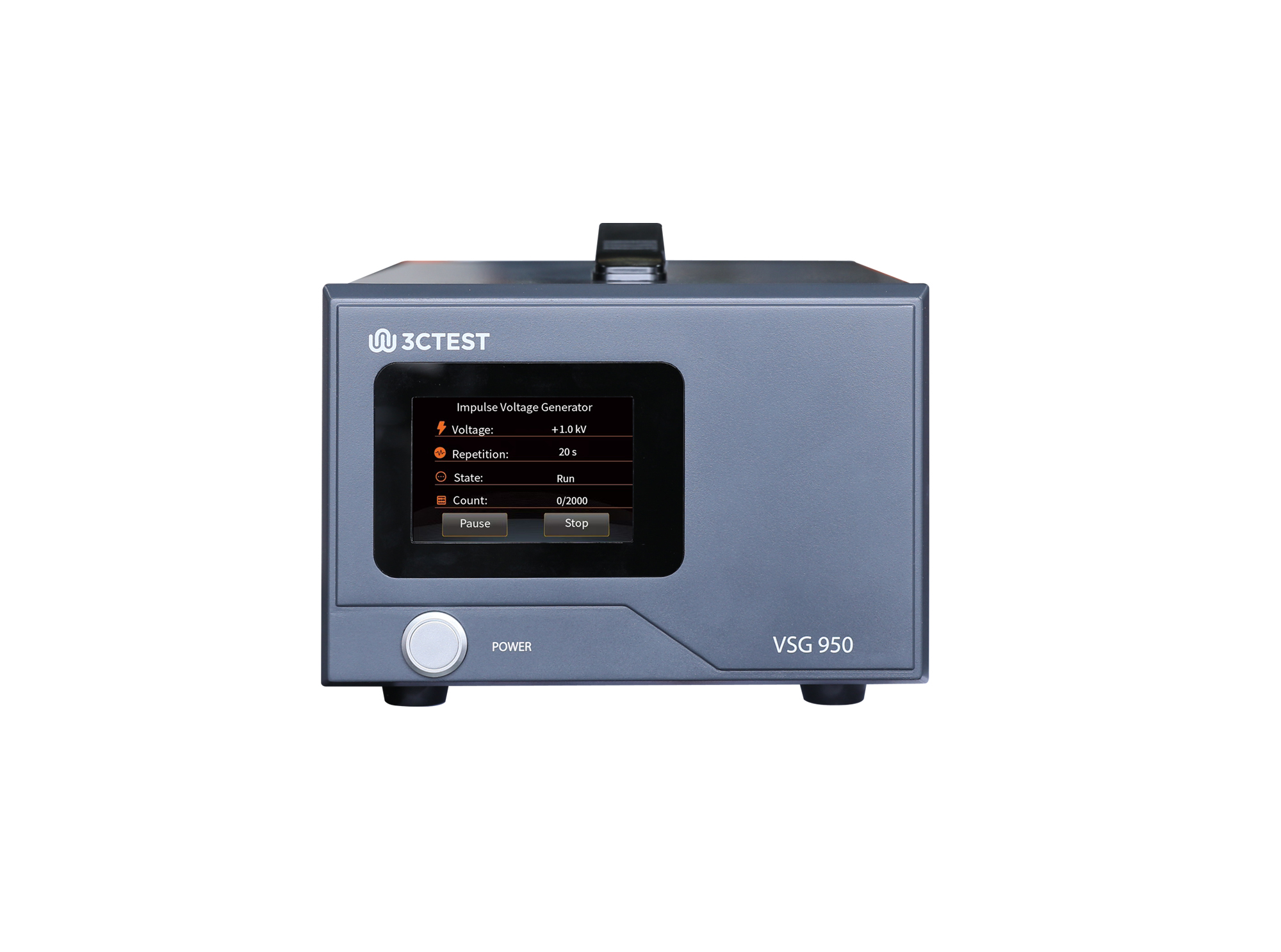
The VSG 950 is an impulse voltage simulator complies with IEC 62368.1, IEC 60950-1 and IEC 60065 standards.
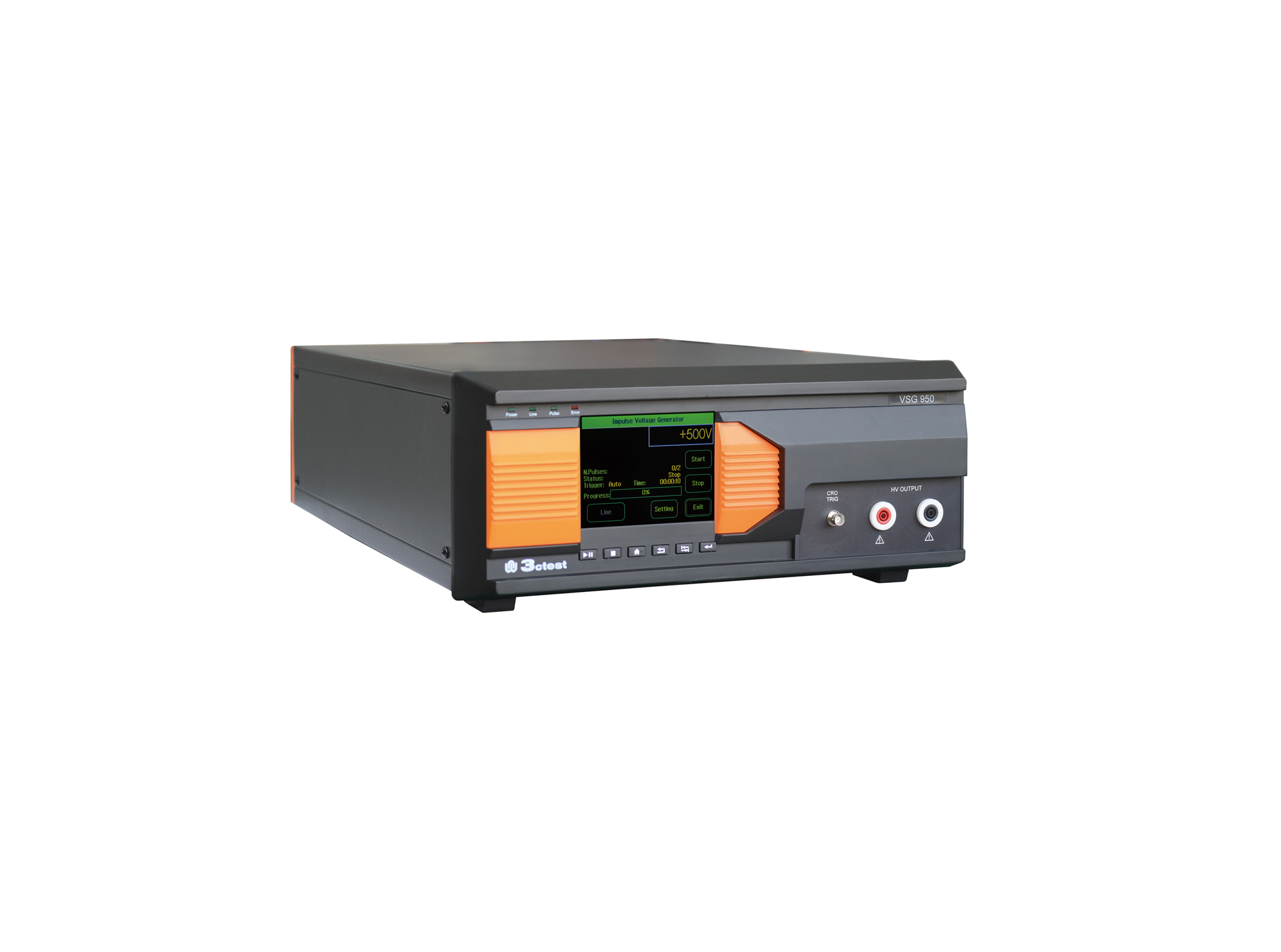
The VSG 950 Series Impulse Voltage Simulator comply with IEC/EN 62368-1:2018 and GB 4943.1 standards.
.jpg)
The VSG 950 Handheld Voltage Impulse Simulator complies with IEC 62368-1, IEC 60950-1, and IEC 60065 requirements. Its compact all-in-one handheld design ensures excellent portability.
• Using the product inquiry function can help you quickly learn about the product's price and other related information.
• You can either inquire about a single product directly, or select multiple products to add to the inquiry bar and inquire about them together.
• How to make an inquiry





1. Using the product comparison function can help you find the target product you need for selection more quickly and easily.
2. You can add up to 5 products for comparison. Product models and parameters may vary across different series. It is recommended to compare products within the same series.
3. How to use the comparison bar.




 Phone: +86-512-68413700
 Email: info@3ctest.cn
 Address:No.99 E'meishan Rd, SND, Suzhou, Jiangsu, 215153, China,Suzhou, Jiangsu, 215153, China



© 2025 Suzhou 3CTEST


 Leave a Message


