

High frequency recommended vocabulary

IEC 60950 was the safety standard for information technology equipment, including business machines, data processing equipment, telecom terminal equipment and their accessories. It addressed electric shock, energy hazards, fire, mechanical and thermal injury, and radiation, and it defined the protective measures that a product must apply according to the accessibility of its parts, the voltage present and the amount of stored energy. Constructional requirements covered insulation, clearances, creepage distances, wiring, printed boards, enclosures and protective earthing, while the type-test programme included dielectric strength, insulation resistance, leakage current, temperature rise, ball pressure, glow-wire and abnormal-operation testing in which components and circuits are deliberately faulted. The standard has now been withdrawn and its scope transferred to IEC 62368-1, which replaces the prescriptive constructional rules with a hazard-based safety engineering model. Certification certificates issued against IEC 60950 remain valid only while the original approval scheme permits, so products still on the market frequently carry markings to this earlier edition alongside the newer one.
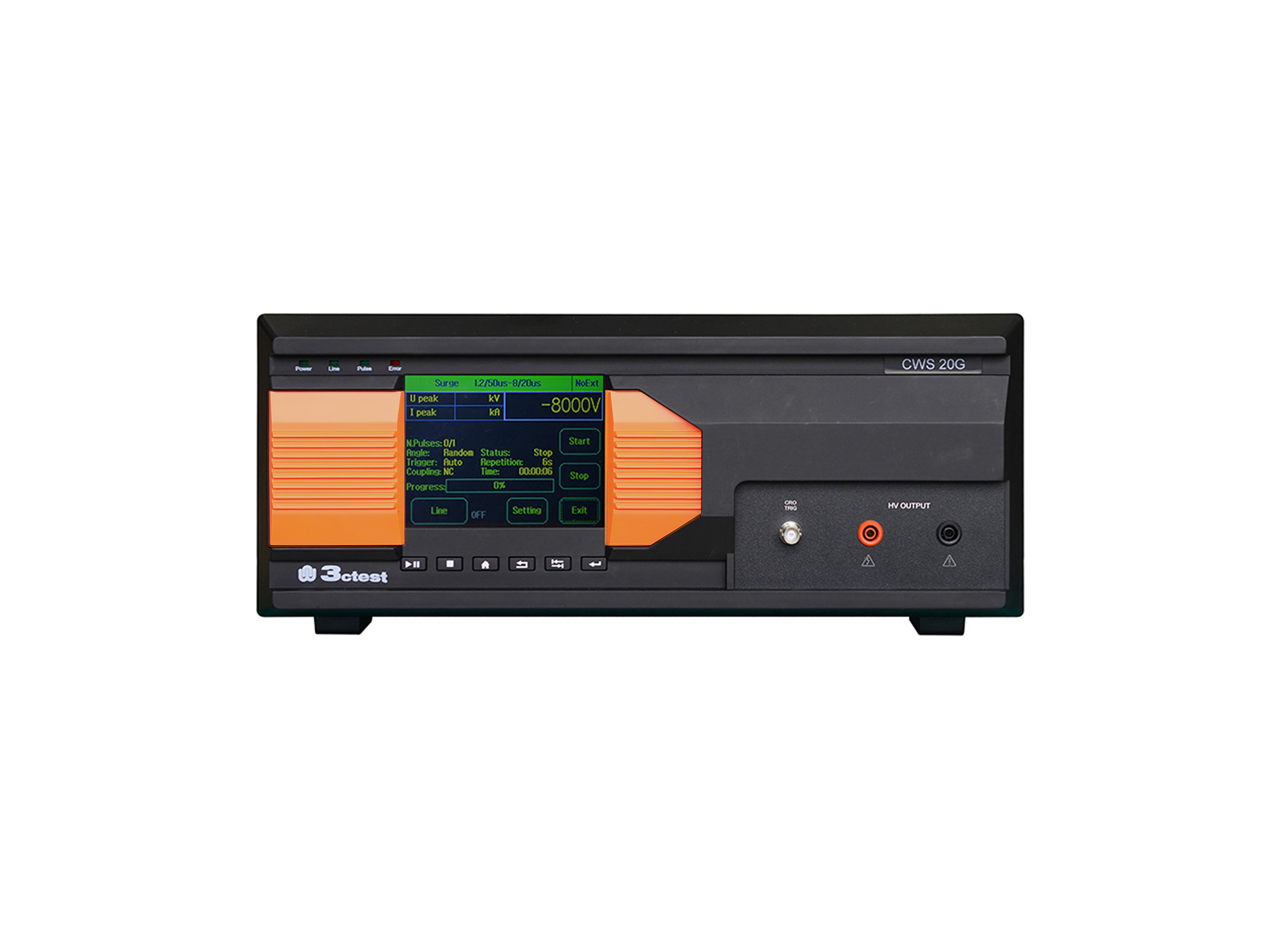
The CWS 20G Combination Lightning Surge Generator is based on the company's third-generation control platform. It is designed according to the requirements of IEC/EN 61000-4-5, IEC 60950, IEC 62305-4, IEC 61643-1, ITU-T K17, ITU-T K21.
• Using the product inquiry function can help you quickly learn about the product's price and other related information.
• You can either inquire about a single product directly, or select multiple products to add to the inquiry bar and inquire about them together.
• How to make an inquiry





1. Using the product comparison function can help you find the target product you need for selection more quickly and easily.
2. You can add up to 5 products for comparison. Product models and parameters may vary across different series. It is recommended to compare products within the same series.
3. How to use the comparison bar.




 Phone: +86-512-68413700
 Email: info@3ctest.cn
 Address:No.99 E'meishan Rd, SND, Suzhou, Jiangsu, 215153, China,Suzhou, Jiangsu, 215153, China



© 2025 Suzhou 3CTEST


 Leave a Message


