

High frequency recommended vocabulary

IEC 61000-4-39 defines an immunity test in which a source of radio-frequency field is placed very close to the equipment under test. It was written to cover a situation that conventional radiated immunity testing does not reproduce: the increasing use of portable and mobile transmitters, including handheld radios, mobile telephones, wireless payment terminals and industrial remote controls, that are routinely operated at distances of a few centimetres from electronic equipment, well inside the near field of their antennas. The standard covers the frequency range from 9 kHz to 6 GHz and specifies the field generating devices, which are small antennas and probes positioned at a defined separation from the equipment, together with the field strength levels and the way the field is verified at those short distances, where the field is not plane-wave and the measurement is made with a calibrated probe rather than standardised far-field techniques. It describes the selection of test points on the enclosure, the orientation of the source, and the monitoring of the equipment. The test complements the far field method of Part 4-3 for products used in the vicinity of portable transmitters.
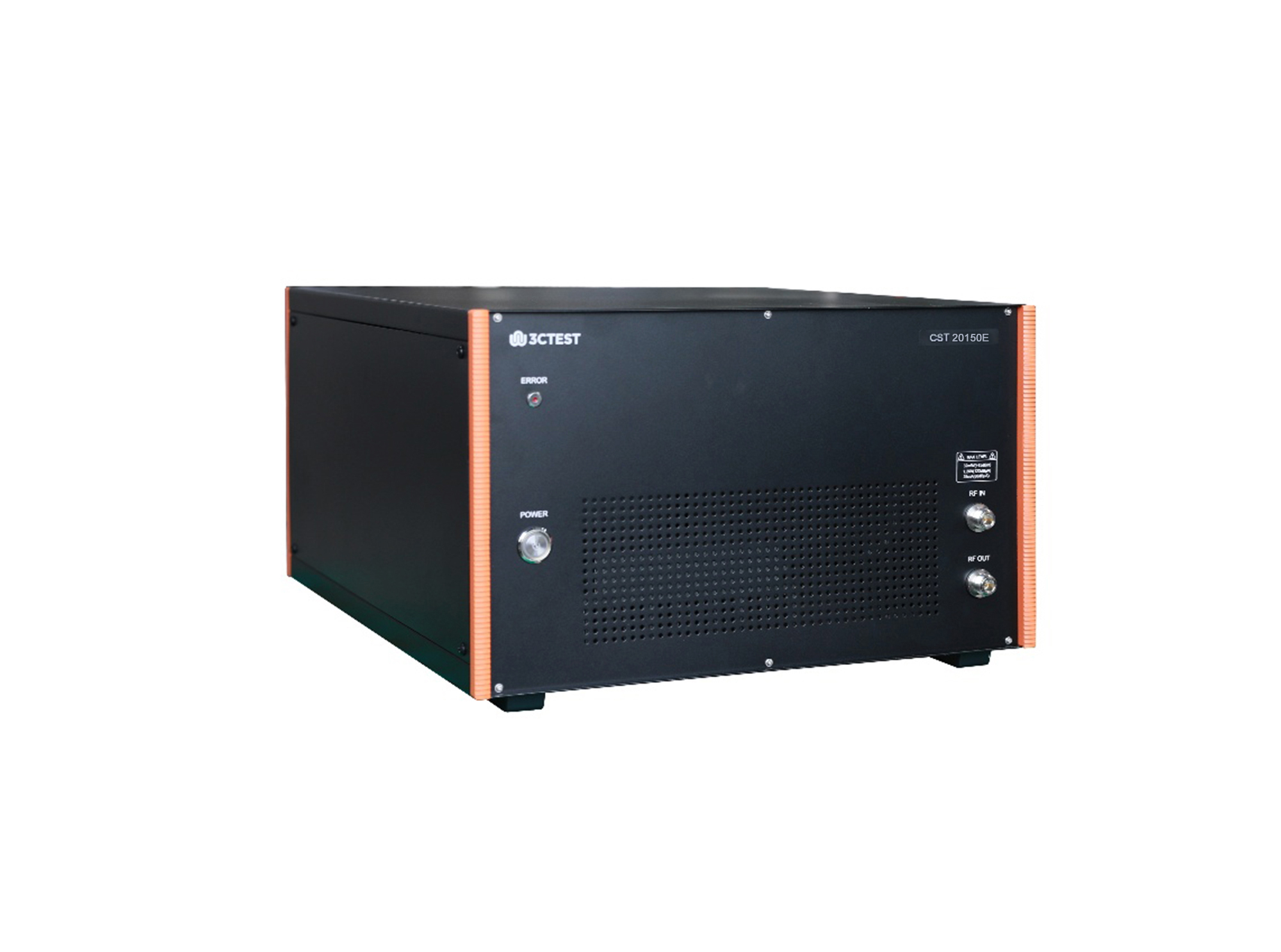
The CST 20150E conducted immunity test system is an integrated automatic test system in accordance with IEC 61000-4-39, IEC 61000-4-6, YY 9706.102, designed for radiated fields in close proximity - immunity test, conducted immunity test, and supporting pulse and sinusoidal injection tests for power supply lines of electric vehicles.
• Using the product inquiry function can help you quickly learn about the product's price and other related information.
• You can either inquire about a single product directly, or select multiple products to add to the inquiry bar and inquire about them together.
• How to make an inquiry





1. Using the product comparison function can help you find the target product you need for selection more quickly and easily.
2. You can add up to 5 products for comparison. Product models and parameters may vary across different series. It is recommended to compare products within the same series.
3. How to use the comparison bar.




 Phone: +86-512-68413700
 Email: info@3ctest.cn
 Address:No.99 E'meishan Rd, SND, Suzhou, Jiangsu, 215153, China,Suzhou, Jiangsu, 215153, China



© 2025 Suzhou 3CTEST


 Leave a Message


