

High frequency recommended vocabulary

IEC 61009-1 gives the general rules for residual current operated circuit-breakers with integral overcurrent protection, the devices known as RCBOs. An RCBO combines two protective functions in one unit: protection against electric shock through the residual current element, and protection against overload and short circuit through the overcurrent element with its thermal and magnetic releases. The standard therefore has to specify the requirements of both functions and the interaction between them, which is the reason for a separate document rather than an extension of the RCCB standard. It classifies the devices by the type of residual current they detect, by the overcurrent release characteristic, by the number of poles and by the type of construction, and it fixes the preferred rated values. The type-test programme covers the verification of the time-current characteristics of the overcurrent release, the operating characteristics of the residual current element including the non-operating residual current, temperature rise, dielectric properties, mechanical and electrical endurance, the resistance to spurious tripping and the behaviour under conditions of residual current combined with overcurrent. Requirements for marking and for the information to be supplied with the device are also stated.
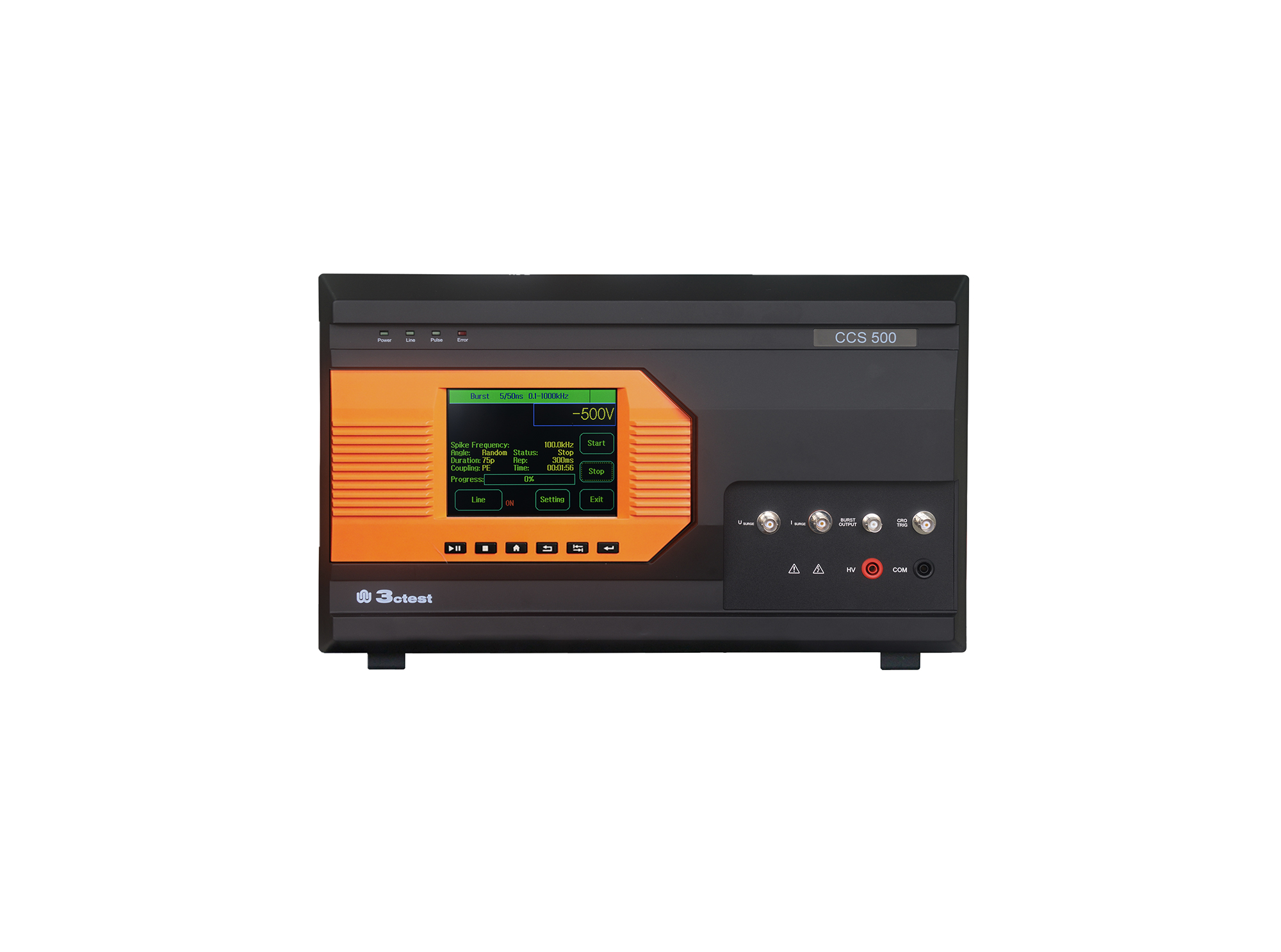
The CCS 500 is an intelligent multi-functional conducted electromagnetic compatibility (EMC) test equipment designed to meet a wide range of IEC/EN standards, including IEC 61000-4-4, -4-5, -4-8, -4-9, -4-11, -4-12, -4-29.
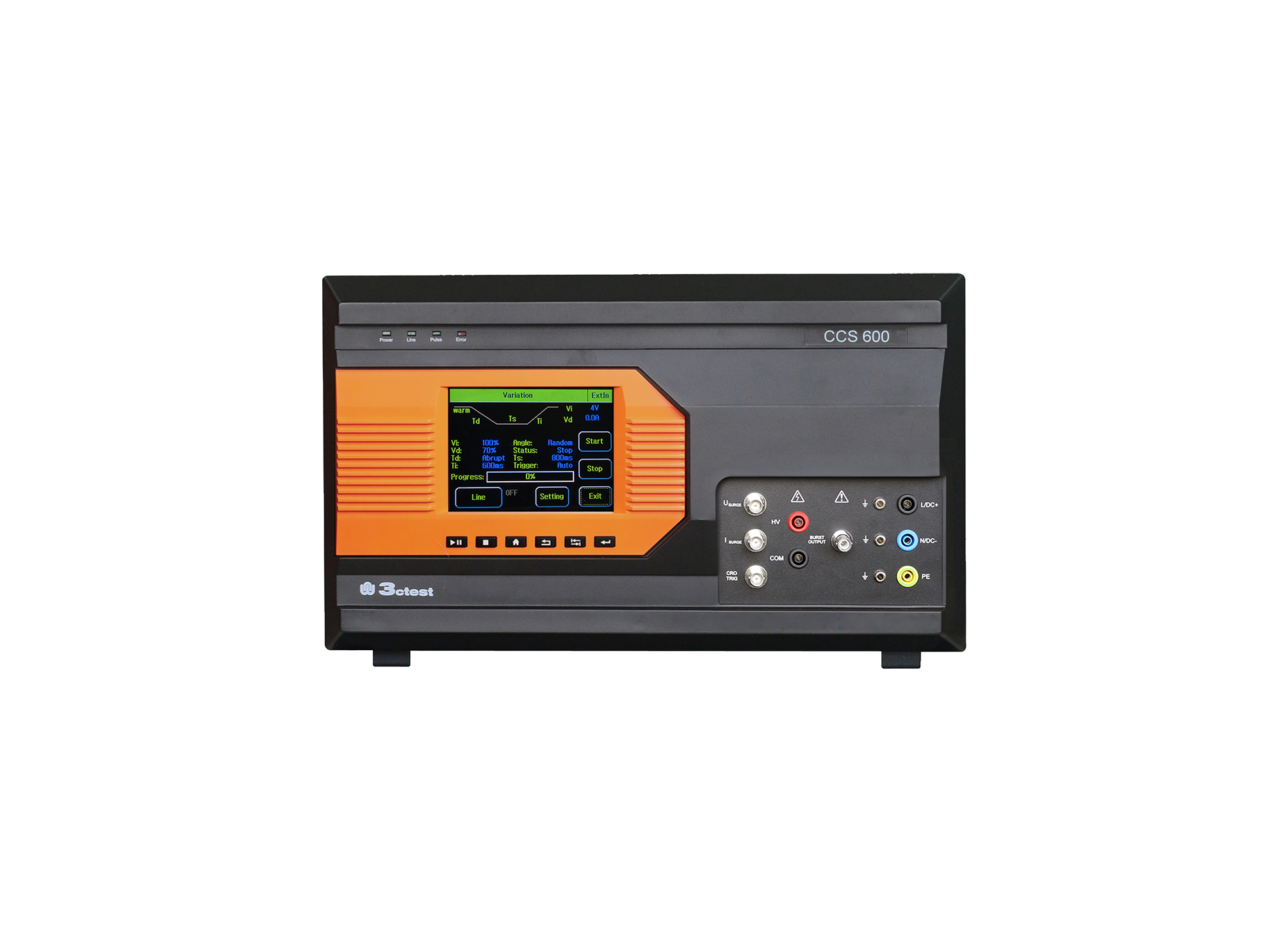
The CCS 600 is an intelligent multi-functional conducted electromagnetic compatibility (EMC) test equipment designed to meet a wide range of IEC/EN standards, including IEC 61000-4-4, -4-5, -4-8, -4-9, -4-11, -4-12, -4-29.
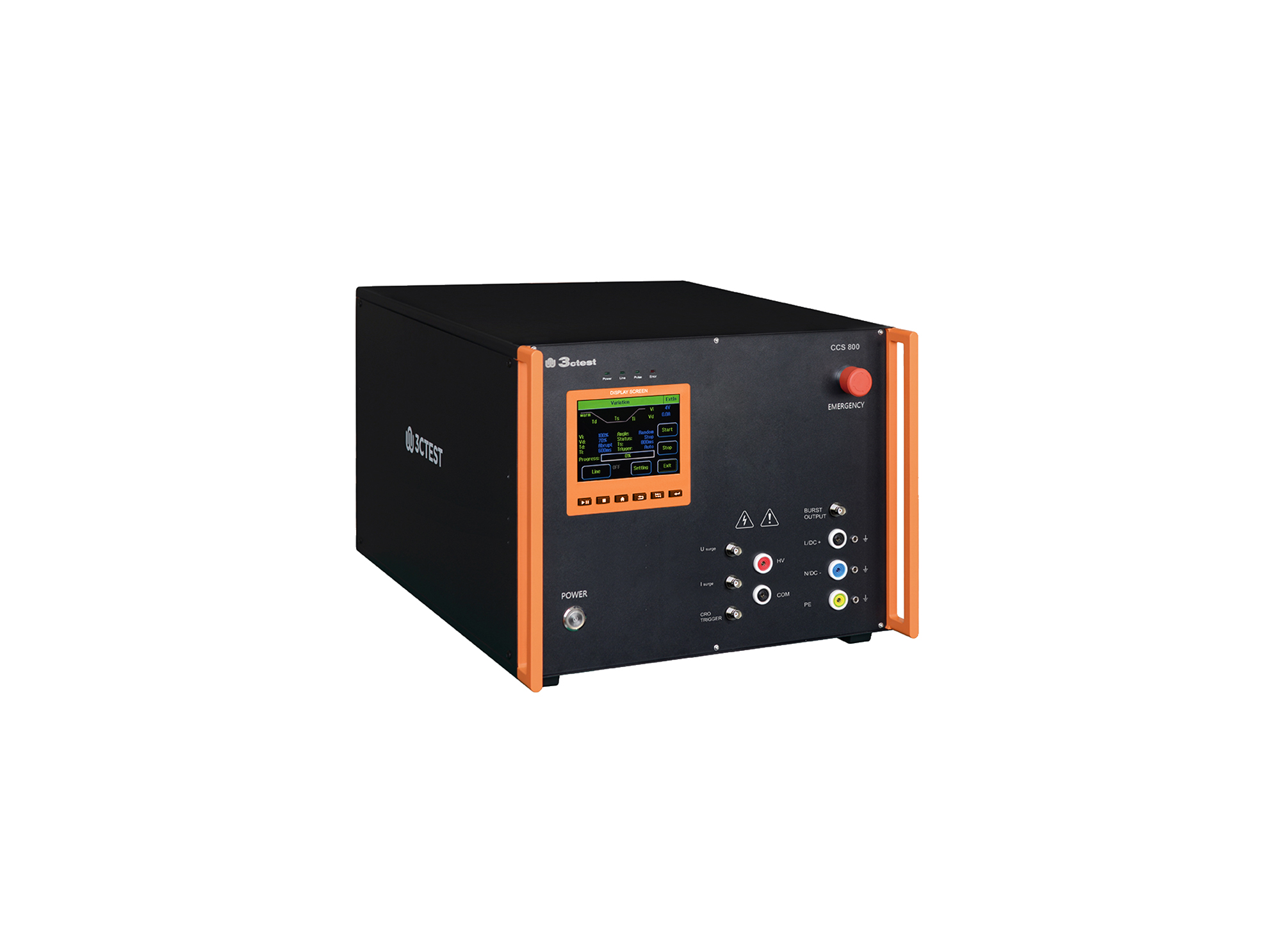
The CCS 800 is an intelligent multi-functional conducted electromagnetic compatibility (EMC) test equipment designed to meet a wide range of IEC/EN standards, including IEC 61000-4-4, -4-5, -4-8, -4-9, -4-11, -4-12, -4-29.
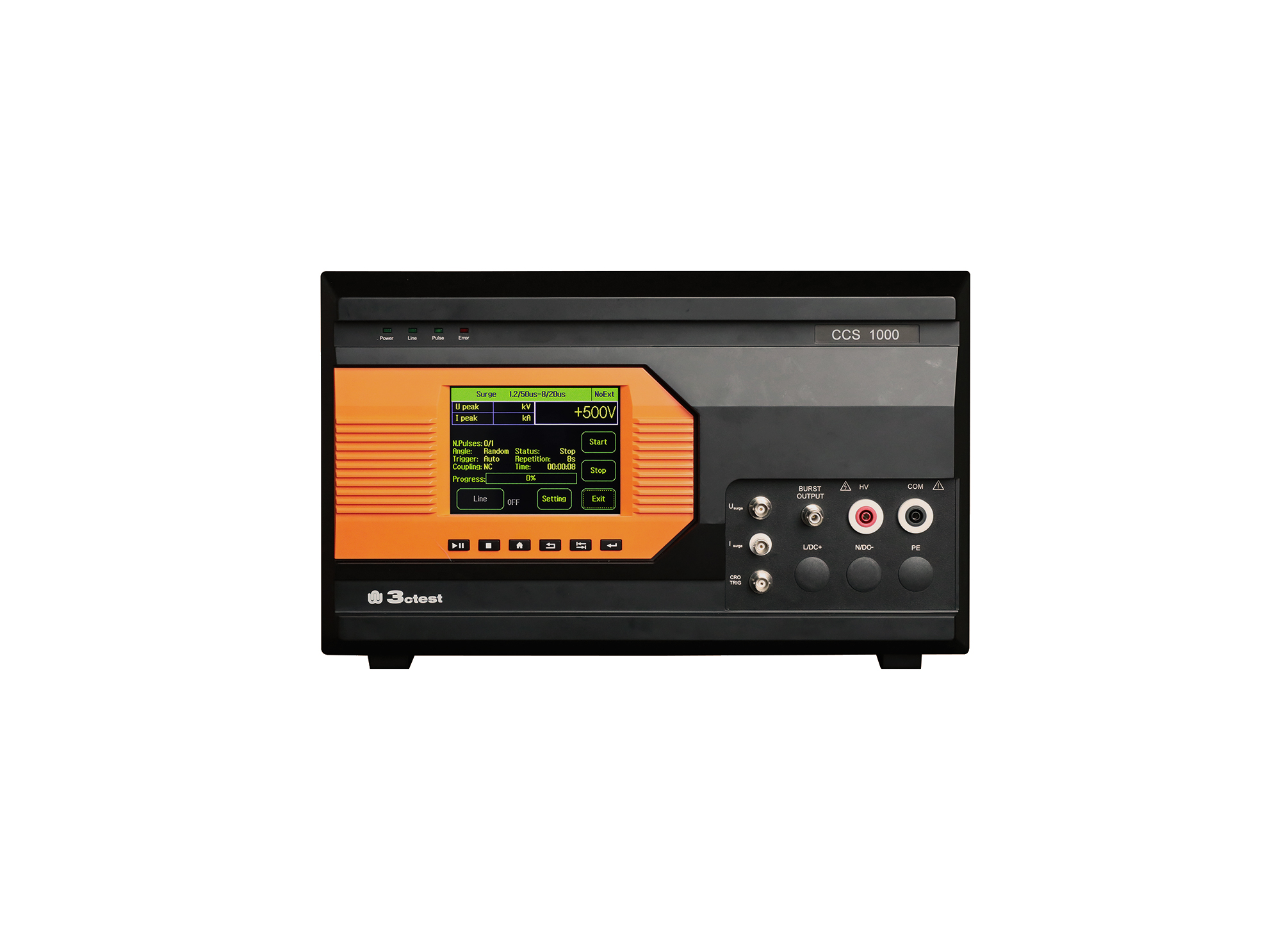
The CCS 1000 is an intelligent multi-functional conducted electromagnetic compatibility (EMC) test equipment designed to meet a wide range of IEC/EN standards, including IEC 61000-4-4, -4-5, -4-8, -4-9, -4-11, -4-29.
The CCS 600 is an intelligent multi-functional conducted electromagnetic compatibility (EMC) test equipment designed to meet a wide range of IEC/EN standards, including IEC 61000-4-4, -4-5, -4-8, -4-9, -4-11, -4-12, -4-29.
The CCS 600 is an intelligent multi-functional conducted electromagnetic compatibility (EMC) test equipment designed to meet a wide range of IEC/EN standards, including IEC 61000-4-4, -4-5, -4-8, -4-9, -4-11, -4-12, -4-29.
The CCS 600 is an intelligent multi-functional conducted electromagnetic compatibility (EMC) test equipment designed to meet a wide range of IEC/EN standards, including IEC 61000-4-4, -4-5, -4-8, -4-9, -4-11, -4-12, -4-29.
The CCS 600 is an intelligent multi-functional conducted electromagnetic compatibility (EMC) test equipment designed to meet a wide range of IEC/EN standards, including IEC 61000-4-4, -4-5, -4-8, -4-9, -4-11, -4-12, -4-29.
The CCS 600 is an intelligent multi-functional conducted electromagnetic compatibility (EMC) test equipment designed to meet a wide range of IEC/EN standards, including IEC 61000-4-4, -4-5, -4-8, -4-9, -4-11, -4-12, -4-29.
The CCS 600 is an intelligent multi-functional conducted electromagnetic compatibility (EMC) test equipment designed to meet a wide range of IEC/EN standards, including IEC 61000-4-4, -4-5, -4-8, -4-9, -4-11, -4-12, -4-29.
The CCS 600 is an intelligent multi-functional conducted electromagnetic compatibility (EMC) test equipment designed to meet a wide range of IEC/EN standards, including IEC 61000-4-4, -4-5, -4-8, -4-9, -4-11, -4-12, -4-29.
Featuring a modular design, the CCS 800 allows for future upgrades by adding new test modules. It supports test voltage up to 6 kV for EFT/Burst, and 8 kV for surge and ring wave.
The CCS 800 is an intelligent multi-functional conducted electromagnetic compatibility (EMC) test equipment designed to meet a wide range of IEC/EN standards, including IEC 61000-4-4, -4-5, -4-8, -4-9, -4-11, -4-12, -4-29.
The CCS 800 is an intelligent multi-functional conducted electromagnetic compatibility (EMC) test equipment designed to meet a wide range of IEC/EN standards, including IEC 61000-4-4, -4-5, -4-8, -4-9, -4-11, -4-12, -4-29.
The CCS 800 is an intelligent multi-functional conducted electromagnetic compatibility (EMC) test equipment designed to meet a wide range of IEC/EN standards, including IEC 61000-4-4, -4-5, -4-8, -4-9, -4-11, -4-12, -4-29.
The CCS 800 is an intelligent multi-functional conducted electromagnetic compatibility (EMC) test equipment designed to meet a wide range of IEC/EN standards, including IEC 61000-4-4, -4-5, -4-8, -4-9, -4-11, -4-12, -4-29.
• Using the product inquiry function can help you quickly learn about the product's price and other related information.
• You can either inquire about a single product directly, or select multiple products to add to the inquiry bar and inquire about them together.
• How to make an inquiry





1. Using the product comparison function can help you find the target product you need for selection more quickly and easily.
2. You can add up to 5 products for comparison. Product models and parameters may vary across different series. It is recommended to compare products within the same series.
3. How to use the comparison bar.




 Phone: +86-512-68413700
 Email: info@3ctest.cn
 Address:No.99 E'meishan Rd, SND, Suzhou, Jiangsu, 215153, China,Suzhou, Jiangsu, 215153, China



© 2025 Suzhou 3CTEST


 Leave a Message


